Make upload quality clear
Clear source text and visible bubble boundaries matter for real comic pages.
Image Tools
Unggah gambar komik, manga, atau webtoon, pilih bahasa target, lalu buat gambar terjemahan dengan layout dan balon percakapan tetap terjaga sebisa mungkin.
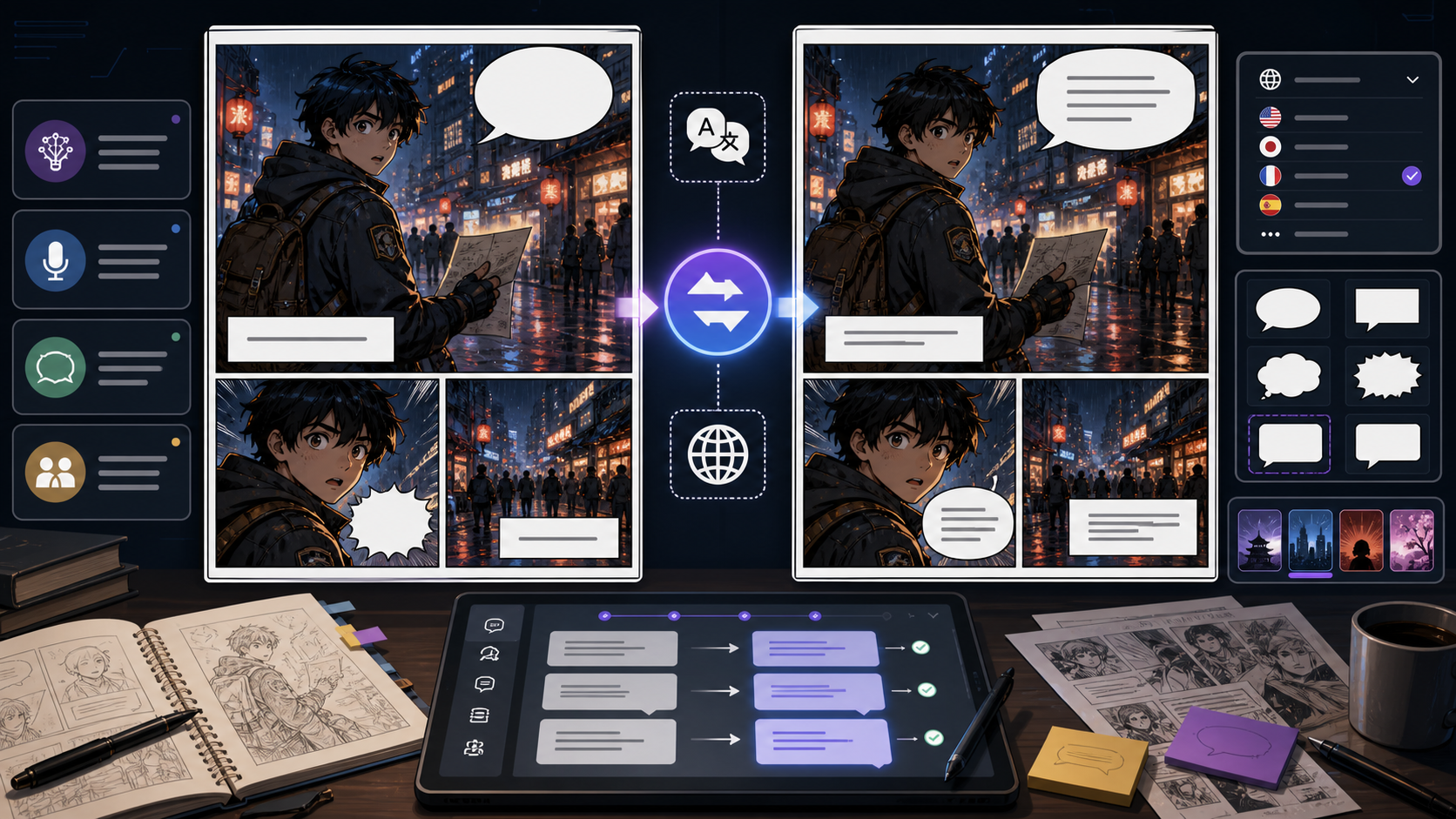
Unggah halaman komik, manga, atau webtoon, pilih bahasa sumber dan target, lalu buat gambar terjemahan dengan layout tetap terjaga sebisa mungkin.
Gambar komik terjemahan akan muncul di sini.
Pandangan praktis
Comic Translator adalah alat AI image-to-image. Unggah JPG, PNG, atau WEBP, pilih bahasa, lalu AI membaca balon percakapan, caption, tanda, dan efek teks yang terlihat untuk membuat gambar terjemahan.
Hasil terbaik berasal dari gambar jelas dan teks terbaca. Teks kecil, balon terpotong, efek sangat bergaya, atau scan rendah kontras perlu ditinjau.
Untuk melihat workflow lengkap, kembali ke halaman comics ai dan jelajahi alat komik lainnya.Jika Anda datang lewat pencarian cmicsai, Anda juga bisa mulai dari halaman utama yang sama.
Alur kerja
Use this workflow when you need an uploaded comic image to become a translated image, not only a separate text transcript.
Gunakan halaman, panel, scan manga, atau screenshot webtoon JPG, PNG, atau WEBP dengan teks jelas.
Biarkan bahasa sumber auto-detect atau pilih manual, lalu pilih bahasa target.
AI membaca teks terlihat, menerjemahkannya, dan menempatkannya kembali ke gambar.
Periksa nama, nada, pemenggalan baris, dan apakah teks pas di balon.
Simpan hasil jika terbaca natural, atau generate ulang dengan gambar sumber yang lebih jelas.
Rancangan prompt
The tool builds the translation instruction from the uploaded image and language choices. Use clear images with readable, uncropped text.
Comic image + source language + target language + AI image translation + panel and bubble preservation.
translate this comic
Upload a clean manga or webtoon page, keep source on auto-detect, choose English, and generate a translated image that preserves panel layout, speech bubbles, captions, and readable line breaks.
It matches the real workflow: upload image, choose language, generate translated image, then review bubble fit.
Sinyal kualitas
A good AI comic translator result should still look like the same page, only localized. Review both translation and image editing before publishing.
Important bubbles, captions, signs, and sound effects should be translated.
Translated text should stay readable and inside the available bubble or caption area.
Characters, panel borders, backgrounds, and reading order should remain recognizable.
Dialogue should sound natural in the target language, not like sentence-by-sentence machine translation.
The output should be easy to inspect, download, regenerate, or use as a localization draft.
Contoh visual
Examples focus on the image workflow: upload a page, choose a language, generate a localized image, then review layout fit.
Upload a comic page and generate a translated image that keeps the panel structure and bubble placement recognizable.
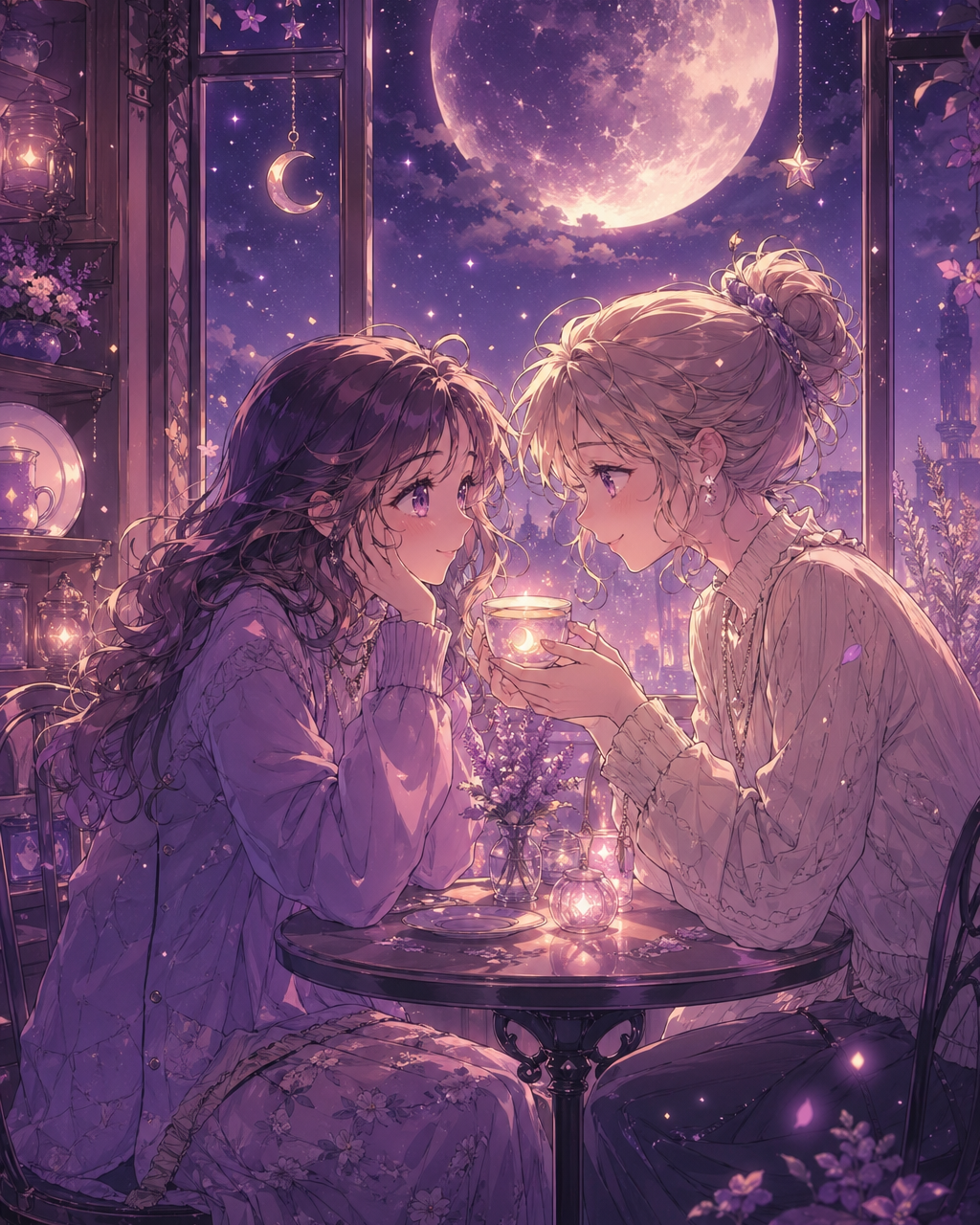
Use clear manga, comic, or webtoon images when you need an online translator for visible dialogue and captions.
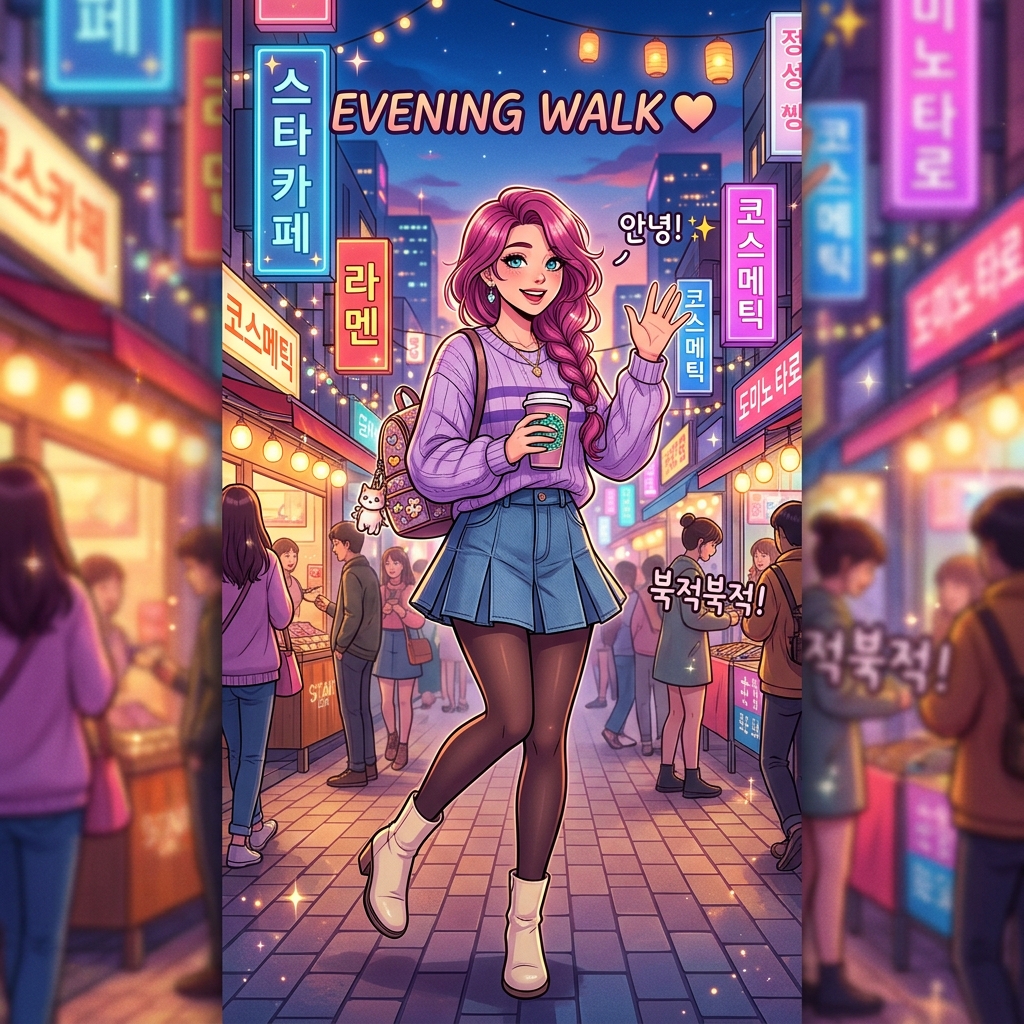
Long vertical pages still need translated text to stay readable without covering faces, action, or key art.
Panduan kreator
Catatan ini membantu menentukan apa yang perlu disiapkan, apa yang bisa diabaikan, dan kapan draf siap ke tahap produksi berikutnya.
Clear source text and visible bubble boundaries matter for real comic pages.
Low resolution, cropped bubbles, and decorative sound effects can still fail.
Explain that PDF pages should be exported as images and this is an online image translator, not an extension.
Catatan lapangan
Comic Translator should be positioned as an AI image translation workflow, not a generic text translator.
Comic translation has layout constraints: the translated text must fit while protecting bubbles, faces, action, and panel borders.
PDF and extension searches can be answered in FAQ, but the core promise is online image upload and translated image generation.
Translate a Japanese comic or manga panel while preserving the original composition.
Upload a webtoon screenshot and generate a translated image before final lettering.
Check whether target-language text length and bubble fit work on the workflow.
Small, blurry, or compressed text is harder for AI to detect and replace.
Export or screenshot PDF pages as images before uploading.
Names, jokes, tone, line breaks, and stylized sound effects still need review.
After generating a translated image, use speech bubble, caption, and dialogue tools when you need manual lettering or final polish.
Comic Translator AI membaca teks terlihat dalam gambar komik, manga, atau webtoon, menerjemahkannya, lalu membuat gambar terjemahan.
Bisa. Unggah halaman atau panel manga, pilih bahasa target, lalu buat gambar terjemahan.
Ya. Gunakan auto-detect atau pilih bahasa Jepang sebagai bahasa sumber.
Workflow saat ini menerima gambar. Ekspor atau screenshot halaman PDF menjadi gambar sebelum mengunggah.
Tidak. Ini alat online di ComicsAI untuk mengunggah gambar dan membuat gambar terjemahan.
The prompt asks the model to preserve panel layout, artwork, and bubble placement where possible while replacing readable text.
It can attempt visible sound effects, signs, captions, and labels, but stylized or tiny text may be less reliable.
Treat it as a strong localization draft and review names, tone, jokes, line breaks, and unclear text before publishing.