AI Teks ke Komik: Cara Mengubah Petunjuk Cerita Menjadi Panel Komik
Pelajari cara kerja AI pengubah teks menjadi komik, cara menulis prompt yang lebih baik, dan cara mengubah kata-kata menjadi manga, webtoon, dan panel komik dengan alur kerja yang dapat diulang.

ComicsAI Editorial Team
Editorial Team
Jawaban Singkat: Apa Itu Text to Comic AI?
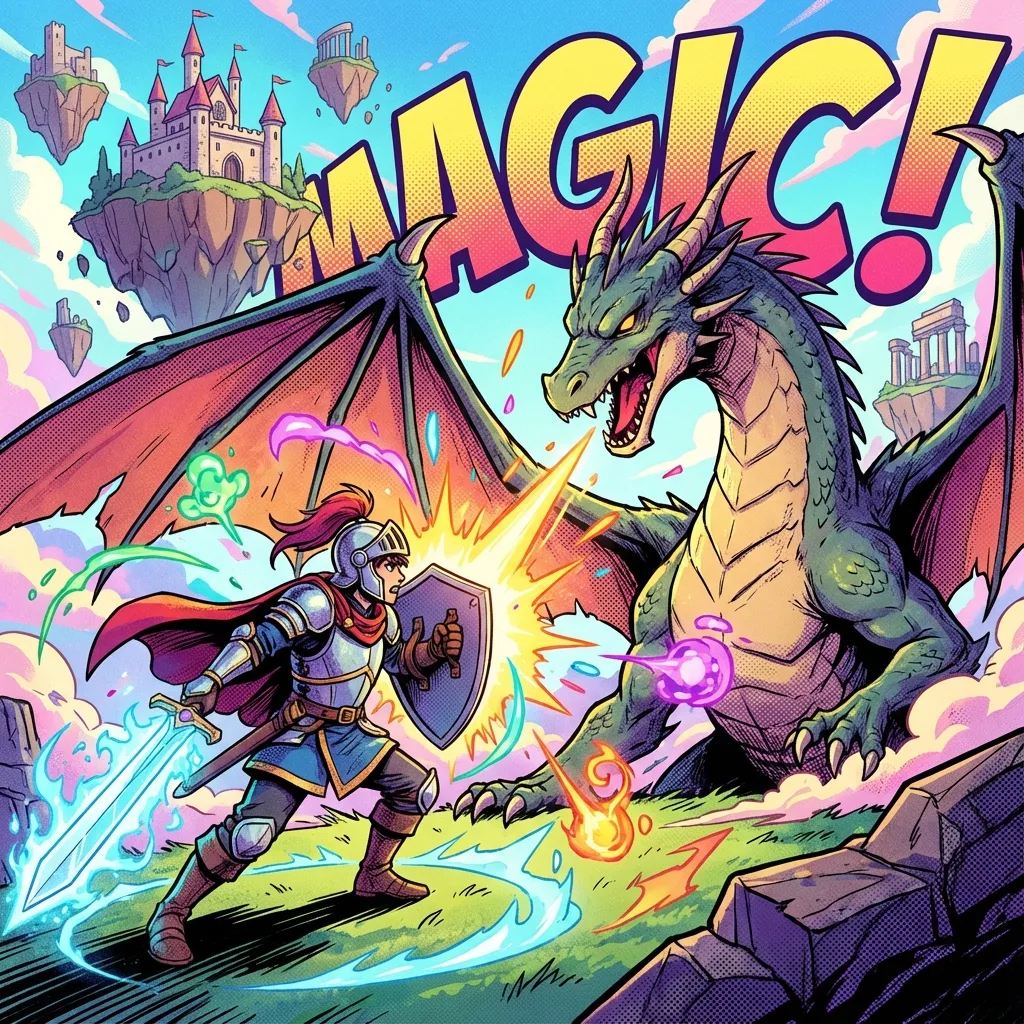
AI pengubah teks menjadi komik mengubah teks yang ditulis tangan menjadi gambar bergaya komik. Anda mendeskripsikan adegan, karakter, aksi, latar, dan gaya; AI akan menghasilkan panel yang dapat menjadi bagian dari halaman manga, episode webtoon, storyboard, atau konsep visual.
Kuncinya adalah menulis petunjuk seperti seorang sutradara komik, bukan seperti permintaan gambar biasa. Petunjuk teks-ke-komik yang kuat mencakup karakter, aksi, emosi, sudut pandang kamera, latar, pencahayaan, format komik, dan ruang untuk dialog.
Jika Anda menginginkan perintah teks-ke-manga, mulailah dengan Manga AI. Untuk pembuatan komik secara umum, jelajahi AI Comics Generator. Untuk menguji perintah secara langsung, gunakan Try Free.
Cara Kerja AI Konversi Teks ke Komik
Sebagian besar alur kerja konversi teks menjadi komik menggabungkan tiga gagasan:
- Model membaca perintah Anda dan mengidentifikasi konsep visual. 2. Model menghasilkan gambar yang sesuai dengan adegan dan gaya yang dijelaskan. 3. Anda merevisi perintah, menghasilkan ulang, dan mengedit hingga panel dapat digunakan.
Di balik layar, model gambar sebenarnya tidak "memahami" cerita Anda seperti seorang seniman manusia. Mereka menyimpulkan pola dari petunjuk Anda. Inilah mengapa pemilihan kata yang tepat sangat penting. Jika petunjuknya mengatakan "seorang pahlawan di sebuah kota," hasilnya bisa sangat bervariasi. Jika petunjuknya mengatakan "pahlawan remaja berjaket merah, berjongkok di atap yang basah kuyup karena hujan, kota neon di bawahnya, panel manga sudut rendah," hasilnya memiliki target yang lebih jelas.
Teks ke Komik vs Teks ke Manga vs Cerita ke Komik
Frasa-frasa ini saling tumpang tindih, tetapi biasanya menyiratkan kebutuhan pengguna yang berbeda.
| Istilah pencarian | Tujuan pengguna | Format konten terbaik | | --- | --- | --- | | AI teks ke komik | Ubah petunjuk menjadi panel komik | Tutorial, rumus petunjuk, contoh | | Teks ke manga | Buat panel bergaya manga | Panduan gaya manga, kiat tinta hitam putih | | Cerita ke komik | Ubah cerita tertulis menjadi visual berurutan | Alur kerja storyboard | | Generator komik AI | Temukan alat untuk membuat komik | Perbandingan alat dan halaman produk | | Pembuat webtoon AI | Buat episode seluler vertikal | Panduan format webtoon |
Untuk SEO dan pengalaman pengguna, setiap istilah membutuhkan jawaban yang sedikit berbeda. Artikel ini berfokus pada pembuatan prompt-to-panel.
Formula Terbaik untuk Mengubah Teks Menjadi Komik
Gunakan rumus ini:
[Character description], [specific action], [setting], [emotion], [camera angle], [lighting], [comic style], [composition notes]
Contoh:
Teen detective with short black hair, tan trench coat, and red scarf, opening a glowing envelope in an abandoned train station, shocked expression, close-up panel, moonlight through broken windows, black-and-white manga style, dramatic screentones, clean composition, space for speech bubble.
Perintah ini berhasil karena memberi tahu AI apa yang penting secara visual. Perintah ini juga menyisakan ruang untuk tulisan, yang sering dilupakan oleh banyak pemula.
Daftar Periksa Elemen Prompt
Karakter
Jelaskan karakter tersebut dengan kata-kata yang dapat diulang:
Lena, 17-year-old inventor, curly brown hair, round glasses, yellow raincoat, tool belt, curious expression.
Gunakan frasa karakter yang sama di setiap panel untuk mengurangi penyimpangan.
Tindakan
Gunakan satu tindakan yang jelas per panel:
- Membuka pintu yang terkunci. - Berlari melintasi atap. - Melihat cermin yang retak. - Mengangkat pedang yang bercahaya. - Menjatuhkan telepon karena terkejut.
Hindari menggambarkan lima tindakan dalam satu gambar.
Pengaturan
Suasana yang baik memberikan konteks tanpa mengalihkan perhatian:
- Gang basah di belakang kedai ramen saat hujan. - Lorong sekolah futuristik. - Perpustakaan tua dengan buku-buku yang melayang. - Jalan gurun saat matahari terbenam. - Apartemen mungil yang dipenuhi sketsa komik.
Emosi
Emosi sangat penting dalam komik karena pembaca mengikuti ekspresi wajah:
- Senyum gugup. - Ekspresi marah. - Rasa lega bercampur air mata. - Keheningan yang mengejutkan. - Fokus yang teguh.
Sudut kamera
Bahasa kamera meningkatkan komposisi panel:
- Close-up. - Wide establishing shot. - Low-angle action shot. - Over-the-shoulder view. - Extreme close-up on eyes.
Gaya
Pilih salah satu gaya dominan:
- Gaya manga hitam putih. - Gaya webtoon berwarna penuh. - Gaya komik superhero Barat. - Gaya novel grafis fantasi lembut. - Gaya komik anime retro.
Untuk prompt manga, Manga AI memberikan jalur gaya yang lebih terfokus.
Contoh Sebelum dan Sesudah Prompt
Prompt lemah
A girl running from a monster.
Ide komik yang lebih kuat
Mina, 19-year-old college student with short black bob haircut and oversized cream hoodie, sprinting down a narrow rainy alley while a shadow creature stretches across the wall behind her, terrified expression, low-angle vertical webtoon panel, blue neon lighting, modern thriller manhwa style, motion blur, space for dialogue.
Mengapa ini berhasil:
- Karakter spesifik. - Aksi jelas. - Latar mendukung suasana. - Format webtoon vertikal. - Gaya terfokus. - Petunjuk memberikan ruang untuk teks.
Cara Mengubah Cerita Menjadi Panel Komik
Jika Anda memiliki paragraf cerita, jangan salin seluruh paragraf ke dalam generator gambar. Bagilah menjadi bagian-bagian komik terlebih dahulu.
Cerita asli:
Mina receives a mysterious message at midnight. She walks outside to find the street empty, but every store sign turns off at once. When she looks at her phone again, the message now says: "Do not turn around."
Rincian adegan komik:
- Mina terbangun karena notifikasi telepon yang menyala. 2. Dia berdiri sendirian di jalan yang sepi. 3. Papan nama toko padam satu per satu. 4. Tampilan dekat wajahnya yang ketakutan. 5. Layar ponsel menampilkan pesan peringatan. 6. Sebuah bayangan muncul di belakangnya.
Sekarang, buat setiap ketukan sebagai panel terpisah. Ini memberi Anda pengaturan tempo yang lebih baik dan kontrol yang lebih besar.
Contoh Prompt Manga
Mina, 19-year-old college student with short black bob haircut and oversized cream hoodie, standing alone on an empty street at midnight, every shop sign suddenly turning dark, shocked expression, black-and-white manga panel, heavy screentones, dramatic shadows, cinematic wide shot, clean line art, space for narration box.
Cocok untuk:
- Manga misteri. - Adegan horor. - Halaman aksi. - Komik pendek hitam putih.
Panduan terkait: Manga AI.
Contoh Prompt Webtoon
Mina, 19-year-old college student with short black bob haircut and oversized cream hoodie, looking down at a glowing phone message that says danger is near, close-up vertical webtoon panel, blue night lighting, modern Korean thriller manhwa style, emotional expression, clean background, space for speech bubble.
Cocok untuk:
- Episode yang dioptimalkan untuk perangkat seluler. - Webtoon bergenre romantis dan thriller. - Cerita bergulir berwarna penuh. - Unggahan komik untuk media sosial.
Panduan terkait: Vertical Scroll Comic.
Contoh Prompt Komik Barat
Masked city hero in a red jacket, landing on a rooftop as lightning strikes behind them, powerful stance, low-angle superhero comic panel, bold ink outlines, dramatic color contrast, rain and city skyline, clear empty space for caption.
Cocok untuk:
- Panel superhero. - Adegan aksi. - Poster dan sampul. - Visual komik dengan kontras tinggi.
Kesalahan Umum Mengubah Teks Menjadi Komik
Kesalahan 1: Terlalu banyak karakter dalam satu panel
AI menangani satu atau dua karakter utama dengan lebih andal daripada adegan yang ramai. Perkenalkan kelompok secara bertahap.
Kesalahan 2: Tidak ada arahan kamera
Tanpa arahan kamera, AI mungkin akan memilih sudut yang membosankan. Tambahkan close-up, wide shot, low angle, atau over-the-shoulder view.
Kesalahan 3: Tidak ada ruang dialog
Gambar komik membutuhkan ruang untuk gelembung dialog. Tambahkan "ruang untuk gelembung dialog" atau "area kosong untuk keterangan".
Kesalahan 4: Penulisan karakter yang tidak konsisten
Jika karakter Anda adalah "gadis berambut pendek" dalam satu perintah dan "siswi berambut cokelat" dalam perintah lain, hasilnya mungkin berubah. Pertahankan frasa karakter tersebut.
Kesalahan 5: Mengharapkan teks AI di dalam gambar dapat dibaca
Teks yang dihasilkan di dalam gambar seringkali tidak dapat diandalkan. Tambahkan teks nanti dengan editor khusus.
Alur Kerja Konversi Teks ke Komik yang Direkomendasikan
- Tulis adegan sebagai sebuah paragraf. 2. Bagi paragraf menjadi beberapa bagian panel. 3. Buat deskripsi karakter yang dapat diulang. 4. Pilih format komik: manga, webtoon, atau komik western. 5. Buat satu panel per bagian. 6. Tinjau komposisi dan konsistensi karakter. 7. Perbaiki panel yang lemah dengan perubahan petunjuk yang tepat. 8. Tambahkan huruf secara manual. 9. Susun halaman akhir atau gulungan vertikal.
Alur kerja ini lebih lambat daripada meminta "komik lengkap," tetapi menghasilkan hasil yang lebih baik.
Pertanyaan yang Sering Diajukan
Bisakah AI mengubah teks menjadi komik?
Ya. AI pengubah teks menjadi komik dapat mengubah perintah menjadi panel bergaya komik. Untuk komik yang lengkap, Anda harus membagi cerita menjadi beberapa bagian berurutan dan menghasilkan satu panel dalam satu waktu.
Apa prompt terbaik untuk AI teks ke komik?
Gunakan petunjuk yang mencakup karakter, aksi, latar, emosi, sudut kamera, pencahayaan, gaya, dan ruang dialog. Semakin spesifik arahan visualnya, semakin mudah untuk mendapatkan panel yang dapat digunakan.
Bisakah saya menggunakan AI teks ke komik untuk manga?
Ya. Gunakan detail khusus manga seperti tinta hitam-putih, screentone, garis kecepatan, ekspresi close-up, dan komposisi halaman. Mulailah dengan Manga AI untuk alur kerja manga yang terfokus.
Bisakah AI menghasilkan gelembung percakapan yang mudah dibaca?
Teks yang dihasilkan AI di dalam gambar seringkali tidak konsisten. Lebih baik membuat karya seni dengan ruang gelembung ucapan kosong, lalu menambahkan huruf secara manual.
Apakah AI teks ke komik cocok untuk pemula?
Ya. Ini ramah bagi pemula karena Anda dapat mendeskripsikan adegan dalam bahasa alami. Strategi terbaik untuk pemula adalah memulai dengan adegan pendek, mempelajari struktur petunjuk, dan membangun konsistensi dari waktu ke waktu.
ComicsAI Editorial Team
Editorial Team
"ComicsAI editors publish practical guides about AI comic creation workflows, tools, and creator education."