Underline only what can be seen
Before generating, mark the words in your source text that can become a visible action, object, expression, or setting. Everything else belongs in narration, dialogue, or another panel.

Adaptation choice
The result should show the most visual part of the source text, not a random summary of the whole scene.
Caption strategy
If the original text contains narration, decide whether it belongs in the image, a caption, or the next panel.
Beat sequence
Each generated panel should connect to the previous and next beat in the source material.
명확한 제작 단계에 사용
This workflow supports text to comic creators who have words and want a visual comic result. A sentence can imply memory, motive, setting, and action at the same time, but a panel cannot show everything equally. Use the tool to choose the visible part of the text: the action, the expression, the object, the location, or the reveal.
The biggest risk is feeding a text to comic generator a long scene and expecting a clean page. Long text needs adaptation. Before generating, decide which sentence becomes the picture and which sentence becomes caption or dialogue.
읽기 쉬운 결과를 위한 간단한 흐름
A text-to-comic workflow should compress first and generate second. The goal is to find the visual panels hiding inside the prose, script, or story outline.
Start with one sentence, paragraph, or script beat. Text to Comic AI works best when the source text has one visible change.
Move motivation, backstory, and inner thought into captions or later dialogue instead of forcing them into the image.
Decide whether each beat is an establishing shot, close-up, reaction, insert, or action panel.
Start with the panel that carries the scene change. It is easier to build a comic strip, comic book page, or storyboard around a strong turning point.
Once the image exists, shorten the words. Good comic text often becomes clearer after the visual draft appears.
프롬프트 구조
Do not paste a whole story as the prompt. Convert the text into a panel direction with visible action, camera, character emotion, and reserved text space.
Original text + visible beat + panel type + character emotion + setting detail + space for caption or dialogue.
turn my story into a comic
From the text 'Mara realized the map had been lying to her,' create a close-up comic panel: Mara holding a torn map under a train station clock, suspicion on her face, dim green lighting, empty signboard area above her shoulder for caption text, mystery comic style.
The stronger prompt identifies the exact text being adapted and turns the abstract realization into a visible object, expression, and setting.
품질 체크
Good text-to-comic output should feel adapted, not pasted. The image should make one sentence clearer while leaving the rest of the writing available for captions or dialogue.
The result should show the most visual part of the source text, not a random summary of the whole scene.
If the original text contains narration, decide whether it belongs in the image, a caption, or the next panel.
Each generated panel should connect to the previous and next beat in the source material.
The panel should simplify the scene without flattening the meaning.
비주얼 참고
The visuals here show different ways written material can become a page beat, setting clue, or emotional panel.
A written scene becomes easier to judge when prose is split into visible setup, reveal, reaction, and payoff beats.
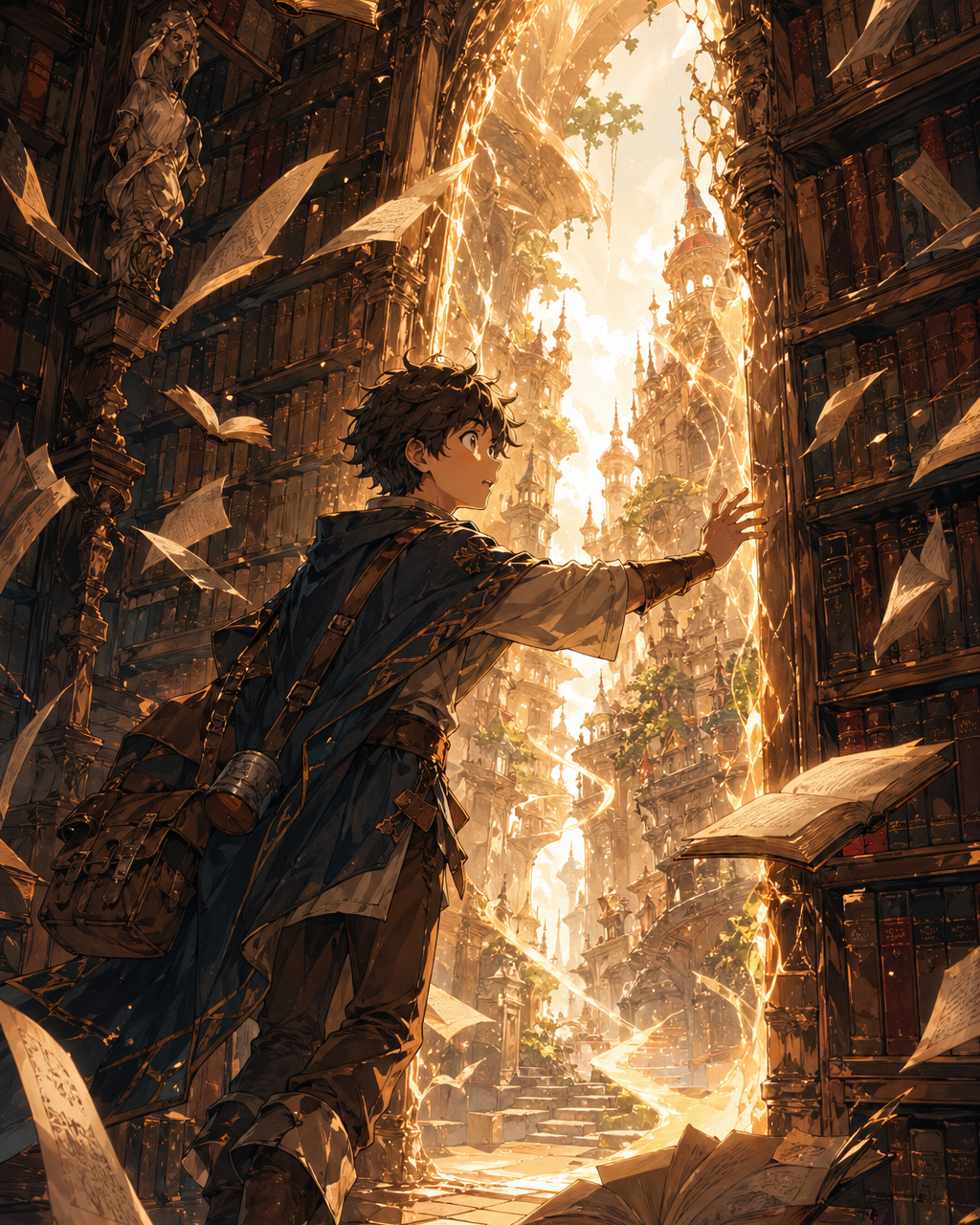
Abstract discovery works better when translated into an object, location, and reaction.
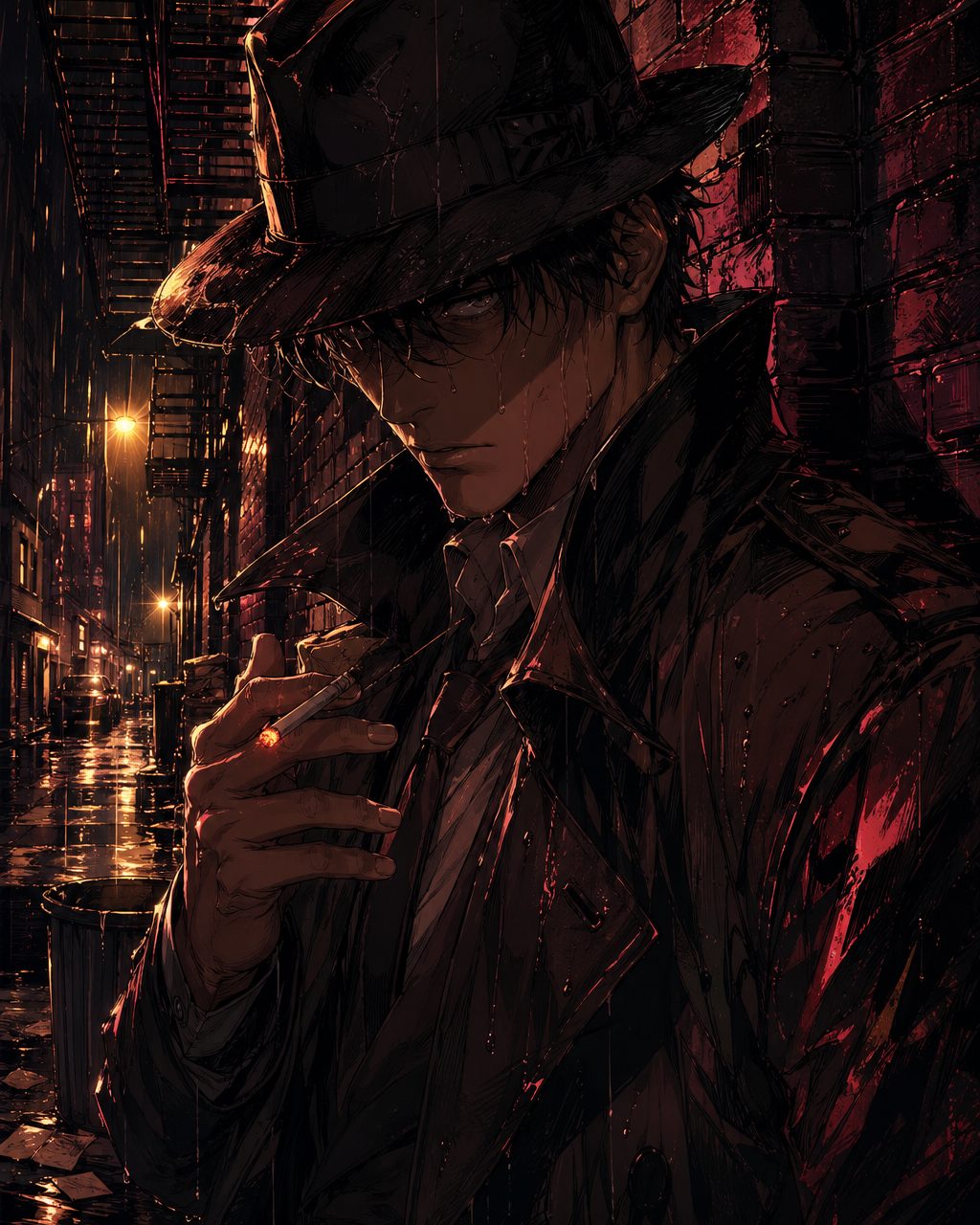
Mood-heavy prose can become lighting, weather, posture, and a clear focal route.
크리에이터 가이드
Before generating, mark the words in your source text that can become a visible action, object, expression, or setting. Everything else belongs in narration, dialogue, or another panel.
A paragraph can carry motive, memory, and tone at once. A panel usually needs one visible turn. Split long passages until each generated image has a single visual reason to exist.
Once a panel draft exists, shorten the text around it. The image may already explain details that the original paragraph had to spell out.
Convert a script paragraph into panel roles before image generation.
Find the visible action inside descriptive prose.
Memory, motive, and theme need to become visible actions or stay in narration.
Panel generation gets weaker when scene order is not decided first.
Once the text is converted into visual beats, continue with prompt generation, comic panel creation, captions, or a full maker workflow.
지금 만들기Text to Comic AI turns written input into comic-style visual drafts. It works best when the text is adapted into a clear panel direction with a visible action, character emotion, setting, and space for captions or dialogue.
Use one short scene beat or one paragraph at a time. If the text contains multiple actions or emotional turns, split it before generating.
Yes, but scripts work best when each line is converted into a panel role. Mark who is speaking, what changes visually, and where captions or bubbles should go.
Yes. For a text to comic strip workflow, split the source text into setup, turn, and payoff. Generate one panel for each beat so the strip reads clearly instead of crowding the whole idea into one image.
The source text probably contains too many ideas for one image. Remove invisible context and generate the most important visual beat first.
For cleaner results, reserve space for dialogue and add final lettering later. This keeps words readable and editable.