Creator field guide
How experienced creators use Comic Font Generator
These notes help creators decide what to plan, what to ignore, and when a draft is ready for the next production step.
Brief Comic Font Generator around one deliverable
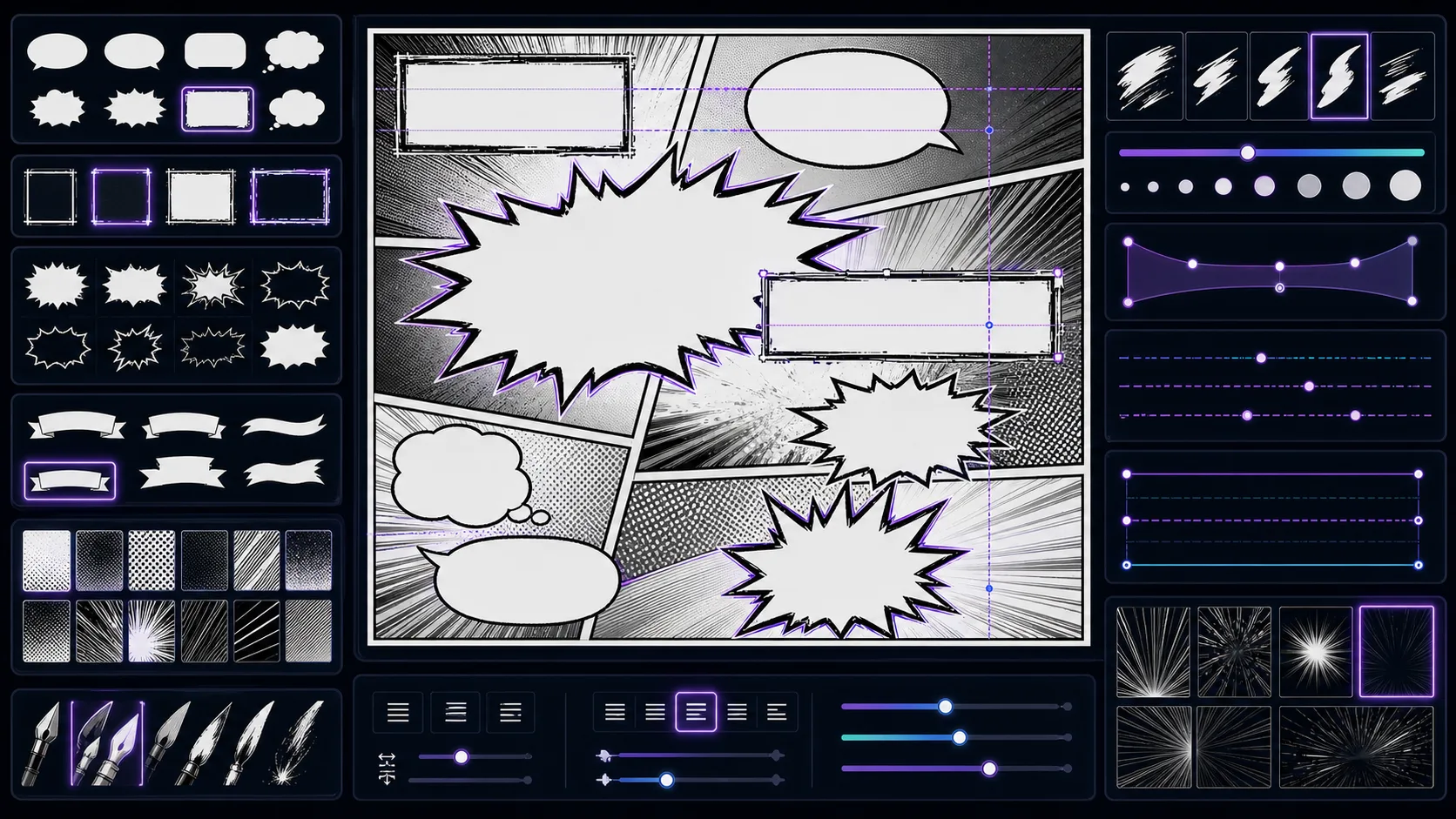
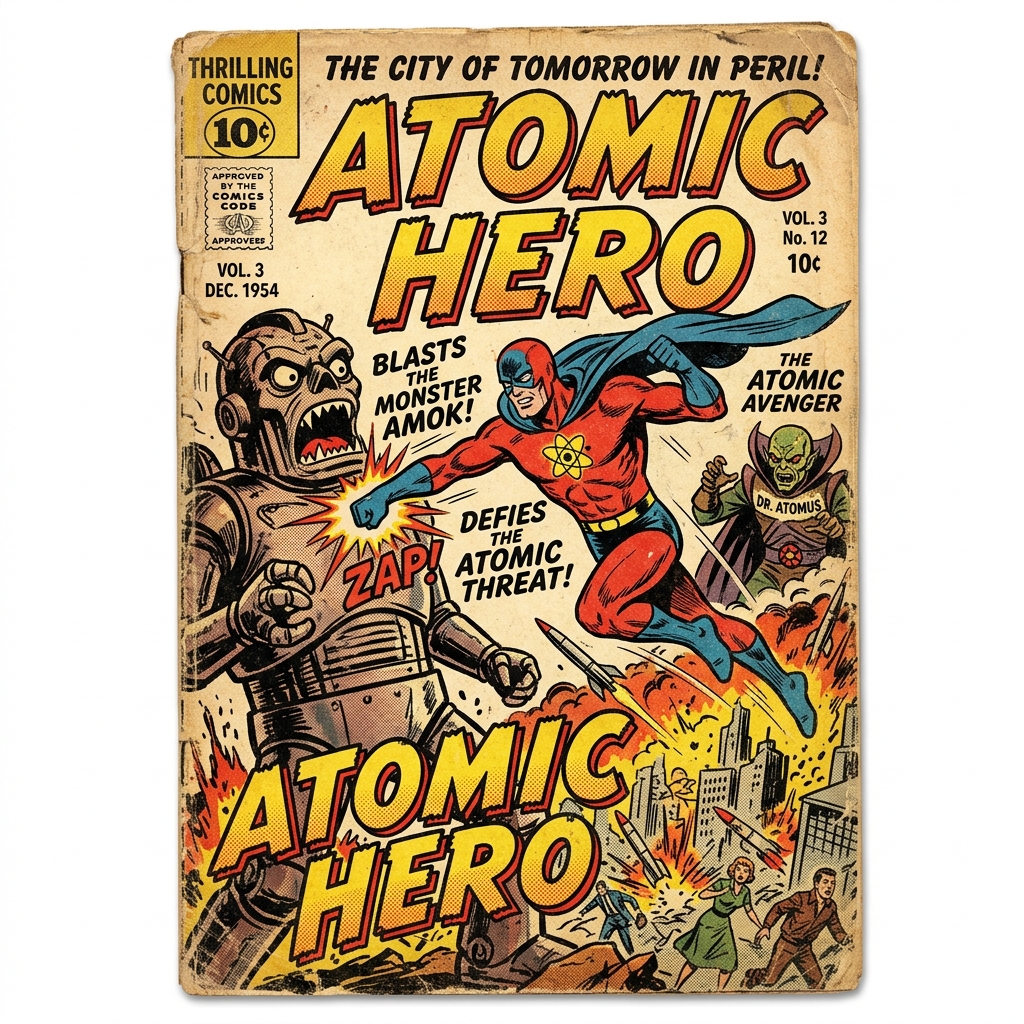
Do not ask for a whole project in one prompt. Ask for editable text layer that helps creators exploring title, caption, and sound-effect typography. A good brief names the deliverable, the visible subject, the emotional change, and the format. For this workflow, "a punchy action title font for a comic called Thunder Market" is more useful when it is tied to covers, captions, sound effects, thumbnails, and social posts and a concrete review rule: test the font at the smallest size where readers will see it.
Protect the lettering and finishing decision
Every tool here has a different creative pressure. In Comic Font Generator, the pressure is make words, titles, or sound effects support the art instead of fighting the composition. That means the prompt should prioritize reading order, contrast, margin, bubble shape, title hierarchy, and whether the words can be edited later before extra polish. A beautiful result is still weak if it fails the decision the workflow was built to make.
Turn invisible story into visible signals
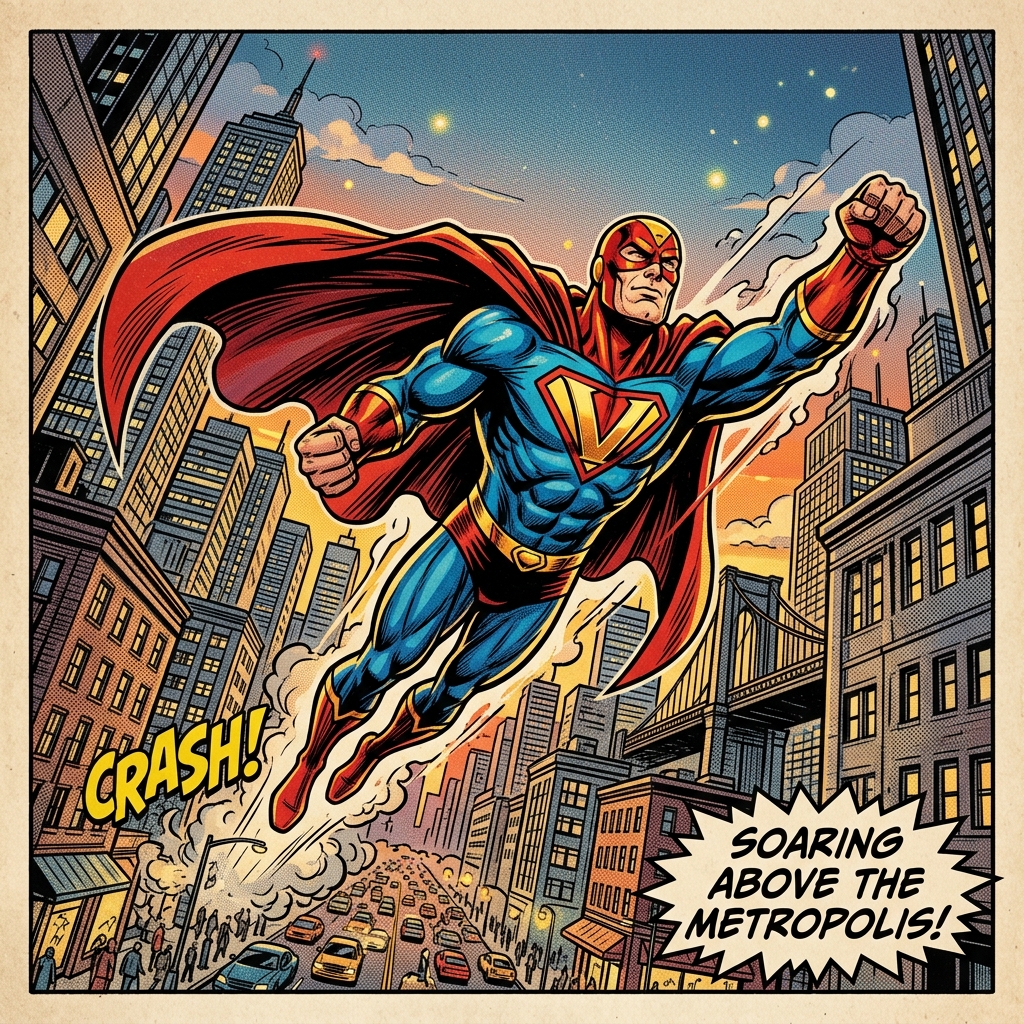
Backstory, mood, and theme only help when they change something the reader can see. Translate hidden ideas into posture, crop, lighting, props, wording, panel height, or negative space. This protects the tool from the common failure where the workflow can become harder to read if lettering is treated as decoration after the image is already crowded.
Compare versions with one test rule
Use the same test prompt when comparing styles or settings. Change only one thing at a time, then judge against test the font at the smallest size where readers will see it. This makes the result easier to discuss with collaborators because the debate moves from taste to observable evidence.
Document the useful part
When a result works, write down why. Note the prompt phrase, the crop, the style detail, and the limitation. For Comic Font Generator, the useful part is usually not the whole image; it may be the silhouette, the line break, the scroll timing, the character anchor, or the panel role.
Stop when the draft has a job
The goal is not endless regeneration. Stop when the output can become the next asset in the chain: place the approved wording into the final panel, cover, manga page, or export mockup. That habit keeps the tool connected to real comic production instead of turning the workflow into a gallery of unrelated experiments.