Free Chibi Style Art Generator | ComicsAI
Chibi Style AI generator for comic creators. Build oversized heads with tiny bodies, huge, sparkling eyes.
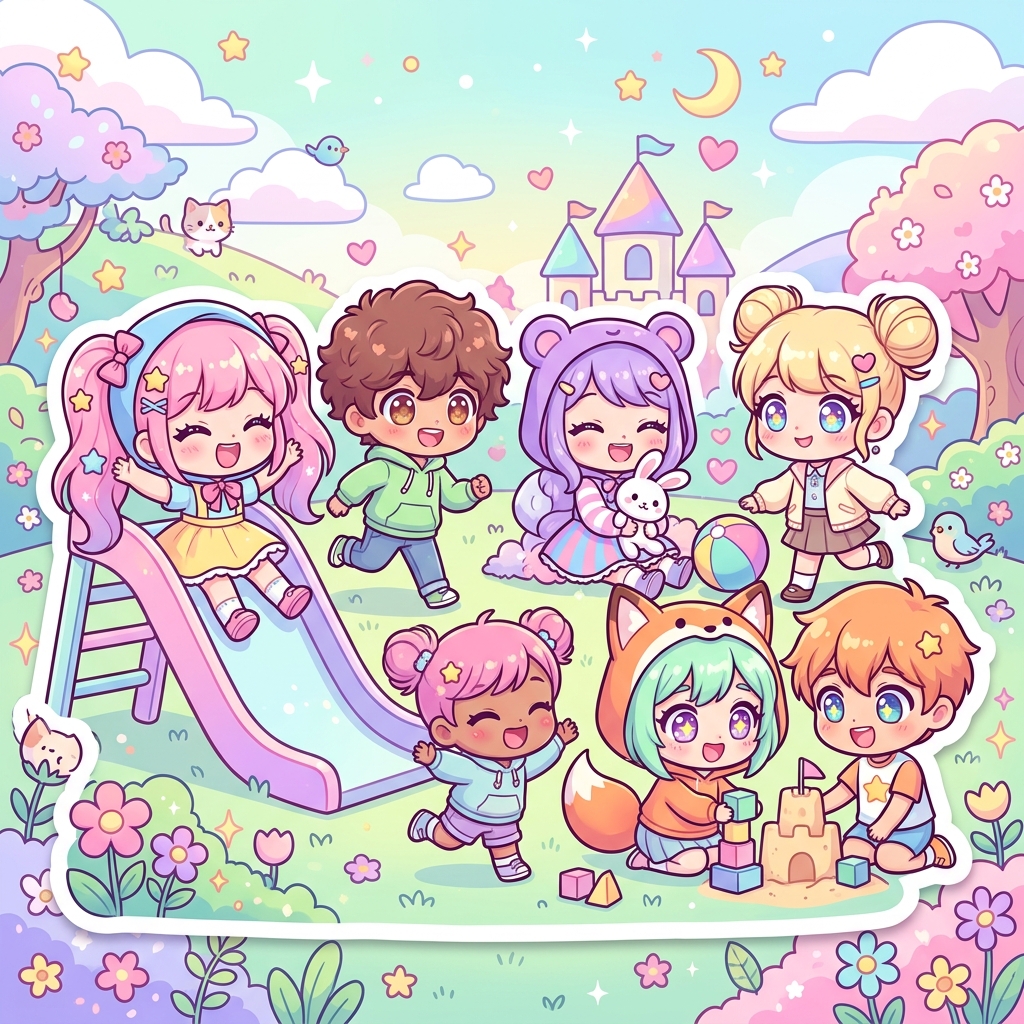
AI-generated Chibi Style artwork
About Chibi Style
Chibi Style helps creators turn a story beat into panels with a clear visual target. The style is strongest when the prompt names the scene purpose, character emotion, camera distance, and the visual cues that define the page: oversized heads with tiny bodies, huge, sparkling eyes, and simplified facial features.
Use this generator when you need a repeatable look across concept art, webtoon panels, manga sequences, cover tests, or social previews. Instead of relying on generic art prompts, describe the panel job: an establishing shot, a reaction close-up, a fight impact, a quiet dialogue beat, or a final reveal. Add layout notes such as close-up, wide panel, splash page, vertical webtoon crop, or black-and-white screentone when the format matters.
For better results, keep the character description consistent and add two or three style anchors: rounded, soft shapes, lighting, palette, line weight, background detail, and mood. ComicsAI uses those details to create artwork that supports the story rather than a single disconnected image.
Key Characteristics
- ✓Oversized heads with tiny bodies
- ✓Huge, sparkling eyes
- ✓Simplified facial features
- ✓Rounded, soft shapes
- ✓Exaggerated expressions
- ✓Minimal detail, maximum cuteness
Features
Oversized heads with tiny bodies
Generate panels that emphasize oversized heads with tiny bodies while keeping the scene readable.
Huge, sparkling eyes
Use huge, sparkling eyes to make characters, action, and mood easier to recognize.
Simplified facial features
Add simplified facial features when the panel needs stronger genre identity.
Rounded, soft shapes
Guide the AI with rounded, soft shapes for more specific comic compositions.
How to Create Chibi Style
Three simple steps to generate professional artwork
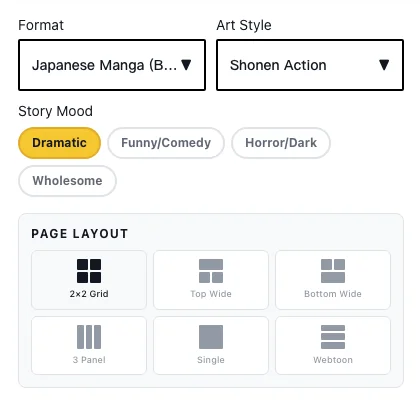
Write Your Story
Describe the scene you want to create. Be as detailed as you like - our AI understands natural language.
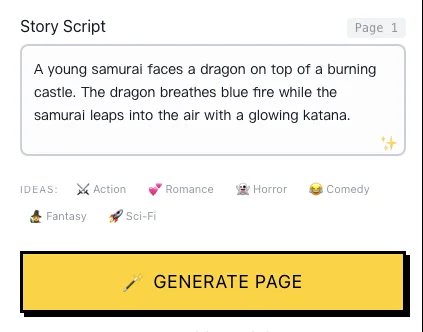
Choose Your Style
Select from manga, anime, webtoon, or other artistic styles that match your vision.
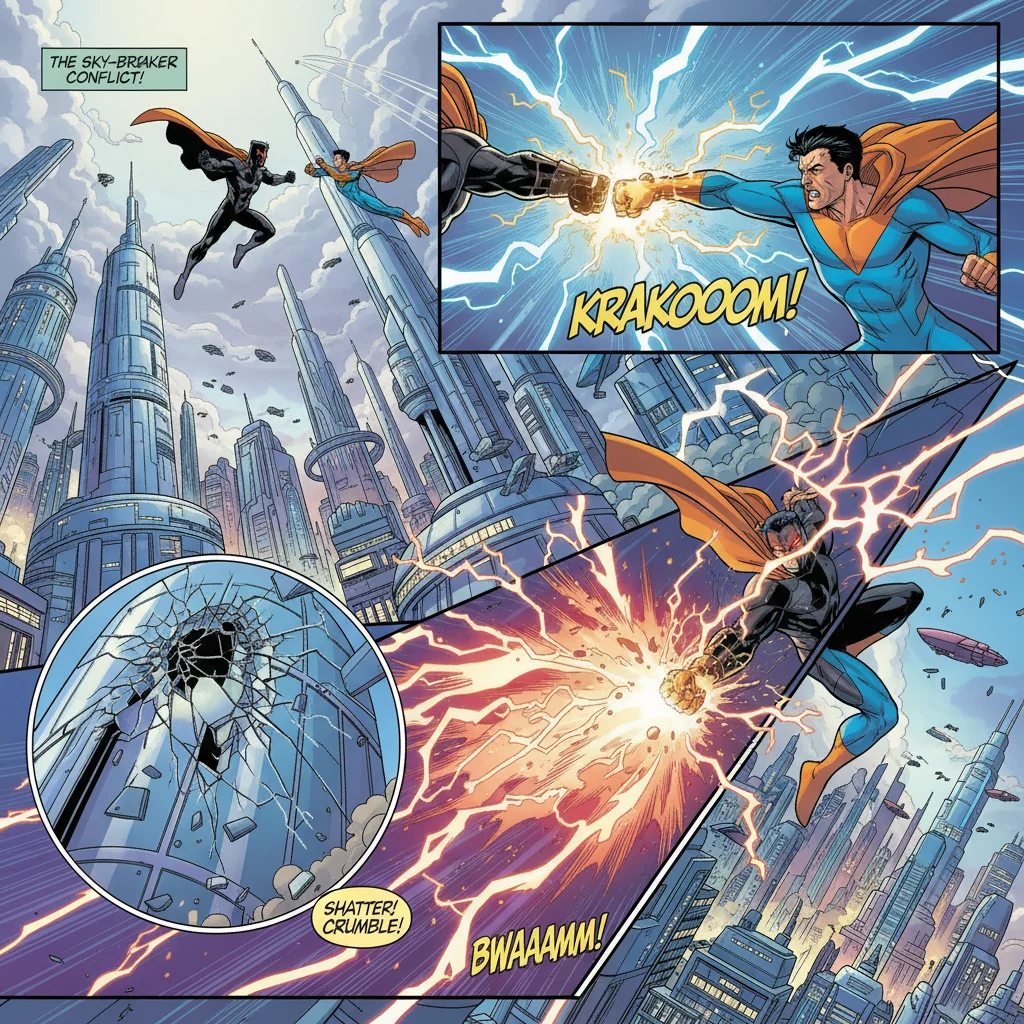
Generate & Refine
Click generate and watch as AI transforms your words into stunning comic panels. Refine as needed.
Example Prompts
Classic Chibi Style scene
chibi style, oversized heads with tiny bodies, adorable playful atmosphere, comic panel, clear storytelling, detailed artworkChibi Style character portrait
chibi style, character portrait, exaggerated expressions, pastel bright colors, high qualityDramatic Chibi Style composition
chibi style, dramatic scene, simplified facial features, cinematic composition, clear storytelling compositionFrequently Asked Questions
Q: What is Chibi Style best for?
Chibi Style is best for creators who want oversized heads with tiny bodies, huge, sparkling eyes, and story-focused comic panels. It works well for manga pages, webtoon episodes, concept art, covers, and prompt testing before a larger project.
Q: How do I prompt Chibi Style in ComicsAI?
Start with the phrase "chibi style", then add the subject, action, emotion, camera angle, and panel format. Include details such as simplified facial features, lighting, background, and whether the result should feel like a close-up, splash page, or vertical webtoon panel.
Q: Can I use Chibi Style art commercially?
Original ComicsAI generations can be used according to your plan and our terms. For public or commercial work, avoid prompts that copy protected characters, logos, brand marks, or other third-party IP you do not have rights to use.
Related Styles
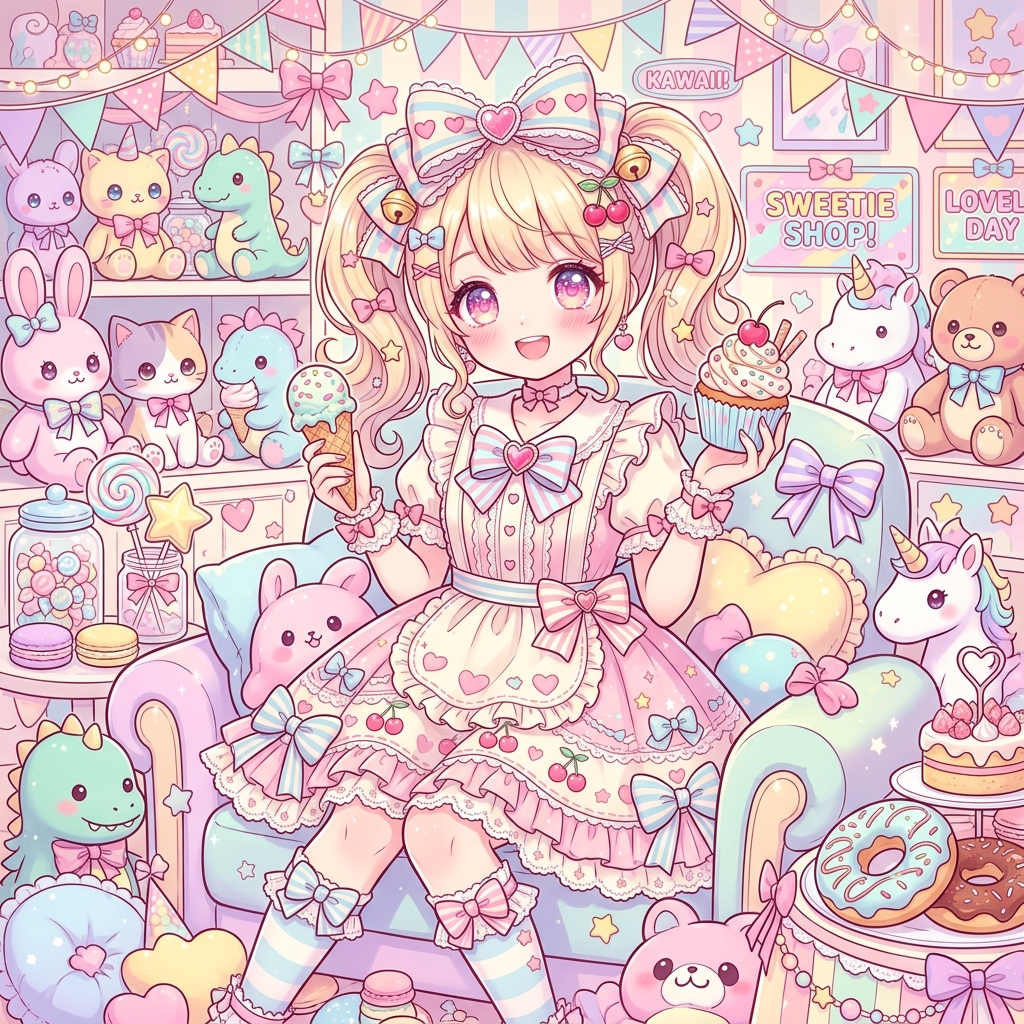
Kawaii Anime Style
Kawaii Anime Style AI generator for comic creators. Build ultra-cute character designs, pastel candy color palettes.

Shojo Manga Style
Shojo Manga Style AI generator for comic creators. Build large, expressive eyes with detailed highlights, delicate, flowing linework.
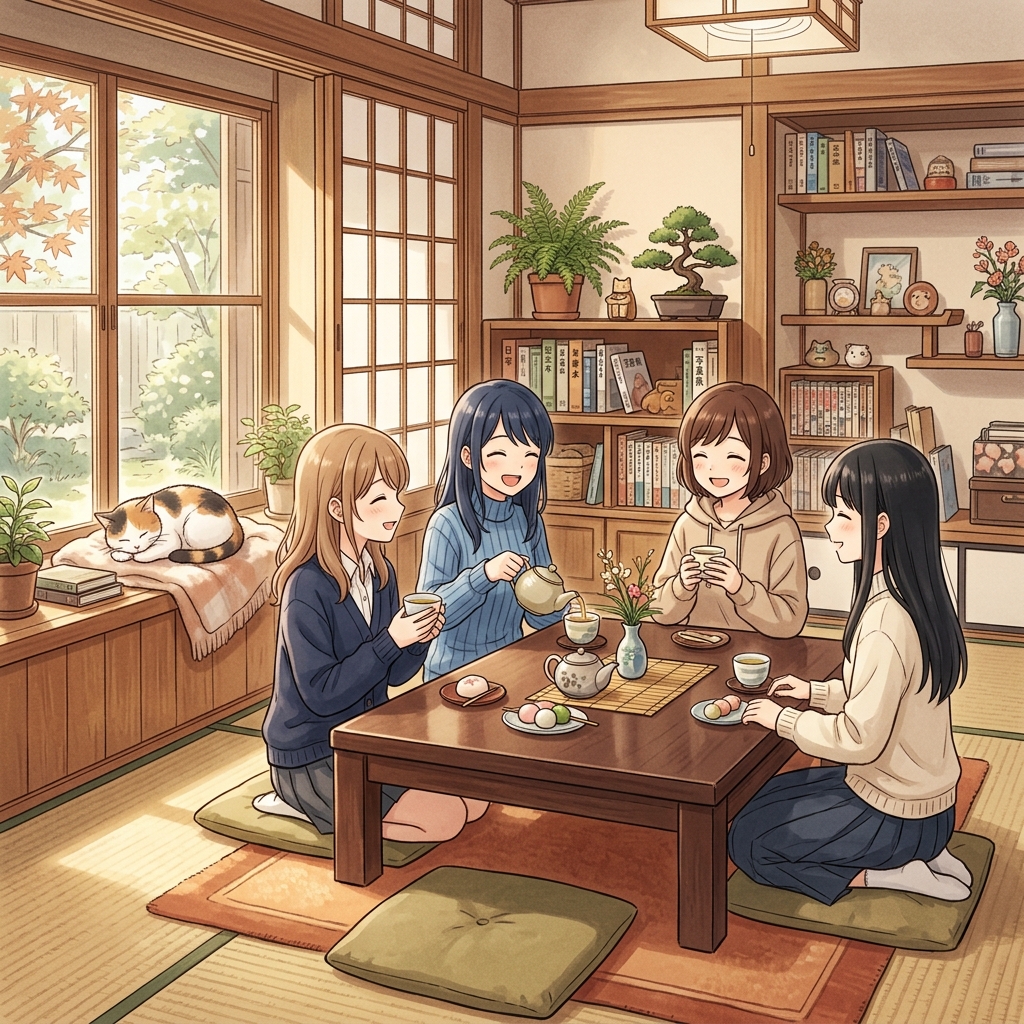
Slice of Life Style
Slice of Life Style AI generator for comic creators. Build peaceful everyday settings, natural character interactions.
Start Creating Chibi Style Today
Bring your story to life with the 1 free credit included with a new account. Available to the first 1,000 free users each day, first come, first served.
Start Creating Free