Comics Style Art
For creators comparing western comic art, superhero panels, vintage print effects, noir lighting, and comic style image prompts.
comics stylecomics art stylecomics style artcomic style imagecomics style design
AI Comic Style Hub
Compare comic style art, manga style drawing, comic style font ideas, backgrounds, and image prompts before you generate a panel. This page is the hub for choosing a visual direction and moving into the exact ComicsAI style page.
Start with the creative job you need: choosing a comics style, shaping a manga look, or preparing practical details such as fonts, backgrounds, and image prompts.
For creators comparing western comic art, superhero panels, vintage print effects, noir lighting, and comic style image prompts.
For users who want manga style drawing guidance, prompt formulas, black-and-white manga cues, and style families such as shonen or shojo.
For practical page assets: comic style font choices, manga style font notes, backgrounds, wallpapers, and image-to-style experiments.
Start with these high-signal styles when you want a clear visual direction for a comic style image, manga panel, cover, background, or character concept.
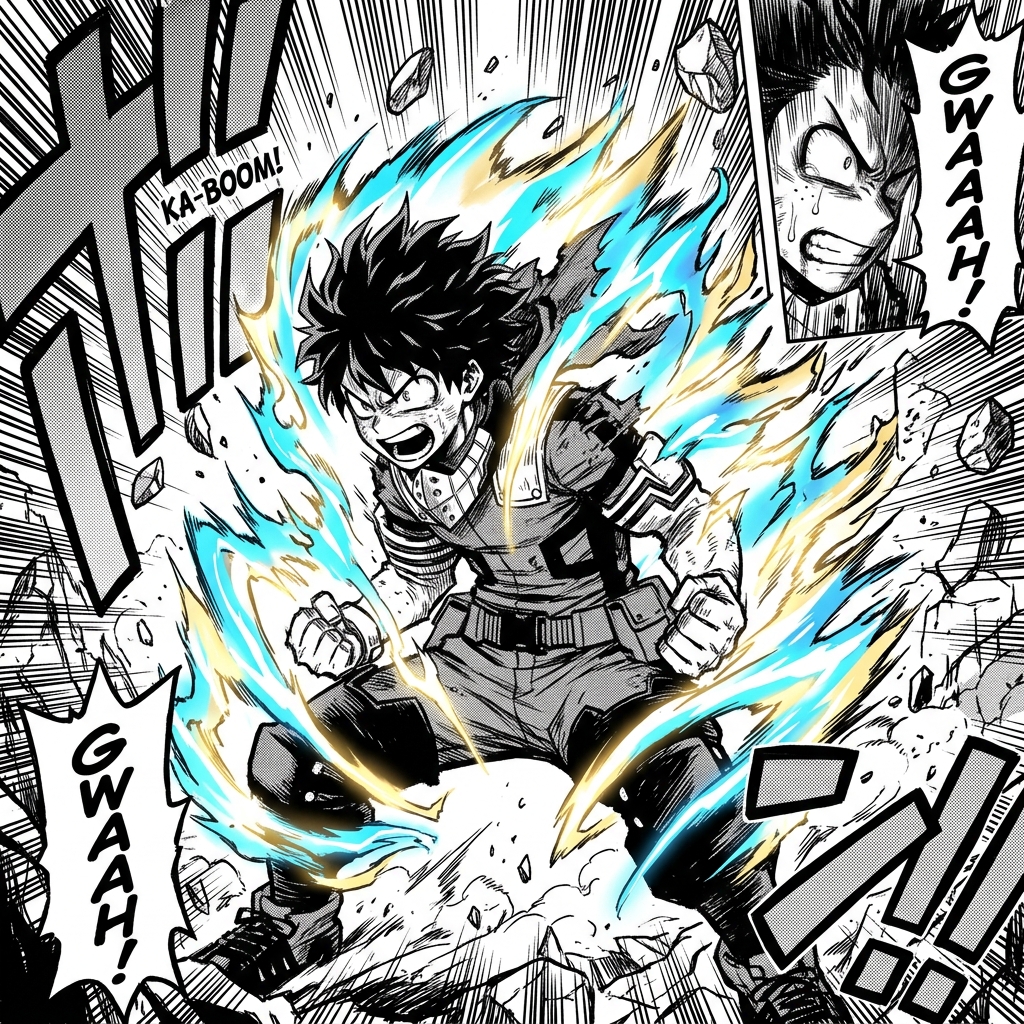
Shonen Manga Style AI generator for comic creators. Build dynamic action poses and movement, bold, thick linework with strong contrast.
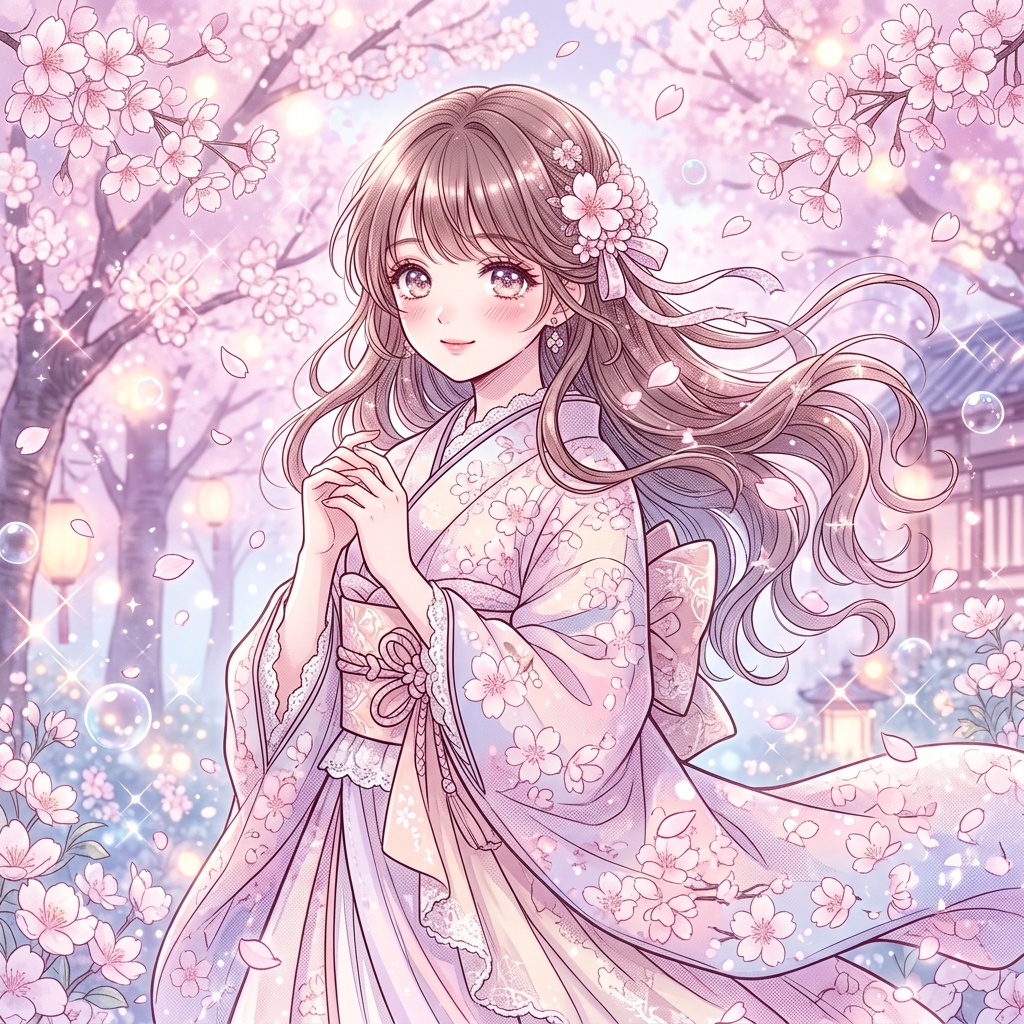
Shojo Manga Style AI generator for comic creators. Build large, expressive eyes with detailed highlights, delicate, flowing linework.
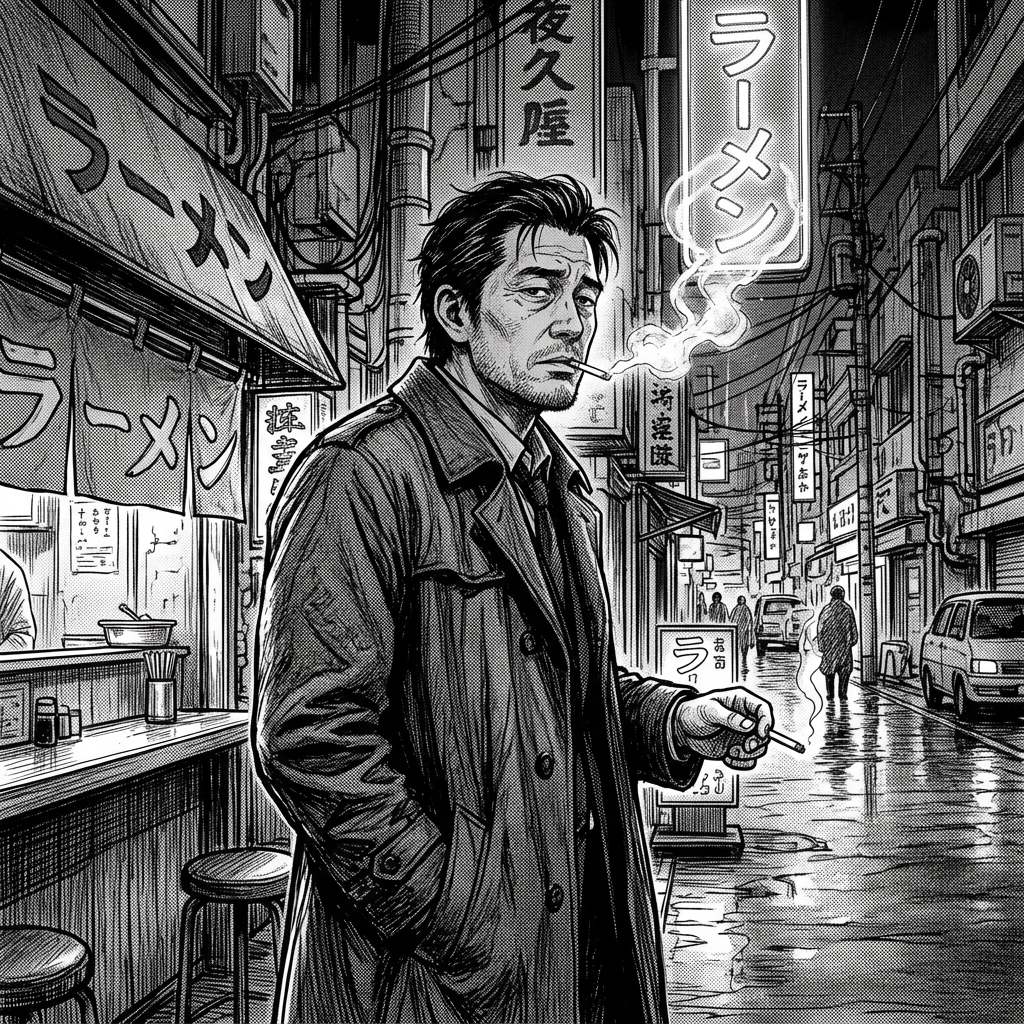
Seinen Manga Style AI generator for comic creators. Build realistic character proportions, detailed, mature artwork.
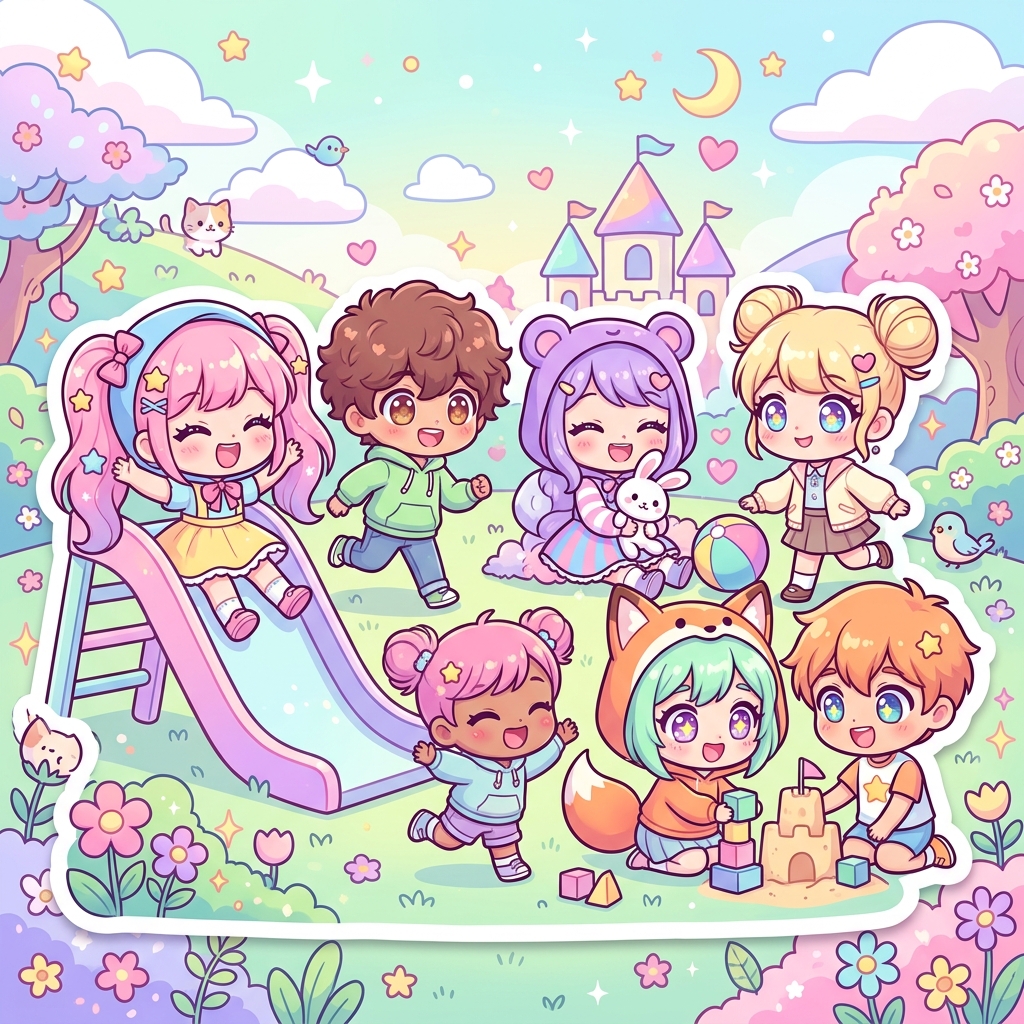
Chibi Style AI generator for comic creators. Build oversized heads with tiny bodies, huge, sparkling eyes.
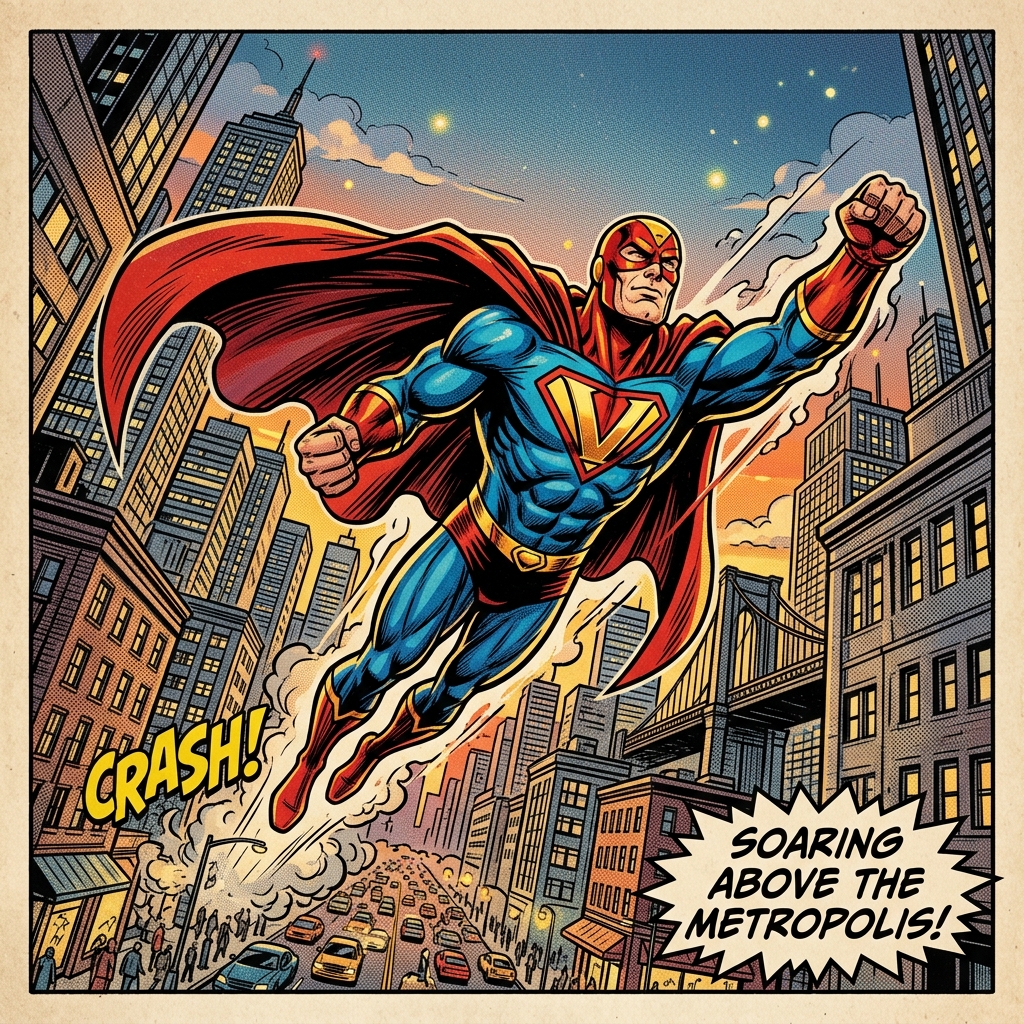
Superhero Comic Style AI generator for comic creators. Build muscular heroic character designs, cape and costume details.
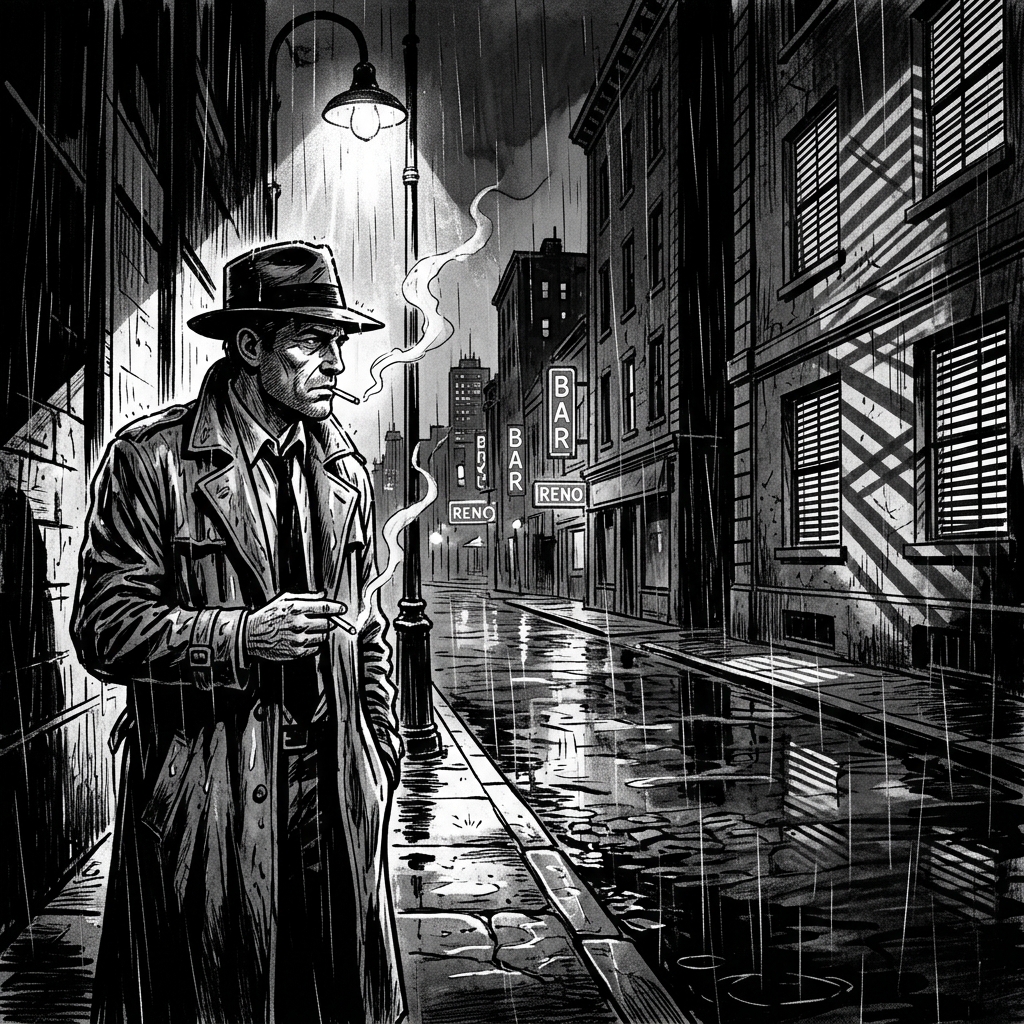
Noir Comic Style AI generator for comic creators. Build high contrast black and white, dramatic shadows and lighting.
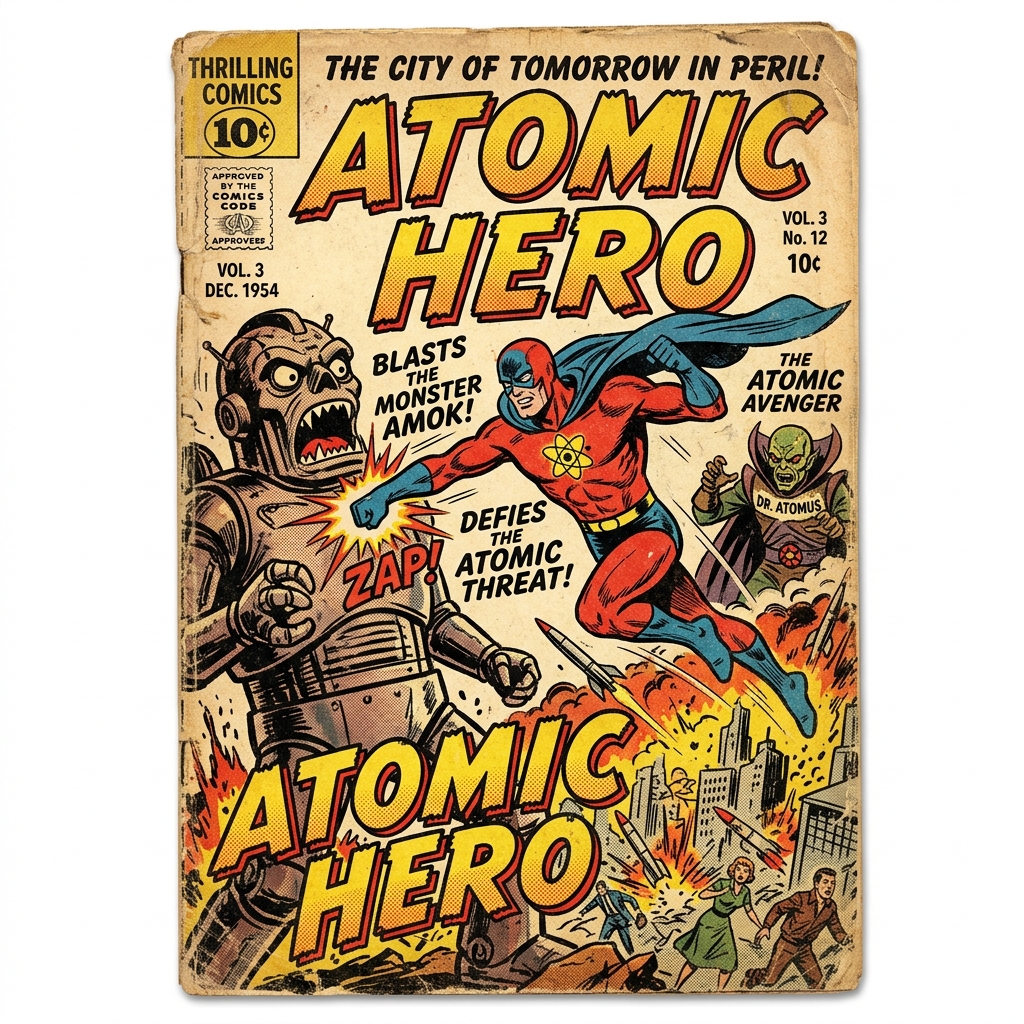
Vintage Comic Style AI generator for comic creators. Build ben-day dots and halftone patterns, retro color palettes.
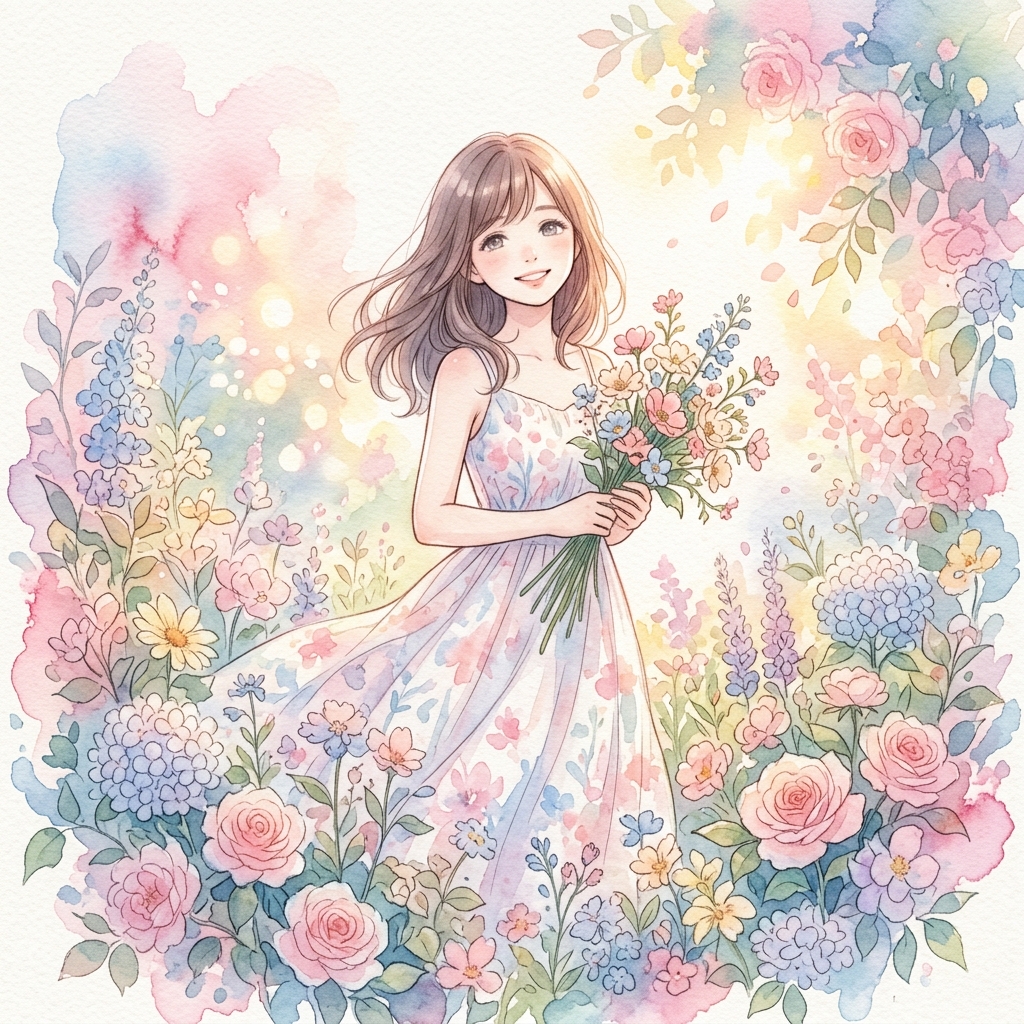
Watercolor Manga Style AI generator for comic creators. Build soft watercolor wash effects, bleeding and blending colors.
Both terms can describe illustrated storytelling, but they send the AI toward different visual habits. Use this table when your prompt is too broad and you need a tighter art direction.
Use these for manga style drawing, character emotion, action scenes, screen tones, and story-first panels.
Shonen Manga Style AI generator for comic creators. Build dynamic action poses and movement, bold, thick linework with strong contrast.
Shojo Manga Style AI generator for comic creators. Build large, expressive eyes with detailed highlights, delicate, flowing linework.
Seinen Manga Style AI generator for comic creators. Build realistic character proportions, detailed, mature artwork.
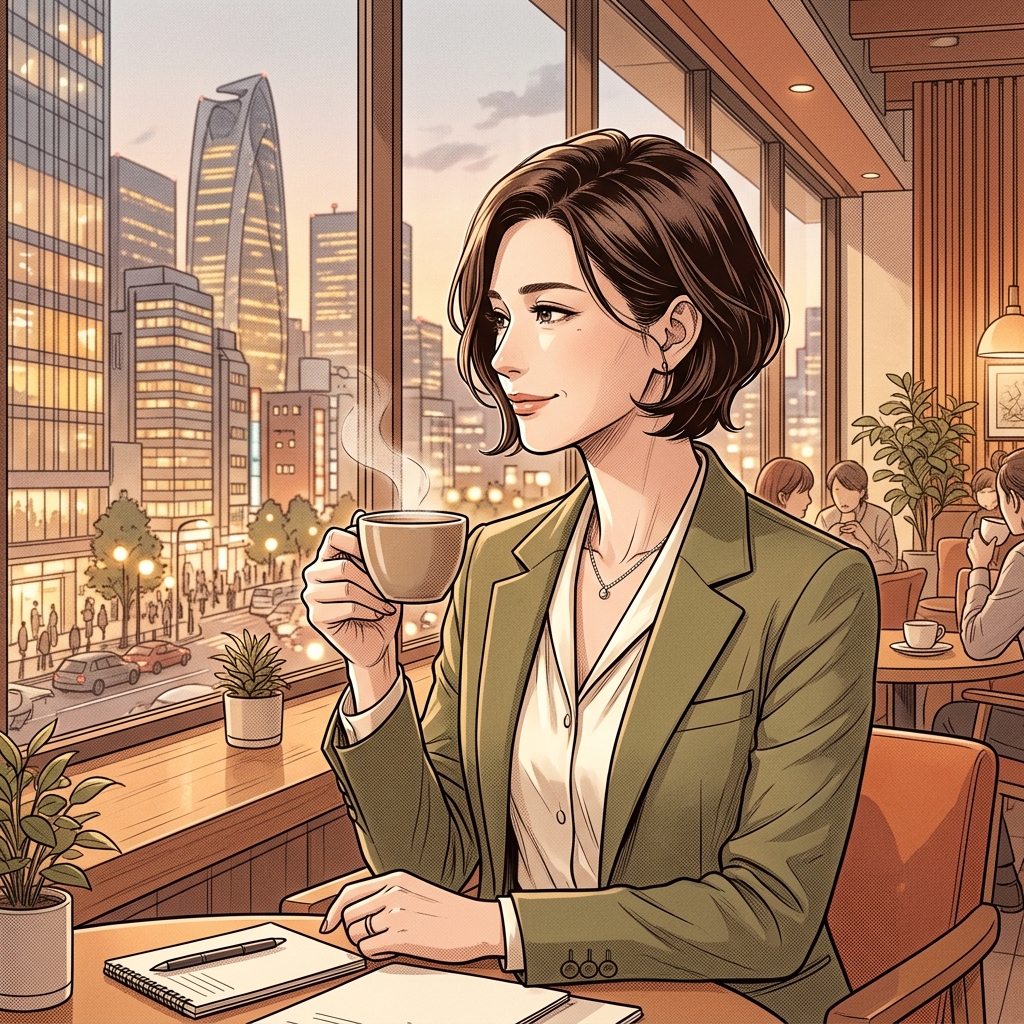
Josei Manga Style AI generator for comic creators. Build elegant, realistic character designs, subtle emotional expressions.
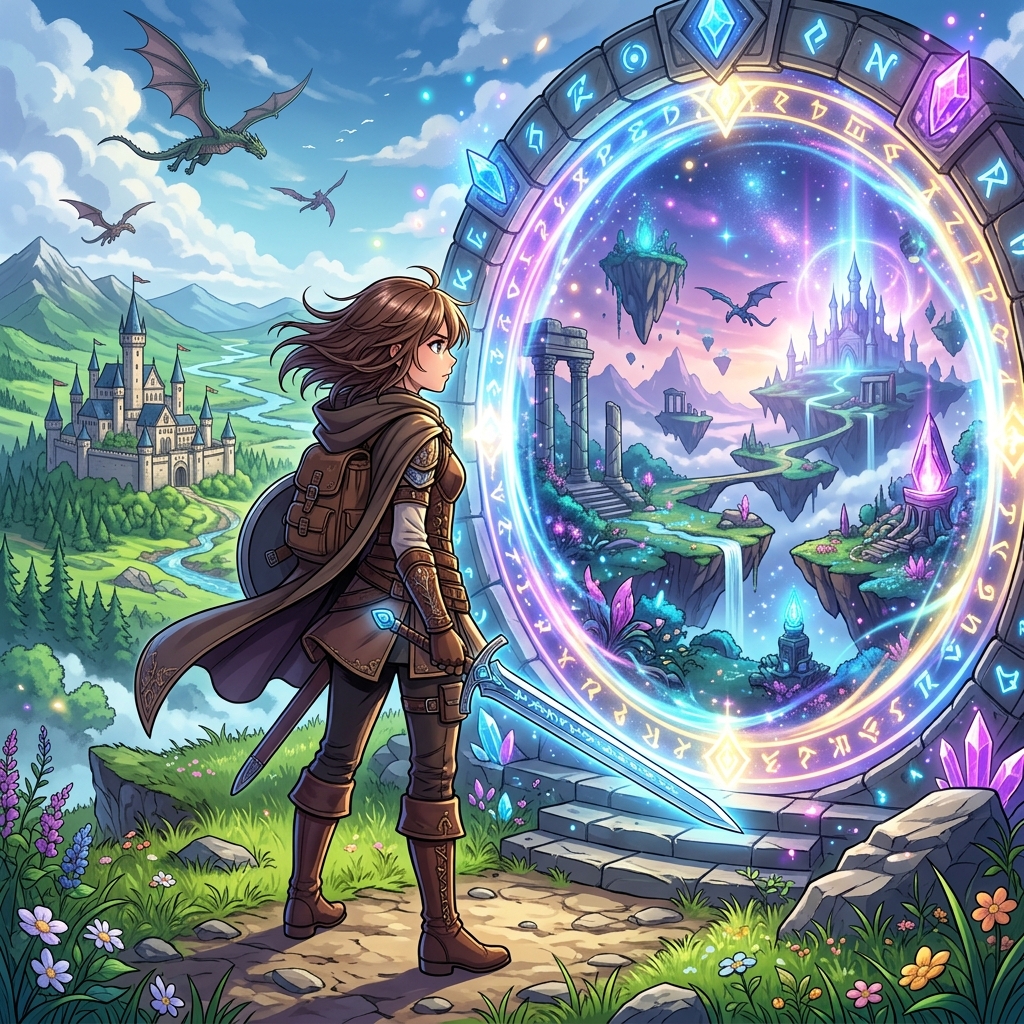
Isekai Manga Style AI generator for comic creators. Build fantasy world environments, rpg-inspired character designs.
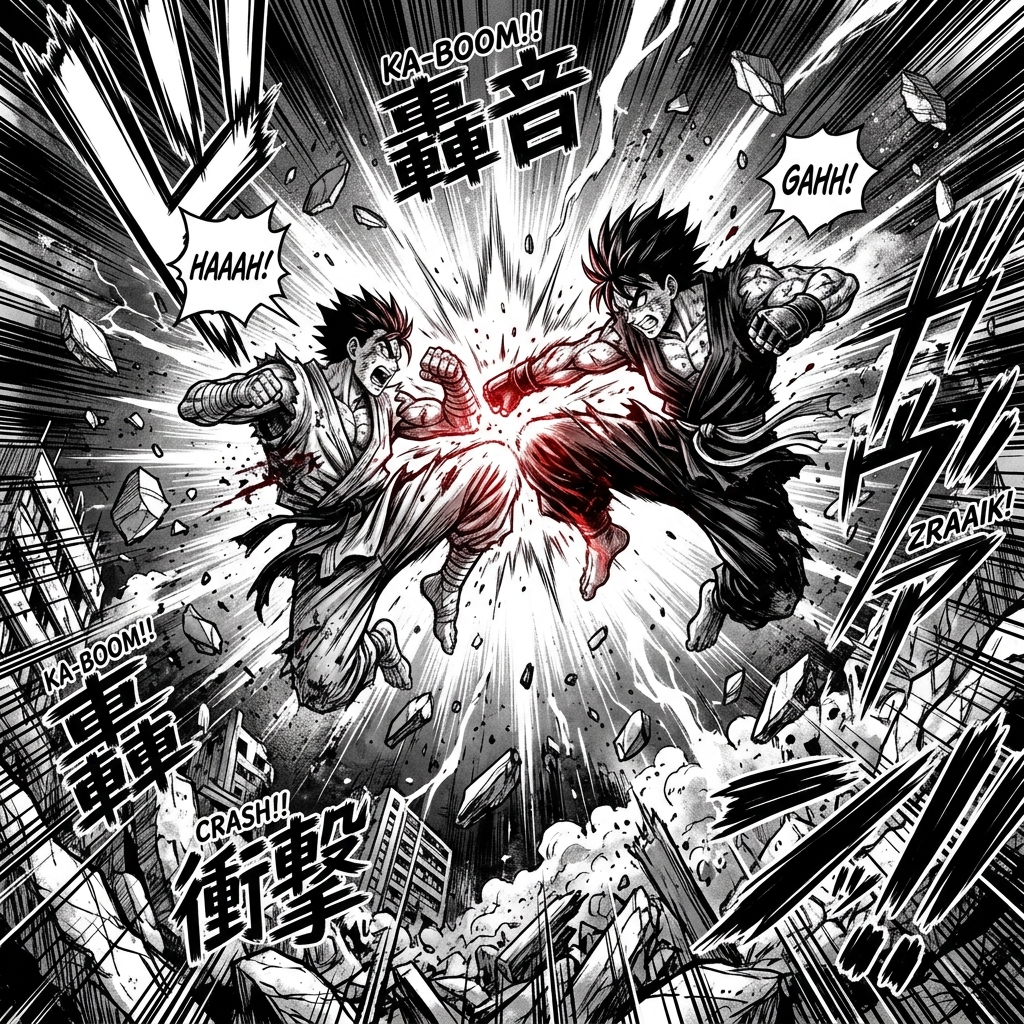
Action Manga Style AI generator for comic creators. Build explosive battle compositions, dynamic camera angles.
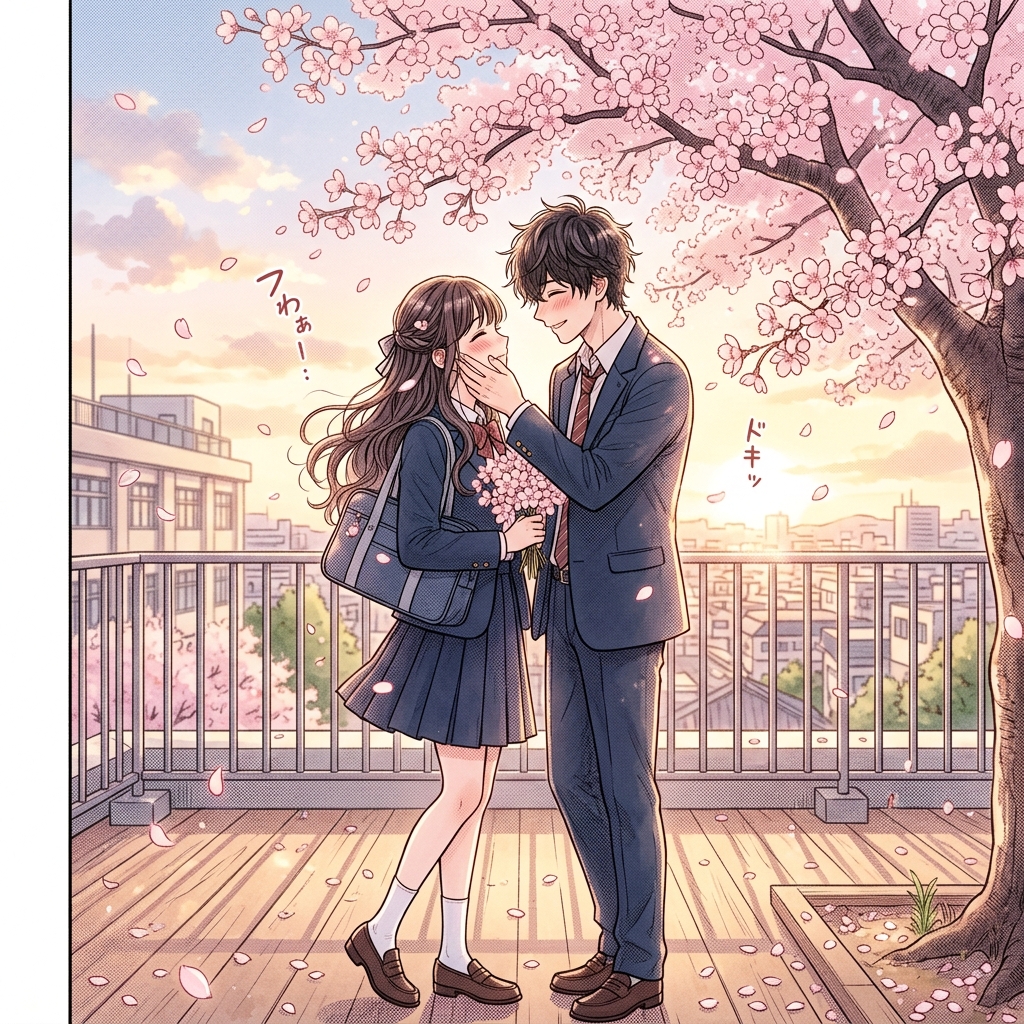
Romance Manga Style AI generator for comic creators. Build intimate character moments, soft blushing expressions.
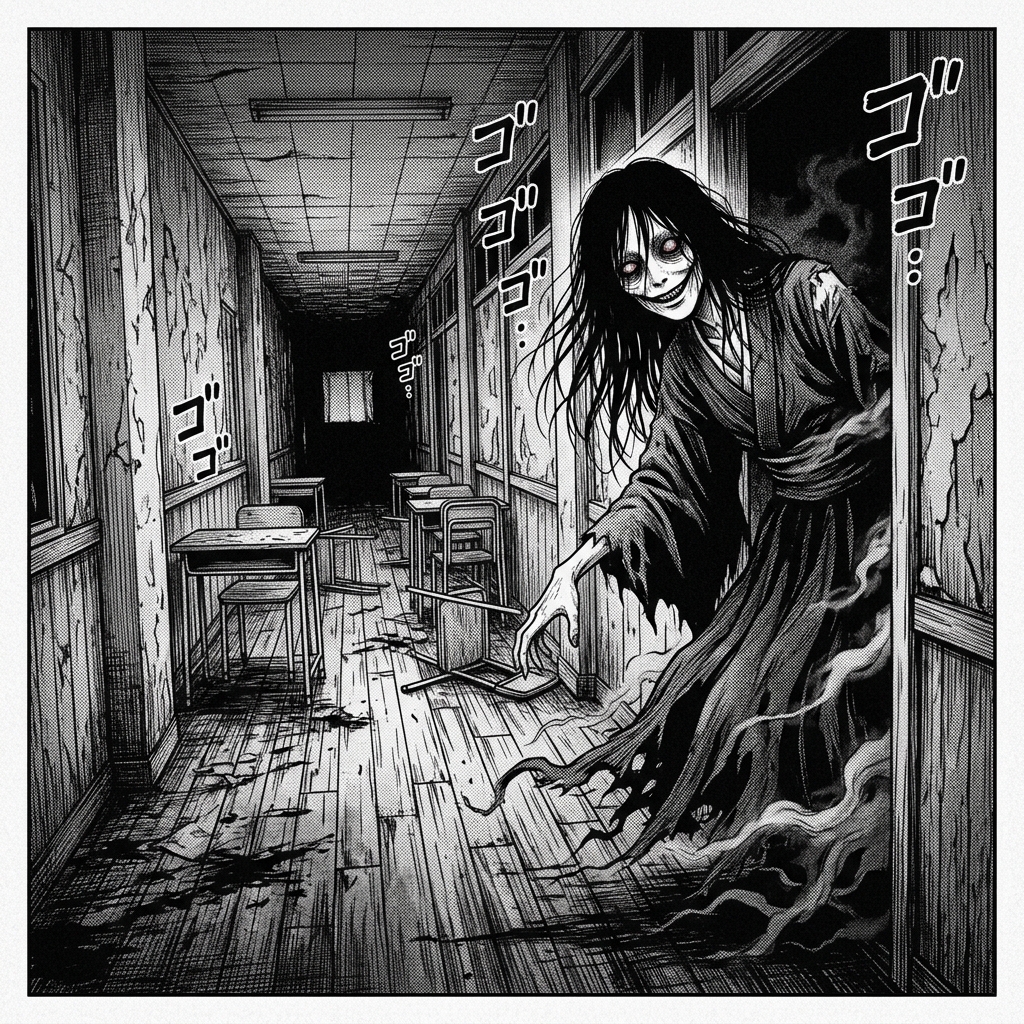
Horror Manga Style AI generator for comic creators. Build grotesque creature designs, unsettling facial distortions.
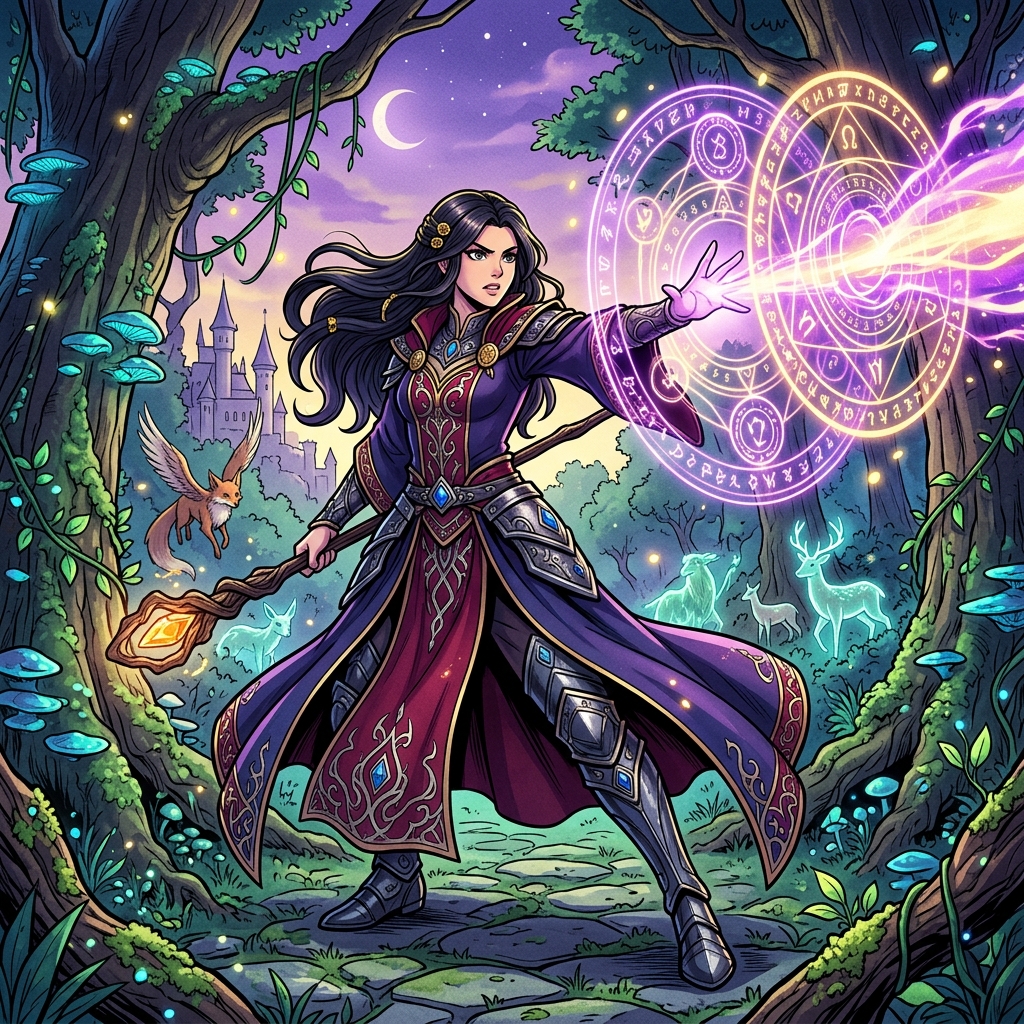
Fantasy Manga Style AI generator for comic creators. Build magical spell effects and runes, enchanted forest environments.
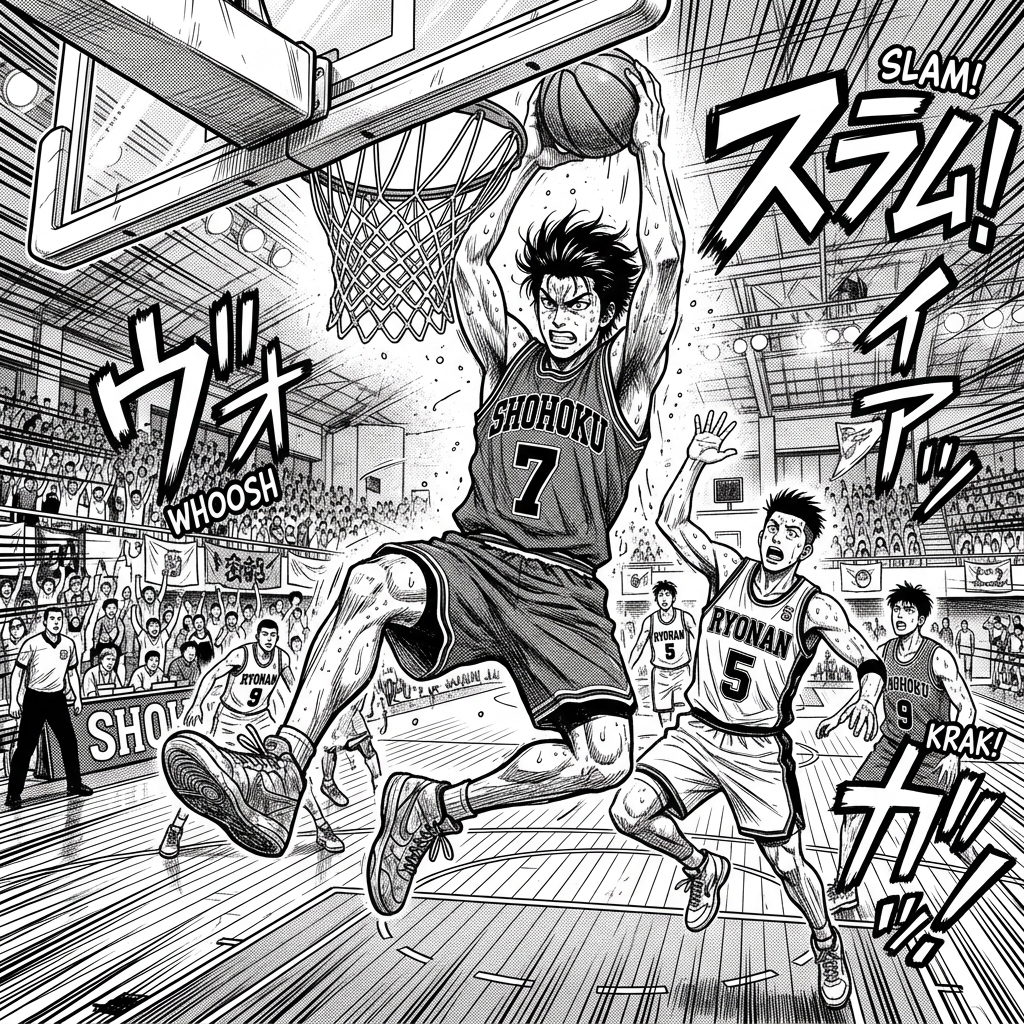
Sports Manga Style AI generator for comic creators. Build athletic character physiques, dynamic sports action poses.
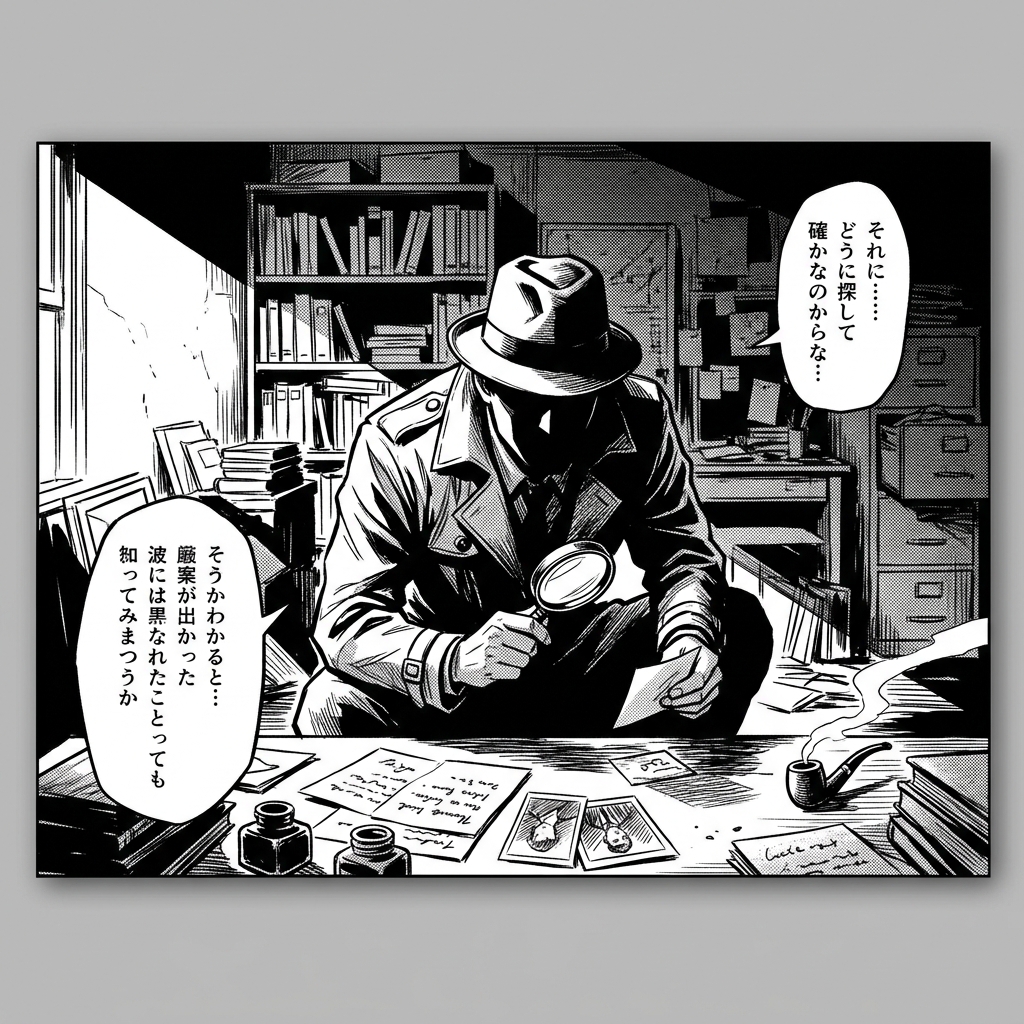
Mystery Manga Style AI generator for comic creators. Build shadowy atmospheric settings, clue and evidence close-ups.
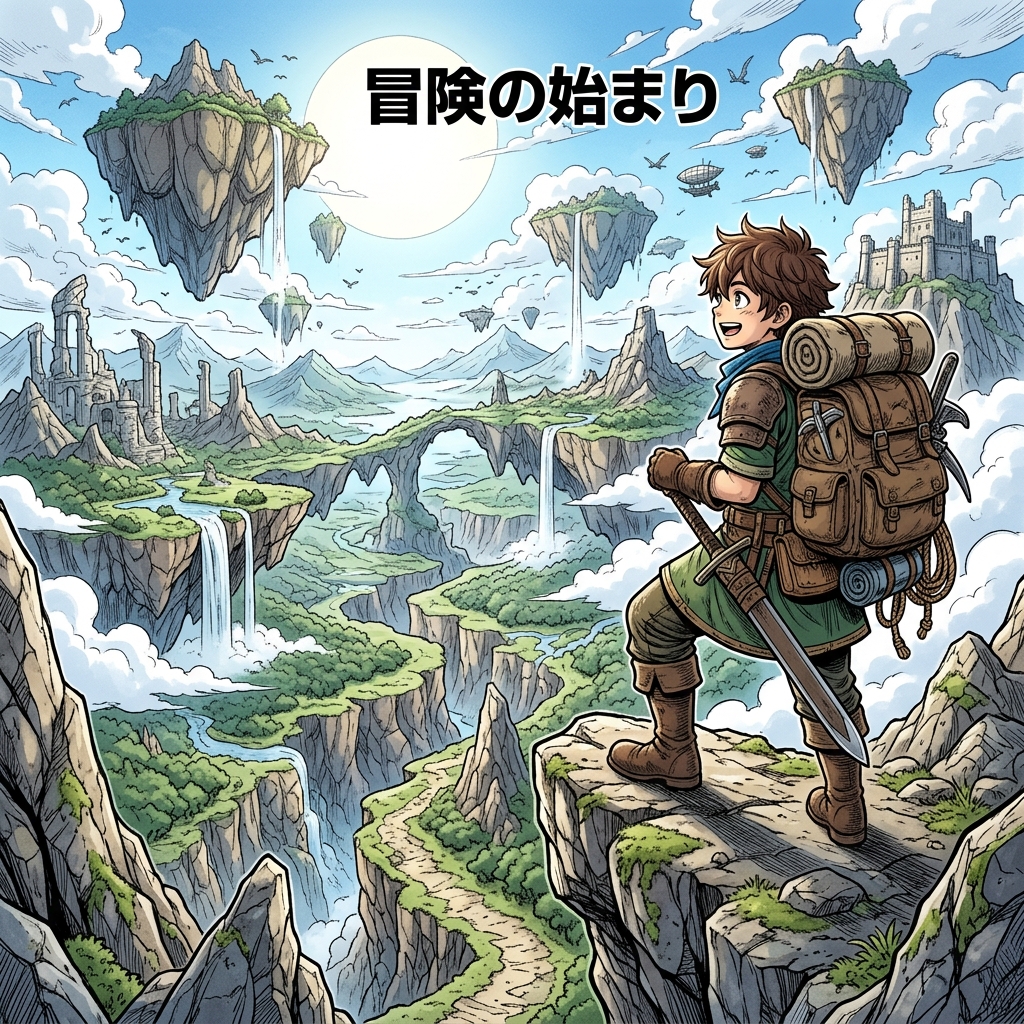
Adventure Manga Style AI generator for comic creators. Build vast landscape environments, treasure and artifact details.
Use these for bold comic style art, covers, noir scenes, retro print looks, and western panel concepts.
Superhero Comic Style AI generator for comic creators. Build muscular heroic character designs, cape and costume details.
Noir Comic Style AI generator for comic creators. Build high contrast black and white, dramatic shadows and lighting.
Vintage Comic Style AI generator for comic creators. Build ben-day dots and halftone patterns, retro color palettes.
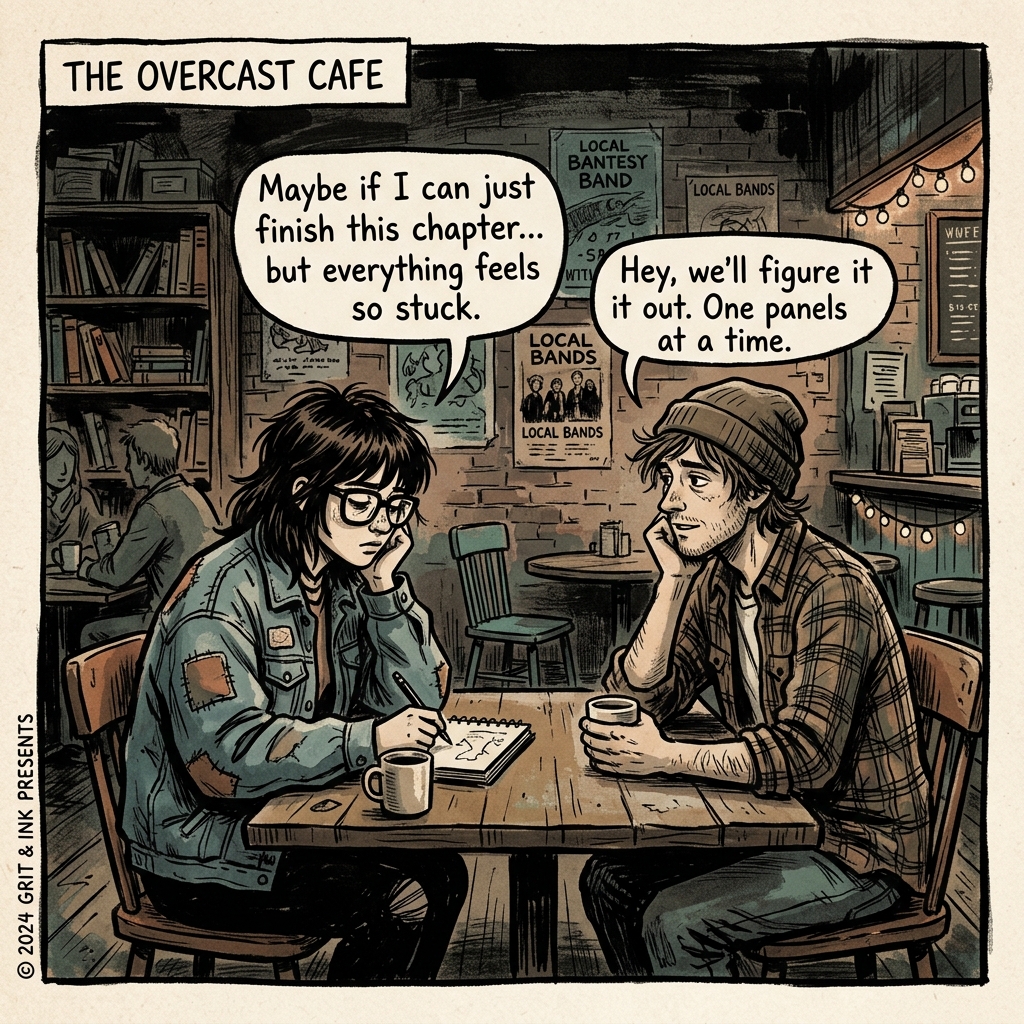
Indie Comic Style AI generator for comic creators. Build unique artistic expressions, non-traditional panel layouts.
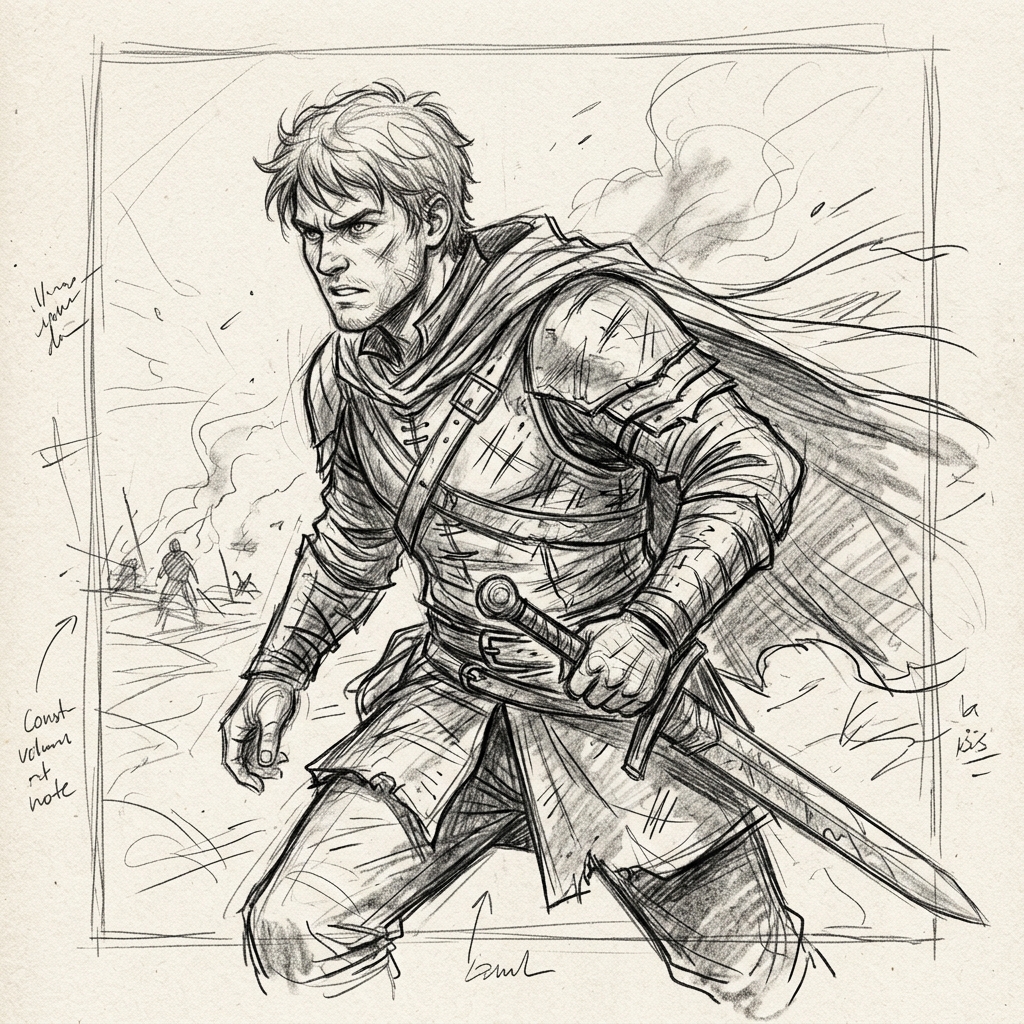
Sketch Comic Style AI generator for comic creators. Build visible pencil strokes and hatching, raw unfinished aesthetic.
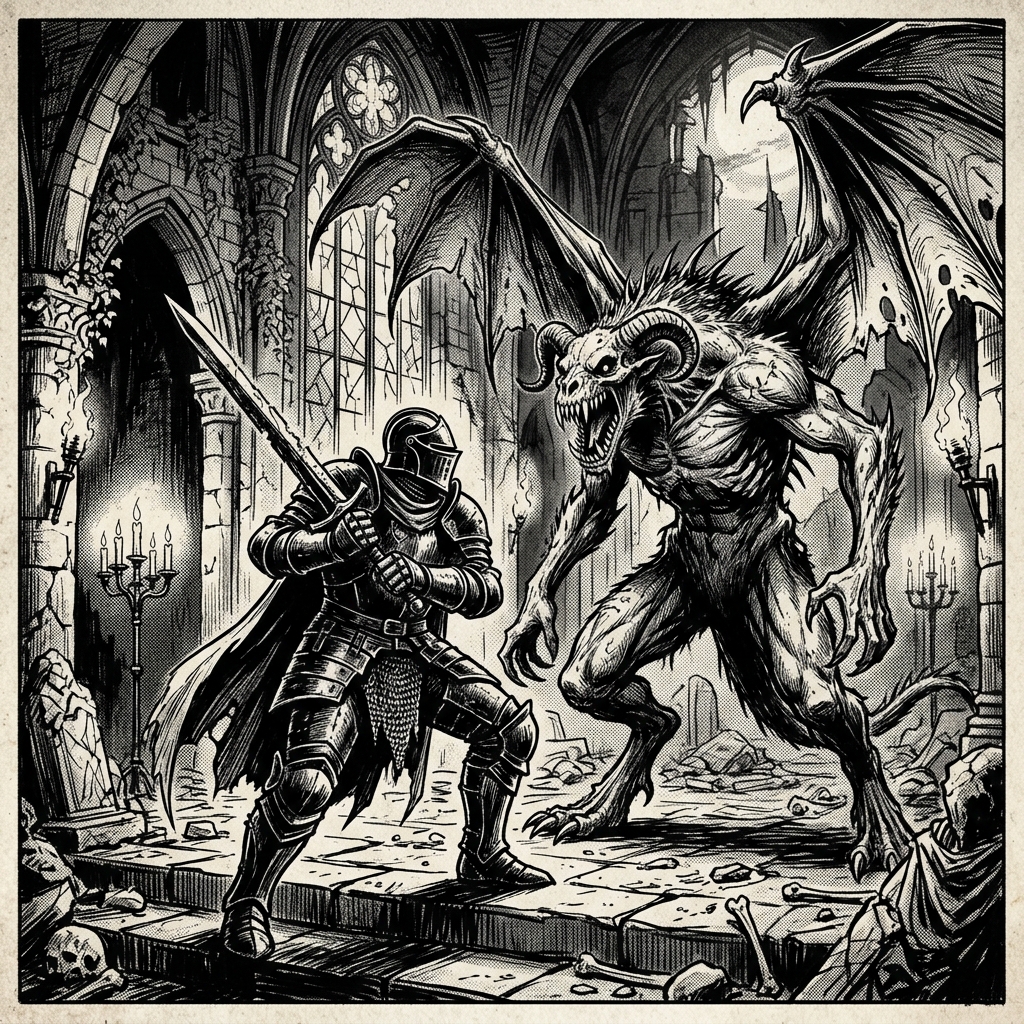
Dark Fantasy Style AI generator for comic creators. Build gothic architecture and environments, dark creature and monster designs.
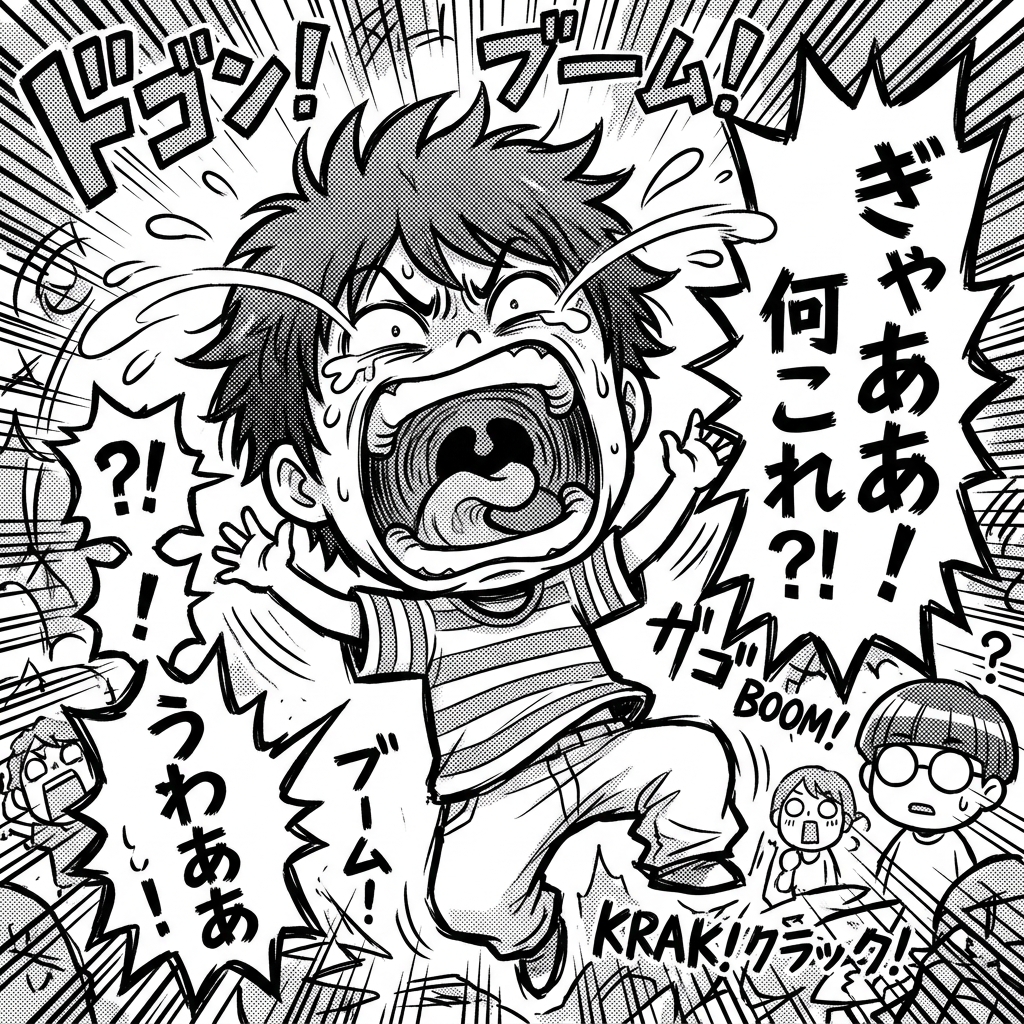
Comedy Manga Style AI generator for comic creators. Build exaggerated comedic expressions, chibi reaction moments.
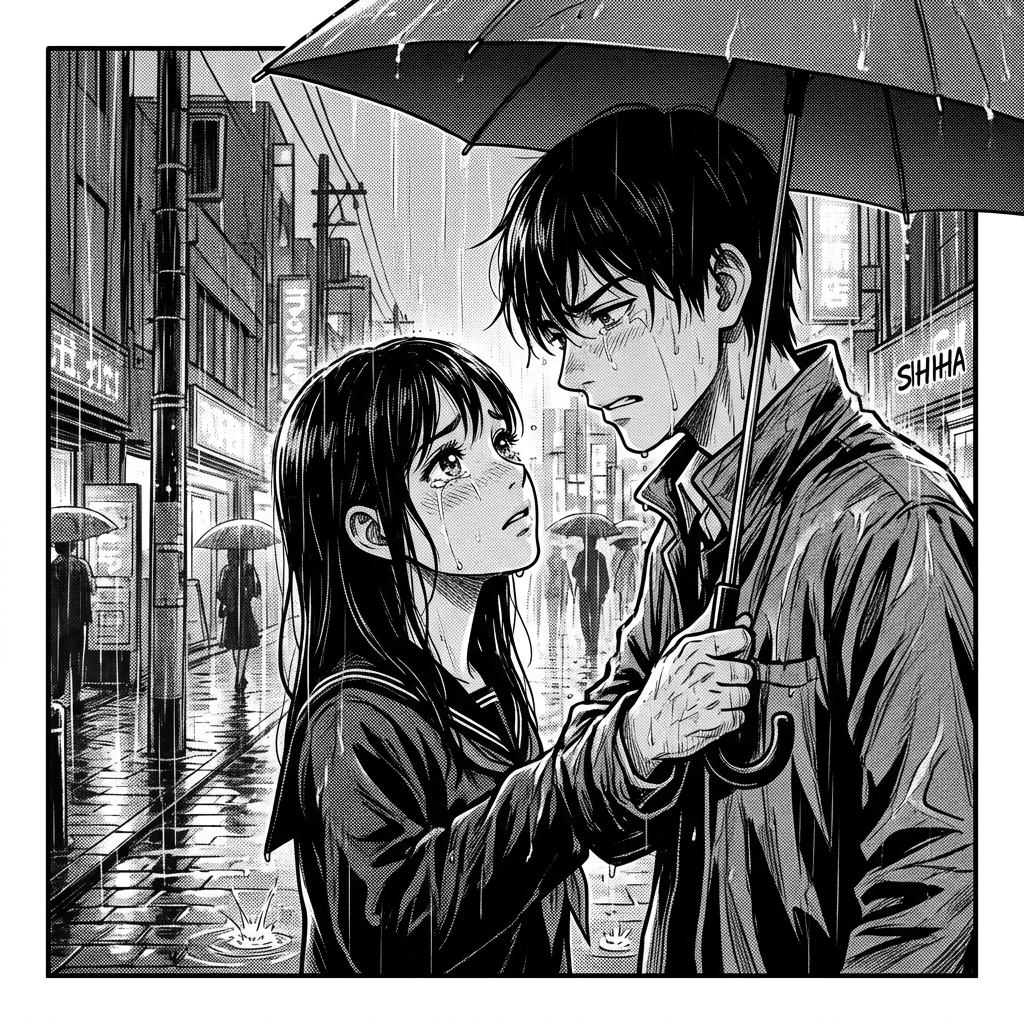
Drama Manga Style AI generator for comic creators. Build emotionally charged expressions, cinematic panel compositions.
Use these for comic style image prompts, manga backgrounds, wallpapers, concept art, and social previews.
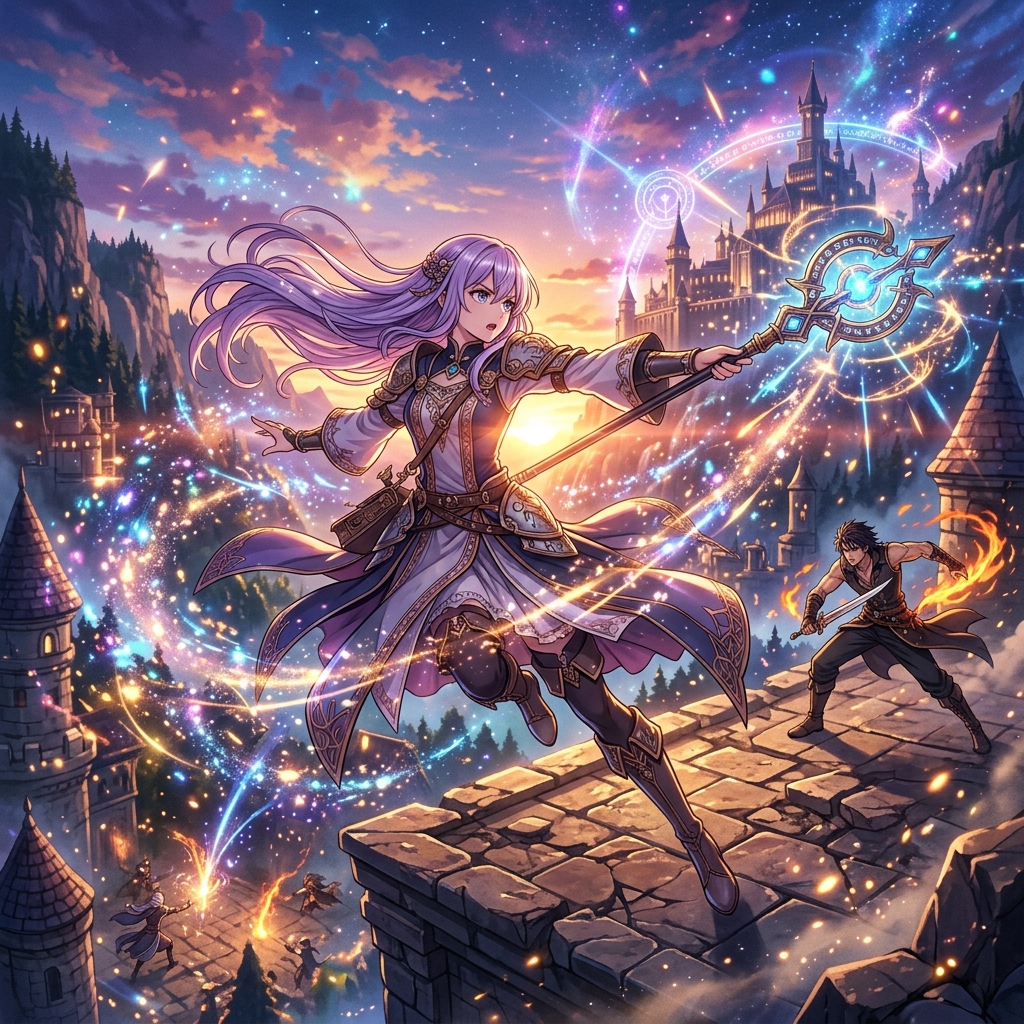
Modern Anime Style AI generator for comic creators. Build high-quality digital rendering, smooth gradient shading.
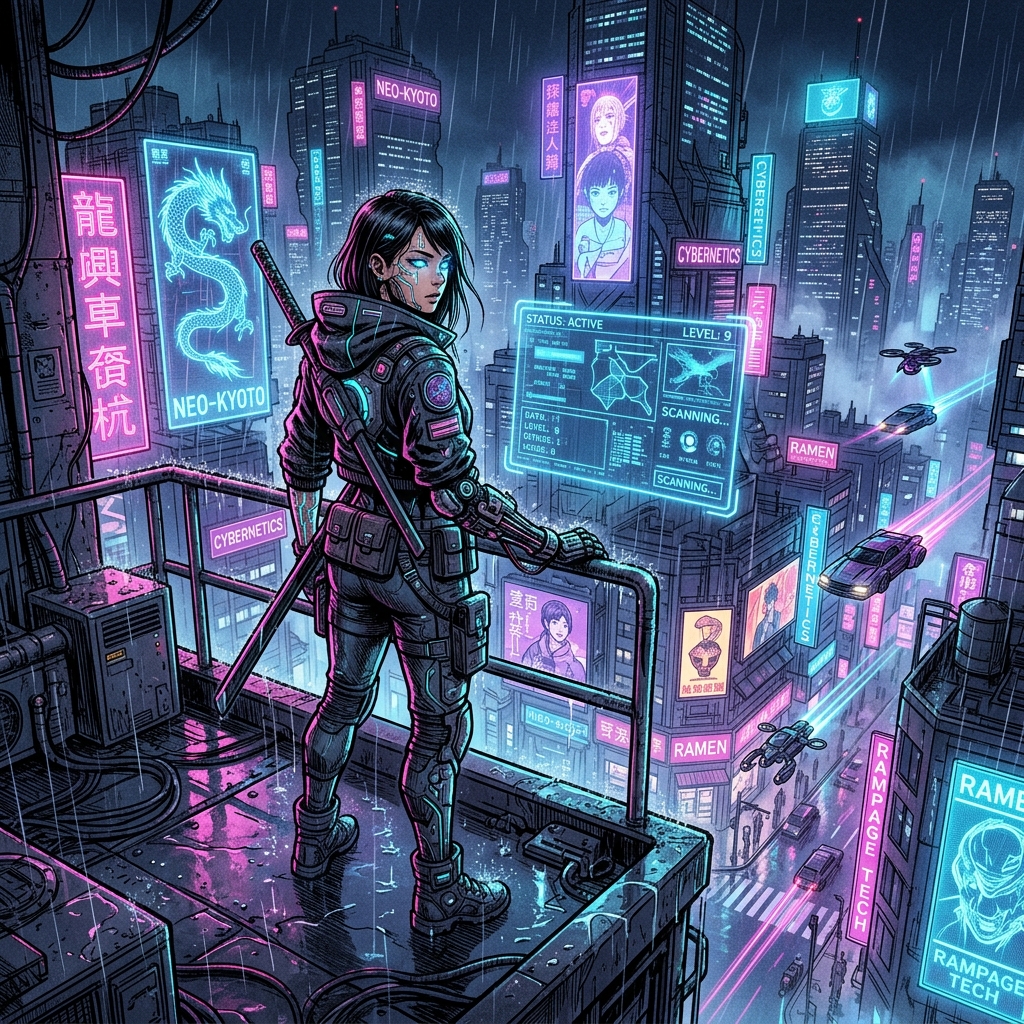
Cyberpunk Manga Style AI generator for comic creators. Build neon lighting and vibrant color contrasts, high-tech gadgets and cybernetic enhancements.
Watercolor Manga Style AI generator for comic creators. Build soft watercolor wash effects, bleeding and blending colors.
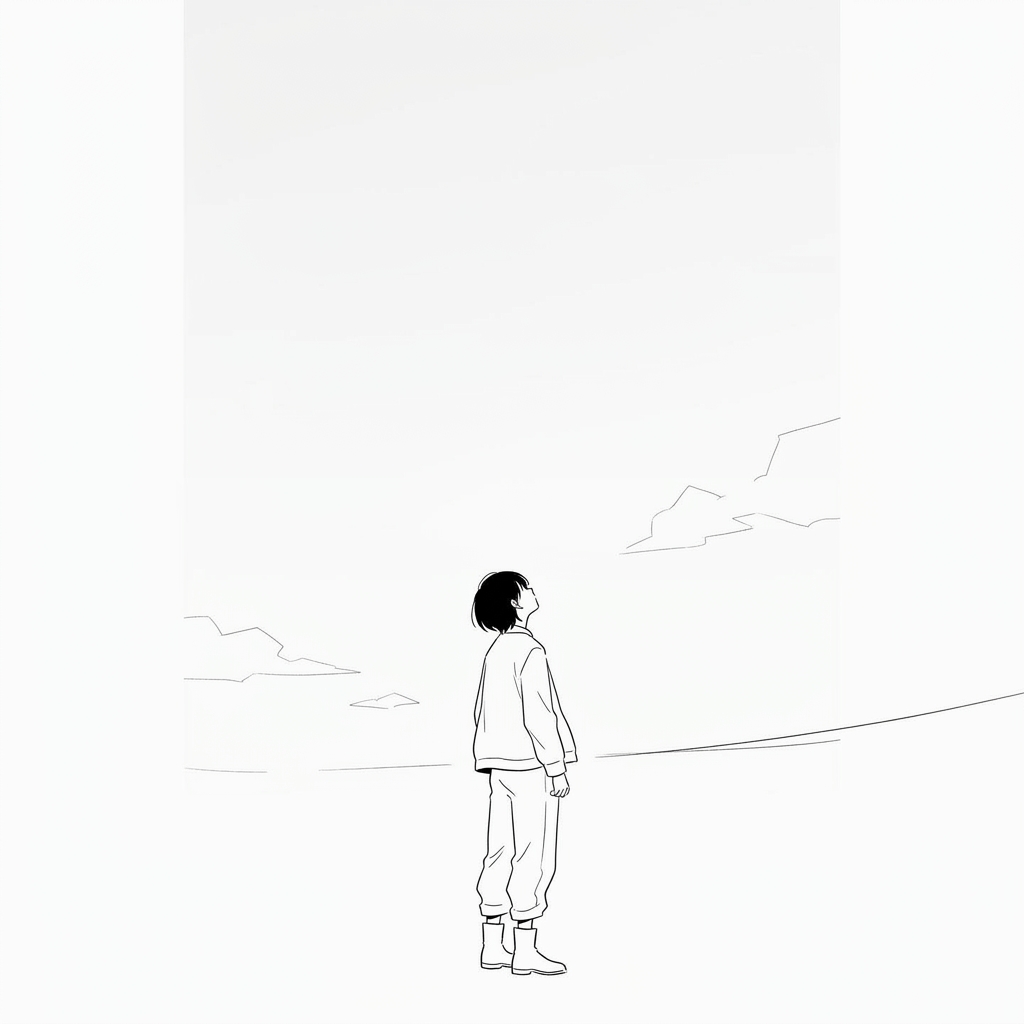
Minimalist Manga Style AI generator for comic creators. Build clean simple linework, generous white space usage.
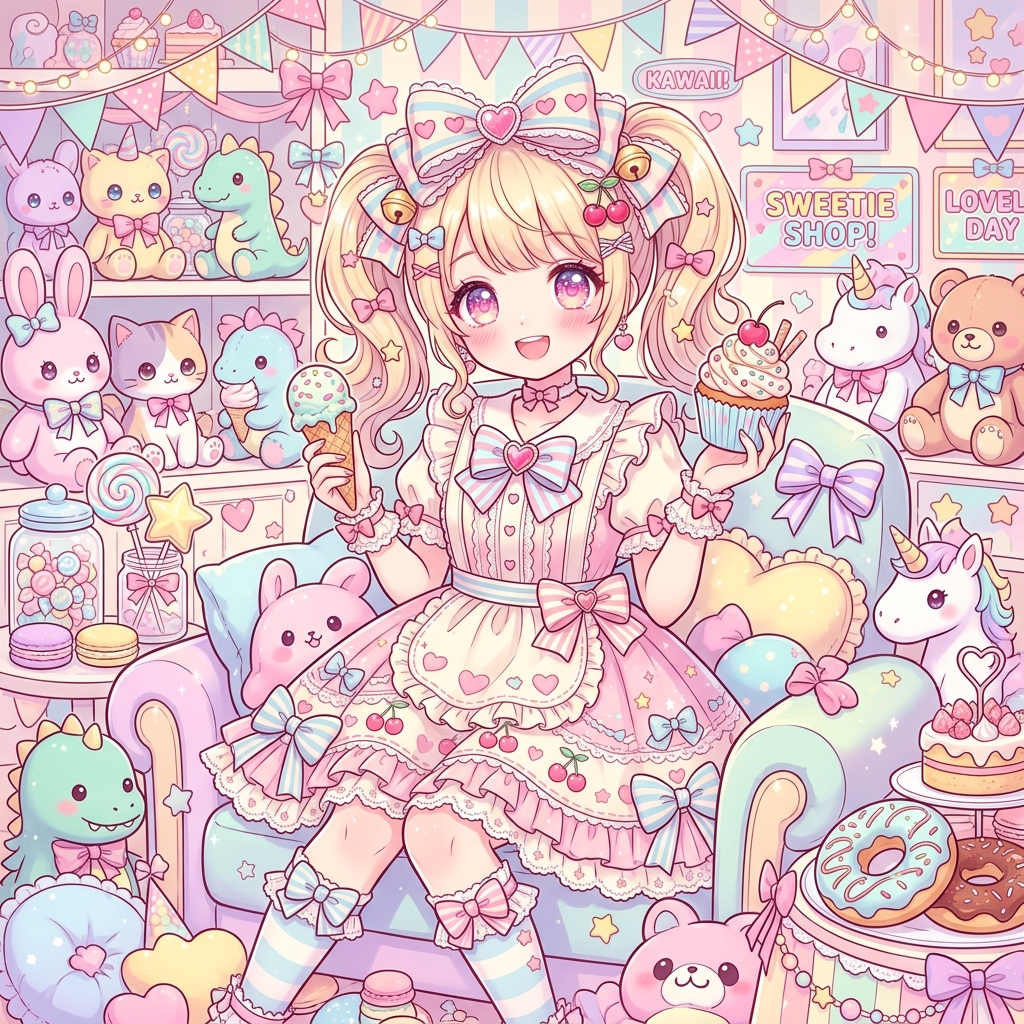
Kawaii Anime Style AI generator for comic creators. Build ultra-cute character designs, pastel candy color palettes.
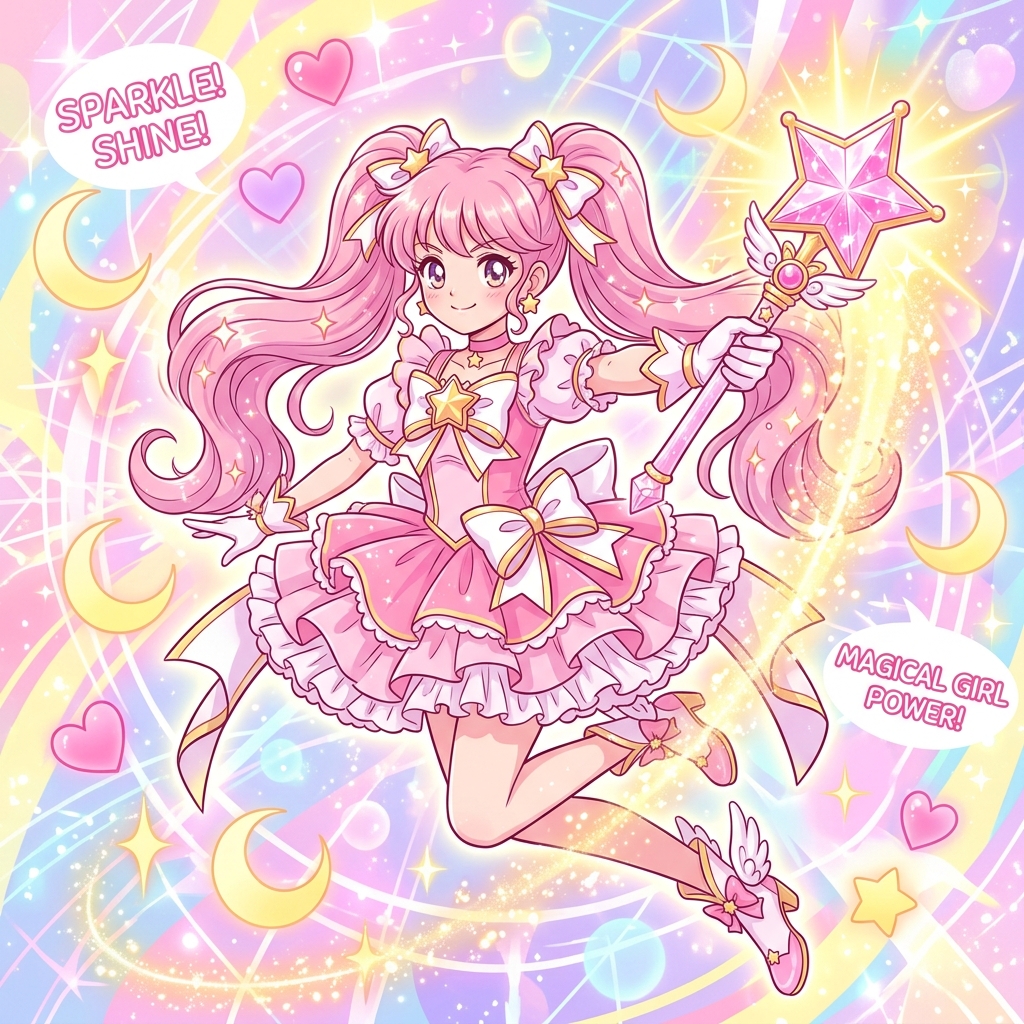
Magical Girl Style AI generator for comic creators. Build magical transformation sequences, elaborate costume designs.
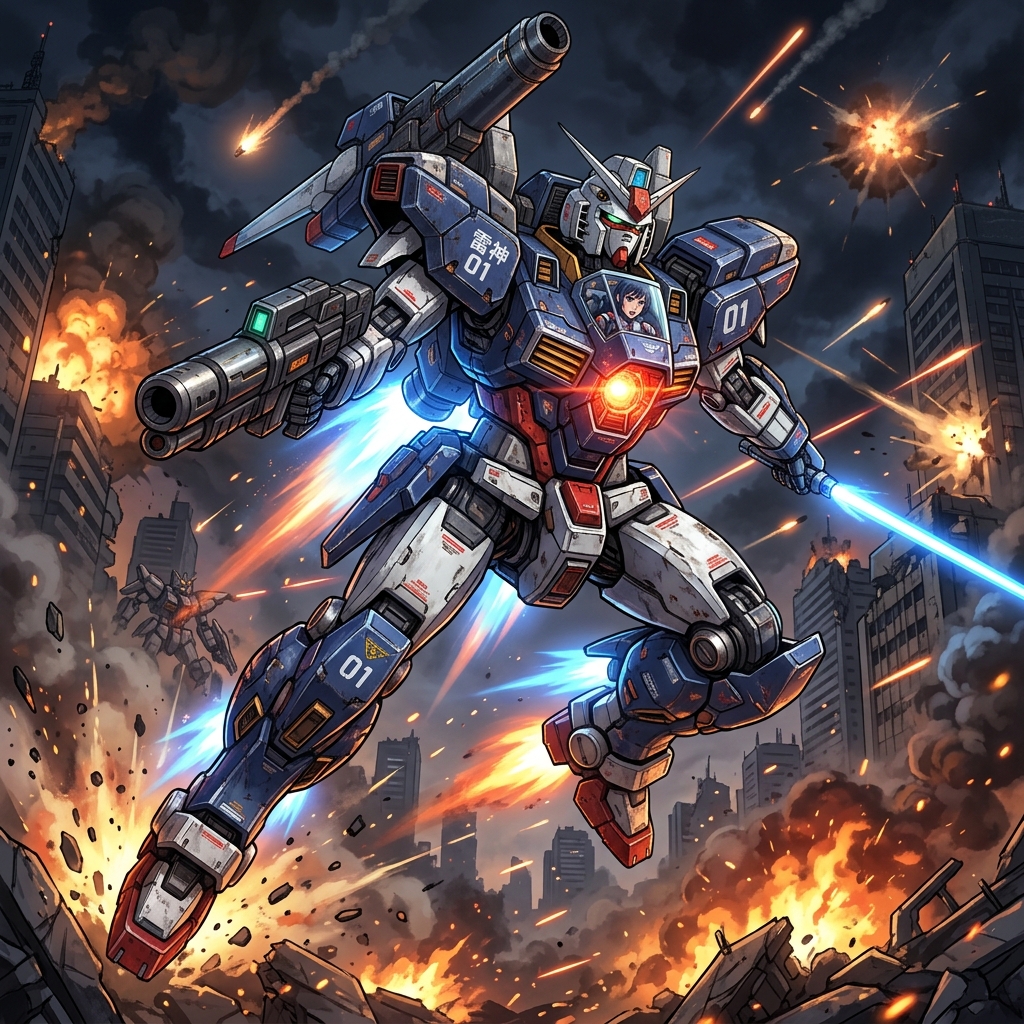
Mecha Anime Style AI generator for comic creators. Build detailed mechanical designs, giant robot battle scenes.
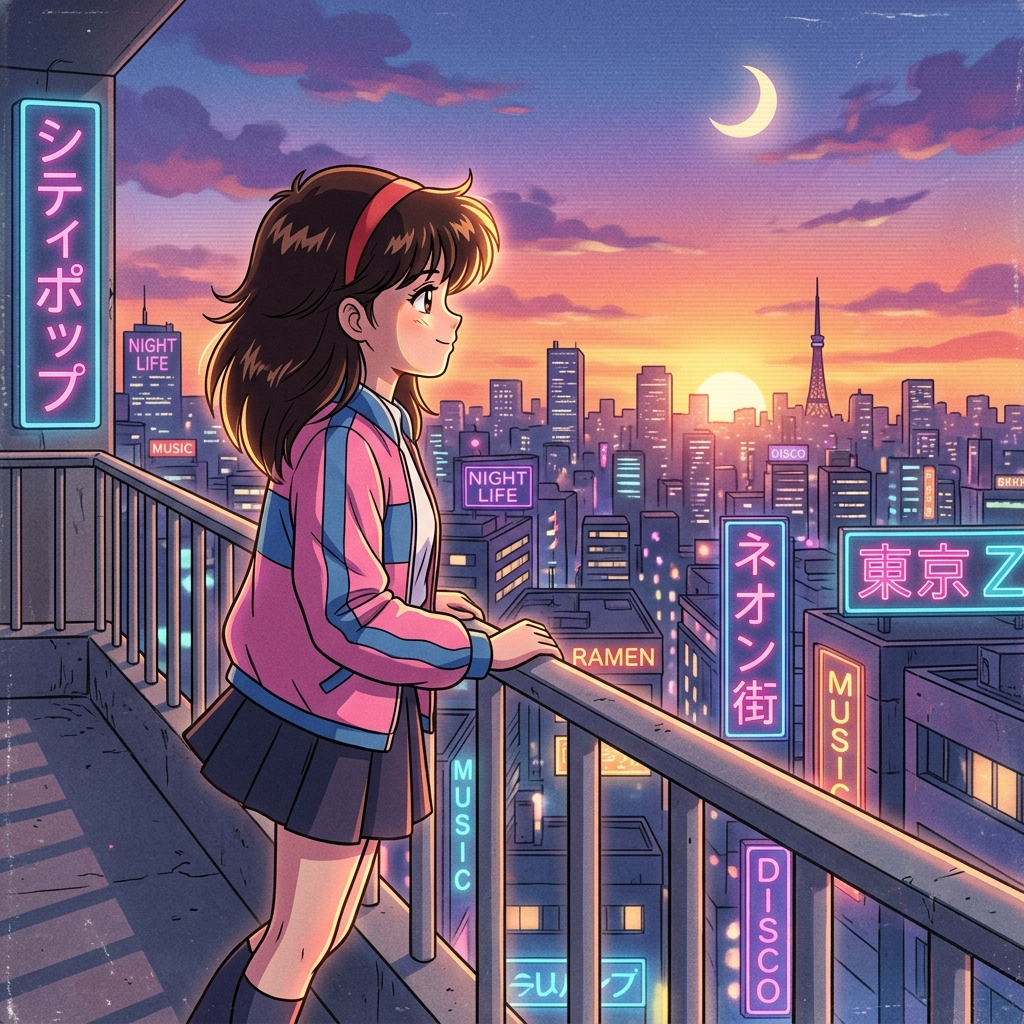
Retro Anime Style AI generator for comic creators. Build classic cel animation look, pointed angular character features.
A comic style font is not just decoration. Lettering affects whether a panel feels like a finished comic page, a manga draft, a poster, or a quick social preview.
When prompting ComicsAI, describe the lettering job directly: speech bubbles, readable dialogue, sound effects, title text, caption boxes, or empty space where text will be added later.
Use clean comic style fonts for dialogue, short balloon text, and enough empty space around words so the panel still reads at mobile size.
Add bold sound effect text for action panels, impact frames, explosions, magic attacks, car chases, and superhero-style motion.
For manga style pages, keep lettering notes simple: readable dialogue, black-and-white ink, screen tones, and space for translated text.
When the scene needs a detailed background, reserve a quiet area for captions, speech bubbles, title text, or social preview copy.
A strong prompt is more than a style label. It tells ComicsAI what the panel must do, what the reader should notice first, and which art details should stay consistent.
Decide whether the final look should feel like action manga, romance manga, western superhero comics, noir, indie comics, cute chibi art, or a mixed webtoon look.
Name the scene type: cover image, reaction close-up, action panel, dialogue beat, comic style background, character sheet, or vertical webtoon crop.
Add line weight, color palette, facial expression, camera angle, lighting, screen tones, lettering mood, and any recurring costume details.
Save the strongest prompt parts so later panels keep the same manga style or comics style without drifting into a new look.
Use these templates for searches such as comics style font, comic style image, manga style drawing, and manga style background. Replace the subject, mood, and setting with your own story details.
comic style image, original hero character, low angle city rooftop pose, bold ink outlines, dramatic lighting, halftone texture, clear background, cover compositionmanga style drawing, original swordswoman in a rainy alley, close-up reaction panel, black and white screen tones, expressive eyes, cinematic shadows, clean line artcomic panel with bold speech bubbles, readable comic style font, action sound effect lettering, thick black outlines, bright editorial poster compositionmanga style background, quiet school hallway at sunset, detailed perspective, soft screen tones, empty space for character dialogue, story panel framingAfter choosing a comics style or manga style, move into the page, format, or generator workflow that matches the project.
Use a manga-focused workflow for panels, characters, story beats, and webtoon-ready drafts.
Create broader comic, manga, anime, webtoon, and western comic visuals from text prompts.
Pair manga style drawing with page rhythm, black-and-white tones, and manga layout conventions.
Use scroll-friendly composition for mobile manga, webtoon previews, and social-native comic scenes.
Pick a style page, adapt one prompt, and generate a first panel with the trial credits included in your account. Keep the same style anchors for stronger character and page consistency.
Comics style usually points to western comic art traits such as bold outlines, full-color panels, hero poses, halftone texture, and strong cover composition. Manga style usually points to Japanese manga traits such as screen tones, expressive faces, speed lines, black-and-white line art, and story-focused panel rhythm.
Yes. Start with a text prompt that names the subject, emotion, camera angle, manga style, background, and panel type. ComicsAI can generate a visual draft that you can refine into a stronger manga panel, character concept, or page idea.
Pick the style that matches the story job. Use superhero comic style for bold action, noir comic style for mystery, vintage comic style for retro print texture, indie comic style for personal stories, and sketch comic style for loose concept work.
Reuse a stable character description, line weight, palette, lighting notes, background rules, and panel format. Keep one or two style anchors in every prompt, such as thick ink outlines, black-and-white screen tones, soft watercolor wash, or vintage halftone dots.
You can use an existing image as visual direction, then describe the manga style you want: screen tones, line art, expressive eyes, background detail, and panel framing. For public work, use images you own or have permission to transform.