Free AI Manga Maker

Create Manga With AI for Free

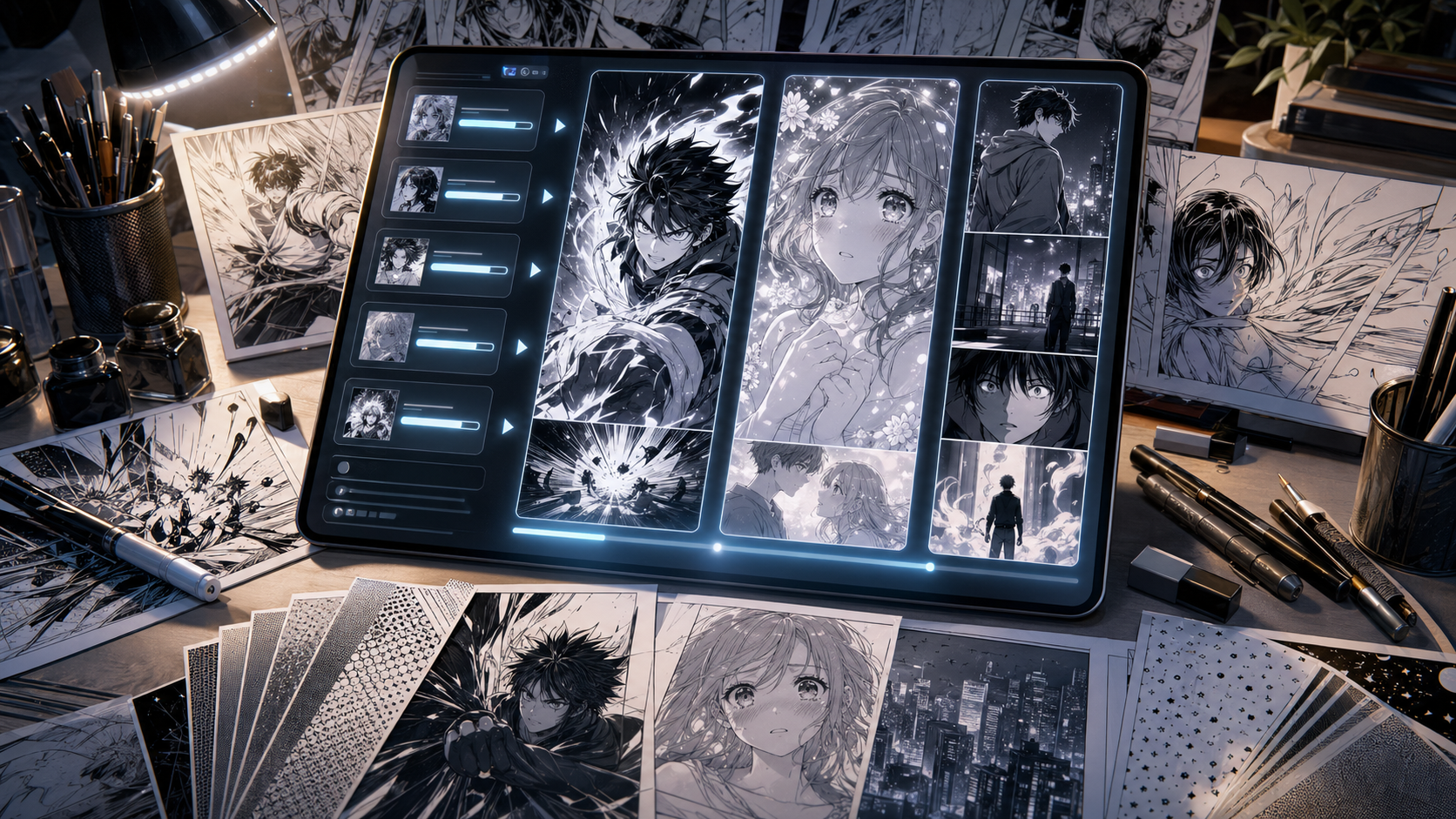
Create manga panels, characters, and webtoon drafts from text. Start with one scene, then refine the prompt into a stronger manga page idea.

Free AI manga example

How to Start Creating AI Manga for Free

1. Create one panel first

Do not start with a full chapter. Focus on one character, action, emotion, and setting.

2. Choose the manga direction

Specify shonen, shojo, seinen, horror, fantasy, or webtoon so the output has a clear reading style.

3. Describe the panel

Add close-up, wide shot, low angle, speed lines, screen tones, and space for dialogue bubbles.

4. Reuse what works

Repeat strong hair, outfit, prop, personality, and color notes to keep later panels consistent.

What you can do for free, and what to confirm

A free AI manga page should make the free scope clear. Start with one panel, test the prompt, composition, and character direction, then check the current plan limits, export options, and commercial terms before using the result publicly.

Try one-panel manga drafts, character ideas, and webtoon-style scenes

Specify shonen, shojo, horror, fantasy, or vertical webtoon direction

Confirm the latest free credits, generation limits, and export settings before creating

Review commercial use, public posting, and content rules before publishing

How to choose a free AI manga app

People searching for a free AI manga app usually want to know whether they can create on mobile, start without installation, and test enough of the workflow before paying. ComicsAI runs in the browser, so you can try manga panels, prompts, and webtoon-style layouts before committing to an app-only workflow.

Mobile creation

Check whether vertical webtoon panels, short scenes, and social crops are easy to review on a phone.

Free plan clarity

Look for clear limits around generations, saving, resolution, watermarking, and commercial terms.

App or web tool

Apps can be convenient, while browser tools are easier to test across phone and desktop without installing anything.

Readable manga output

The real test is panel flow, speech bubble space, expression, and character consistency, not just pretty images.

AI manga examples by prompt

Examples help creators see how genre, composition, emotion, and blank dialogue space affect the result.

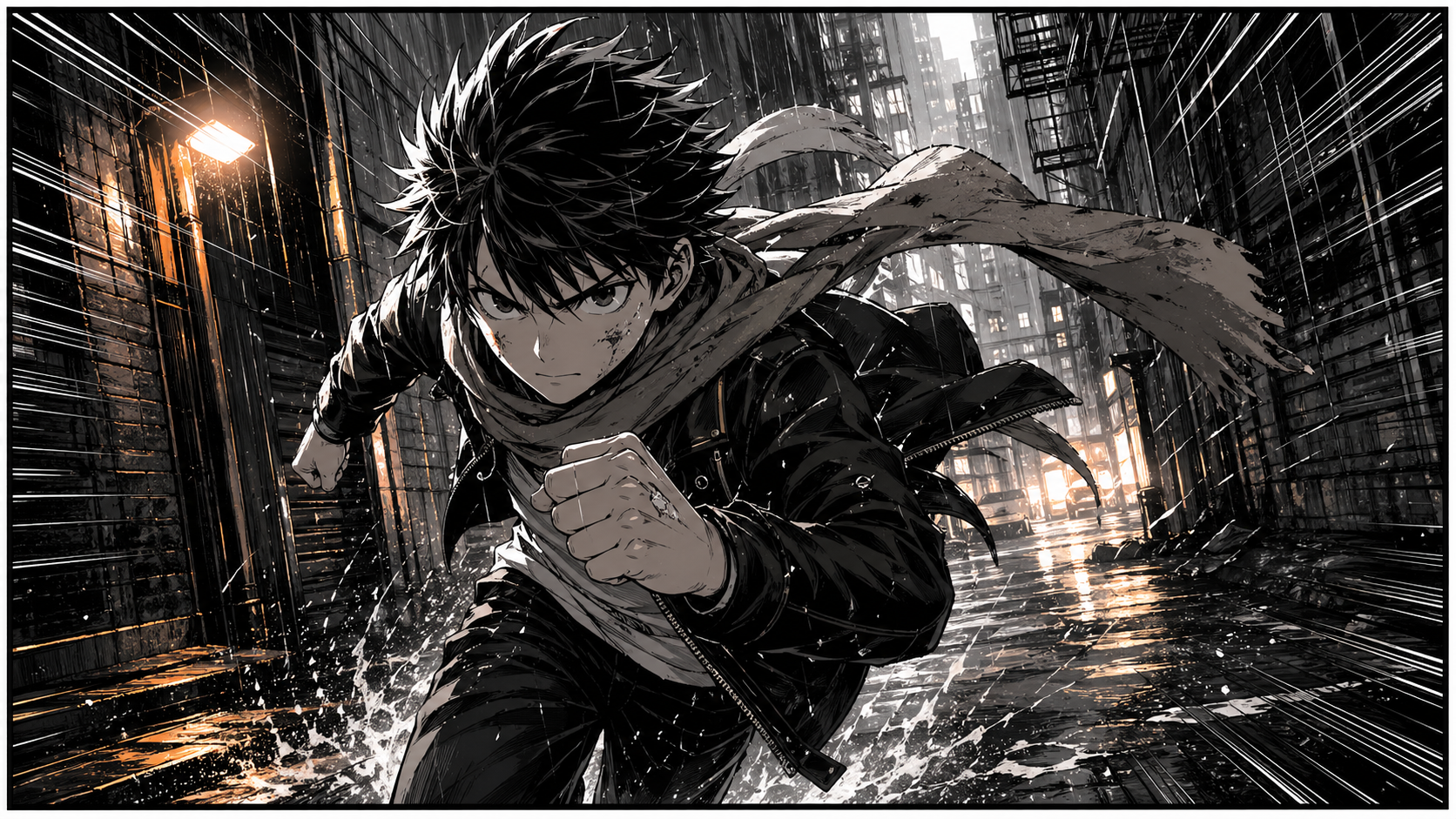
Shonen AI manga example of a hero running through rain

Shonen: running through rain

Action scenes work best when the prompt combines movement, expression, weather, camera angle, and speed lines.

Shonen manga panel, a determined hero running through rain, speed lines, black-and-white ink, low camera angle, space for speech bubbles.
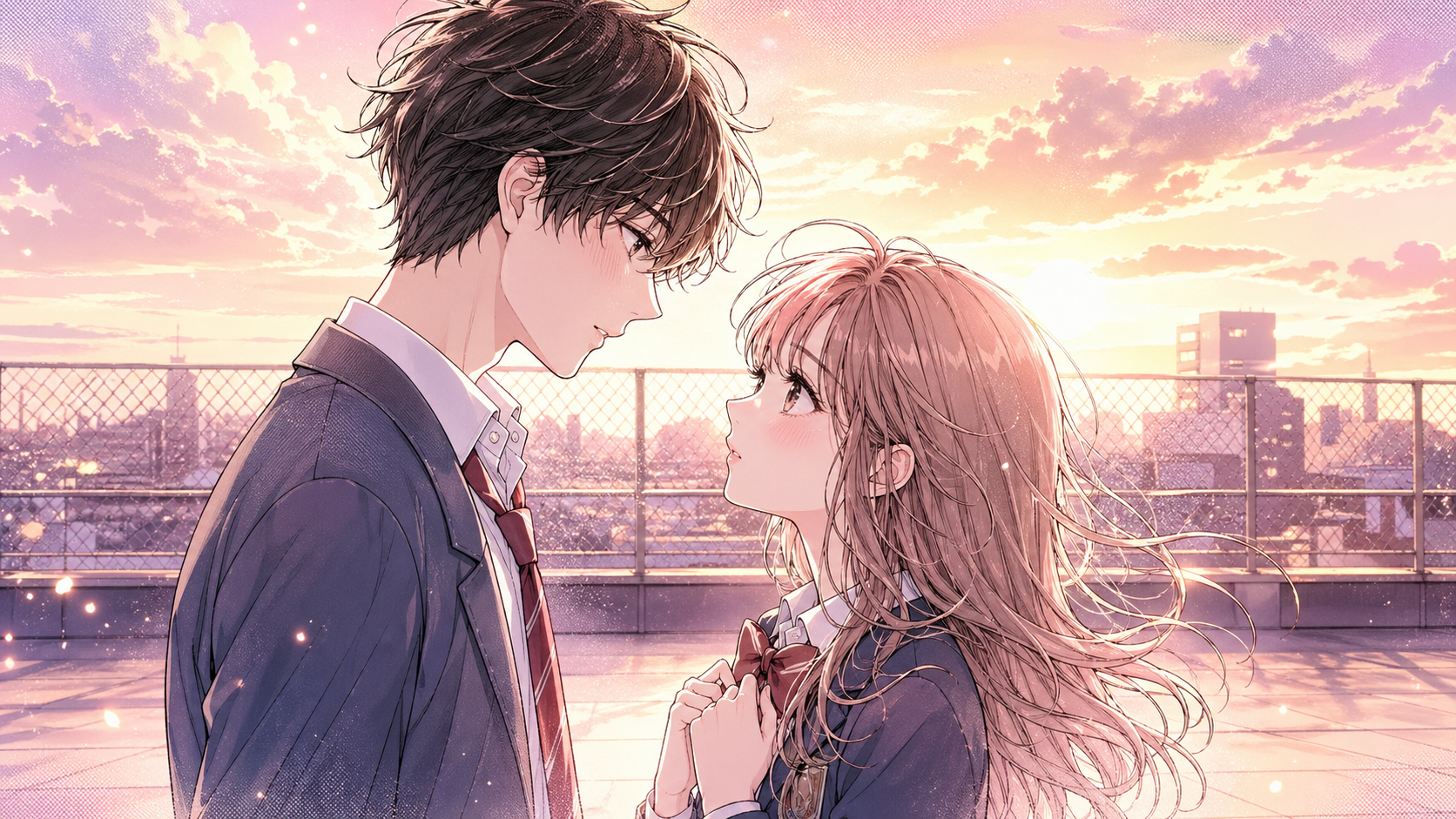
Shojo AI manga example with an emotional school scene

Shojo: emotional after-school scene

Romance scenes need light, linework, distance, and facial expression more than a busy background.

Shojo manga scene, a school confession after class, soft light, delicate linework, screen tones, emotional close-up.
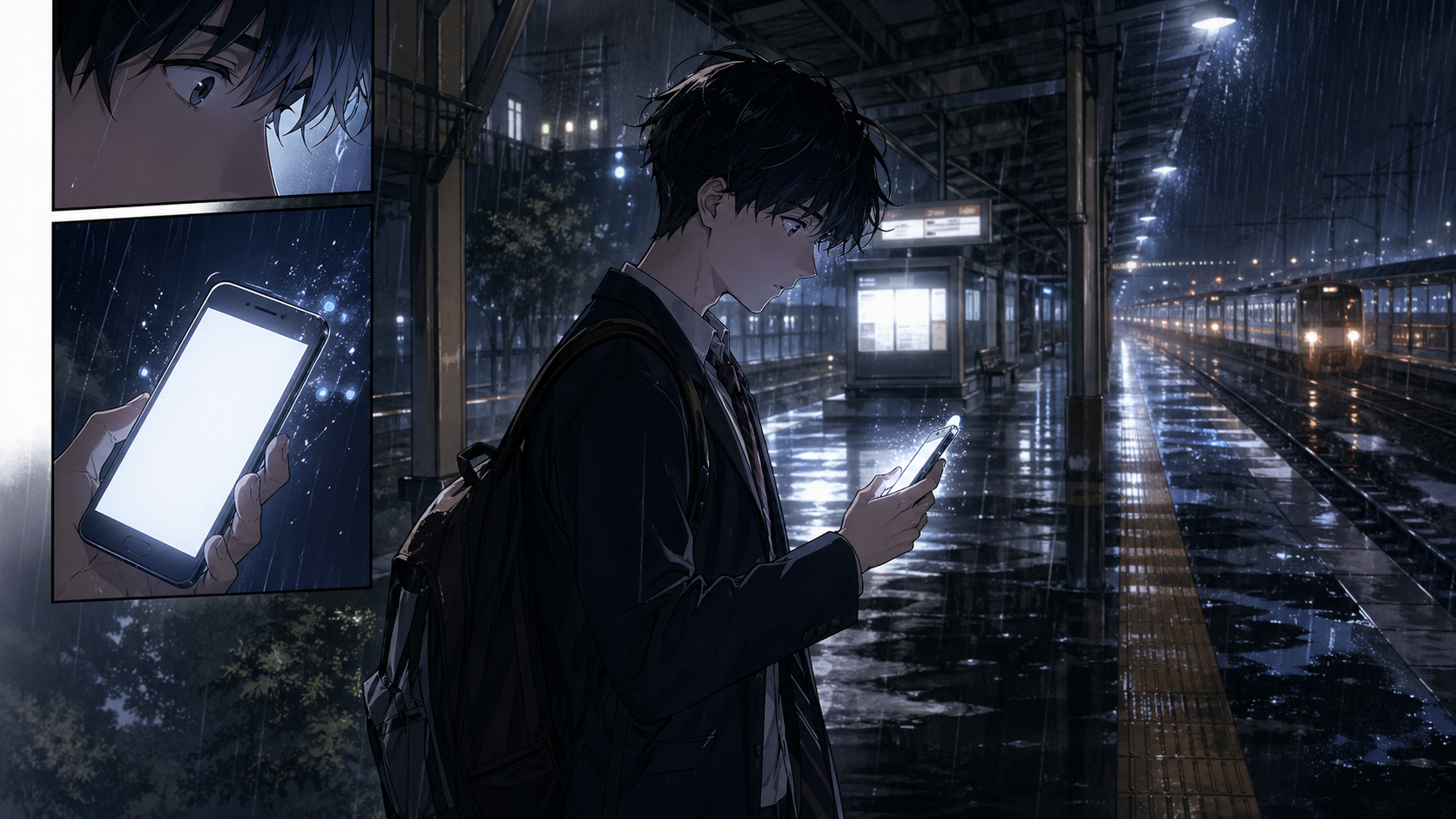
Vertical webtoon AI manga example at a night station

Vertical webtoon: suspense hook

Mobile-first panels should guide the eye from top to bottom and end with a clear reason to keep reading.

Vertical webtoon manga panel, a student receiving a mysterious message at a night station, mobile-friendly composition, suspenseful ending beat.

AI Manga Prompts to Try for Free

How to improve each prompt

Shonen manga panel, a determined hero running through rain, speed lines, black-and-white ink, low camera angle, space for speech bubbles.

Why it works: It gives the model genre, weather, action, expression, and camera direction in one clear scene.

How to adjust: Add wide angle, stronger rain, city background, or speech bubble space to increase impact.

Shojo manga scene, a school confession after class, soft light, delicate linework, screen tones, emotional close-up.

Why it works: It focuses on emotional distance, soft light, and close-up acting, which are central to shojo scenes.

How to adjust: Add sunset backlight, silence, flowers, sparkle, or blush depending on the mood.

Vertical webtoon manga panel, a student receiving a mysterious message at a night station, mobile-friendly composition, suspenseful ending beat.

Why it works: It treats the panel as a scrolling story beat, not just a single illustration.

How to adjust: Add phone glow, an empty station, a shadow at the bottom, or a cliffhanger cue.

Rights and quality checks before publishing

AI manga is useful for drafts and ideation, but public or commercial work still needs human review. Avoid prompts that closely copy protected characters, logos, titles, or artist identities.

Do not use protected characters, titles, logos, or artist names as direct targets

Check the tool terms before commercial use

Review text, hands, faces, backgrounds, and panel order before posting

Treat AI output as a draft that should be edited and supervised by a human

Free AI manga FAQ

Can I create AI manga for free?

Yes. ComicsAI lets you start testing text-to-manga creation from a free entry point. Begin with one panel, check whether the style and composition match your idea, then improve the prompt before building a longer scene.

What should I check in a free AI manga app?

Check whether it works well on mobile, whether you can start in the browser, what the free plan includes, how files are saved, and whether commercial terms are clear. App or web tool, the key test is whether it can create readable manga panels.

What can I make with a free AI manga workflow?

You can draft manga panels, character concepts, scene ideas, and vertical webtoon-style layouts. For best results, treat the free workflow as a way to test direction, prompt wording, and panel composition before committing to a full chapter.

How do I write a good AI manga prompt?

Write the character, action, emotion, setting, manga genre, camera angle, and visual details in one clear sentence. Add terms such as speed lines, screen tones, close-up, wide shot, or speech bubble space when they matter to the panel.

Do I need drawing skills to make AI manga?

No drawing skill is required to start, but human editing still matters. AI can help create drafts and visual directions, while you should review anatomy, lettering space, story flow, and character consistency before using the result publicly.

How is an AI manga maker different from a general AI image tool?

A manga-focused workflow cares about panel readability, character consistency, speech bubble space, genre style, and webtoon composition. A general AI image tool may create a nice illustration but still fail as a readable comic panel.

Can I use AI manga commercially?

Commercial use depends on the tool's current terms, your plan, and the content of the output. Before publishing or selling, review the service terms, avoid protected characters or logos, and manually check the final artwork.

How can I keep characters consistent across panels?

Reuse the same character notes in every prompt: hair, outfit, age, accessories, body type, personality, and color palette. Start with a character sheet or reference-style panel, then repeat the strongest details in later scenes.

What should I check before publishing AI manga?

Check rights, visual quality, broken text, hands, faces, backgrounds, and whether the story reads in order. If the work is public or commercial, add human review for dialogue, layout, originality, and brand safety.

Create your first AI manga panel for free

Start with a short prompt, then build your characters and panel rhythm step by step.