Veo 3.1 for Premium Comic Video Motion | ComicsAI
Veo 3.1 is a premium video option for cinematic comic trailers, expressive image-to-video shots, vertical clips, and polished hero moments.
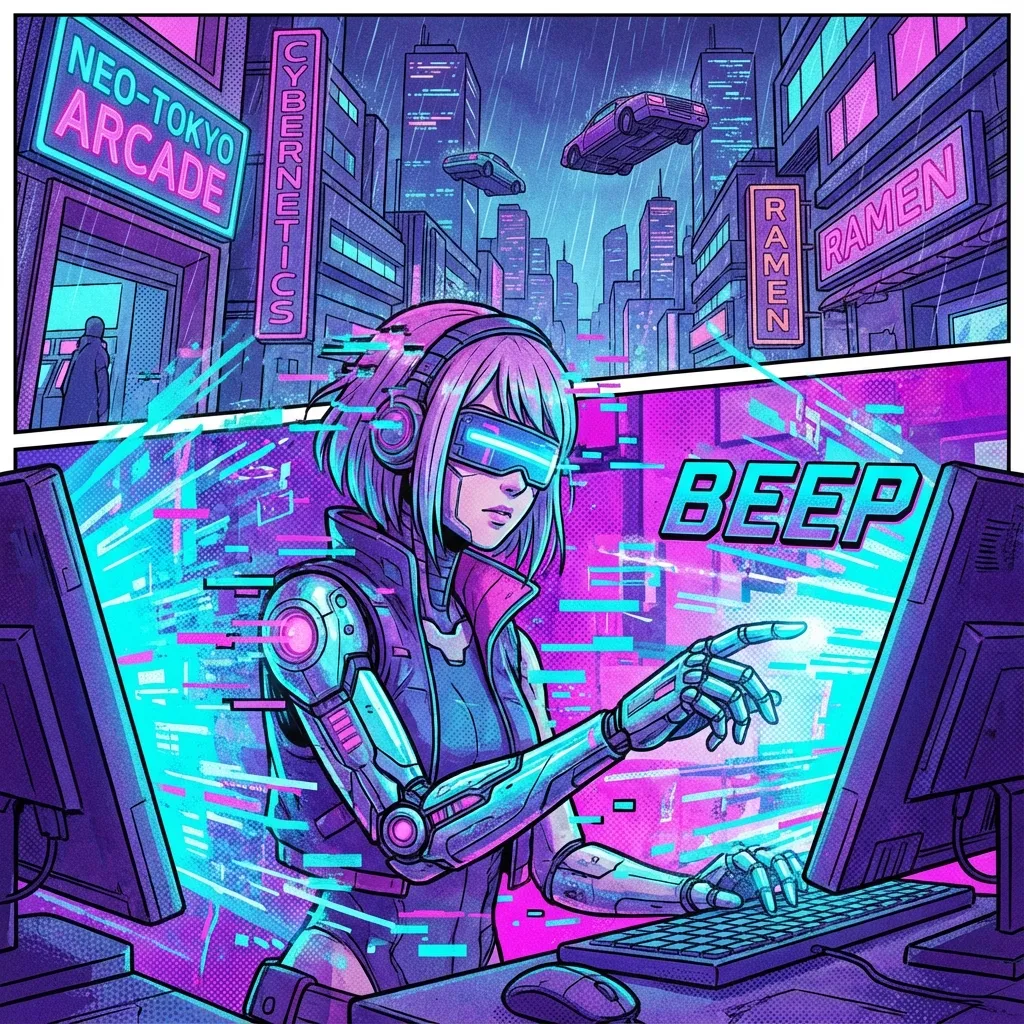
Reference visual for Veo 3.1 in ComicsAI
Launch Snapshot
A quick view of how Veo 3.1 fits into the Comics Video rollout, who it is best for, and what role it plays in the stack.
Status
Premium cinematic video option
Availability
Access depends on current product surface and integration path
Positioning
The premium option for image-to-video hero shots, vertical social clips, and cinematic trailer moments.
Pricing
Best reserved for high-value shots where polish matters more than bulk iteration.
About Veo 3.1
Veo 3.1 is best treated as the premium cinematic option in a comic video workflow. Google has positioned Veo 3.1 around more expressive video generation from images, richer dialogue, more consistent characters and backgrounds, vertical output for mobile-first platforms, and higher-resolution upscaling paths.
For comic creators, that makes Veo 3.1 useful for hero shots: a dramatic reveal, a high-value establishing shot, a trailer intro, or a polished social ad where camera language and atmosphere matter. It is a strong fit when the panel already has a clear subject, lighting direction, and world design.
Use it alongside continuity-focused tools rather than as the only model in a production pipeline. Veo-style prompts should specify the source panel, motion intent, camera movement, aspect ratio, duration, mood, and whether the result is meant for a trailer, YouTube Shorts-style vertical clip, or campaign asset.
Key Characteristics
- →Cinematic image-to-video workflows
- →Vertical video support for mobile-first clips
- →Expressive motion and dialogue-oriented scenes
- →Consistent character and background handling
- →Upscaling paths for sharper delivery
- →Best for premium hero shots and trailers
Best Fit Outputs
These are the use cases where Veo 3.1 is most likely to feel aligned with the way Comics Video creators actually ship content.
Hero trailers and launch reveals
Prestige teasers with strong camera language
Premium ads and cinematic world-building clips
Selection Guide
Choose This Model When
Choose Veo 3.1 when launch polish, environmental realism, and dramatic camera motion are the priority.
Choose Another Model When
Use Happyhorse 1.0 for repeatable continuity-heavy output or Seedance 2.0 for social-native edits that need speed and rhythm.
Release Note
Google's current Veo 3.1 messaging emphasizes richer image-to-video control, vertical output, and higher-resolution delivery paths.
Features
Cinematic Camera Work
Handles push-ins, pans, dramatic reveals, and trailer-style composition with a more filmic visual language.
Premium Atmosphere
Delivers rich lighting, environmental scale, and polished scene energy for standout hero clips.
Showcase Ready
Ideal for flagship product launches, cinematic intros, mood pieces, and premium social ads.
Recommended Workflow
A simple three-step way to think about using Veo 3.1 inside the Comics Video creation flow.
Pick a hero moment, not a filler scene
Veo 3.1 is strongest when you give it a high-value reveal, clean source panel, or emotionally charged key visual.
Specify output shape
Include camera movement, source-image intent, duration, aspect ratio, and whether the clip is meant for trailer or vertical social use.
Pair with continuity-friendly models
Many creators will likely use Veo 3.1 for marquee moments while using other models for repeatable series production.
Example Prompts
Epic hero reveal
Cinematic teaser shot of a lone manga hero overlooking a ruined city at sunrise, slow crane movement, volumetric light, filmic depth, premium trailer styleHigh-end sci-fi promo
Transform a sci-fi comic panel into a polished launch trailer scene with hovering drones, neon reflections, and slow controlled camera motionPrestige fantasy trailer
Animate a fantasy panel into a prestige trailer beat with cape motion, dust, glow particles, and dramatic environmental lightingFrequently Asked Questions
Q: When should I choose Veo 3.1?
Choose Veo 3.1 when your priority is cinematic presentation: hero shots, launch trailers, polished reveals, vertical social clips, and image-to-video scenes that need strong camera movement and atmosphere.
Q: Is Veo 3.1 best for every comic video?
Not always. It is strong for premium shots, but high-volume episode production may also need continuity-focused workflows that preserve recurring characters across many clips.
Q: How do I prompt Veo 3.1 for comics?
Start from a clear panel or image. Specify camera motion, subject movement, aspect ratio, duration, mood, and delivery context, such as trailer intro, vertical teaser, or cinematic reveal.
Related Models
Happyhorse 1.0
Happyhorse 1.0 is ComicsAI’s continuity-first comic-to-video model for turning recurring characters, panels, and story beats into repeatable motion clips.
Seedance 2.0
Seedance 2.0 is useful for short-form comic video, multimodal references, fast action beats, music-friendly edits, and social-ready motion clips.
Sora 2
Sora 2 is a video-and-audio generation reference for comparing physics, dialogue, sound, and motion behavior in comic-to-video workflows.
Veo 3.1 is part of our Comics Video launch lineup
Explore the model details, then join the waitlist to get notified when Comics Video opens to public creators.
Generate a video