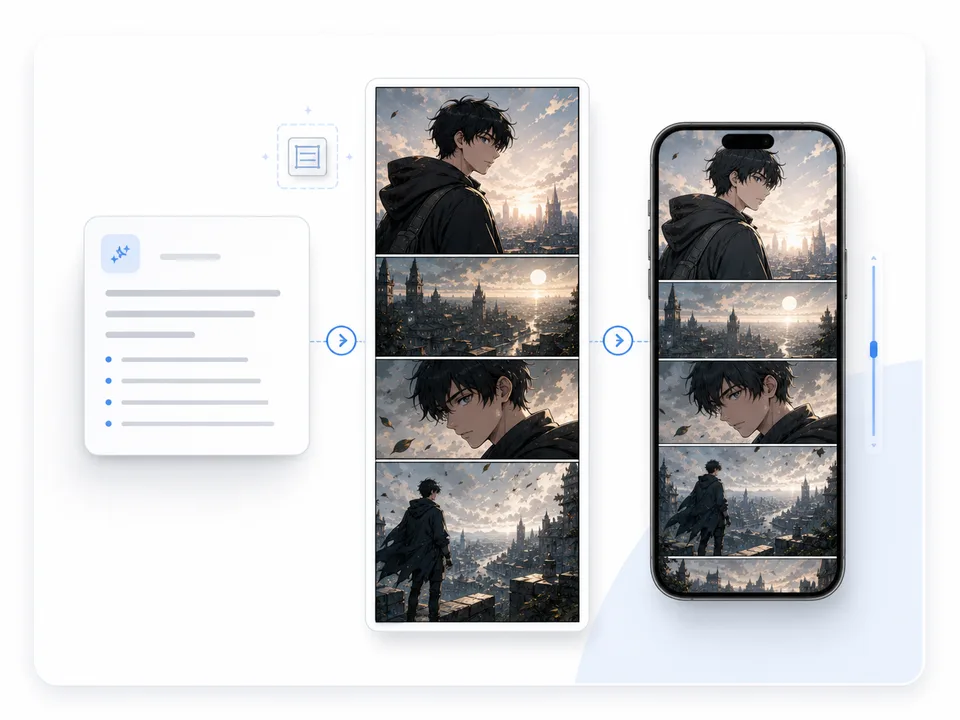
What this tool creates
Use it when you have a written scene and need a vertical webtoon panel or episode asset that can be checked on a phone before it moves into layout or dialogue.
Create vertical webtoon panels from text prompts, scene ideas, and episode beats. Use ComicsAI to plan scroll pacing, readable characters, and mobile-ready scenes before building a full webtoon episode.
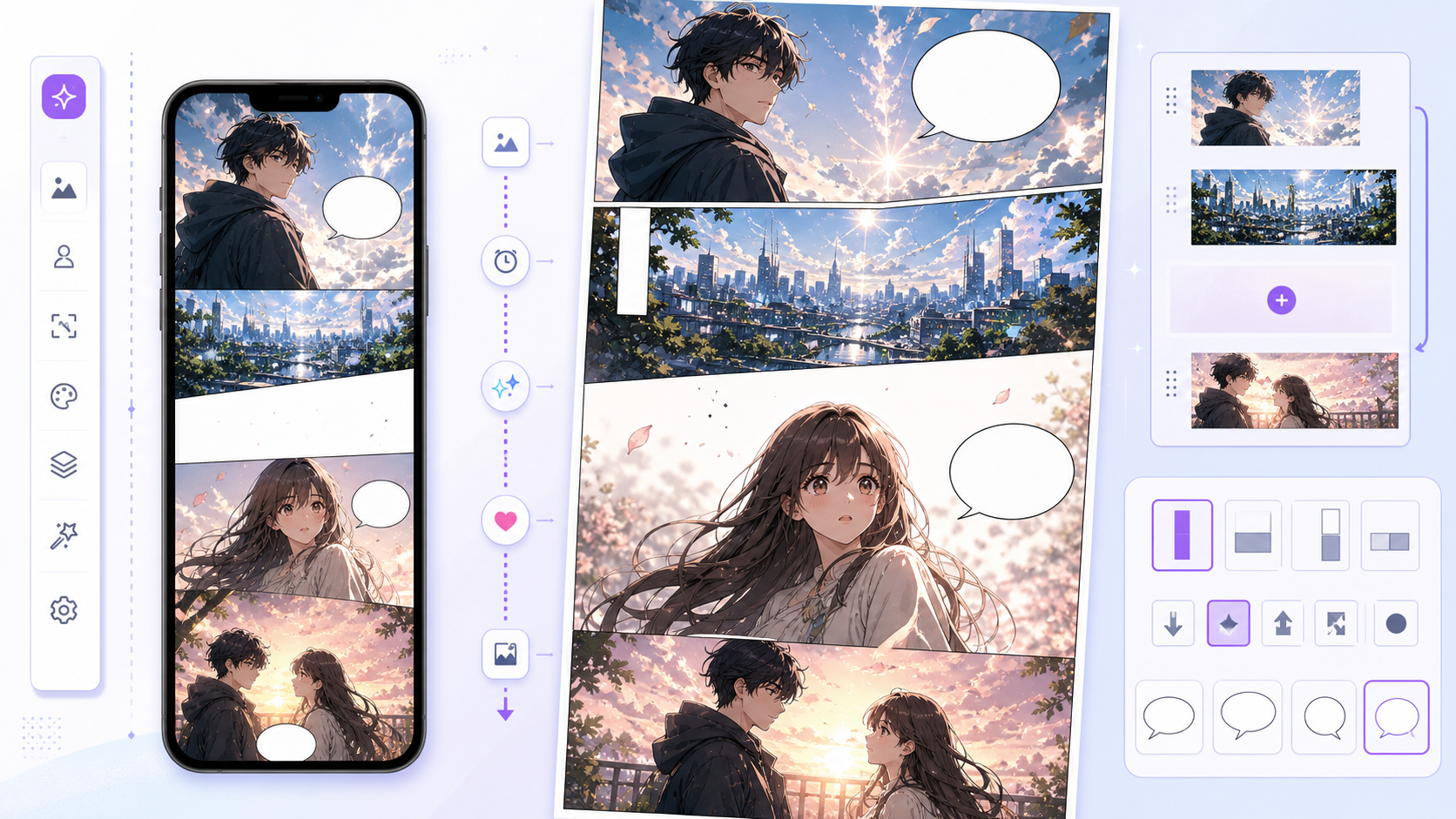
Panel purpose
The result should feel like a usable vertical webtoon panel or episode asset, not just a tall illustration.
Phone readability
The main face, gesture, or object should remain clear in a narrow mobile view.
Scroll timing
The reveal should not appear too early if the beat depends on suspense, hesitation, or a punchline.
AI Webtoon Generator is for prompt-to-webtoon work: a tall panel, scene beat, reaction, reveal, or episode asset. It is not only a webtoon style filter. the workflow helps turn a written direction into a vertical comic draft that can move into layout, captions, dialogue, or episode planning.
A webtoon page fails when it is treated like a wide comic image. The useful draft has phone readability, vertical timing, and space for dialogue. If you start from an existing photo, use Photo to Webtoon; if you need episode structure, use Webtoon Episode Planner.
Start with the real creative job: turn a written scene into a readable vertical panel that can belong to an episode.
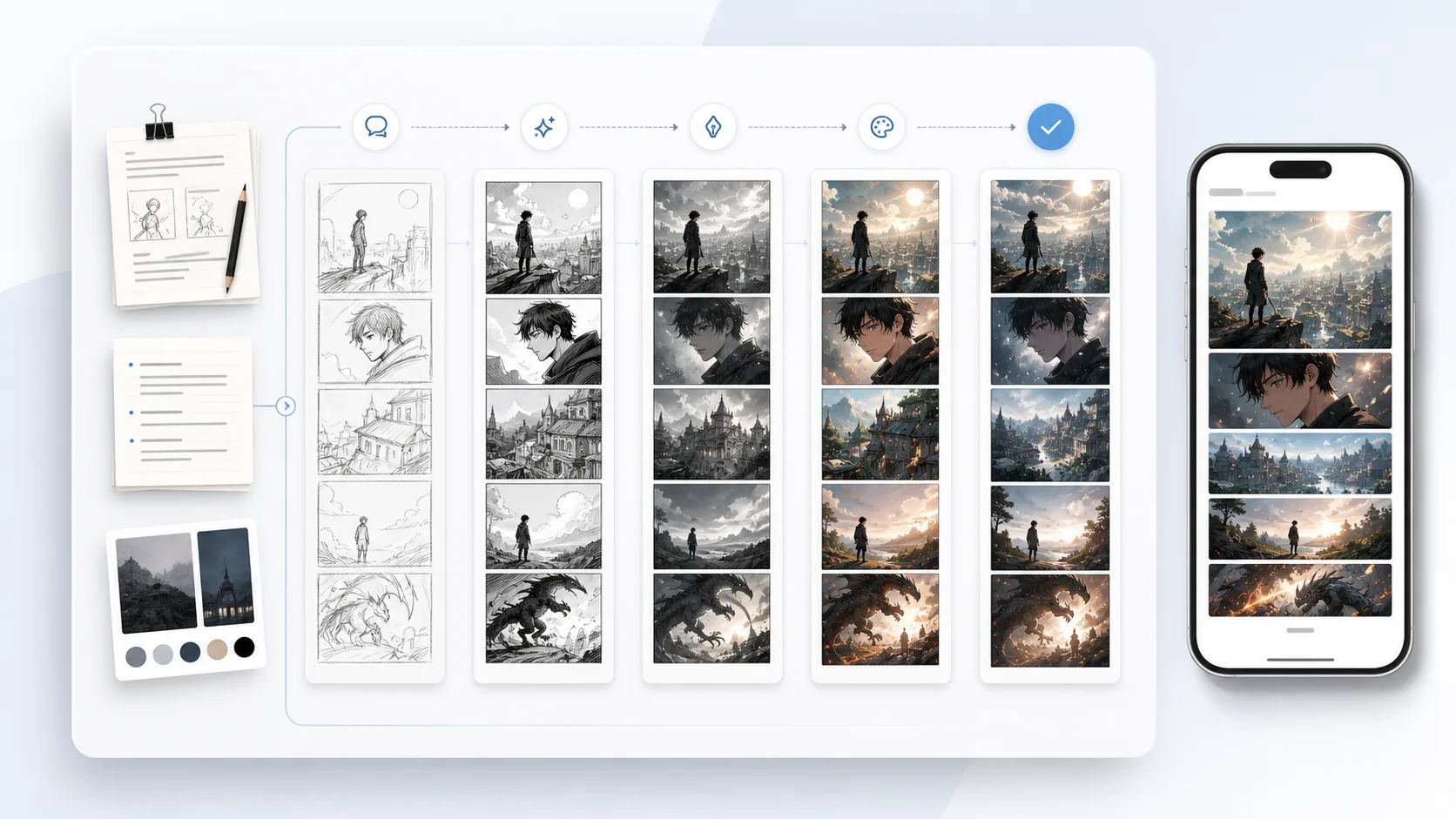
Name the exact moment first: reveal, reaction, pause, impact, transition, confession, joke setup, or cliffhanger.
Ask for a tall webtoon panel, mobile crop, readable face, and one clear focal action instead of a wide comic page.
Leave quiet areas for captions, speech bubbles, effects, or later lettering so the art does not block the story.
Check what the reader sees first, what is delayed, and whether the emotional payoff lands after a short scroll.
Decide whether the result becomes a panel, promo image, transition, character reaction, or reference for the next webtoon scene.
A strong AI Webtoon Generator prompt describes the panel job before the art style. State the scene beat, vertical crop, character emotion, dialogue space, and the next scroll action.
Scene beat + tall webtoon panel + character emotion + mobile-readable focal point + scroll timing + clean area for text + continuity note.
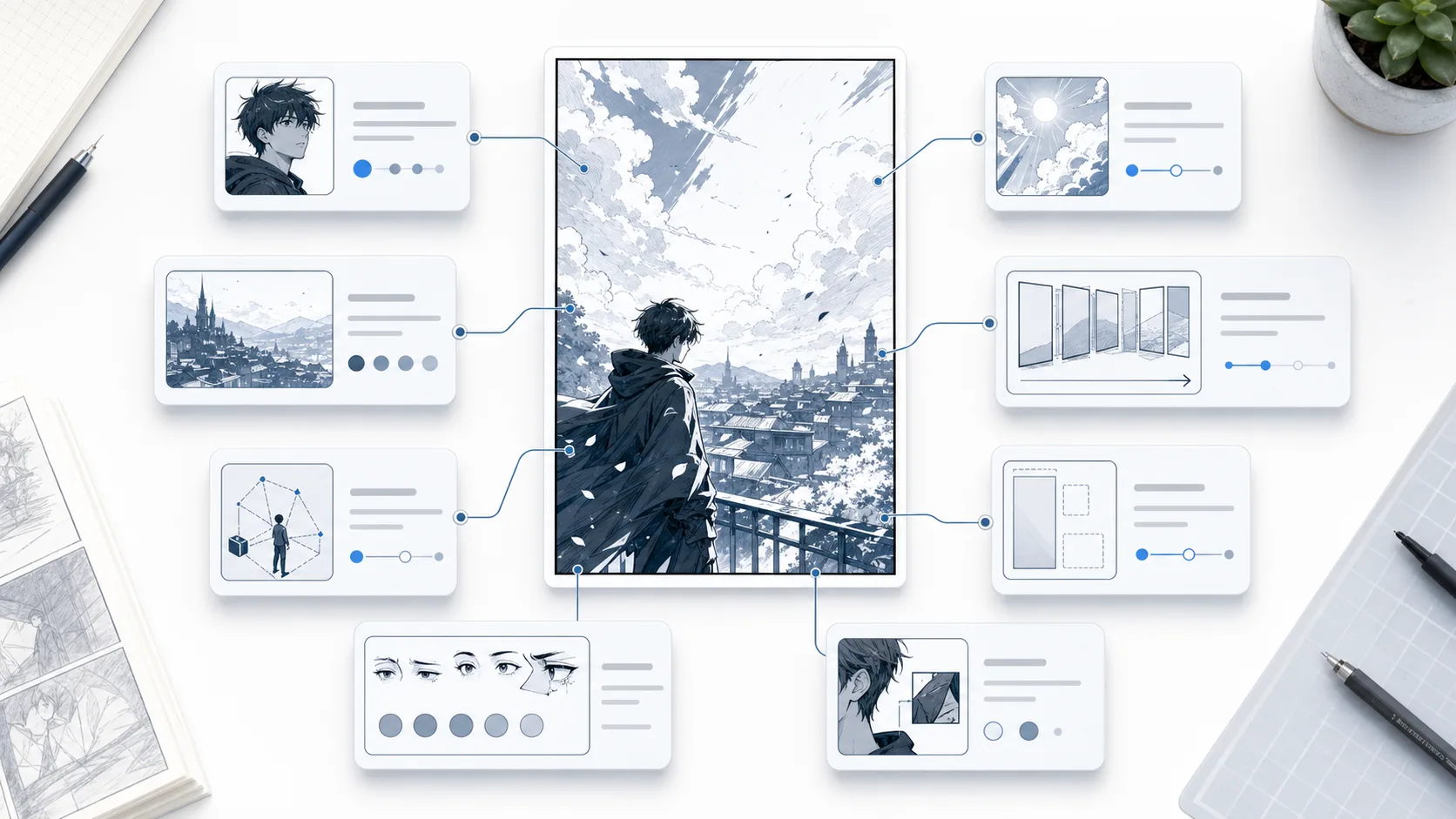
make webtoon art
Tall webtoon panel for a fantasy romance episode: a commuter sees a dragon reflected in the train glass, close readable face, narrow mobile crop, quiet upper space for a caption, long pause before the reflection reveal, soft evening color, keep the school uniform and silver hair consistent.
The stronger prompt tells the generator what the panel must do in a vertical episode. It gives the subject, crop, emotion, text space, scroll delay, and continuity anchors.
Judge webtoon output by mobile reading behavior. A good result should work as a vertical comic panel, not only as a pretty webtoon-style image.
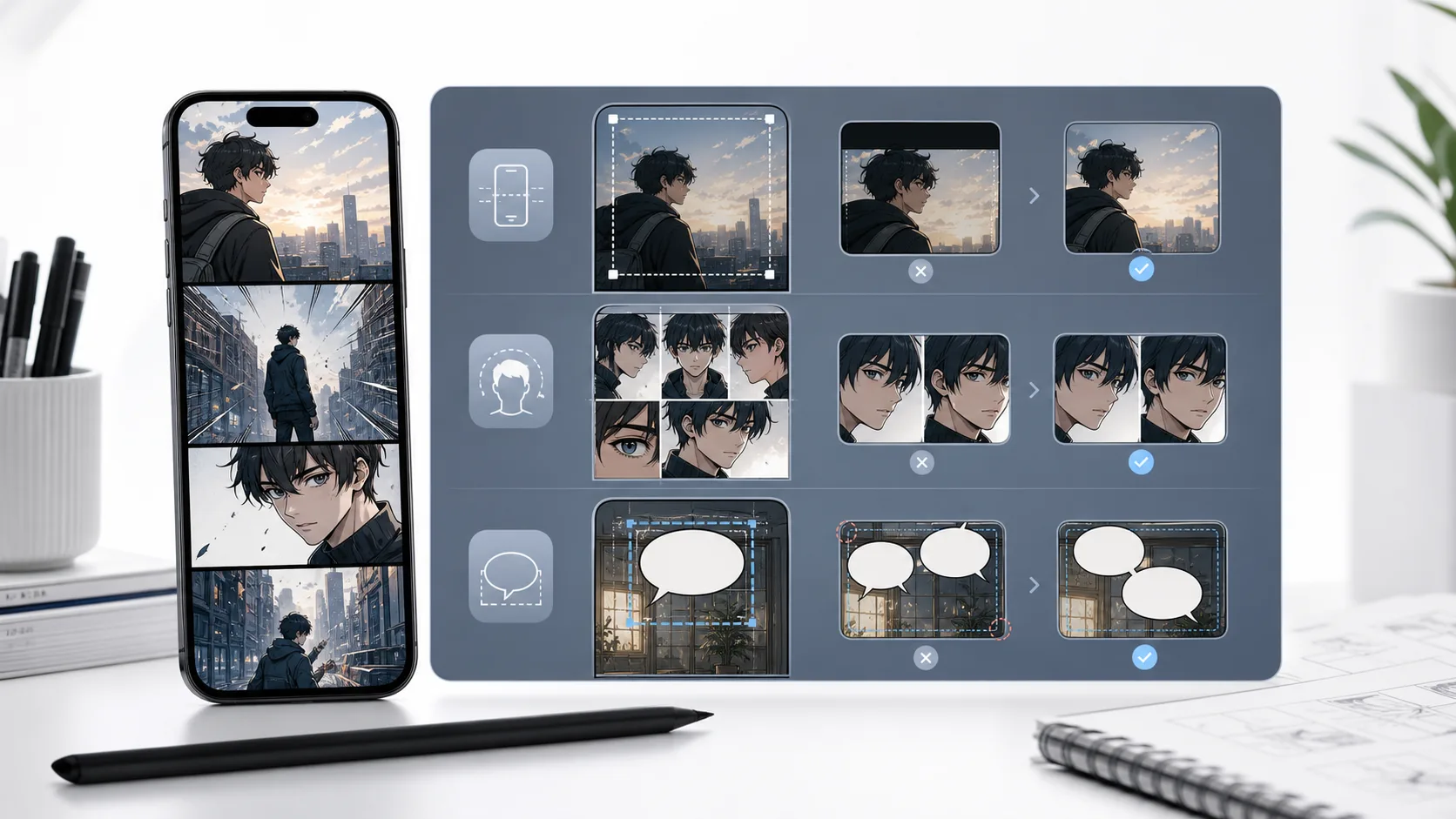
The result should feel like a usable vertical webtoon panel or episode asset, not just a tall illustration.
The main face, gesture, or object should remain clear in a narrow mobile view.
The reveal should not appear too early if the beat depends on suspense, hesitation, or a punchline.
The panel should leave believable space for captions, speech bubbles, or sound effects.
Character clothing, color cues, props, and mood should be reusable in the next generated webtoon beat.
These examples show the difference between a generated webtoon image and a usable vertical episode asset.
The strongest prompt names the beat, the vertical crop, the emotion, and the text-safe area before generation.
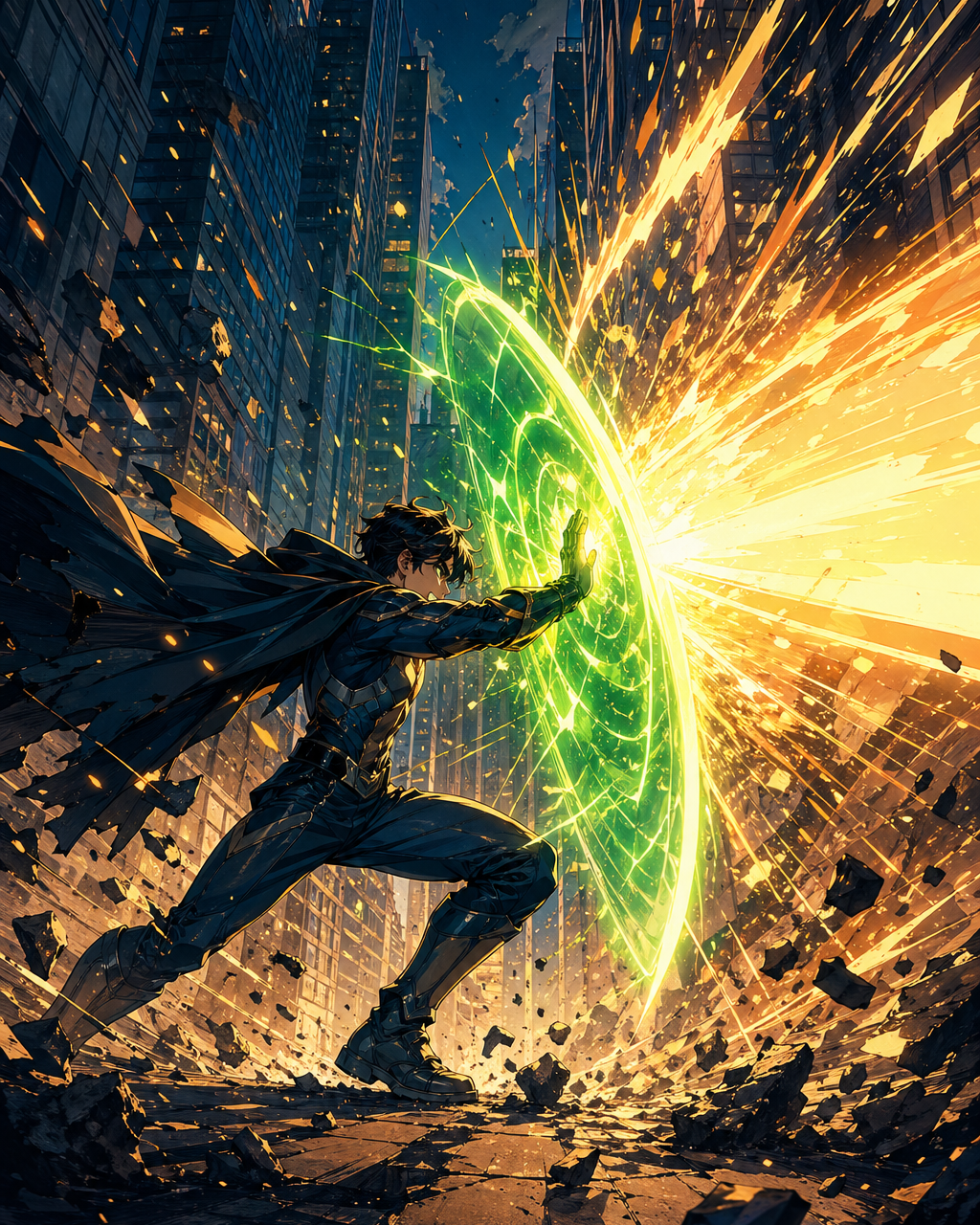
Action panels need enough height, body clarity, and spacing for the impact to land while scrolling.
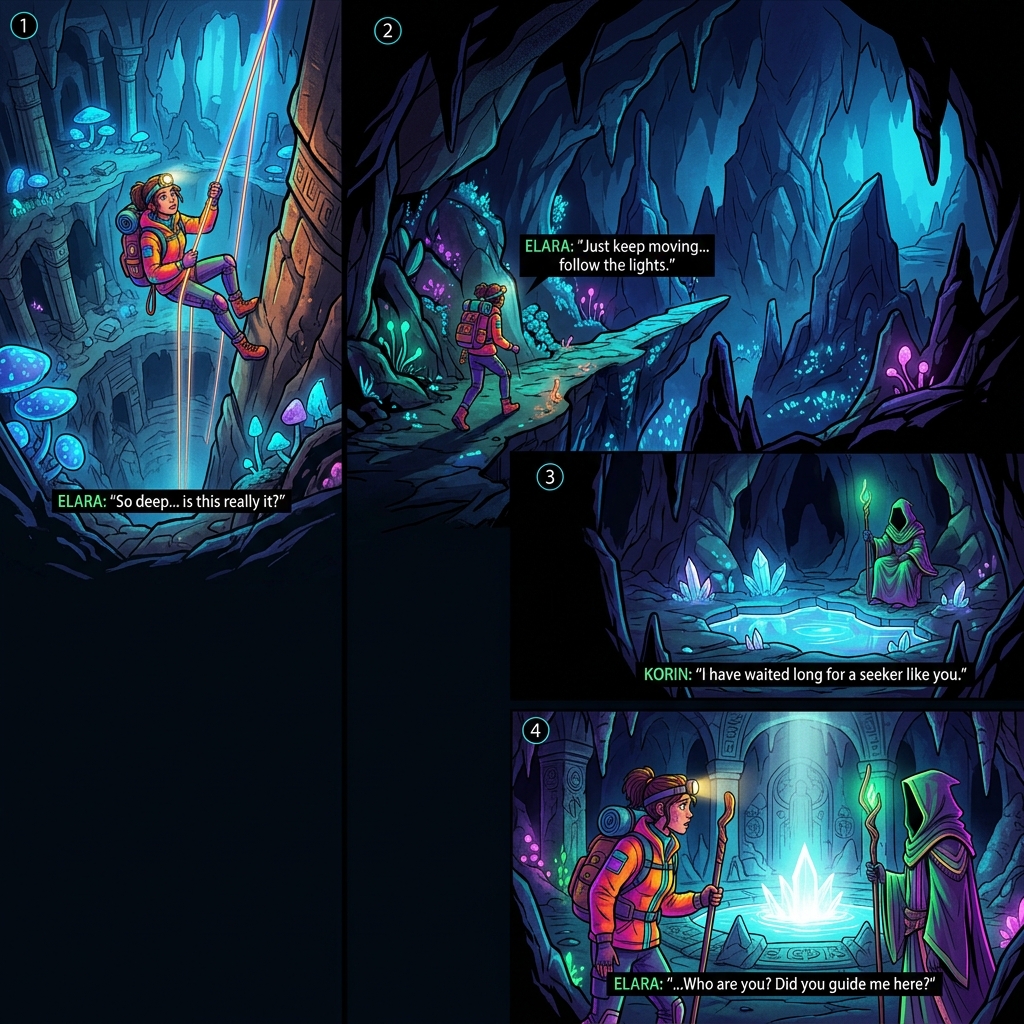
Whitespace, panel height, and delayed reveals turn a single image into a readable webtoon beat.
Use it when you have a written scene and need a vertical webtoon panel or episode asset that can be checked on a phone before it moves into layout or dialogue.
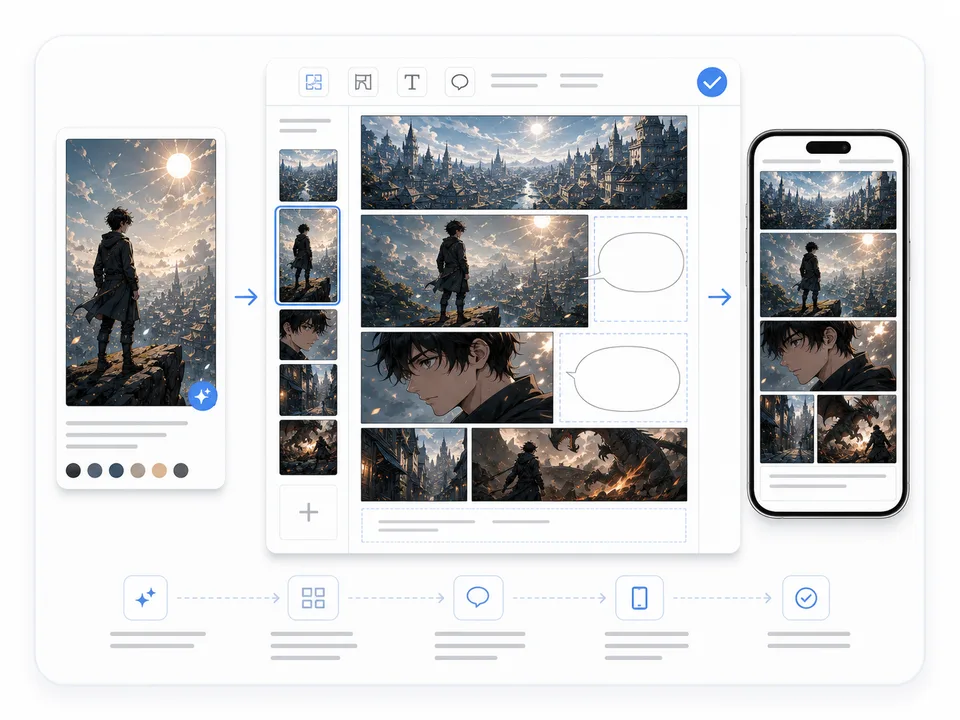
Use this generator for a focused panel or scene asset. Use Webtoon Maker when you need to assemble multiple scenes, dialogue zones, and episode flow.
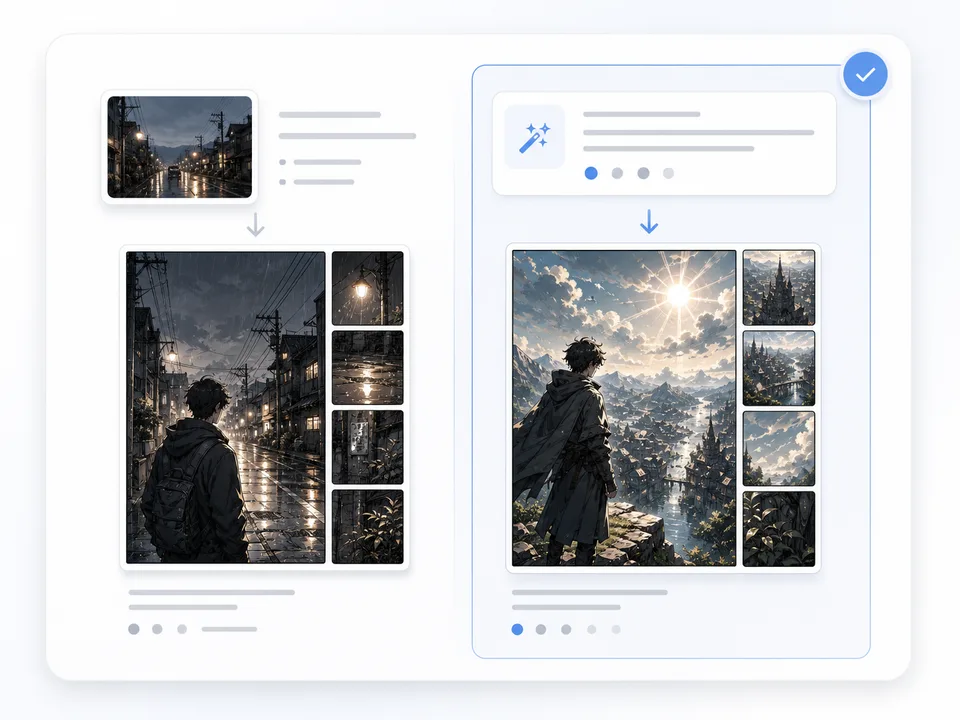
A webtoon AI filter starts from an existing image. This generator starts from a written scene, so it is better for new story beats, reactions, reveals, and reference panels.
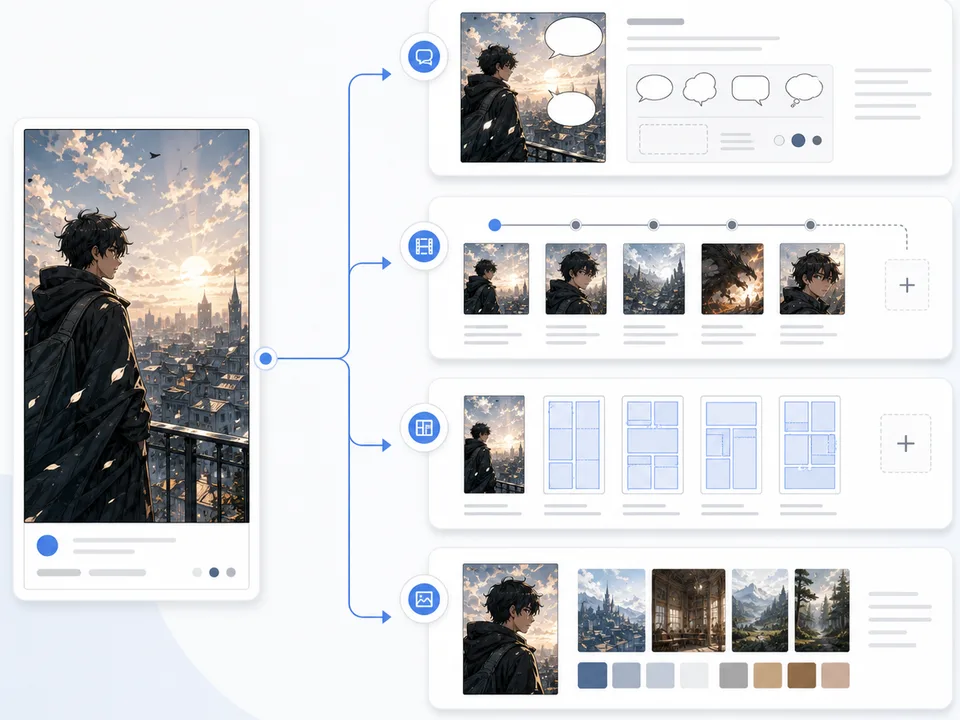
Once a panel works, move it into episode planning, captions, dialogue, and vertical layout so the image becomes part of a usable production flow.
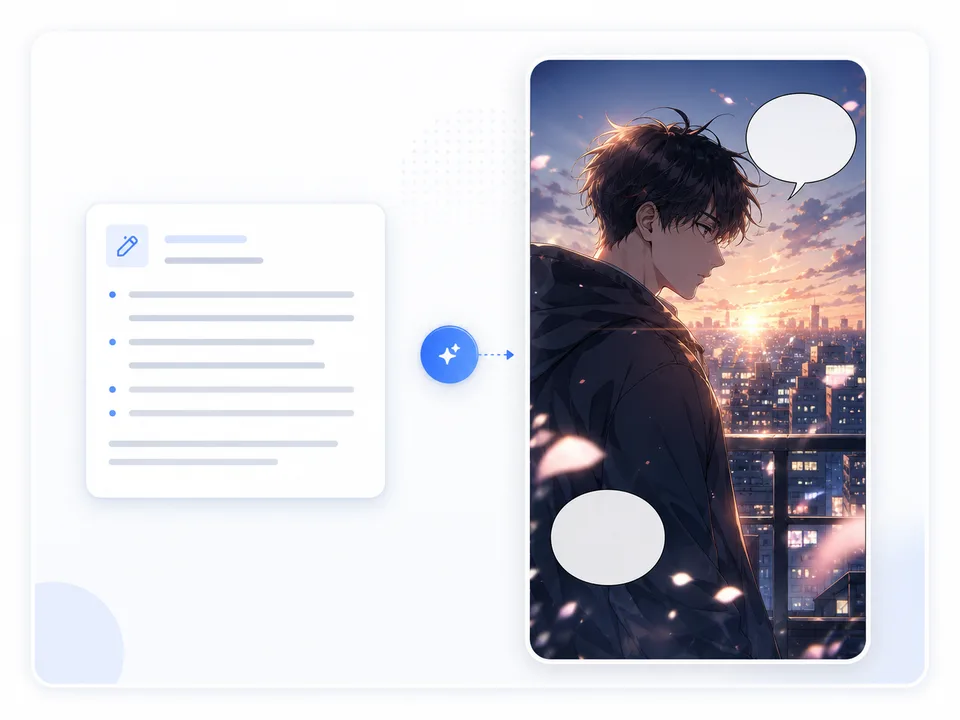
Create a new webtoon panel from a scene beat, character emotion, or short written setup.
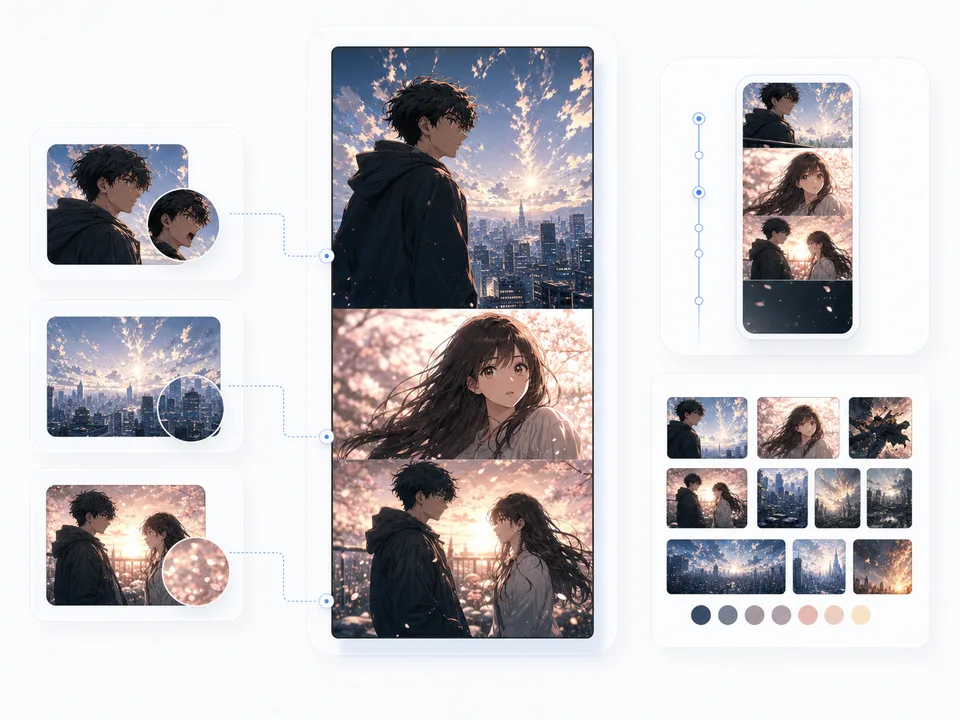
Draft a reaction, reveal, transition, cliffhanger, promo crop, or reference image for a larger webtoon episode.
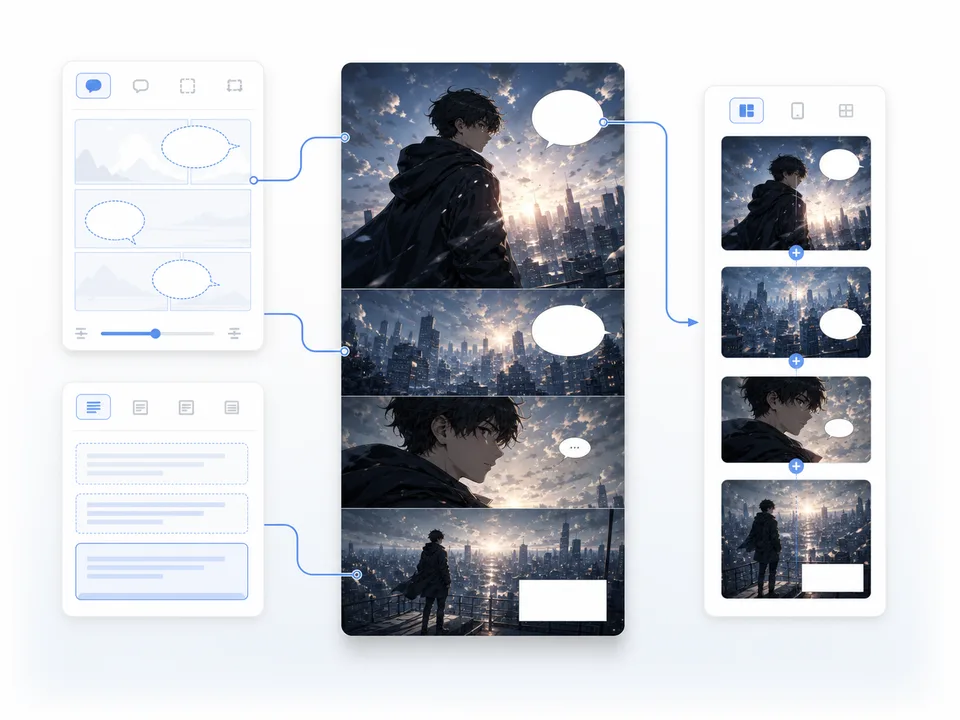
Move from one generated panel into captions, dialogue, layout, or a more complete webtoon maker workflow.
A tall illustration is not enough. The panel still needs mobile readability, scroll timing, and a clear story beat.
If the user has an existing image, Photo to Webtoon is a better fit. This workflow should stay focused on prompt-based generation.
Without outfit, hair, color, prop, or mood anchors, the next webtoon beat can drift away from the same episode.
After a generated webtoon panel works, continue into related tools based on the next job: convert an image, plan the episode, write dialogue, or assemble a broader webtoon draft.
Create nowAn AI Webtoon Generator creates vertical webtoon panels or episode assets from text prompts. It focuses on mobile reading, scroll timing, readable character emotion, and space for captions or dialogue instead of producing a wide comic image.
Yes. Write the scene beat, character emotion, vertical crop, and story role. A focused prompt can generate a reaction panel, reveal, transition, cliffhanger, promo image, or reference for the next webtoon scene.
Yes. A webtoon AI filter usually restyles an existing image. This generator starts from a written prompt and creates a new vertical webtoon beat, so it is better for scene ideas, story moments, and episode assets.
You can build toward one by generating beats in order, but a full episode still needs layout review, dialogue, captions, continuity checks, and pacing decisions. Use this workflow for panels and assets, then move into episode planning.
The best prompts name the scene beat, character emotion, tall webtoon format, mobile-readable focal point, scroll timing, and a clean text area. Add continuity anchors such as outfit, hair, color, prop, or location.