Prompt the panel role
Do not stop at 'manga style.' Name whether the image is a close-up, insert, confrontation, impact panel, quiet pause, or page-opening shot.
AI Manga Generator helps turn prompts into manga-style visual drafts with attention to character emotion, composition, panel use, and manga-specific contrast. It is built for creators testing manga scenes, characters, and story beats.
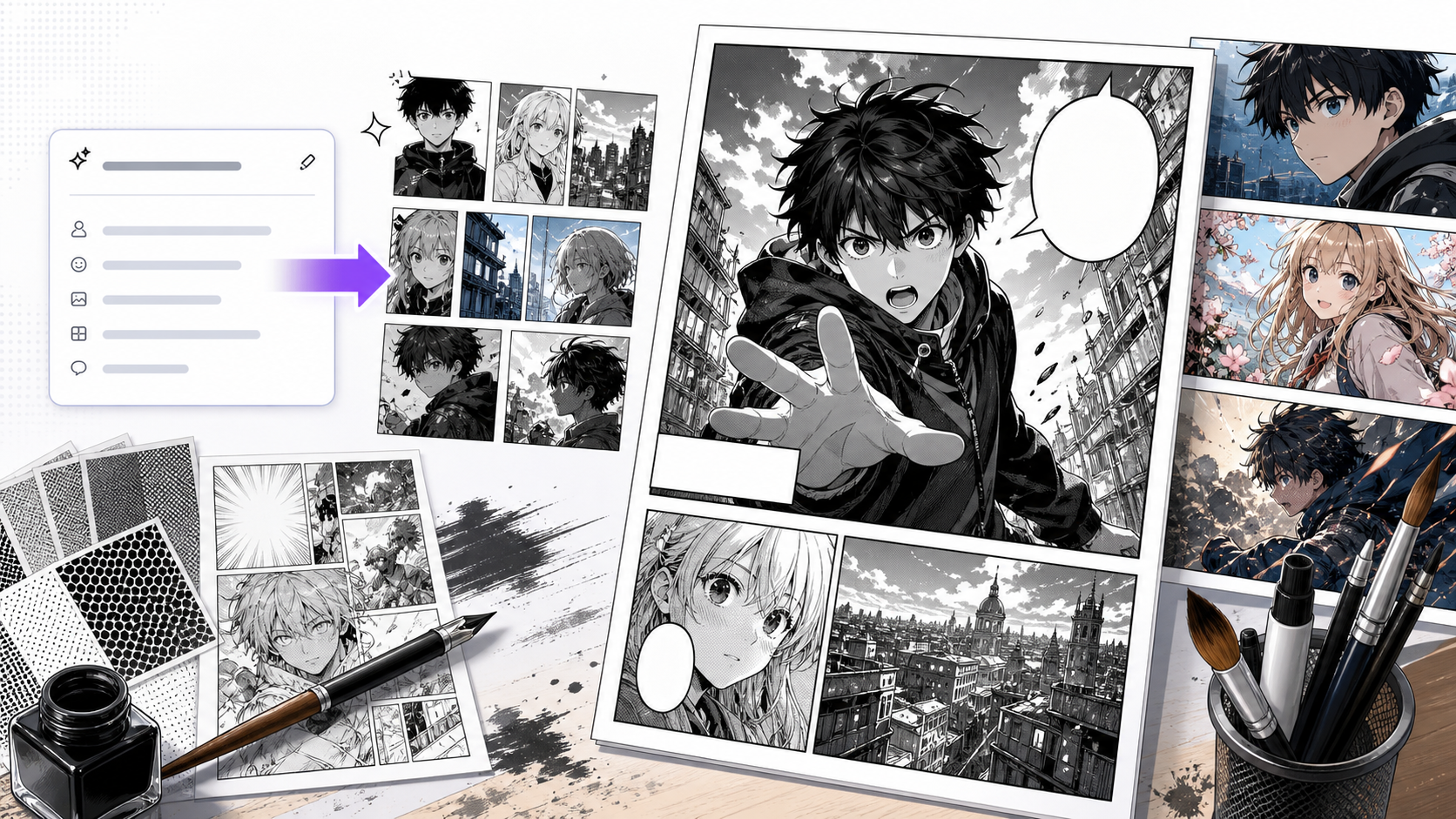
Shot purpose
The camera choice should match the story beat.
Line discipline
Linework and tone should clarify the form rather than obscure it.
Face acting
Manga depends heavily on expression. Weak eyes or mouth shape usually weaken the whole panel.
Use it for a focused production pass
this workflow is useful when you want the speed of AI generation but still need manga decisions: where the eye lands, how the scene breathes, how much tone to use, and whether the character's reaction is strong enough.
AI can imitate manga surface quickly, but imitation is not the same as manga storytelling. A strong result needs a beat, a readable face or action, and page-aware composition.
A simple workflow that keeps the output readable
AI manga generation should be treated as draft development: prompt, compare, simplify, then decide whether the image belongs in a page.
Name what the character feels or what the reader should anticipate.
Choose close-up, full body, insert, wide scene, speed action, or silent pause.
Specify clean linework, screentone density, black areas, or soft gradients depending on the scene.
Compare by emotion and composition before judging style polish.
Keep the version that can accept speech, crop cleanly, or connect with another beat.
Prompt structure
A useful AI Manga Generator prompt begins with the asset you need, not a list of style adjectives. Give the model a visible subject, the production role, and the review focus: black-white balance, panel rhythm, eye path, expression clarity, tone density, and speech space.
Subject + visible change + manga draft role + single panels, social manga art, page inserts, and concept frames + inked line work, screentone texture, expressive faces, and manga camera angles + review rule: anchor the prompt in one emotion, one action, and one composition choice.
anime manga girl beautiful
a magical girl standing under broken streetlights after a quiet victory, designed for single panels, social manga art, page inserts, and concept frames, with inked line work, screentone texture, expressive faces, and manga camera angles; make the reader understand that anchor the prompt in one emotion, one action, and one composition choice; leave clean space for later editing and keep the focal point clear.
The stronger version names the subject, the visible change, and the asset role. It also tells the tool what success looks like for manga page production: black-white balance, panel rhythm, eye path, expression clarity, tone density, and speech space.
Quality checks
A good AI Manga Generator result should feel page-ready enough to evaluate, even before final lettering or redraw.
The camera choice should match the story beat.
Linework and tone should clarify the form rather than obscure it.
Manga depends heavily on expression. Weak eyes or mouth shape usually weaken the whole panel.
The draft should suggest where it belongs in a sequence.
Visual references
These examples show prompt-to-manga directions: action rain, quiet romance, and mobile-friendly scene framing.
Prompt-based manga generation works best when shot type, expression, tone density, and speech space are planned together.
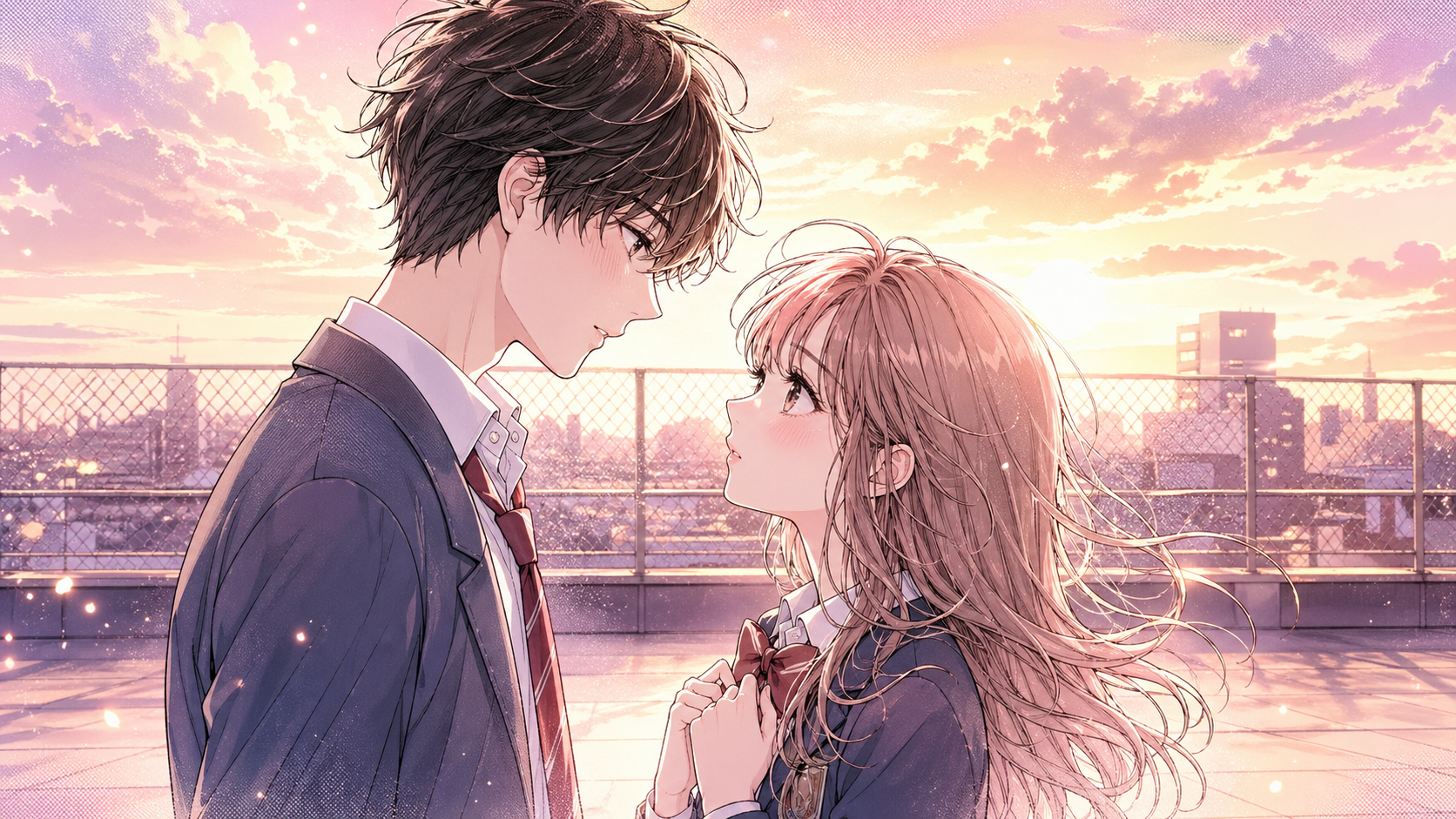
Soft setting and expression work when the panel needs intimacy instead of impact.
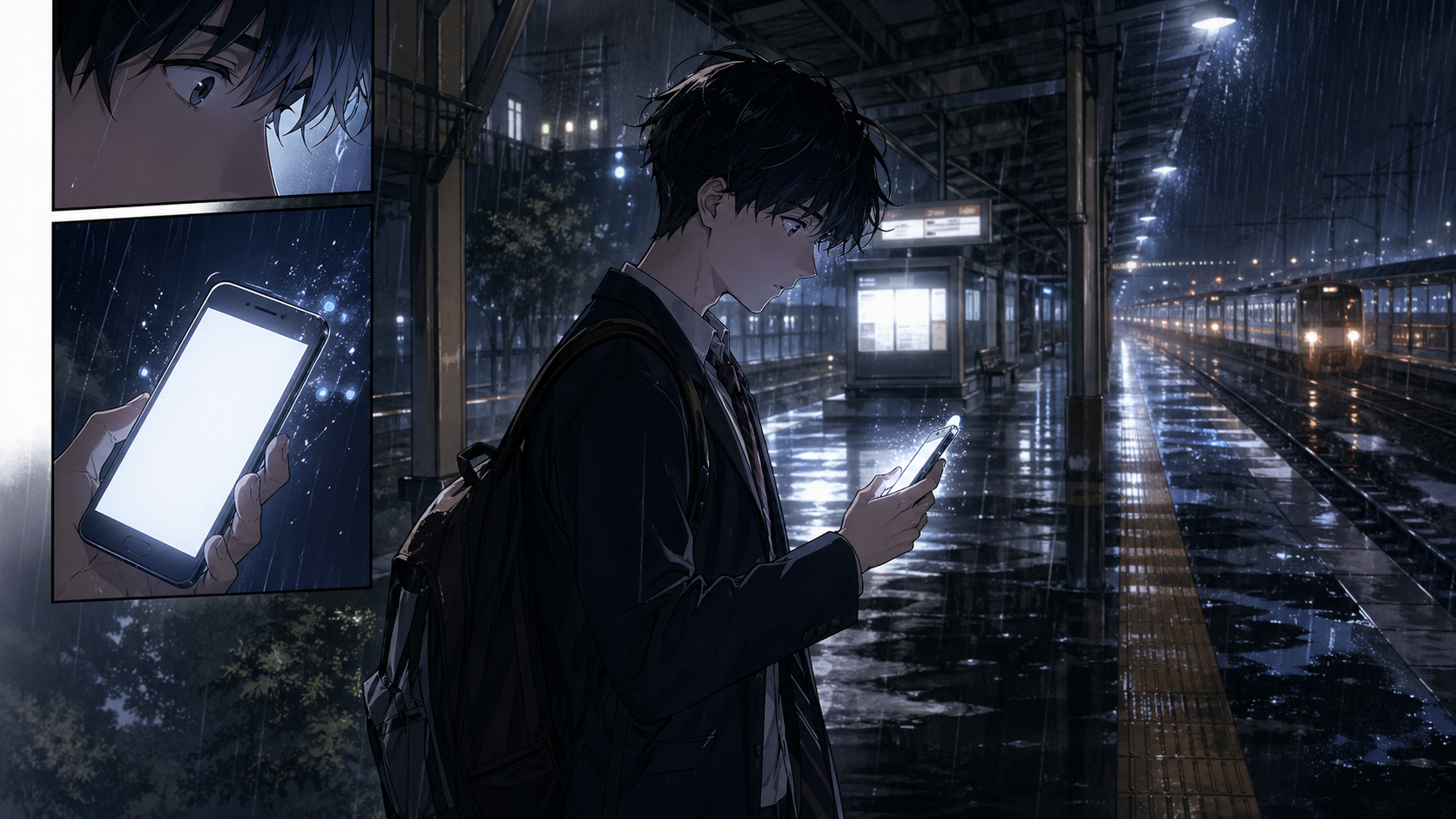
Public locations need clean subject focus so the environment does not swallow the character.
Creator guide
Do not stop at 'manga style.' Name whether the image is a close-up, insert, confrontation, impact panel, quiet pause, or page-opening shot.
When choosing between outputs, look at whether the character feeling reads clearly before judging hair detail, costume polish, or background beauty.
If a manga draft works, save the tone direction: clean linework, heavy blacks, soft screentone, speed lines, or sparse background. Reuse that note later.
Compare how different manga shots handle the same story beat.
Generate rough visuals before committing to a page layout.
Close-up, insert, and wide shot prompts produce different story effects.
Heavy texture can make manga drafts harder to read.
After generating manga art, continue with speech bubble planning, manga page structure, photo-to-manga references, or story beats.
Create nowInclude character emotion, scene pressure, camera shot, manga style, tone density, and whether space is needed for dialogue.
Yes. Ask for black-and-white line art, screentone balance, and clear shadow grouping to avoid muddy grayscale output.
The prompt may be asking for character style rather than panel behavior. Add panel role, tone rules, and reading context.
Yes as a draft and ideation tool, especially when you save character anchors and review each image for continuity.