Start from rhythm, not decoration
Manga pages depend on pauses, reactions, impacts, and silent beats. Decide the rhythm of the moment before asking for screentone or line style.
Manga Maker is for creators shaping manga-style scenes with panel rhythm, expressive faces, and page flow. It focuses on manga decisions such as contrast, silence, reaction timing, black-white balance, and where dialogue should sit.

Manga rhythm
The image should feel like a beat inside a page, not isolated fan art.
Expression clarity
The emotion should read even if the background is removed.
Tone control
Screentone, shadows, and line density should guide the eye, not fill space randomly.
Use it for a focused production pass
Use Manga Maker when the goal is not just anime-style art, but a readable manga moment. Manga pages depend on rhythm: the pause before impact, the close-up after a reveal, the small insert that changes meaning. this workflow helps translate that rhythm into usable draft material.
The weak approach is asking for 'manga style' and hoping the result reads like manga. Surface marks are not enough. You need panel pressure, expression clarity, tone control, and a reason for each shot.
A simple workflow that keeps the output readable
Manga Maker works best when you decide the emotional rhythm before generating the visual style.
Decide whether the moment is silence, shock, impact, comedy, intimacy, or transition.
Even colored manga drafts need contrast discipline. Ask for clear light, shadow, and uncluttered focal areas.
Manga often carries story through eyes, mouth shape, posture, and tiny reaction details.
Plan dialogue placement early so speech does not collide with faces or action.
Check whether the image could sit before or after another panel without breaking the reading flow.
Prompt structure
A useful Manga Maker prompt begins with the asset you need, not a list of style adjectives. Give the model a visible subject, the production role, and the review focus: black-white balance, panel rhythm, eye path, expression clarity, tone density, and speech space.
Subject + visible change + manga draft role + manga pages, single panels, character scenes, and chapter concepts + screentone, close-ups, speed lines, hatching, expressive eyes, and page balance + review rule: write the emotional beat and panel role before describing the art style.
make manga art
a shonen hero pausing before a rain-soaked tournament gate, designed for manga pages, single panels, character scenes, and chapter concepts, with screentone, close-ups, speed lines, hatching, expressive eyes, and page balance; make the reader understand that write the emotional beat and panel role before describing the art style; leave clean space for later editing and keep the focal point clear.
The stronger version names the subject, the visible change, and the asset role. It also tells the tool what success looks like for manga page production: black-white balance, panel rhythm, eye path, expression clarity, tone density, and speech space.
Quality checks
A useful manga draft should show more than style. It should support pacing, expression, and reading order.
The image should feel like a beat inside a page, not isolated fan art.
The emotion should read even if the background is removed.
Screentone, shadows, and line density should guide the eye, not fill space randomly.
Dialogue needs clean zones that do not cover the acting.
Visual references
These references are selected for manga rhythm: action pressure, emotional pause, and page-readable line language.
A manga draft should balance page layout, action pressure, emotional pause, screentone, and bubble space.
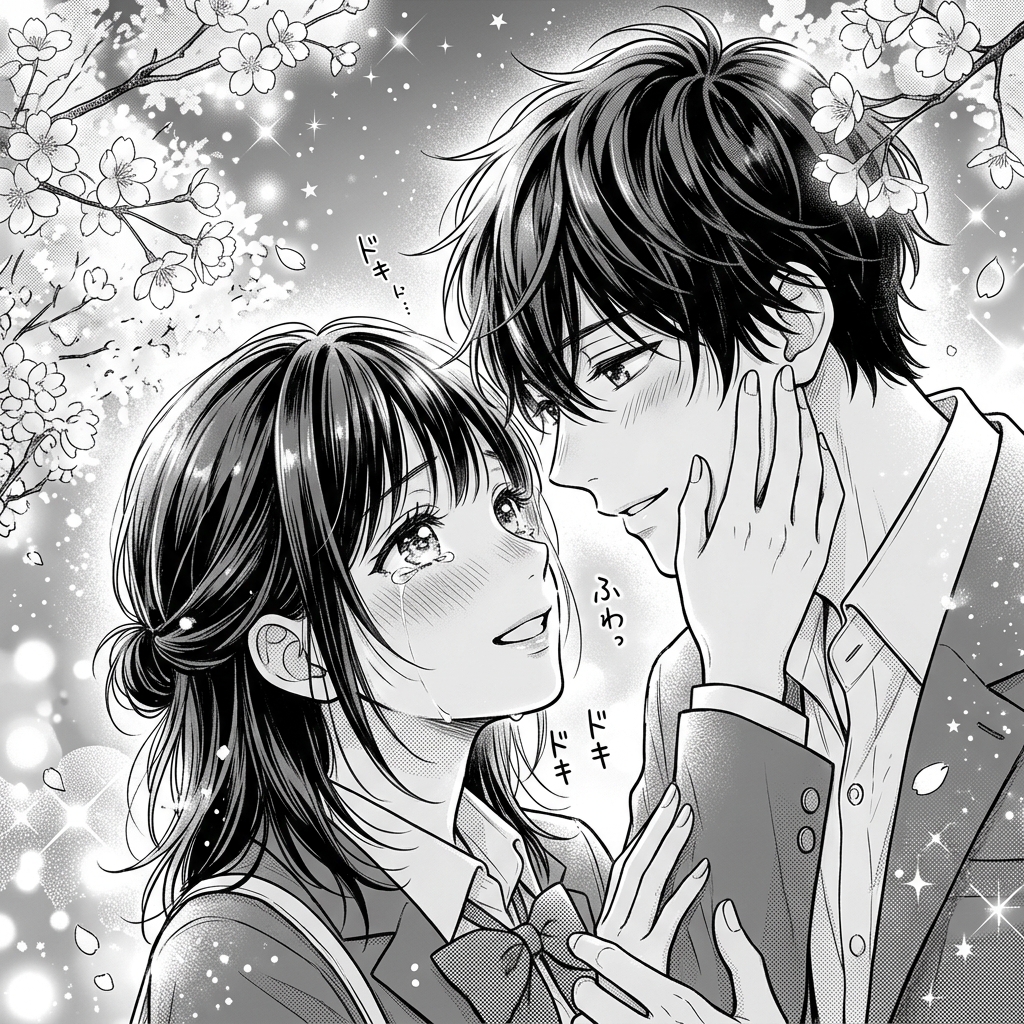
Shojo scenes rely on expression, softness, and carefully placed negative space.
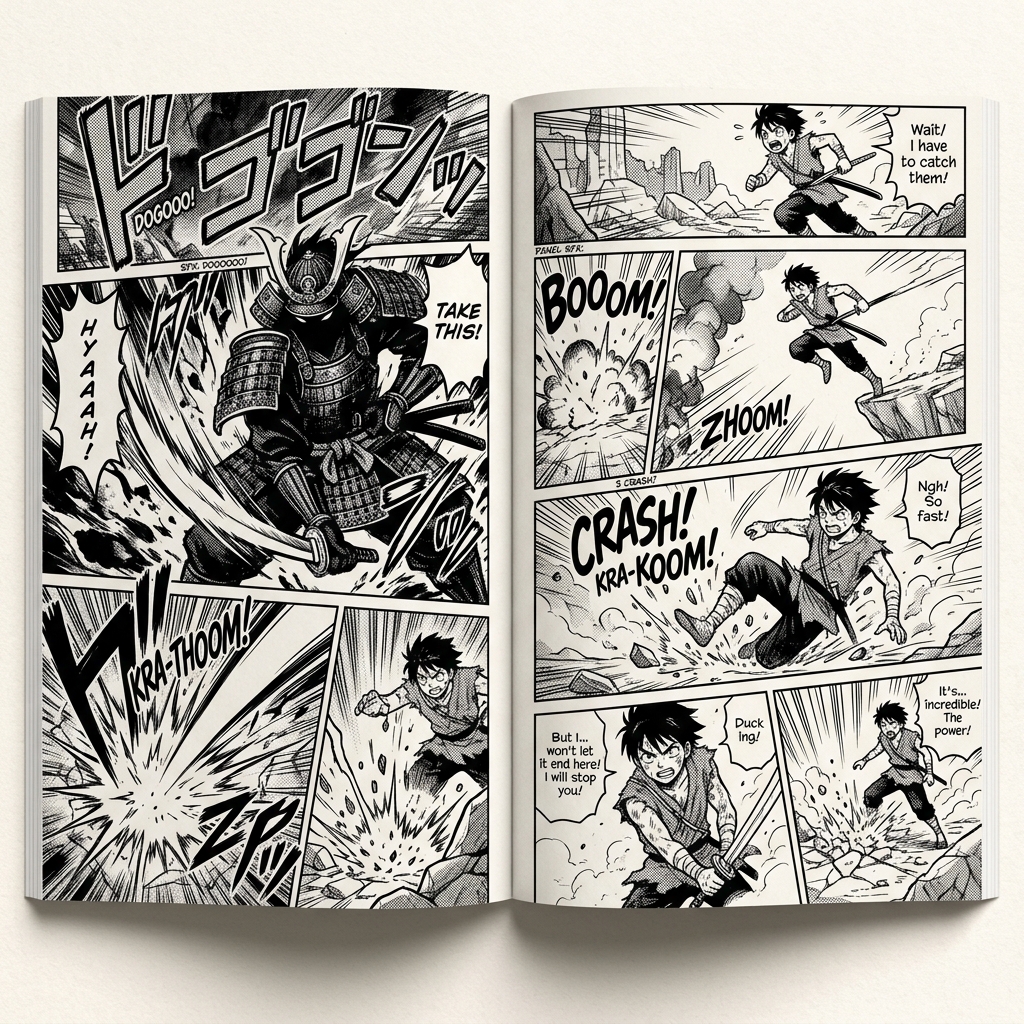
Line weight, tone, and panel intent matter more than surface manga decoration.
Creator guide
Manga pages depend on pauses, reactions, impacts, and silent beats. Decide the rhythm of the moment before asking for screentone or line style.
Black areas, white space, speed lines, and tone density should tell the reader where the scene accelerates or slows down.
Expression, posture, and eye direction often carry more story than background detail. Do not let texture cover the performance.
Visualize one emotional or action moment before building the workflow.
Create art that leaves space for dialogue and narration.
Manga marks do not replace panel rhythm, expression, and story pressure.
Screentone should guide the eye, not hide faces or gestures.
Manga Maker pairs naturally with manga speech bubbles, AI manga generation, photo-to-manga conversion, and story planning.
Create nowManga Maker focuses on page-readable manga moments: panel rhythm, expression, tone, and dialogue space. Anime art generators often optimize for standalone character images.
Yes, but start with individual beats and page planning. Full manga pages work best after you define panel order and speech space.
Use fewer props, stronger contrast, clearer expressions, and simpler backgrounds. Manga readability often improves when detail is removed.
For cleaner pages, reserve bubble space and add final text separately.