Comic Book Generator
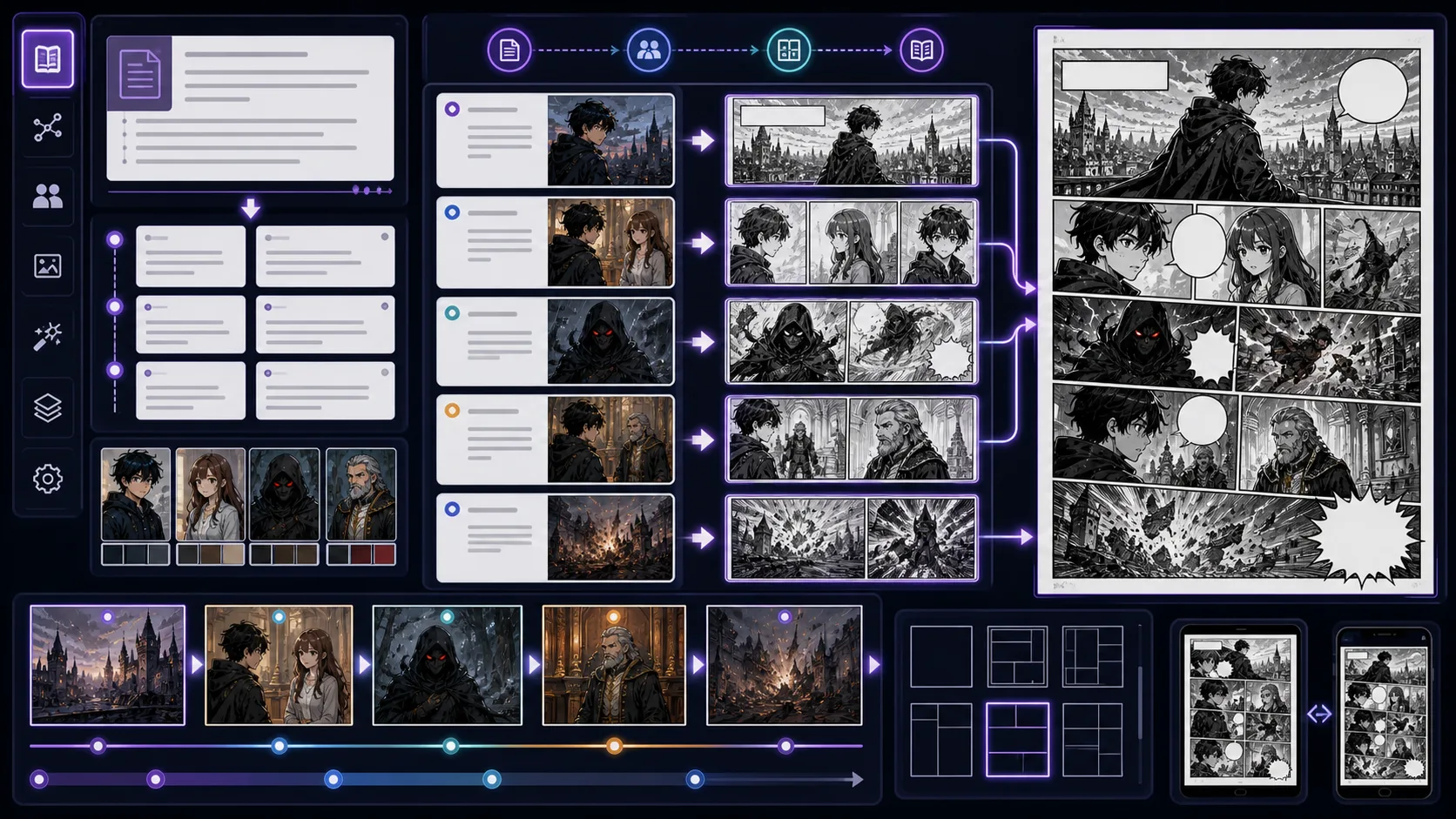
Use ComicsAI as a comic book generator when you need more than one good panel. Plan a story idea into pages, panels, captions, character anchors, cover direction, and a draft that can move toward print or PDF export.
 Story
Story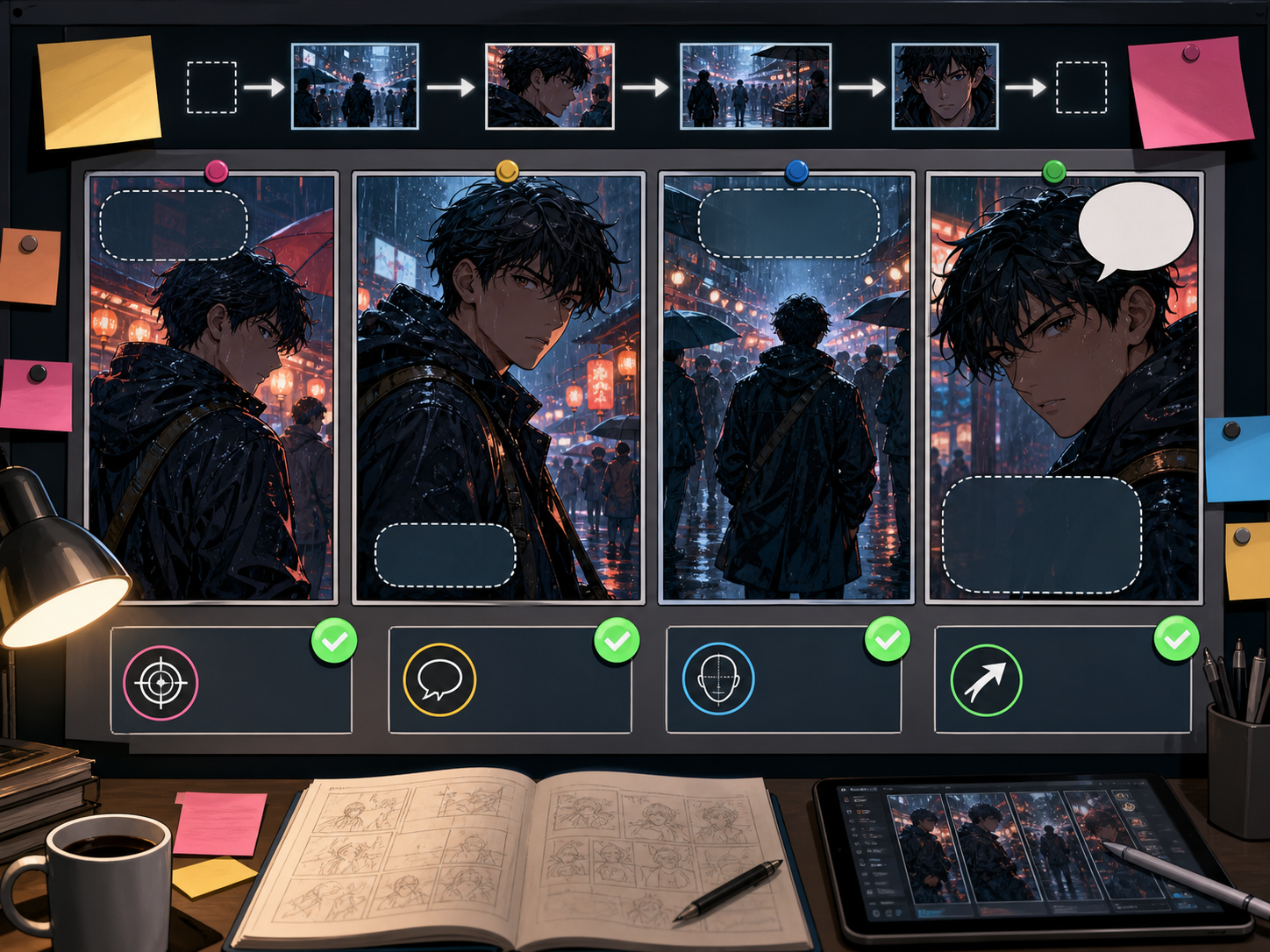 Sequence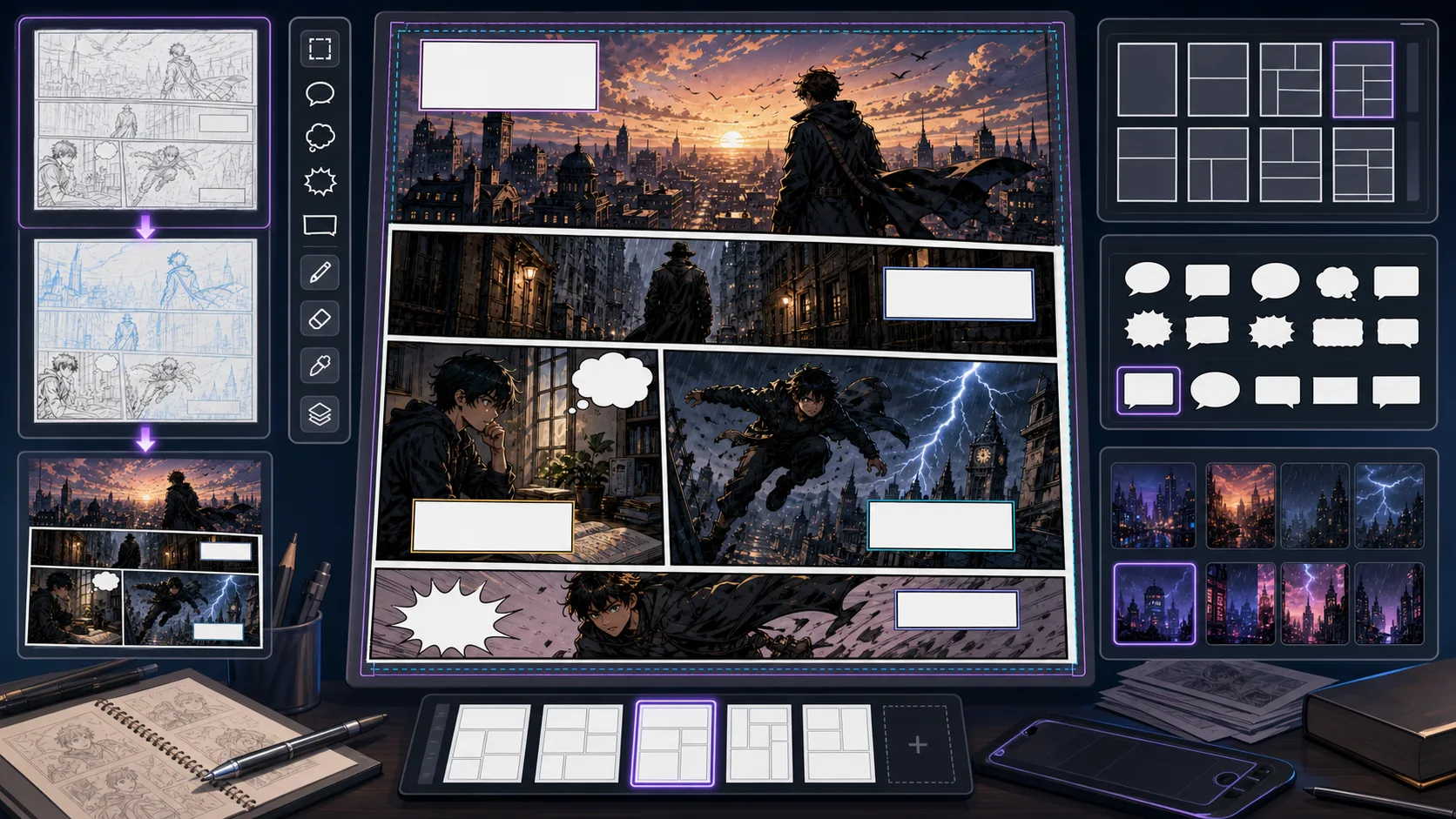
Build a comic book brief
Call the story-plan API to turn a loose idea into a reusable production brief before you generate final pages.
Story input
Describe the premise once, then tune the book shape.
Comic book brief
Live brief updates as you edit the story input.
Premise: A 12-page mystery comic about two siblings finding a radio signal under an old pier.

Format: 12-page comic book draft

Visual style: Modern comic

Tone: Mystery

Page plan: Pages 1-2: setup / Pages 3-5: discovery / Pages 6-9: pressure / Pages 10-12: reveal

Character anchors: two siblings, distinct outfits, repeatable silhouettes; Mystery acting beats; consistent colors and speech space

Cover direction: Modern comic cover: A 12-page mystery comic about two siblings finding a radio signal under an old pier

Generation rule: keep panels readable, leave speech-bubble space, and review continuity before export.
Make a comic book, not just one comic image
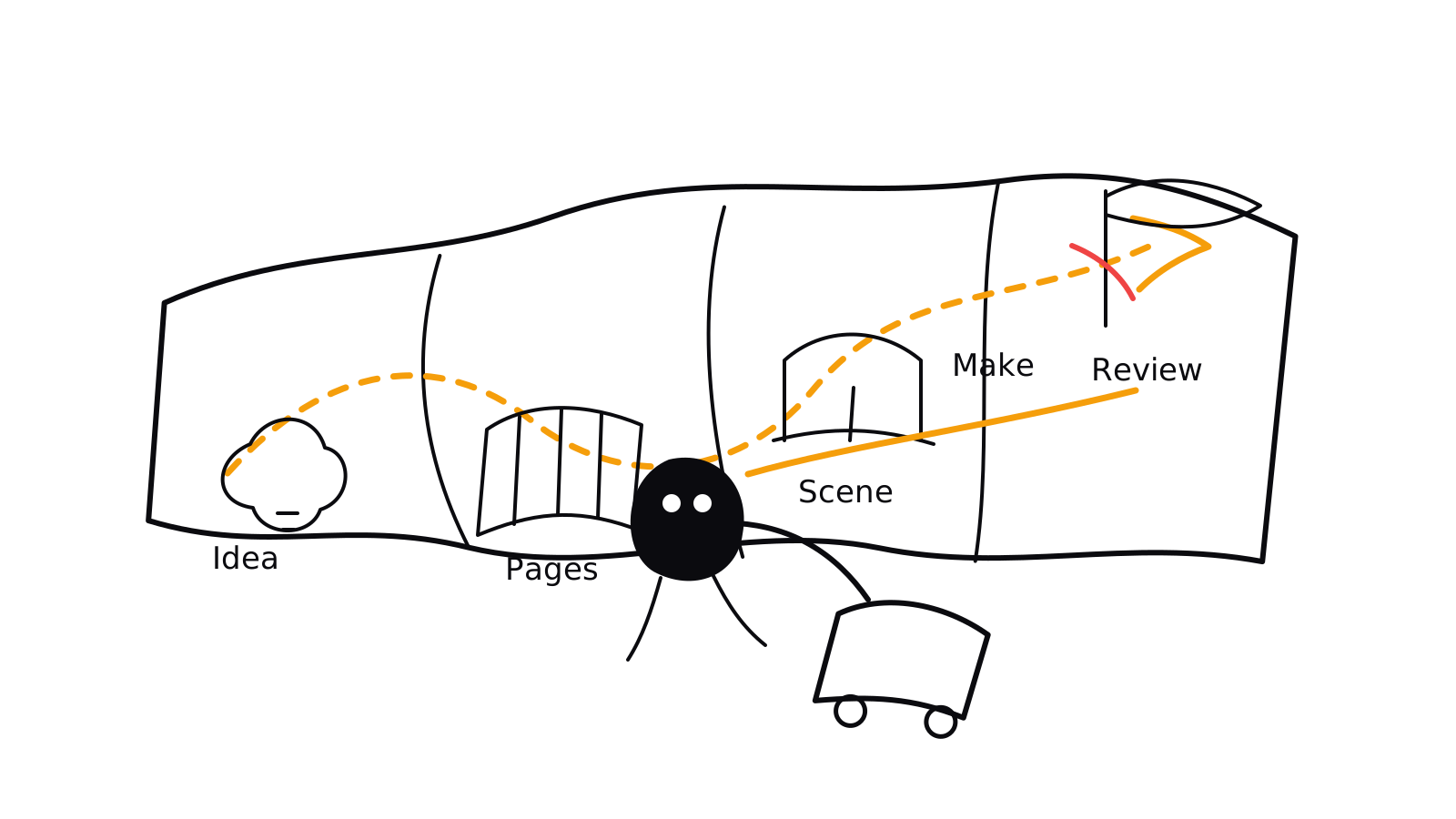
Comic Book Generator is for creators who want a complete comic book workflow, not a single poster image. Start with the premise, choose the workflow count, split the story into scenes, map each scene into pages, and generate panels with enough room for captions and speech bubbles. This keeps the comic book readable from first page to last page.
- Turning a story idea into a short comic book outline before drawing or generating art.
- Planning 6-page, 12-page, or 24-page comic book drafts with clear page jobs.
- Keeping recurring characters, props, costumes, and locations consistent across pages.
How to create a comic book with AI
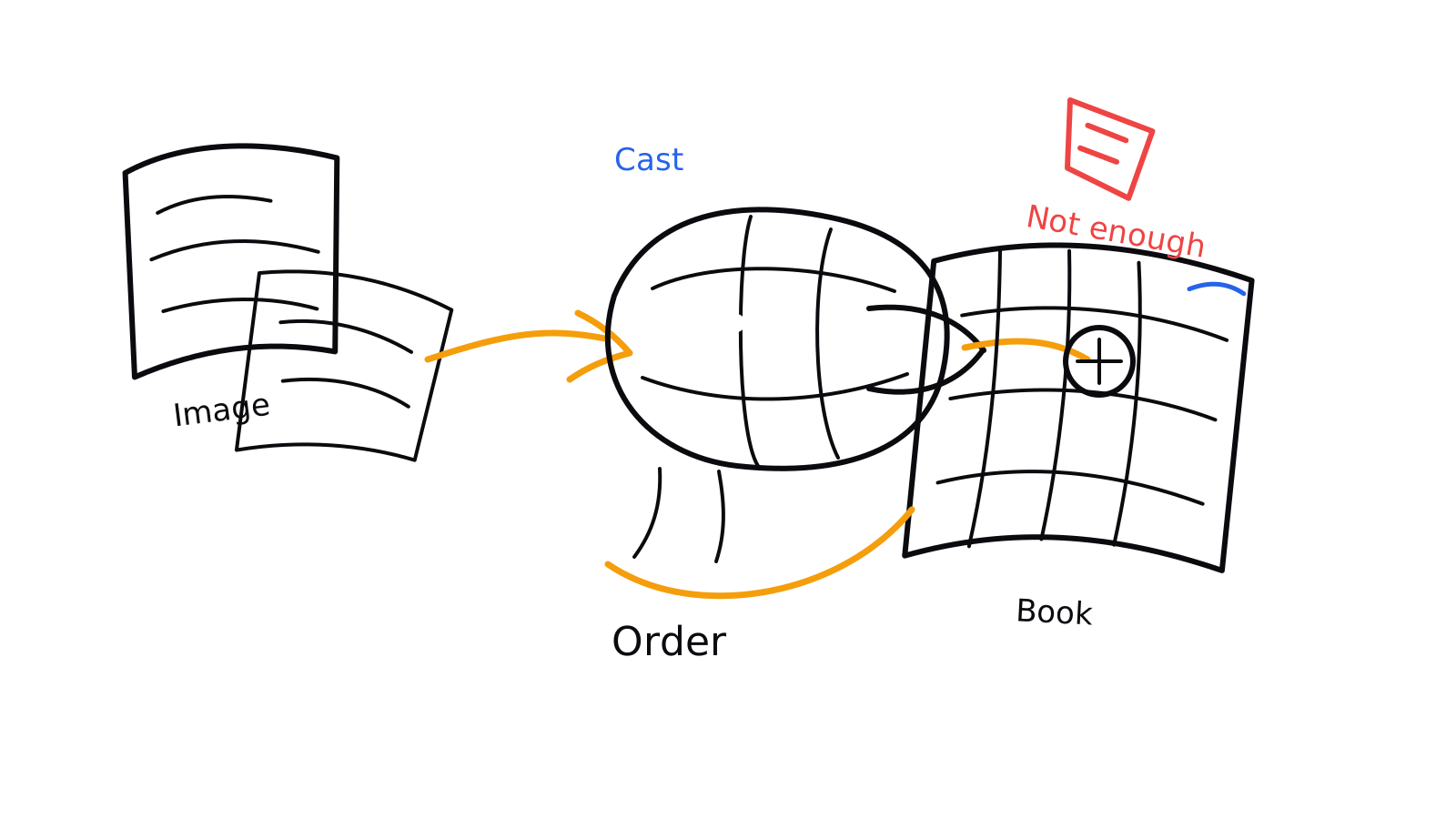
A good comic book generator workflow starts before image generation. Define the book size, split the story into visual scenes, give every page a job, then create panel drafts that can survive reading order, captions, and export review.
- 1Choose the book size: Decide whether the draft is a 6-page classroom comic, a 12-page pitch sample, a 24-page issue, or a longer graphic novel chapter. Page count controls pacing.
- 2Write the story spine: Summarize the premise, main character, conflict, turn, and ending. The story spine prevents later pages from becoming unrelated images.
- 3Map pages before panels: Give each page one clear job: setup, clue, chase, reveal, reaction, or ending. After that, divide the workflow into panels.
- 4Save character anchors: Record hair shape, outfit, age range, body type, color accents, props, and mood cues before generating later pages.
- 5Review for export: Check reading order, bubble space, page balance, cover promise, and whether the draft can become a PDF or printable comic book.
Prompt it like a book plan
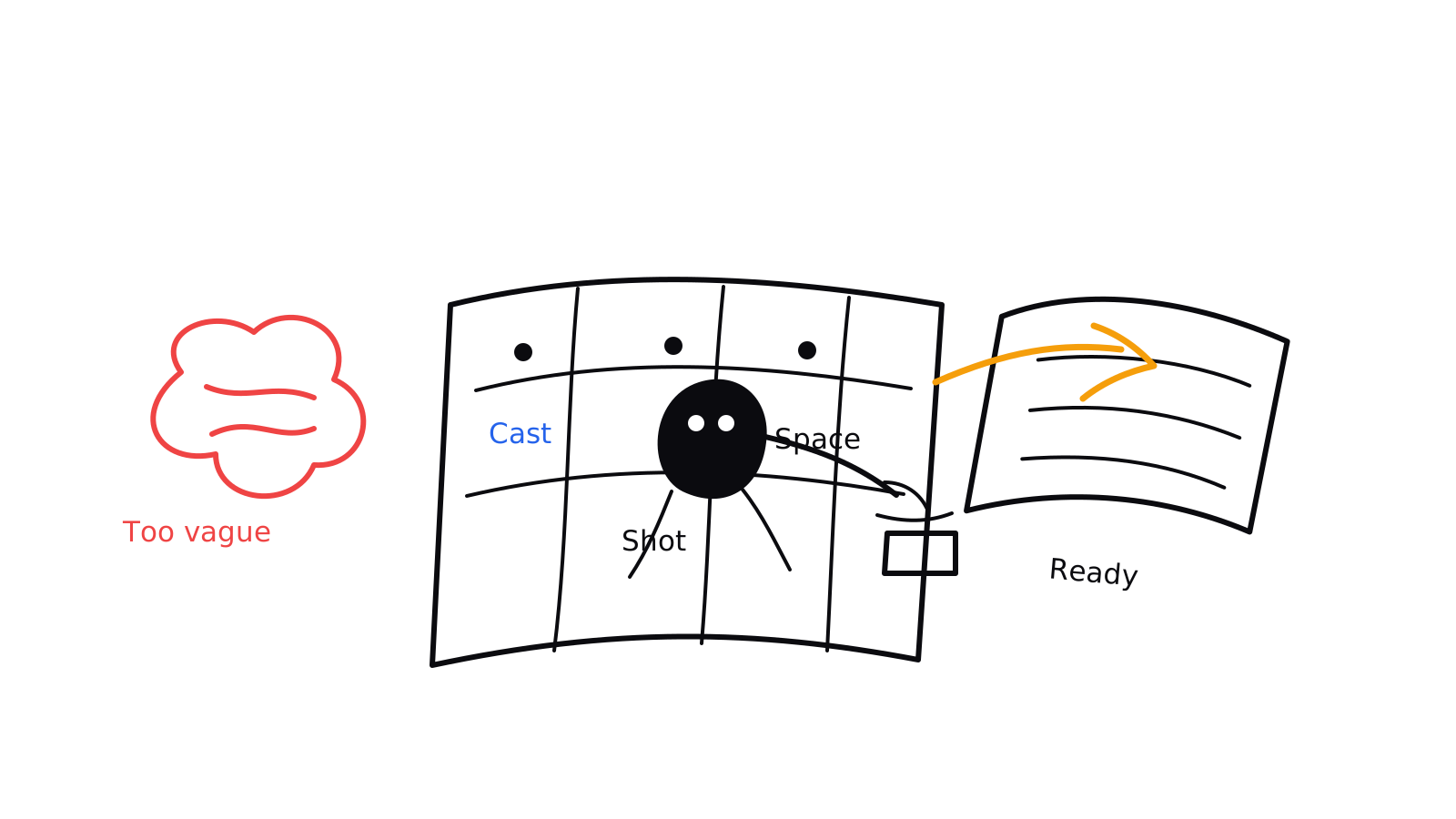
Write the prompt like a book plan before asking for art. A strong comic book generator prompt includes page count, genre, cast anchors, scene order, panel count per page, style direction, lettering space, and the review rule for the finished draft.
- Formula: Premise + page count + genre + recurring cast anchors + page-by-page scene list + panel rhythm + cover direction + lettering space + export review.
- Avoid: make a comic book about space heroes
- The stronger version gives the tool a book length, cast continuity, page jobs, panel rhythm, and cover direction. That is the difference between comic book creation and a single comic-style image.
Review before you export
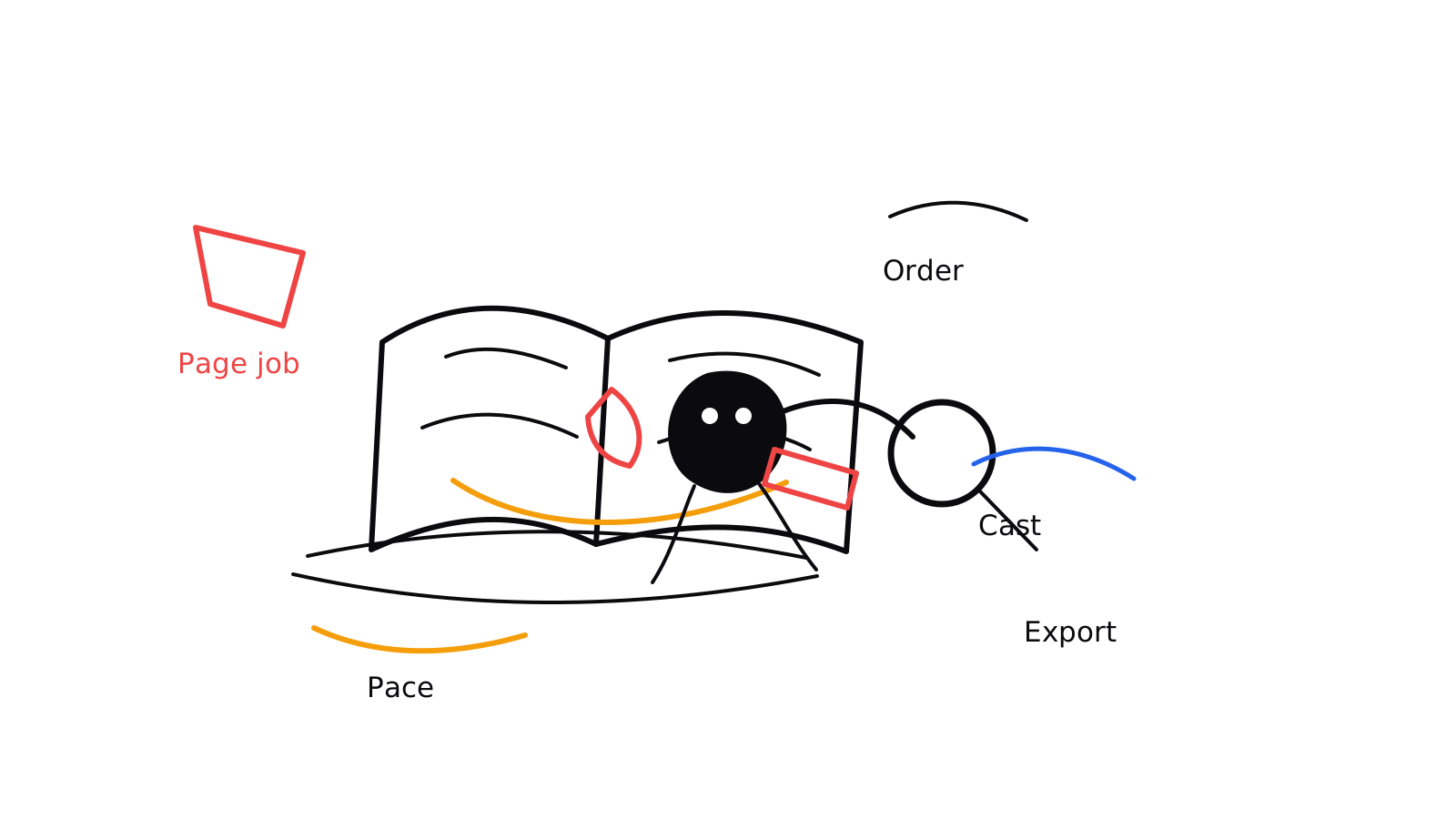
Judge the output like a book dummy. The art can still be a draft, but the reader should understand page order, scene changes, character identity, and why each page exists.
- Page purpose: Each page needs to have one job in the story. If two pages do the same thing, combine them or change the second page's role.
- Reading order: Panels should guide the eye naturally. Captions, bubbles, and action should not fight for the same space.
- Character continuity: Recurring characters need stable silhouettes, outfits, props, and color cues. Small drift becomes obvious across a book.
- Scene pacing: Action pages can use more panels, while emotional turns often need fewer panels and larger faces.
Built for book-shaped drafts
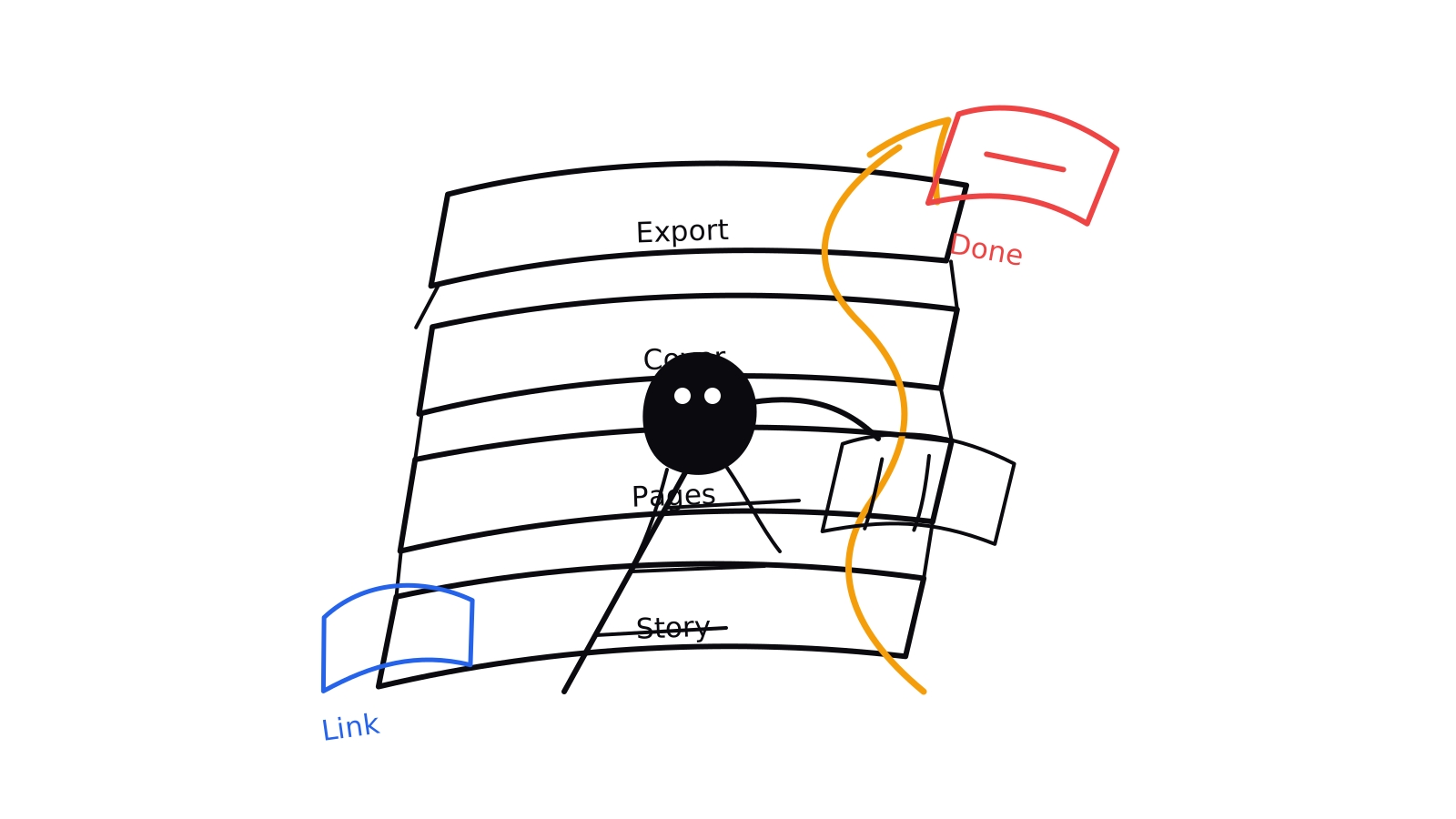
After the comic book plan is clear, move into the next production layer. Use story tools to refine scenes, page tools to shape layouts, cover tools to package the book, and panel tools to improve individual moments.
- Indie pitch sample: Turn a premise into a 6-12 page sample with cover direction, character anchors, and page order.
- Classroom comic book: Help students turn a lesson, historical event, or science topic into a readable comic book draft.
- Brand story comic: Plan a short branded comic with characters, scenes, captions, and a clean ending.
- Graphic novel chapter: Break a longer story into pages and panels before moving into detailed art generation.
Comic book generator FAQ
Quick answers for planning, prompting, reviewing, and exporting a multi-page comic book draft.
What is a comic book generator?+
A comic book generator helps turn a story idea into a multi-page comic draft. It should support more than one image: page count, scene order, panel planning, recurring character notes, caption space, cover direction, and review before PDF or print use.
Can I make a full comic book from one prompt?+
You can start with one prompt, but better books come from staged generation. Use one prompt to define the book, then generate pages or panels in order so pacing, character continuity, and lettering space can be checked.
How is this different from an AI comic generator?+
An AI comic generator often focuses on a single panel or scene. A comic book generator focuses on the larger book workflow: story spine, page order, repeated characters, cover concept, readable panels, and export checks.
How many pages should my first comic book draft have?+
Start small. A 6-page draft is good for a classroom comic or proof of concept. A 12-page draft works for a pitch sample. A 24-page draft needs stronger story planning because every page must earn its place.
Can I use it as a graphic novel generator?+
Yes, if you treat the result as a chapter workflow rather than one huge prompt. Split the graphic novel into chapters, pages, and scenes, then keep character anchors and location rules consistent across each generation pass.
Can the comic book be exported as a PDF?+
Use the generated pages as a draft for PDF or print review. Before export, check page size, margins, text placement, reading order, image quality, rights, and whether the cover matches the interior story.
How do I keep characters consistent across a comic book?+
Write a short character anchor for each recurring person: silhouette, hair, outfit, colors, age range, props, and personality cues. Repeat those anchors when generating each new page or panel.
What should I put in a comic book generator prompt?+
Include the premise, page count, genre, cast anchors, page-by-page scene list, panel count range, style direction, speech-bubble space, and cover idea. The prompt should describe the book structure before visual polish.