Start with image translation intent
Most people searching for manga translator want to upload a page or panel. Keep the workflow focused on manga image translation before discussing apps, APKs, PDFs, or extensions.
Manga Tools
Upload a manga page, panel, or screenshot, choose English or another target language, and generate a translated manga image that keeps the artwork, panel order, and speech bubble context in view.
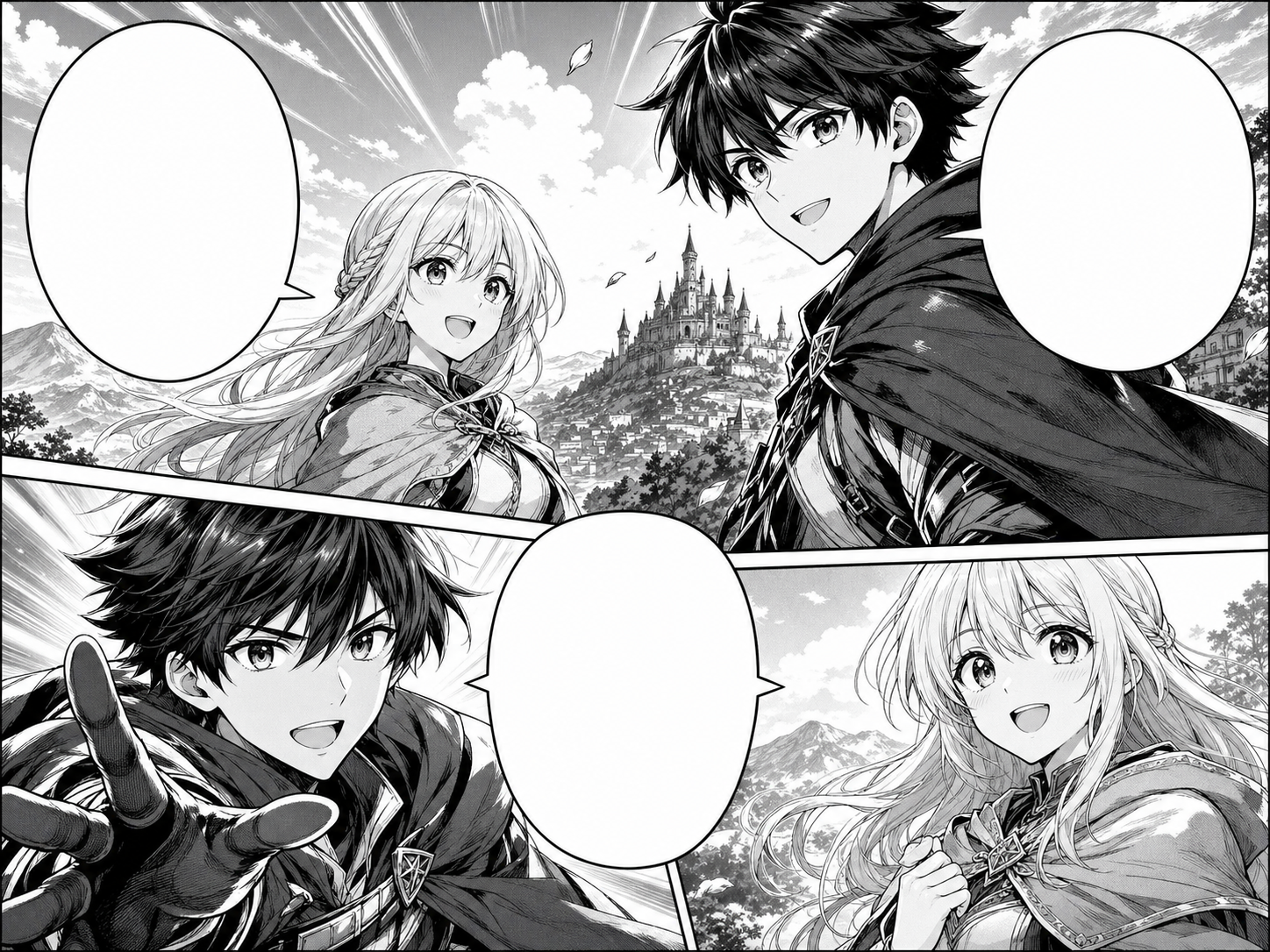 English
Let's go together!
The answer is ahead.
I trust you.
Japanese一緒に 行こう!
この先に 答えがある
信じてる
Upload a manga page, panel, or screenshot, choose the source and target languages, then generate a translated manga image with the original layout preserved where possible.
Your translated manga image will appear here.
Practical take
Manga Translator is built around image translation, not plain text lookup. Upload a JPG, PNG, or WEBP manga page, set the source language or leave it on auto-detect, choose a target language, and create a translated manga image. The translation should respect speech bubble size, panel order, character voice, and the black-and-white manga artwork.
AI manga translation works best with clean scans, readable bubbles, and uncropped pages. Vertical Japanese text, tiny SFX, heavy compression, or PDF pages converted at low resolution may need a cleaner upload or a manual review pass.
Workflow
Use this manga translator workflow when you want image-in, image-out translation for manga pages, panels, screenshots, or exported PDF pages.
Start with a clean manga page, panel, screenshot, or exported PDF page image. Keep bubbles, captions, and panel borders visible.
Use auto-detect for Japanese or choose the source language manually, then select English or another language for the translated manga image.
The AI reads visible manga text, translates the lines, and returns a localized image draft with translated bubbles placed back into the workflow.
Check line breaks, honorifics, names, emotional tone, and whether translated text still fits inside each speech bubble.
Keep the translated manga image when it reads cleanly, or retry with a sharper image if text detection misses small lettering.
Prompt craft
For best results, upload a manga image where the speech bubbles and captions are readable. Short notes about target language, honorific style, or names can help the translation review.
Manga image + source language + target language + speech bubble translation + manga artwork preservation.
translate manga
Upload a clean Japanese manga page, choose English, and generate a translated manga image that preserves panel order, speech bubbles, names, tone, and readable line breaks.
This gives the AI the real input type, the target language, and the manga-specific review rules that matter after translation.
Quality signals
A strong manga translator output should look like the same page localized for another reader. Judge the result by translation quality, bubble fit, and how much of the manga art stays intact.
Main speech bubbles, captions, and signs should be detected. Tiny handwritten notes and decorative SFX may need manual review.
The English line should match the speaker, scene, and genre instead of sounding like a literal dictionary swap.
Translated lines should fit the original bubbles without covering faces, action, panel borders, or screentone detail.
Names, honorifics, jokes, and cultural cues should be handled consistently across the workflow.
The translated image should keep its panel order, character art, backgrounds, and black-and-white manga texture recognizable.
Visual examples
Manga translator examples focus on the image workflow: upload a manga page, translate visible text, compare the localized result, and review whether the English still fits the bubbles.
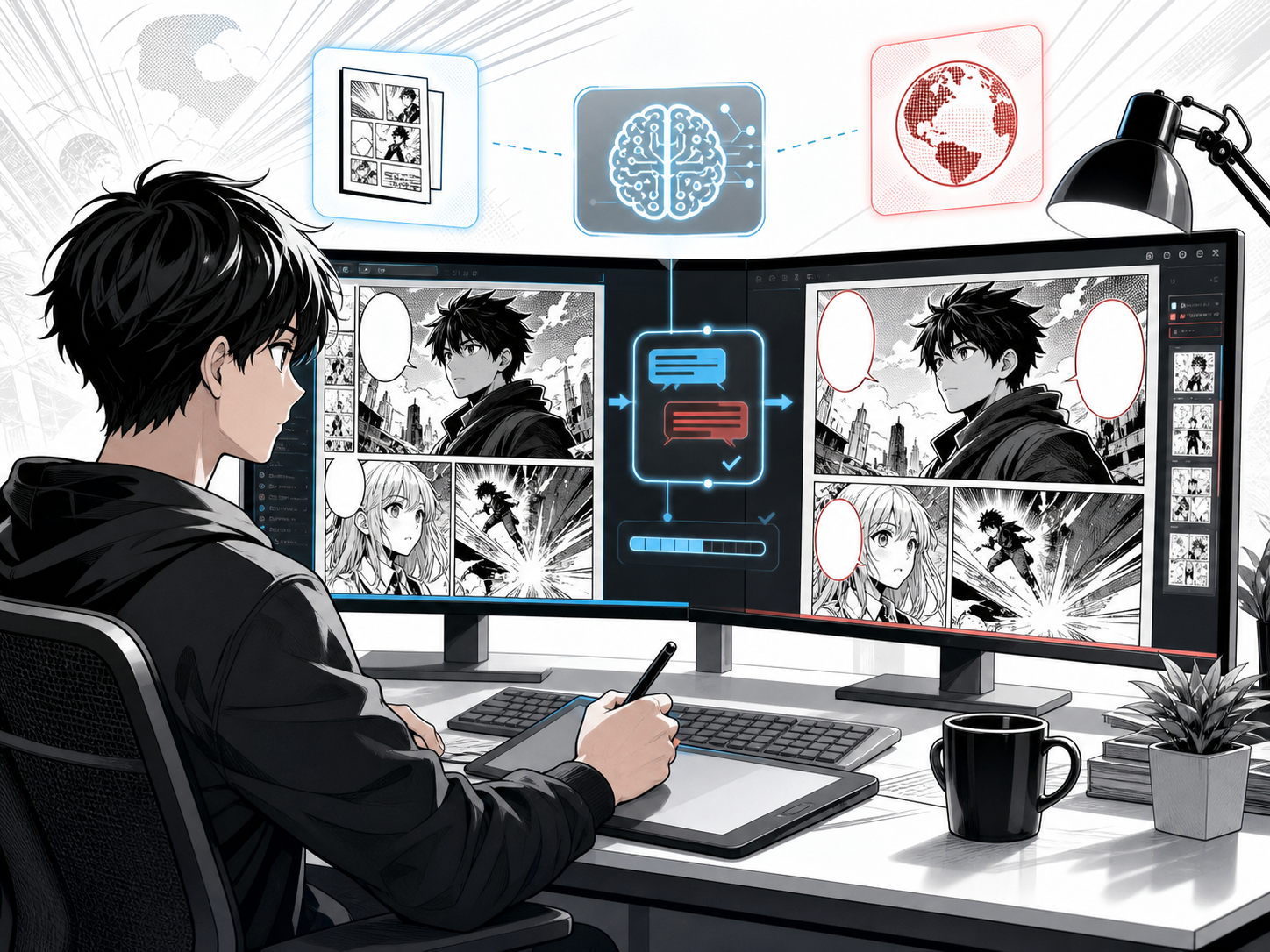
Use AI to read visible manga text and return a localized draft that keeps the workflow context in view.
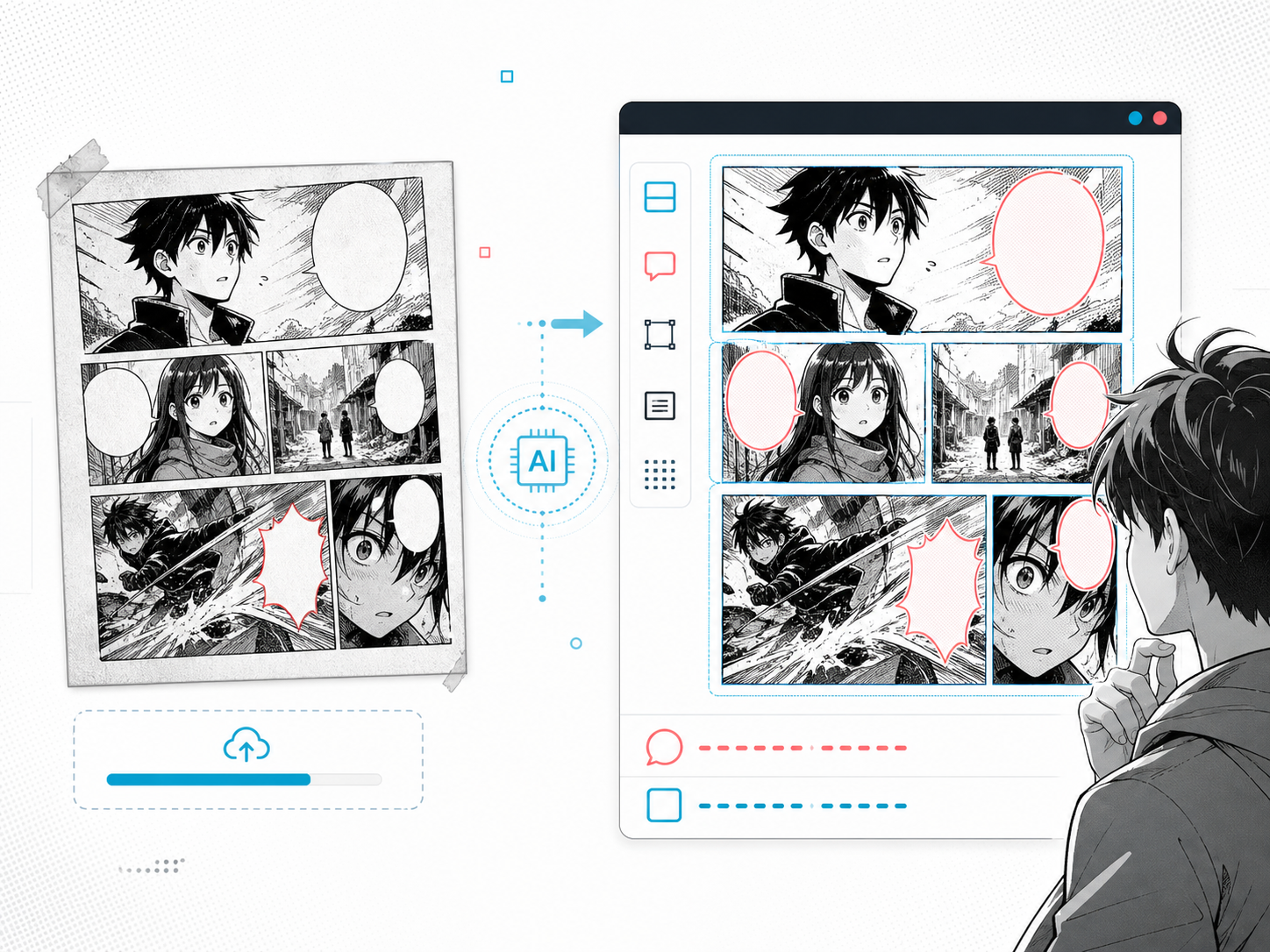
Upload a manga screenshot, scan, or panel when you need translation inside the image, not a separate text-only answer.
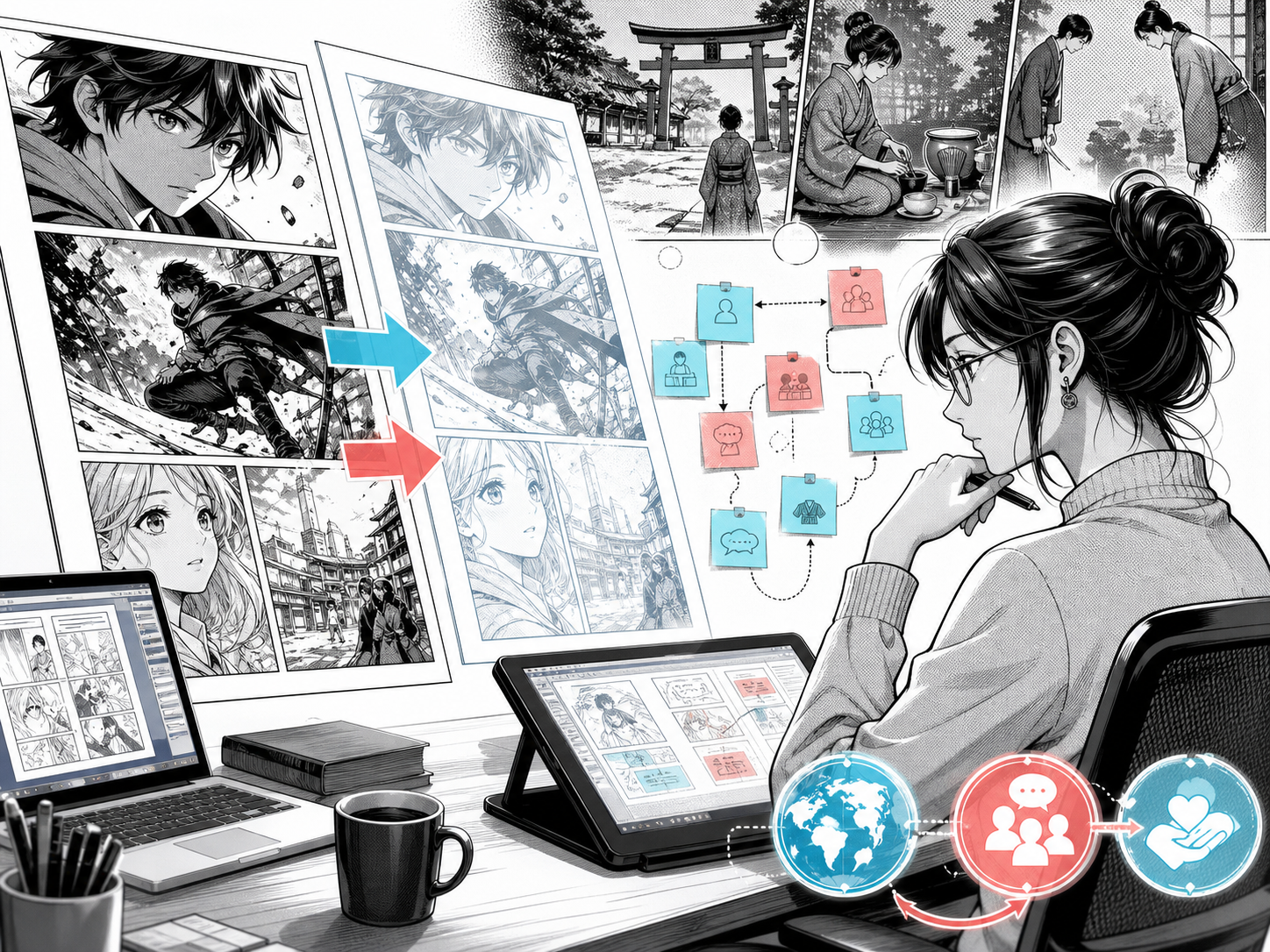
Review Japanese-to-English choices for names, honorifics, tone, and line length before using the translated image publicly.
Creator field guide
These notes help creators decide what to plan, what to ignore, and when a draft is ready for the next production step.
Most people searching for manga translator want to upload a page or panel. Keep the workflow focused on manga image translation before discussing apps, APKs, PDFs, or extensions.
A reader may want a quick English version, while a creator needs bubble fit, tone, names, and redraw quality. The workflow should address both without promising final publishing quality.
Japanese vertical text and stylized SFX are harder than normal bubbles. Explaining this makes the tool feel more trustworthy and helps users choose better uploads.
Field notes
Manga Translator should focus on image translation first. Creators often arrive with a page, panel, screenshot, or scan rather than a paragraph of plain text. The workflow should show that the product handles manga images and returns a translated image draft.
The related-workflow structure should follow practical user needs. AI manga translator, manga image translator, manga translator online, free manga translator, manga translator app, Japanese manga translator, and manga PDF translator all describe different expectations. Giving each one a focused module lets the tool answer those needs without making the hero headline cluttered.
Japanese manga translation needs more care than generic translation copy. Vertical text, honorifics, names, school or fantasy genre tone, comedy beats, and SFX can change what a good English line should be. The workflow should talk about review because users will trust the workflow more when the limits are visible.
APK, extension, Reddit, and PDF questions should be handled as adjacent needs rather than product promises. If the current workflow is web upload, say that clearly. If PDF pages need to become images first, explain the conversion path. This prevents helpful coverage from turning into unsupported claims.
The hero image should make the product promise visible in the first viewport: Japanese manga bubbles before translation, English bubbles after translation, same artwork, and a draggable comparison. That gives creators a fast visual answer to what manga translator means in this workflow.
Translate a full manga page image and check whether the English stays readable across multiple bubbles.
Translate a single screenshot or panel when only one scene needs quick reading support.
Create a first English localization pass for Japanese manga, then review tone and names manually.
Turn a PDF page into an image before uploading it to the manga translator workflow.
Low-resolution manga pages make vertical text, captions, and small SFX harder to detect.
If the product is a web tool, explain mobile browser use without claiming an APK download.
Japanese names, honorifics, jokes, and emotional beats should be checked after AI translation.
After translating manga images, use manga speech bubble, manga page, and comic translator tools when you need layout cleanup or broader comic localization.
A manga translator reads visible text in a manga page or panel, translates it into another language, and helps create a localized version that still respects speech bubbles, panel order, and character context.
Yes. Upload a manga image, choose the target language, and ComicsAI generates a translated image draft while trying to preserve the manga artwork and bubble placement.
Yes. The workflow is designed for image uploads such as JPG, PNG, and WEBP manga pages, panels, screenshots, and exported PDF page images.
Yes. Leave source language on auto-detect or choose Japanese, then choose English as the target language and review the translated manga image for names, tone, and bubble fit.
This is an online manga translator inside ComicsAI, not an APK download. You can use it from the web by uploading a manga image.
The current translator accepts images. For manga PDFs, export or screenshot each page as an image first, then upload that image to the manga translator.
Treat the output as a translation draft. Review names, honorifics, jokes, line breaks, small SFX, and any unclear text before publishing.