Make the upload workflow obvious
People looking for a comic translator usually want a tool that handles real pages. The workflow should state that clear source images, readable text, and visible bubble boundaries matter.
Image Tools
Upload a comic, manga, or webtoon image, choose the target language, and generate a translated image with the original panels and speech bubbles preserved where possible.
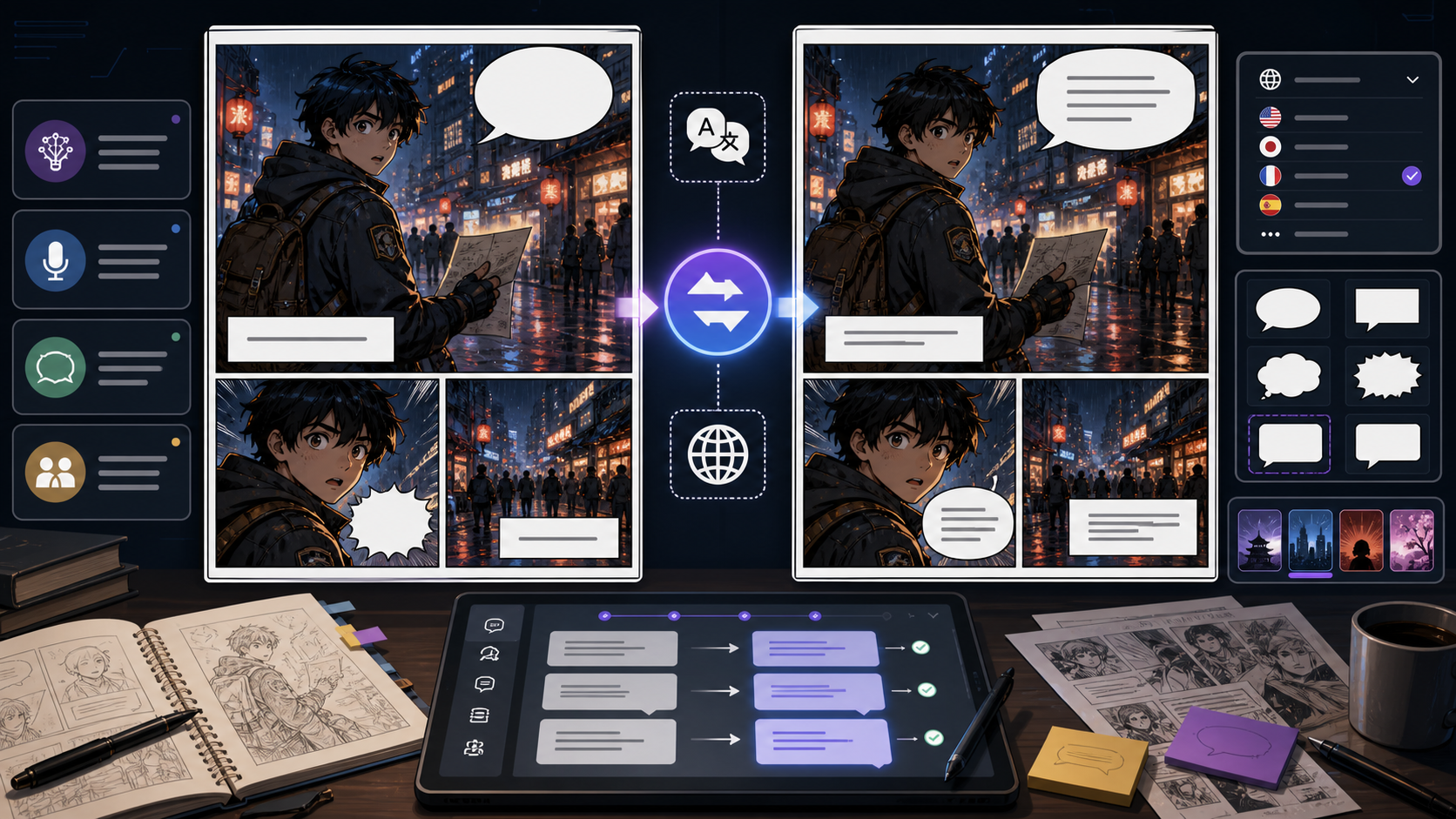
Upload a comic, manga, or webtoon page, choose the source and target languages, then generate a translated image with the original layout preserved where possible.
Your translated comic image will appear here.
Practical take
Comic Translator is built for image-in, image-out comic translation. Upload a JPG, PNG, or WEBP comic page, select the target language, and let AI detect visible bubbles, captions, signs, and sound effects before generating a translated image. The goal is not only dictionary accuracy; the translated page still needs to fit the original artwork, panel order, and bubble space.
AI comic translation is strongest when the source image is clear and the lettering is readable. Tiny text, cropped bubbles, heavy stylized sound effects, low-contrast scans, and dense PDF pages may need a retry or manual review. Treat the output as a translated image draft that should be checked before publishing.
For the broader creation workflow, return to the comics ai homepage and explore more comic tools.If you arrived by searching cmicsai, you can start from the same homepage.
Workflow
Use this workflow when you want an online comic translator that turns an uploaded image into a translated image, not a separate text-only transcript.
Start with a clear JPG, PNG, or WEBP page, panel, manga scan, or webtoon screenshot. Higher contrast text gives the AI more reliable material to translate.
Set the source language or leave it on auto-detect, then choose the target language for the translated image.
The AI reads visible bubbles, captions, signs, and sound effects, translates them, and redraws the image with target-language text placed back into the workflow.
Check whether names, jokes, honorifics, line breaks, and text length still fit the original bubble and panel context.
Keep the translated image when it reads naturally, or retry with a cleaner source image if lettering is unclear.
Prompt craft
The tool already builds the translation instruction from your uploaded image and language choices. For best results, use clear source images with readable bubbles and avoid uploading pages where text is cropped or compressed.
Comic image + source language + target language + AI image translation + layout and bubble preservation.
translate this comic
Upload a clean manga or webtoon page, keep source on auto-detect, choose English, and generate a translated image that preserves the panel layout, speech bubbles, captions, and readable line breaks.
This matches the real workflow: image upload, language selection, translated image output, and human review for bubble fit.
Quality signals
A good AI comic translator output should still look like the same page, only localized. Review both the translation and the image editing before using it in a reader-facing release.
The important bubbles, captions, signs, and sound effects should be translated. Tiny or stylized text may need manual checking.
Translated text should stay readable and fit inside the available bubble or caption area without covering art.
Characters, panel borders, background details, and reading order should remain recognizable after image editing.
Dialogue should sound natural in the target language, not like a sentence-by-sentence machine translation.
The output should be easy to inspect, download, regenerate, or use as a draft for final localization.
Visual examples
Translation examples focus on the image workflow: upload a real page, choose a language, generate a localized image, then review whether the text still fits the comic layout.
Upload a comic page and generate a translated image that keeps the panel structure and bubble placement recognizable.
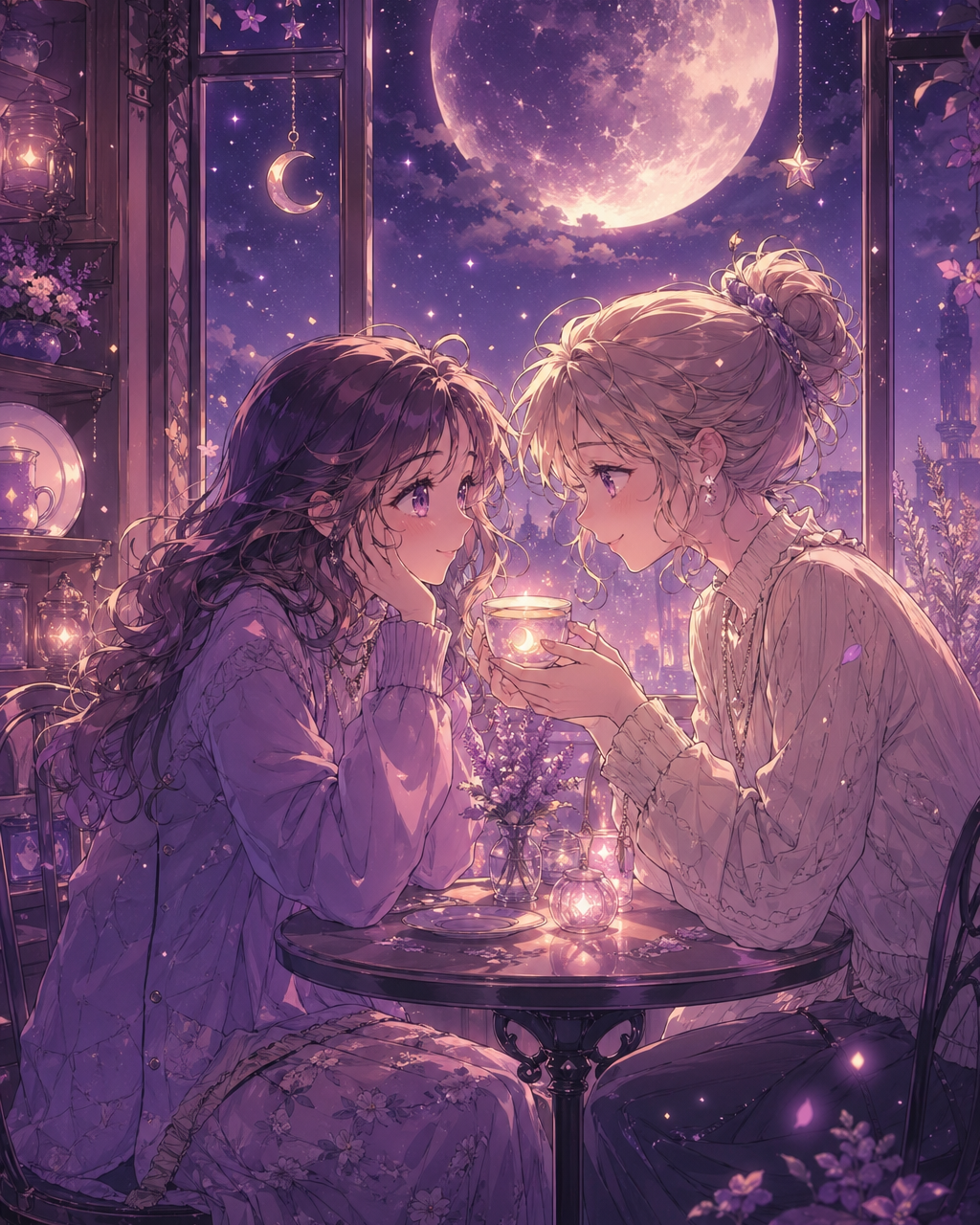
Use clear manga, comic, or webtoon images when you need an online translator for visible dialogue and captions.
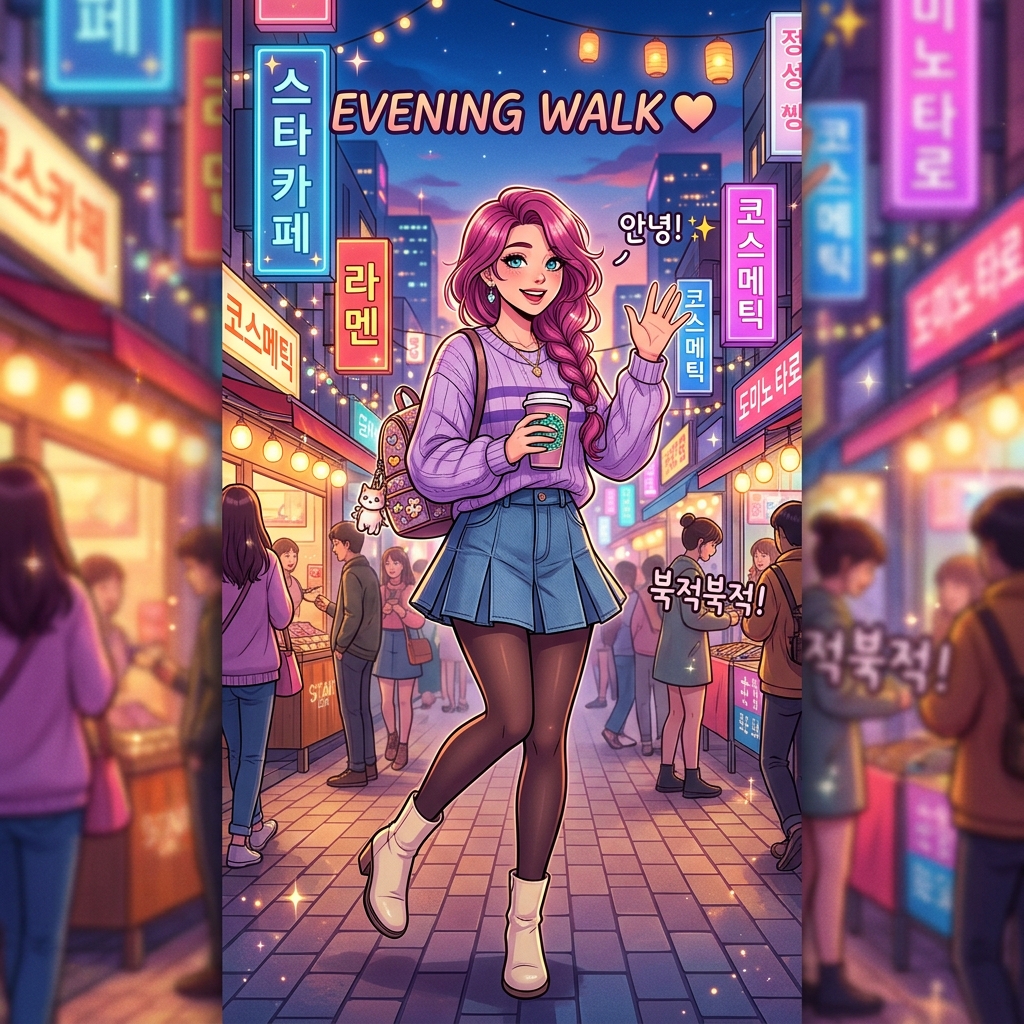
Long vertical pages still need translated text to stay readable without covering faces, action, or key art.
Creator field guide
These notes help creators decide what to plan, what to ignore, and when a draft is ready for the next production step.
People looking for a comic translator usually want a tool that handles real pages. The workflow should state that clear source images, readable text, and visible bubble boundaries matter.
AI can detect and replace visible comic text, but cropped bubbles, decorative sound effects, and low-resolution scans can still fail. Honest limits build trust.
Creators may ask about PDF translators and extensions, but this workflow should position the core web tool first. Explain PDF conversion and extension differences in FAQ instead of overloading the title.
Field notes
Comic Translator should be positioned as an AI image translation workflow, not a generic text translator. The user arrives with a comic page, manga panel, or webtoon screenshot and expects the tool to read visible text, translate it, and return a new image. That distinction matters because comic translator can mean many things, while the product promise here is image upload followed by translated image generation.
The strongest page experience starts with the upload area. Clear JPG, PNG, and WEBP images give the model more reliable text to detect, while blurry scans, cropped speech bubbles, and tiny stylized lettering create avoidable failure points. The content should say this plainly so users understand why a clean source image improves translation quality.
AI comic translation also has a layout problem. A translated line may be longer than the original, and the image model still has to keep the text inside the bubble or caption area without covering faces, action, panel borders, or important background details. This is why the workflow should talk about bubble fit, artwork preservation, and human review instead of only claiming instant translation.
Japanese comic translator and manga translator needs should be covered naturally. Many users want to translate manga images into English or another language, but the feature should stay language-agnostic: source can be auto-detected or chosen manually, target language is selected in the tool, and the output is a translated comic image. That supports Japanese-specific use cases without making the workflow feel limited to one source language.
PDF and extension questions should be handled as adjacent questions. The current workflow is not a raw comic PDF translator and not a browser extension; it is an online image upload tool. The workflow should explain that PDF pages need to be exported or screenshotted as images first, and that users do not need an extension to translate a static page inside ComicsAI.
A professional translation workflow should also avoid overpromising. AI can attempt speech bubbles, captions, signs, labels, and visible sound effects, but decorative SFX and low-resolution text may still need manual cleanup. Framing the result as a strong localization draft keeps trust high and gives users a reason to regenerate, download, or use related lettering tools for final polish.
Translate a Japanese comic or manga panel into another language while preserving the original panel composition.
Upload a webtoon screenshot and generate a translated image for quick review before final lettering.
Create a translated image draft to judge whether dialogue length and bubble fit work in the target language.
Small, blurry, or compressed text is harder for AI to detect and replace cleanly.
Convert PDF pages to images before using this comic translator workflow.
Names, jokes, cultural tone, and stylized sound effects should still be reviewed before publishing.
After generating a translated image, use speech bubble, caption, and dialogue tools when you need manual lettering or a final localization pass.
Comic translator AI is a tool that reads visible text in a comic, manga, or webtoon image, translates it into another language, and generates a translated image instead of only returning a text transcript.
Yes. Upload a manga panel or page image, choose the target language, and ComicsAI will generate a translated image while trying to preserve the original panel layout and speech bubbles.
Yes. You can leave the source language on auto-detect or choose Japanese, then translate the comic image into English or another supported target language.
The current workflow accepts image files such as JPG, PNG, and WEBP. For PDF comics, export or screenshot the workflow as an image first, then upload it to the comic translator.
No. This is an online comic translator inside ComicsAI, not a browser extension. You upload an image directly on the workflow and generate a translated image.
The prompt asks the image model to preserve panel layout, artwork, and bubble placement where possible while replacing readable text. You should still review the result for bubble fit and lettering quality.
It can attempt visible sound effects, signs, captions, and labels, but heavily stylized or tiny text may be less reliable than normal speech bubbles.
Treat it as a strong localization draft. Review names, tone, jokes, line breaks, and any unclear text before using it publicly.