Write what each speaker wants
Dialogue becomes sharper when every speaker enters the scene wanting something, even if they hide it.
Story Tools
Dialogue Generator helps write short, character-aware lines for comics, manga, and webtoon scenes. It focuses on voice, conflict, subtext, and bubble-friendly phrasing.
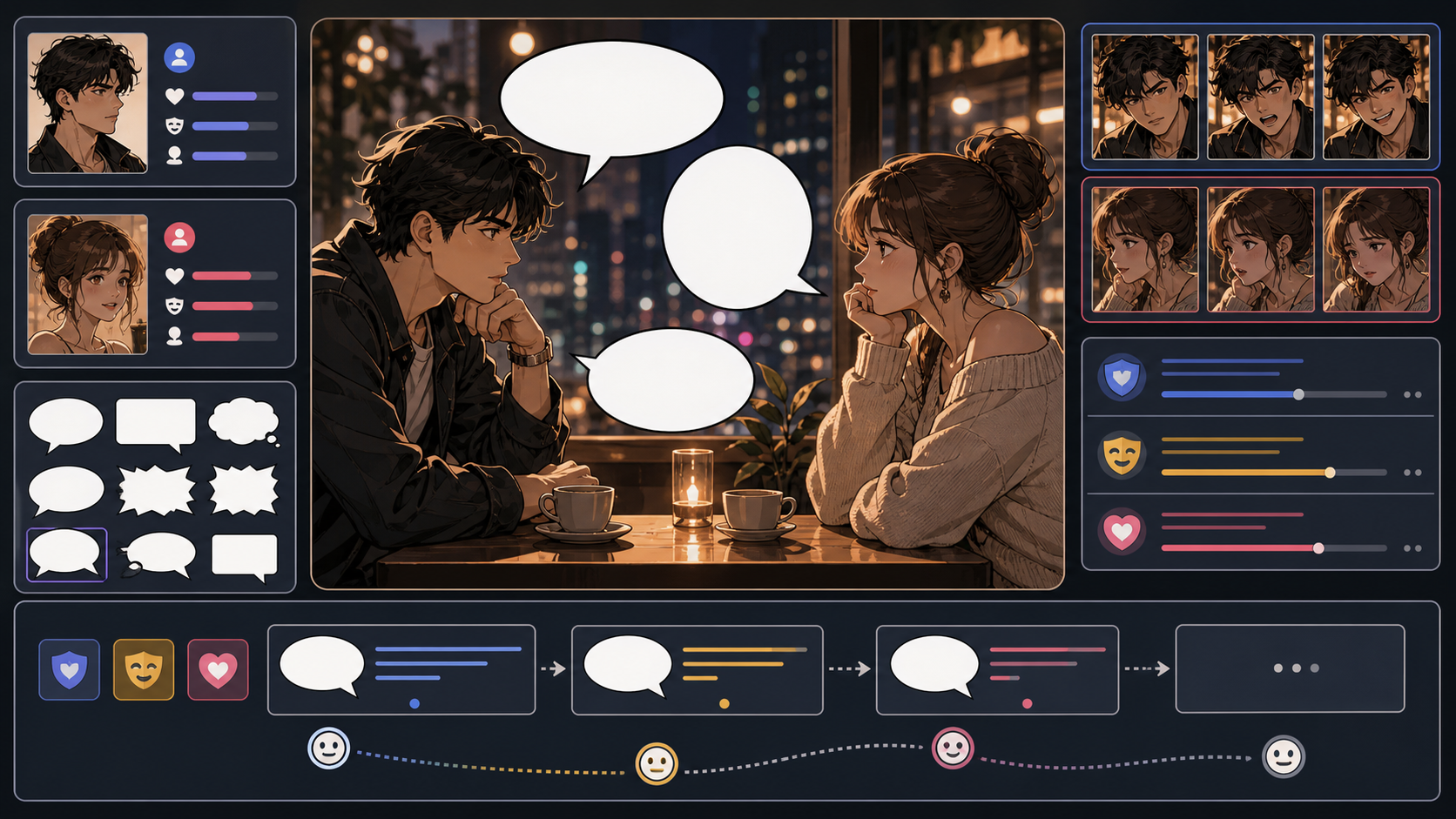
Practical take
Comic dialogue has less room than prose dialogue. The line must sound like the character, move the scene, and fit inside a bubble. Use this workflow when a scene needs sharper speech rather than longer conversation.
The danger is clean but lifeless dialogue. Characters should not all explain the plot in the same voice. Strong dialogue reveals pressure, desire, and relationship.
Workflow
Dialogue generation should begin with character pressure, not word count.
Write what each character wants from the exchange.
Decide whether the scene is teasing, arguing, confessing, hiding, or negotiating.
Generate compact lines that fit the workflow rather than long speeches.
Let characters avoid saying the obvious when the art can carry part of the meaning.
Prompt craft
A useful Dialogue Generator prompt begins with the asset you need, not a list of style adjectives. Give the model a visible subject, the production role, and the review focus: voice, pacing, line length, scene logic, and whether the words leave room for the art to do work.
Subject + visible change + structured text role + speech bubbles, captions, banter, conflict scenes, and confession beats + voice, subtext, short lines, readable bubble length, and emotional turn + review rule: let the image show facts and let dialogue reveal pressure, attitude, or choice.
write comic dialogue
a tense two-line exchange between rivals before a school rooftop duel, designed for speech bubbles, captions, banter, conflict scenes, and confession beats, with voice, subtext, short lines, readable bubble length, and emotional turn; make the reader understand that let the image show facts and let dialogue reveal pressure, attitude, or choice; leave clean space for later editing and keep the focal point clear.
The stronger version names the subject, the visible change, and the asset role. It also tells the tool what success looks like for writing and adaptation: voice, pacing, line length, scene logic, and whether the words leave room for the art to do work.
Quality signals
Good comic dialogue sounds specific and fits the available visual space.
Different speakers should not sound interchangeable.
Lines should be short enough to place without covering art.
Each exchange should change mood, information, or relationship.
Not every line should explain exactly what the character feels.
Visual examples
Dialogue visuals are selected for character pressure: confession, conversation staging, and reaction space.
Comic dialogue should reveal character pressure in short lines that fit bubbles and leave room for reaction.
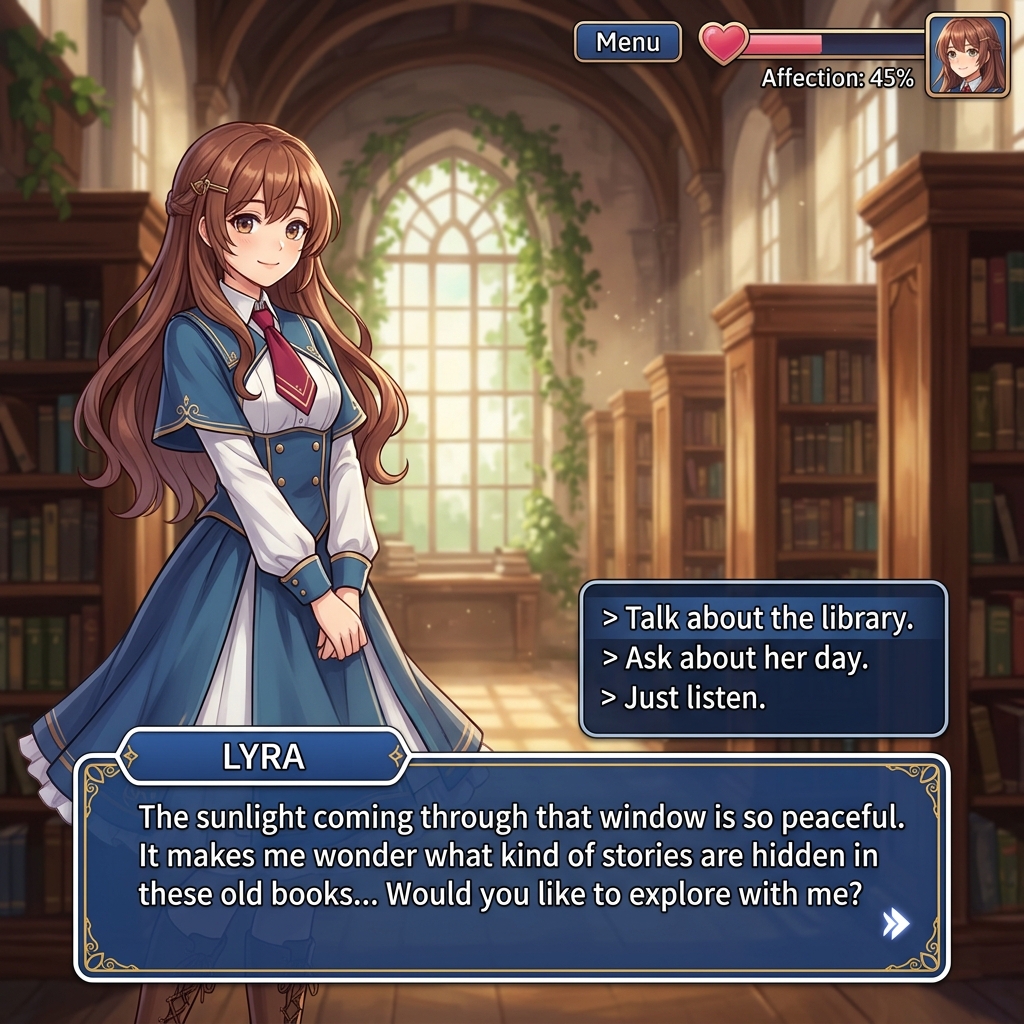
Clear speaker placement helps dialogue stay readable and attributable.

A good exchange leaves room for silence, response, and subtext.
Creator field guide
These notes help creators decide what to plan, what to ignore, and when a draft is ready for the next production step.
Dialogue becomes sharper when every speaker enters the scene wanting something, even if they hide it.
Do not use dialogue to explain what the panel already shows. Use speech for pressure, personality, avoidance, or conflict.
Comic dialogue should sound natural and fit quickly. If a line is awkward aloud, it will feel heavier on the workflow.
Field notes
Dialogue Generator should emphasize character pressure. Comic dialogue is not about filling balloons with complete explanations. It works best when each speaker wants something, hides something, or pushes against another character's desire.
The workflow should teach users to let the art carry action. If the image already shows a character running, the speech bubble does not need to say 'I am running.' Dialogue can instead reveal fear, denial, humor, impatience, or relationship tension.
Line length matters because every word costs visual space. A strong dialogue tool should generate options that sound natural aloud and can fit into a real bubble. The creator should cut lines that explain too much or make all characters sound alike.
A practical dialogue pass can compare three versions of the same exchange: direct, evasive, and emotionally honest. That helps creators choose the version that fits the panel's acting. If the face already shows pain, the line can deny it. If the pose is calm, the line can reveal pressure underneath. This is how dialogue and art work together instead of competing for the same information.
Write first-pass dialogue that fits a panel.
Compare how different characters would say the same thing.
Dialogue needs speaker goals, vocabulary, and emotional pressure.
Let the drawing show action; use speech for desire and conflict.
Dialogue often leads into speech bubble planning, caption writing, translation, and final comic layout.
Comic dialogue must fit bubbles, work with images, and move quickly. It often needs fewer words and stronger character voice.
Give each speaker a goal, mood, relationship, and speaking style. Then cut lines that only explain the plot.
Yes. Keep lines short, emotional, and easy to place in bubbles.
Usually no. Let the art show action and use dialogue for voice, conflict, or hidden meaning.