Add what the image cannot show
A caption should add time, memory, irony, location, or viewpoint. Delete captions that merely describe the visible action.
Editor Tools
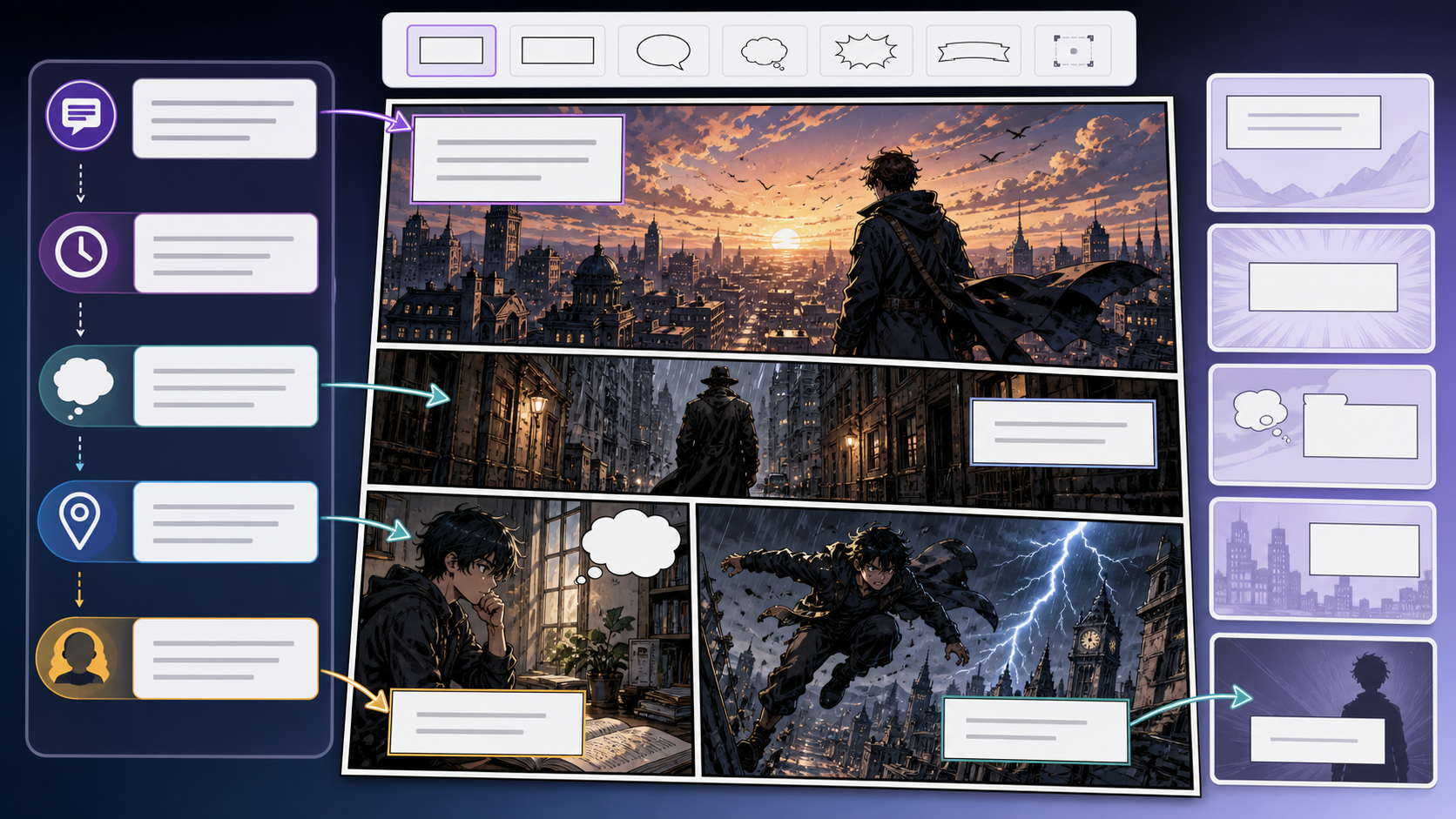
Comic Caption Generator helps write narration boxes, panel captions, scene transitions, and short explanatory lines that support the art without overexplaining it.
Practical take
Captions are not filler. In comics they can control time, reveal viewpoint, compress action, or create contrast with the image. Use this workflow when the panel needs a voice layer that makes the scene clearer or sharper.
The common mistake is using captions to describe what the reader already sees. Strong captions add time, irony, memory, tone, or missing context.
Workflow
Caption writing starts by deciding why the panel needs words at all.
Decide whether the line handles time jump, inner thought, location, irony, or story compression.
Delete words that merely repeat the obvious image.
A first-person confession, neutral location card, and sarcastic aside need different voices.
Short captions usually preserve panel space and pacing.
Prompt craft
A useful Comic Caption Generator prompt begins with the asset you need, not a list of style adjectives. Give the model a visible subject, the production role, and the review focus: reading order, contrast, margin, bubble shape, title hierarchy, and whether the words can be edited later.
Subject + visible change + editable text layer role + panel captions, social captions, opening narration, and transition cards + brief narration, character voice, readable rhythm, and genre-appropriate tone + review rule: use captions to add what the image cannot show: time, voice, irony, or memory.
write a caption
caption options for a detective entering an empty carnival after rain, designed for panel captions, social captions, opening narration, and transition cards, with brief narration, character voice, readable rhythm, and genre-appropriate tone; make the reader understand that use captions to add what the image cannot show: time, voice, irony, or memory; leave clean space for later editing and keep the focal point clear.
The stronger version names the subject, the visible change, and the asset role. It also tells the tool what success looks like for lettering and finishing: reading order, contrast, margin, bubble shape, title hierarchy, and whether the words can be edited later.
Quality signals
A good caption changes how the panel is read. It should add value without stealing the scene from the image.
The caption should have a job beyond describing the picture.
The wording should match narrator, genre, and character viewpoint.
Cut any phrase that slows the panel without adding meaning.
The line should fit a real caption box without covering important art.
Visual examples
Caption examples should be evaluated by what the words add beyond the visible image.
Caption boxes should add time, viewpoint, or contrast while staying short enough to leave the panel room to breathe.
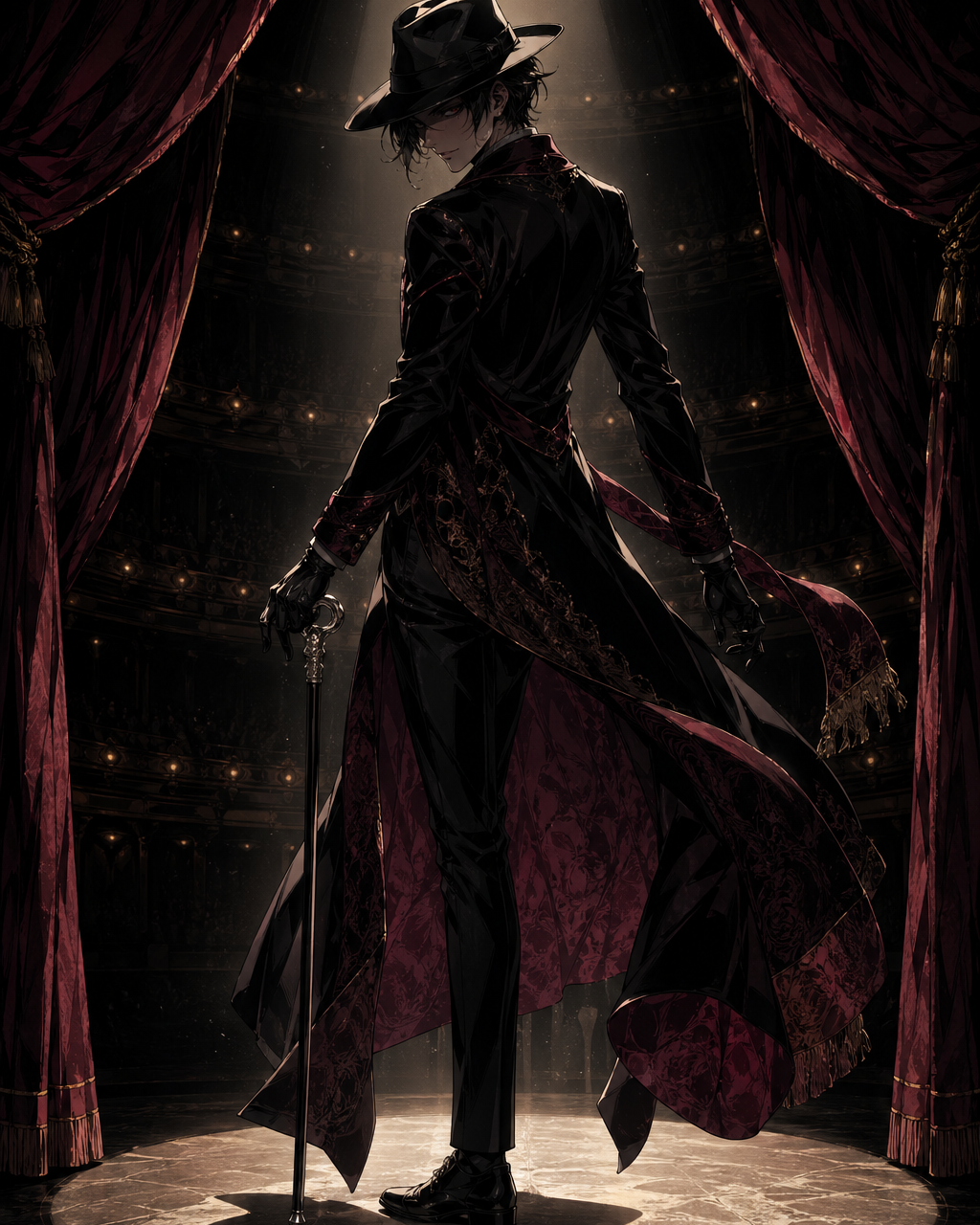
Noir panels benefit from captions with attitude, restraint, and subtext.
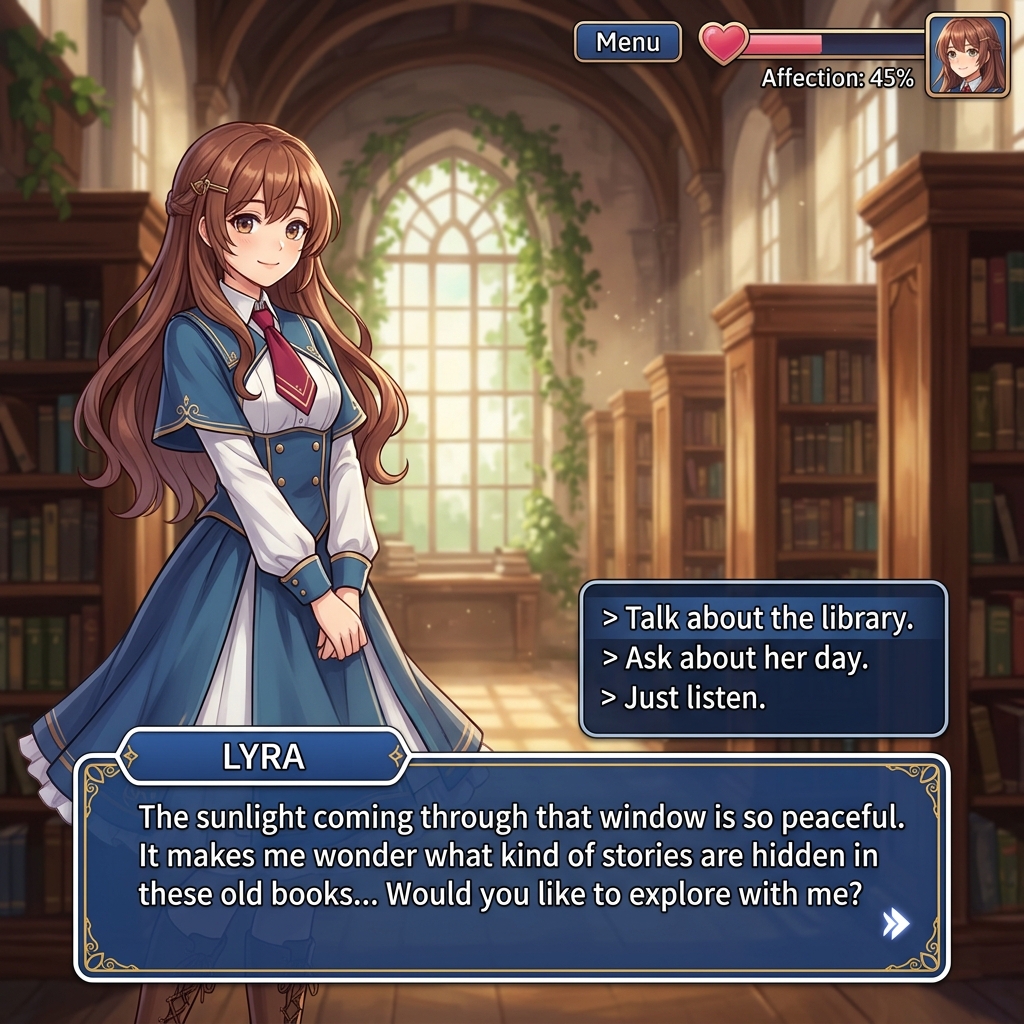
Character-facing scenes can use captions for private thought instead of extra dialogue.
Creator field guide
These notes help creators decide what to plan, what to ignore, and when a draft is ready for the next production step.
A caption should add time, memory, irony, location, or viewpoint. Delete captions that merely describe the visible action.
A detective, villain, child, and neutral chapter card should not sound alike. Pick the voice before generating alternatives.
Captions steal visual space. Shorten the line until the words support the image without crowding the composition.
Field notes
Comic Caption Generator should be written as a narration tool, not a generic text generator. Captions can move time, reveal viewpoint, create irony, compress action, or add information the image cannot show. A caption that merely describes the drawing wastes space and weakens the panel.
A strong workflow should teach the difference between dialogue and caption. Dialogue belongs to a speaker in the scene. Caption may belong to a narrator, a future version of the character, a location card, or an objective time marker. Each voice changes the line length and tone.
The practical workflow is to write long, then cut. Generate several options, remove anything visible in the image, then keep the line that changes how the panel is read. That kind of editing advice gives the tool real value beyond producing short text.
Caption placement is part of the writing decision. A short location card can sit quietly in a corner, while a first-person narration box may need to lead the reader into the panel. The workflow should connect wording with layout: if the caption is too long for a believable box, the writer has not finished editing. That insight makes the tool more credible for comic creators.
Move the reader across hours, days, or locations quickly.
Add a viewpoint that changes how the image is read.
If the image already shows rain, the caption should not only say that it rains.
Long captions slow the panel and crowd the art.
Caption writing connects naturally with dialogue generation, comic translation, panel generation, and story tools.
It should add time, voice, context, contrast, or compression. It should not simply describe what the image already shows.
Most captions work best when short. If a caption becomes a paragraph, consider splitting it across panels.
Sometimes, but captions and dialogue create different effects. Captions usually control narration, time, or viewpoint.
Write from a clear point of view and remove neutral filler. A caption should sound like it belongs to this story.