Image Tools
Photo to Cartoon AI Converter
Turn a portrait, selfie, family photo, or casual snapshot into a clean cartoon image. Keep the face and pose recognizable, choose a cute or polished style, and create a result that works for avatars, gifts, posts, or creative references.
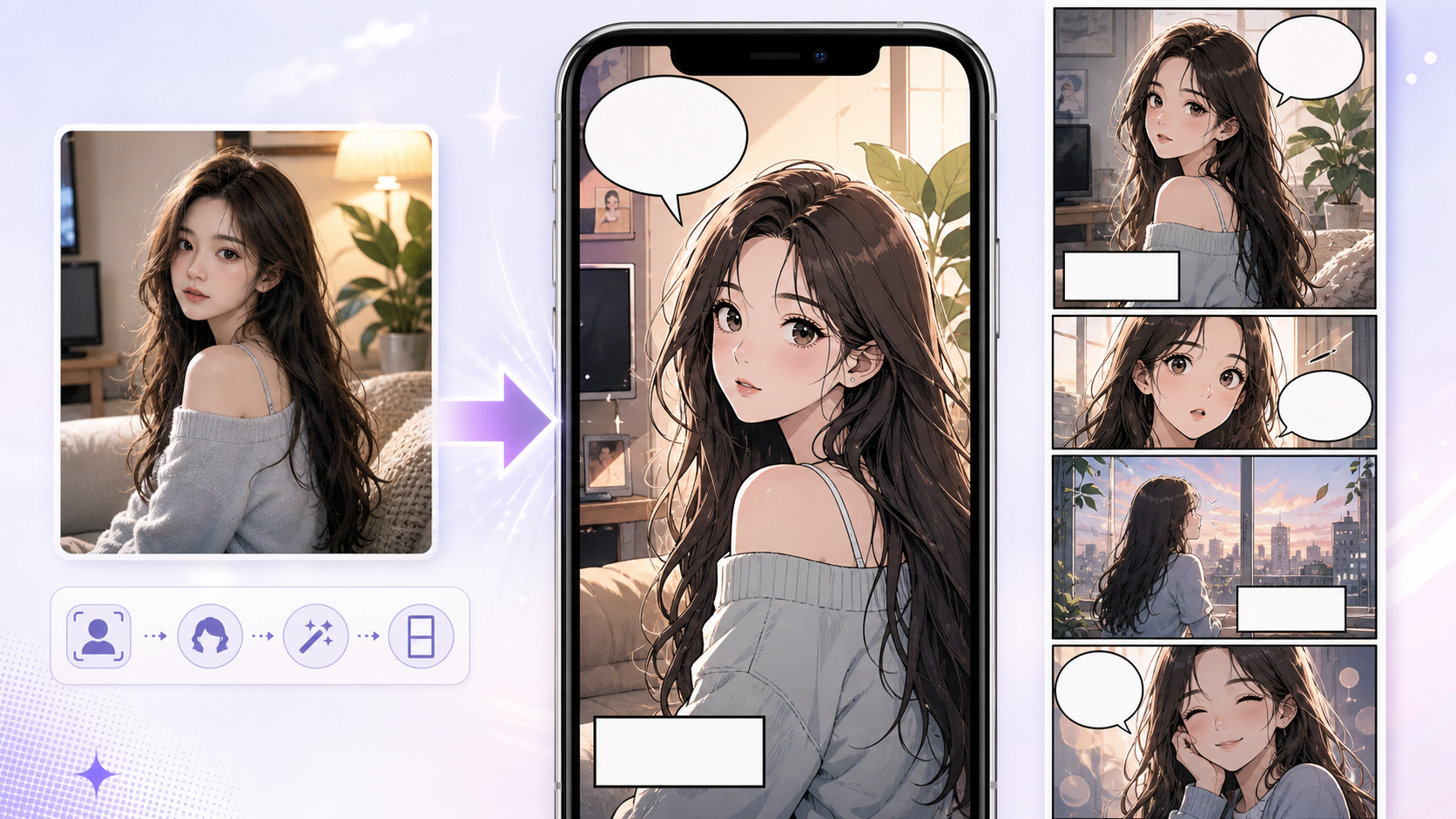
Online photo to cartoon converter
Upload a photo, pick a cartoon look, generate.
Sign in when you are ready to generate.
Source photo
JPG, PNG, or WEBP. Use a clear face or group photo.
Preview
Waiting for photo
Current setup
Clean cartoon · Square avatar
Upload a readable photo
Use a clear face, simple lighting, and a crop where the main subject is large enough to guide the conversion.
Pick the cartoon direction
Choose cute avatar, clean portrait, soft poster, sticker style, or family keepsake before generating.
Protect the identity cues
Name the details that should stay: face angle, smile, glasses, hair shape, outfit color, pet markings, or group position.
Style choices
Make the cartoon feel intentional
Pick a clean cartoon, cute avatar, comic profile, or family-friendly look before you generate. The controls stay short so the face, outfit, pose, and original photo mood remain the focus.
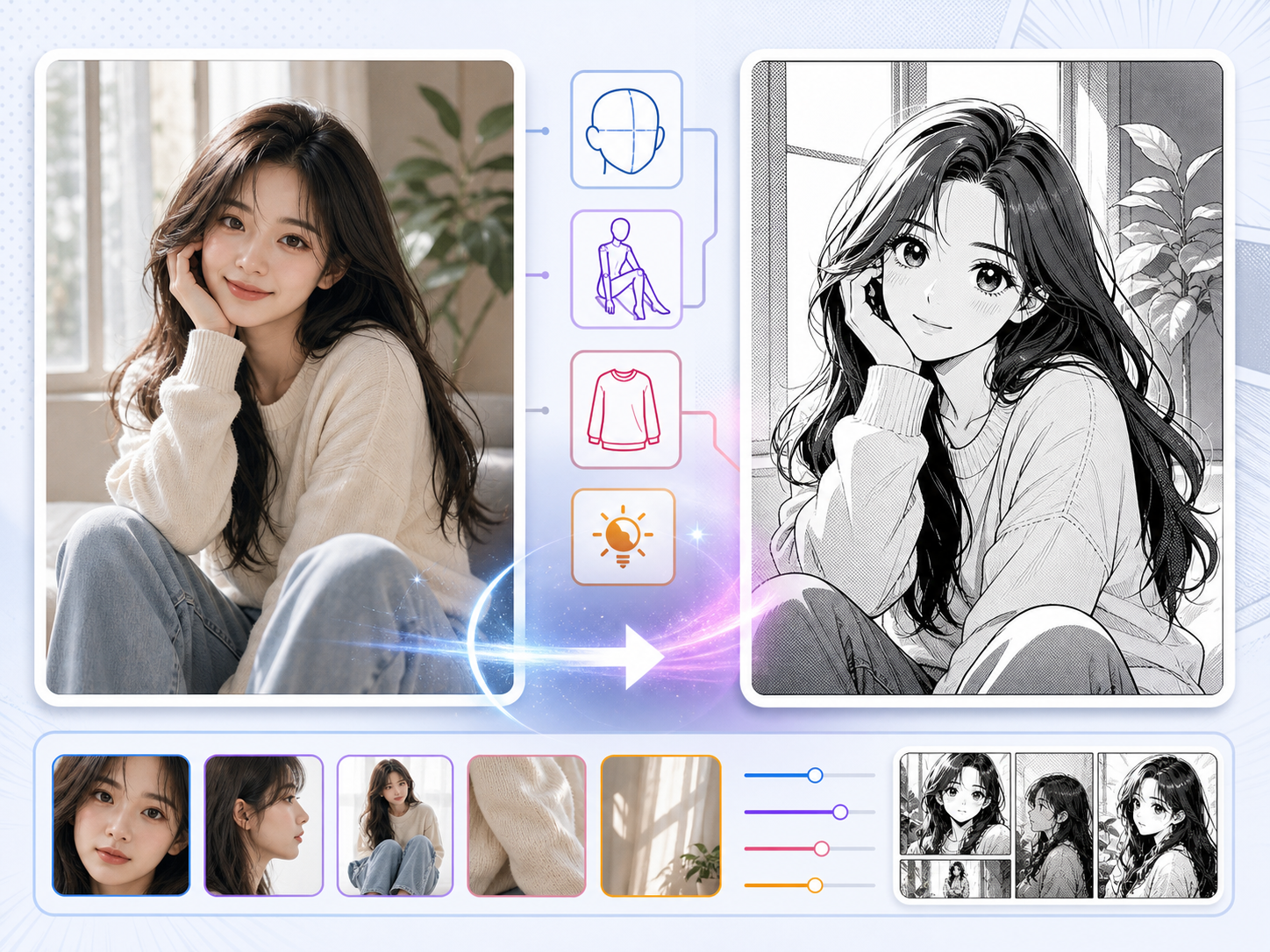
Portrait detail
Keep the source photo recognizable
A useful cartoon portrait should still feel tied to the original photo. Protect the face angle, expression, hair shape, outfit color, and the small details that made the source image worth converting.
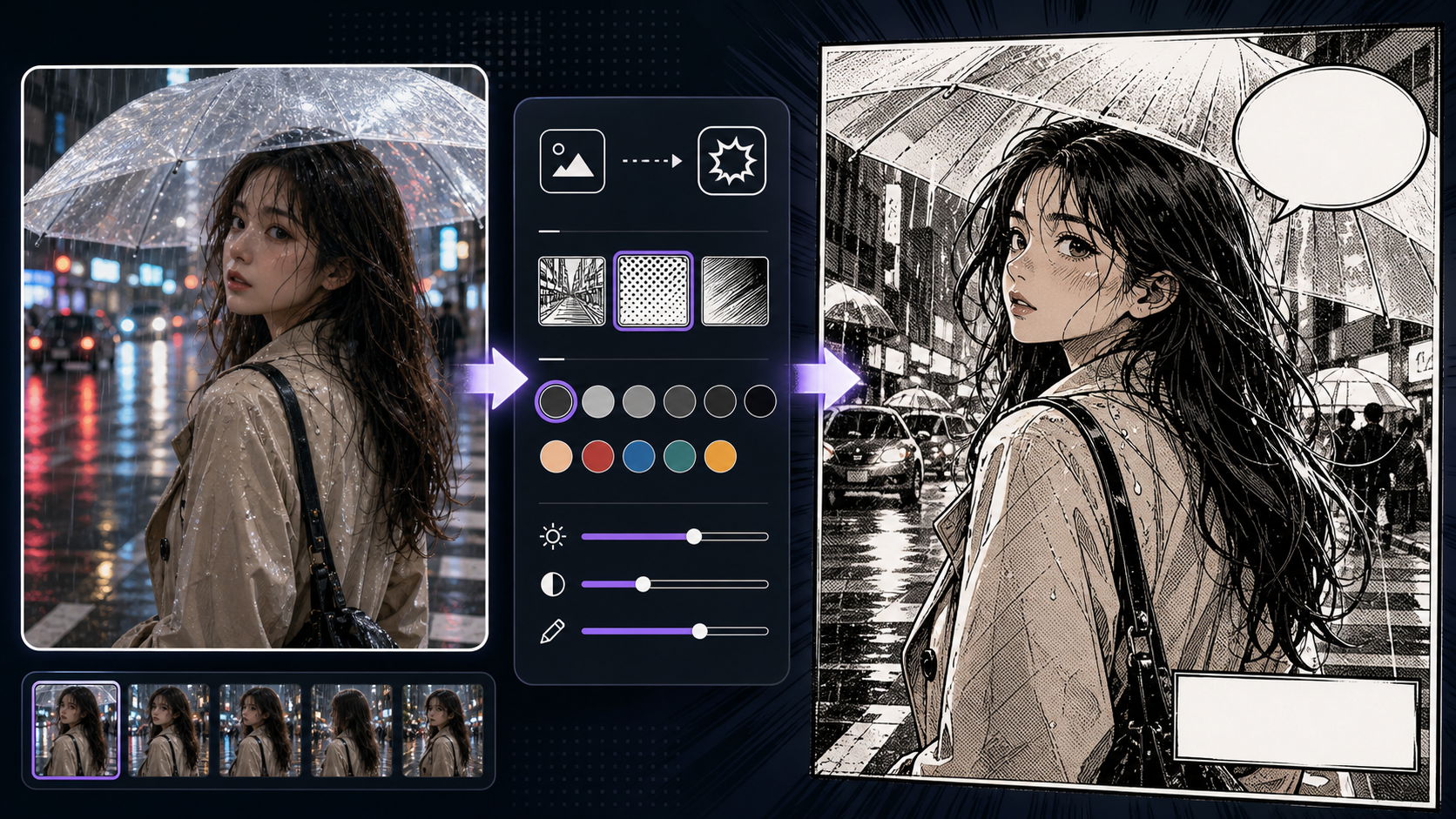
Export
Create a clean cartoon file online
Use the result as a profile image, creator avatar, gift draft, or a Photoshop starting point. The generator asks for clean output without random letters, fake logos, captions, or UI marks inside the image.
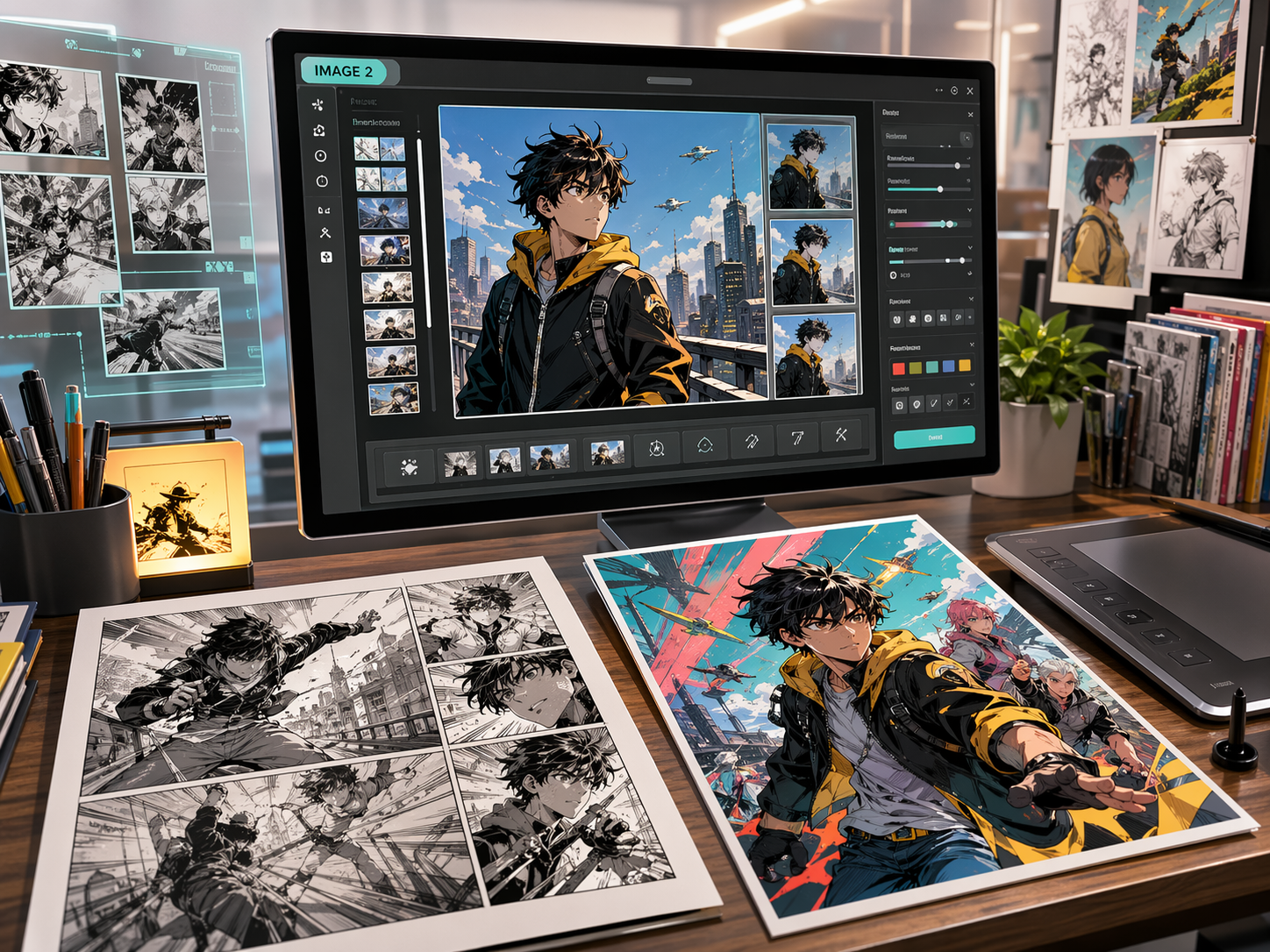
Better direction
Tell the converter what should stay
A strong Photo to Cartoon prompt starts with what must stay true to the photo, then describes the cartoon style and final use. This helps the result feel personal instead of looking like a random filter.
Prompt shape
Source photo + preserve details + cartoon style + background cleanup + final use + avoid random text marks.
Too vague
make photo to cartoon
Better
Convert this portrait photo into a cute clean cartoon avatar while preserving the smile, black glasses, short curly hair, blue jacket, and three-quarter face angle. Simplify the background, keep warm skin tone, make the result clear at profile-picture size, and avoid text, logos, or random marks.
The stronger prompt matches real conversion needs. It tells the tool what to preserve, how much style to apply, where the image will be used, and what to avoid.
Before download
Keep only the version that still looks useful
Judge a cartoon conversion by recognition, clarity, and use. A good result should look drawn without losing the person, pet, pose, or family moment that made the photo useful.
Recognizable face
The cartoon should keep the broad face angle, smile, hair shape, glasses, or other identity cues that matter.
Clean style strength
The result should feel cartooned, not distorted. Cute eyes, smooth color, and outlines should support the subject.
Avatar readability
If the image is for a profile picture, it should still read clearly when cropped small.
Background control
Busy rooms, street signs, and photo clutter should become simple shapes or quiet color.
Export cleanliness
Reject outputs with random letters, fake logos, accidental marks, extra faces, or unwanted text-like shapes.
Real use cases
Built for everyday photo jobs
Use it for quick profile pictures, family keepsakes, creator posts, and edits that need a cleaner cartoon starting point.
Profile avatars
Make a cartoon headshot for social profiles, chat icons, creator pages, or contact photos.
Family keepsakes
Turn a clear family photo into a lighthearted cartoon image for cards, albums, or gifts.
Pet cartoons
Preserve markings, pose, and expression while giving the pet a friendly illustrated look.
Creator posts
Create a polished cartoon portrait for announcements, thumbnails, banners, or newsletters.
Next tools
After a cartoon conversion works, continue with nearby image workflows when you need a comic panel, sketch look, webtoon crop, or broader image-to-comic treatment.
Questions creators ask
What is a photo to cartoon converter?
A photo to cartoon converter turns a real photo into a drawn-looking image. A useful converter keeps the recognizable face, pose, expression, or group layout while changing the color, outlines, and background into a cartoon style.
Can I convert a photo to cartoon online for free?
You can start the online workflow when your ComicsAI account has available credits or free usage. Limits can depend on account status, model choice, and current product rules, so test one clear portrait first before trying larger family photos or polished exports.
Can I make a cartoon image without a watermark?
The prompt is written to avoid fake text, logos, captions, and watermark-like marks inside the generated image. Actual download and export options can depend on your account and plan, so check the final file before using it publicly.
What photos work best for cartoon conversion?
Clear portraits, selfies, pet photos, and simple family photos work best. The subject should be well lit, large enough in the frame, and not hidden by motion blur, heavy shadows, or background clutter.
How do I keep the cartoon looking like the original person?
Tell the tool which cues to preserve: face angle, smile, glasses, hairstyle, outfit color, pose, or pet markings. Then choose a style strength that changes the look without replacing the person.
Can I turn a family photo into a cartoon?
Yes, but use a clear group photo where faces are not tiny. Family cartoon results are better when the crop is simple, the background is quiet, and the prompt asks to preserve each person's position and expression.
Is this the same as a Photoshop cartoon effect?
No. A Photoshop effect usually applies a fixed filter or manual edit. An AI photo-to-cartoon workflow can reinterpret the image, simplify the background, and adjust style, but it still needs review for likeness and clean details.
Can I use the cartoon result commercially?
Check your account terms, source-photo rights, and whether the image includes recognizable people, brands, or protected characters. For client or commercial use, get permission for the original photo and review the final output carefully.