Describe the strip goal
Write the character, setting, panel count, setup, turn, and final beat. Short, visible actions work better than long backstory.
Online comic strip generator
Turn a joke, classroom idea, character moment, or short story beat into a three-panel or four-panel comic strip. Describe the setup, choose the strip format, and generate a readable draft with clear timing.
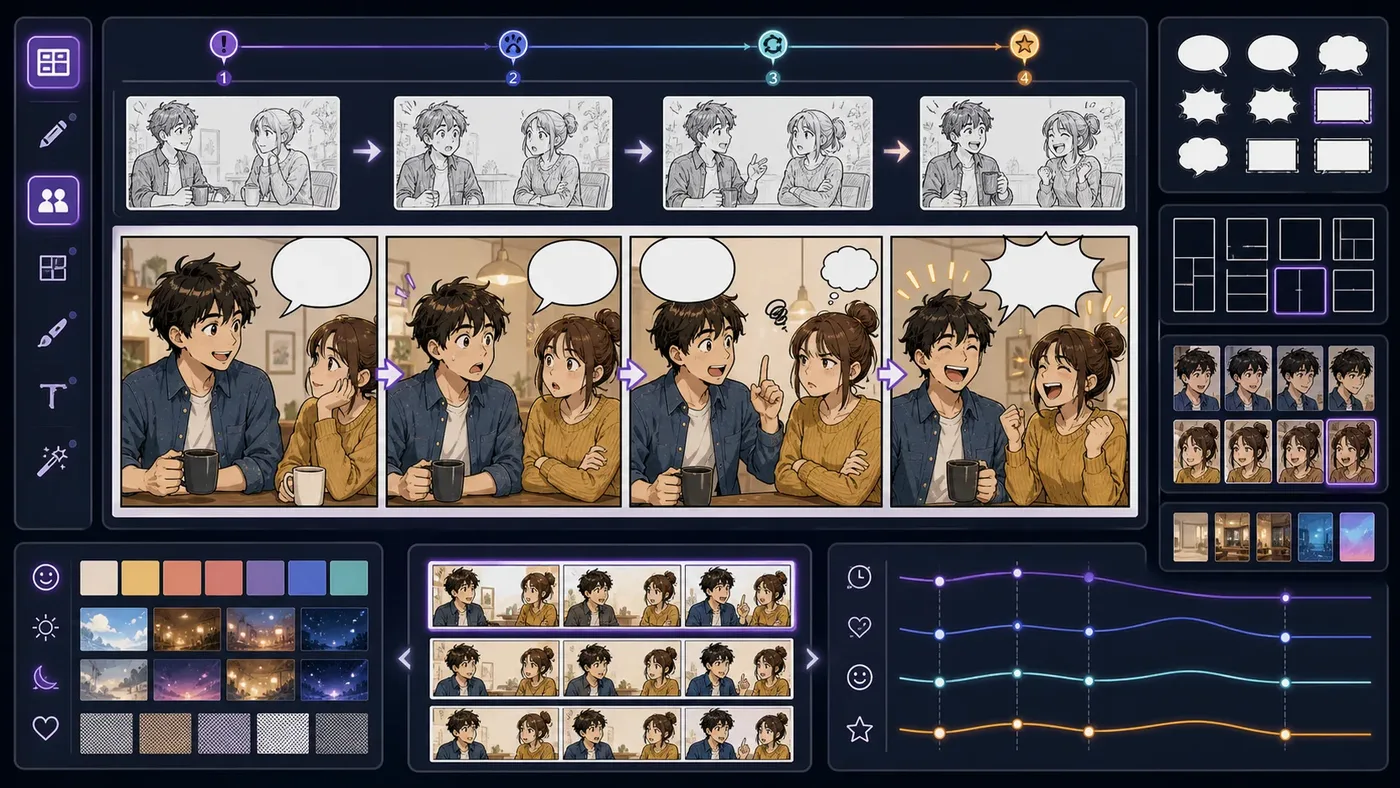
Panel order
The eye should move naturally from the first panel to the final beat.
Repeated context
Keep the character, setting, and camera stable enough that the idea is easy to follow.
Payoff clarity
The last panel should reveal, reverse, or complete the idea.
Create online
Start with a strip brief, choose the panel format, and generate a draft you can open, download, share, or revise.
Free trial
New users get 1 free credit to test a comic strip prompt before buying more credits. Use it to check the panel workflow, not as the main promise of the page. Availability is limited to the first 1,000 free users each day, first come, first served.
Try one three-panel or four-panel strip prompt
Check whether the result reads in order
Regenerate with a tighter prompt when needed
Short answer
A comic strip generator should help with pacing, not just illustration. Write the setup, define the turn, land the payoff, then review whether the strip reads left to right.
Use ComicsAI for classroom comics, short jokes, social posts, newsletters, and quick comic book strip drafts.
Write the character, setting, panel count, setup, turn, and final beat. Short, visible actions work better than long backstory.
ComicsAI turns the prompt into strip-first image guidance with panel rhythm, clear expressions, and simple composition.
Open, download, share, or regenerate the result. Add final captions or speech text after export when exact wording matters.
Prompt to strip
Describe the idea in plain language. ComicsAI turns it into panel-aware generation guidance with a setup, turn, and payoff.
Classroom and social
Comic strips are useful when one idea needs to be understood fast. They work for lessons, jokes, newsletters, and small story tests.
Examples
Each prompt names panel count, setup, turn, payoff, and style so the generator has enough structure to create a readable strip.
Create a three-panel classroom comic strip: panel 1 a student shows a sleepy plant, panel 2 a tiny robot plays music, panel 3 the plant grows happily with headphones; friendly educational cartoon style.
A simple lesson comic with setup, experiment, and payoff.
Create a four-panel cozy cafe comic strip: an astronaut orders moon tea, the robot barista adds a moon rock, the astronaut reacts, both laugh as the tea glows; warm digital comic style.
A short social comic with repeatable staging and a visual punchline.
Create a four-panel cartoon strip about a cat detective finding clues that all point to its own lunch; clean room background, readable facial reactions, no final lettering.
A character-driven strip where the final panel reframes the earlier clues.
Output gallery
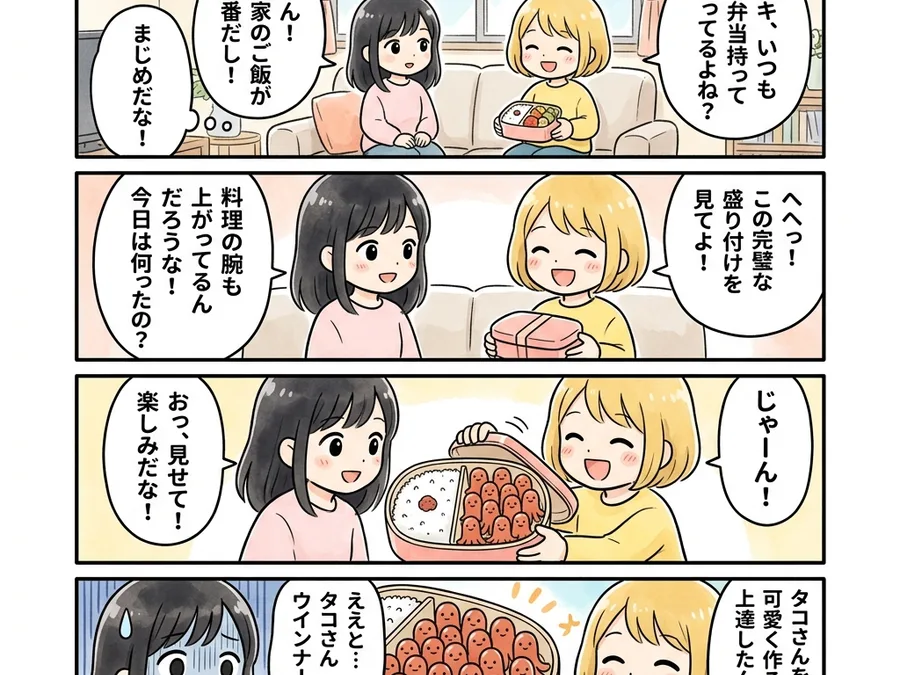
Use these examples to compare strip formats: quick classroom lesson, compact four-panel joke, and product-style generator preview.
A generator workspace should show both the prompt and the comic strip result in the first viewport.
Three or four panels can explain a lesson, vocabulary idea, or history moment with a clear ending.

Short social strips work best when the character reaction carries the joke without visual clutter.
Generator vs maker
Whether someone says comic strip generator, comic strip maker, or cartoon strip tool, the real job is the same: turn one idea into readable panel timing with a clear final beat.
Usually produces one illustrated scene, even when the idea has several beats.
Names panel count, reading order, repeated context, and the final payoff before image generation.
Good for placing boxes and text, but slower when you need fresh character art and story variation.
Use cases
Turn vocabulary, science ideas, history events, or classroom prompts into short visual explainers.
Draft quick gags, newsletter strips, and shareable character moments before polishing the final version.
Create light social comics that explain a product moment, customer problem, or community update.
Test whether a scene has a visual setup, turn, and ending before expanding it into a page.
Quality checks
If the prompt never says three-panel or four-panel, the result may become one illustration instead of a strip.
Long text crowds small panels. Keep wording short and add final lettering after export.
Each panel should change the reader's information, emotion, or expectation.
Related tools
Continue from a strip draft into captions, dialogue, full comic pages, or broader comic generation workflows.
An AI comic strip generator turns a short prompt into a sequential comic strip draft. It helps plan panel order, character actions, visual timing, and a clear final beat for three-panel or four-panel strips.
Name the panel count, audience, main character, setup, turn, and payoff. Add a short style direction such as cartoon, classroom comic, manga-inspired strip, or social comic so the image has a clear visual target.
Yes. It works well for classroom prompts when the topic is concrete and the panel beats are simple. Teachers can use it for vocabulary, history, science, reading comprehension, and short storytelling exercises.
New users can start with 1 free credit to test a comic strip prompt. Generating strips uses credits, so the free trial is best for checking the workflow before creating more versions. Availability is limited to the first 1,000 free users each day, first come, first served.
Yes. Use the output selector to choose a three-panel strip, four-panel strip, or vertical strip direction. The prompt should still describe what changes from panel to panel.
The safest workflow is to generate clean panel art first, then add exact captions or dialogue after export. This keeps text readable and easier to edit.
Yes. A generic image prompt often creates one poster-like scene. A comic strip generator focuses on sequence, gutters, repeated context, panel rhythm, and a final payoff.
After generation, you can open the image, download it, or share the result link. You can also regenerate with a tighter prompt if the timing or panel order needs work.
Reduce the idea to fewer actions, make the panel count explicit, and describe one visible change per panel. If the final panel does not change the meaning of the earlier panels, rewrite the payoff first.