Keep this workflow narrower than the homepage
The homepage can own broad AI comic generator intent. AI Comic Maker should own the practical maker workflow: short comics, panel order, character anchors, captions, and revision.
Comic Tools
Plan and create short comics from a premise, character anchor, and panel sequence. AI Comic Maker helps you build the setup, turn, payoff, caption space, and visual draft before you polish the final comic.
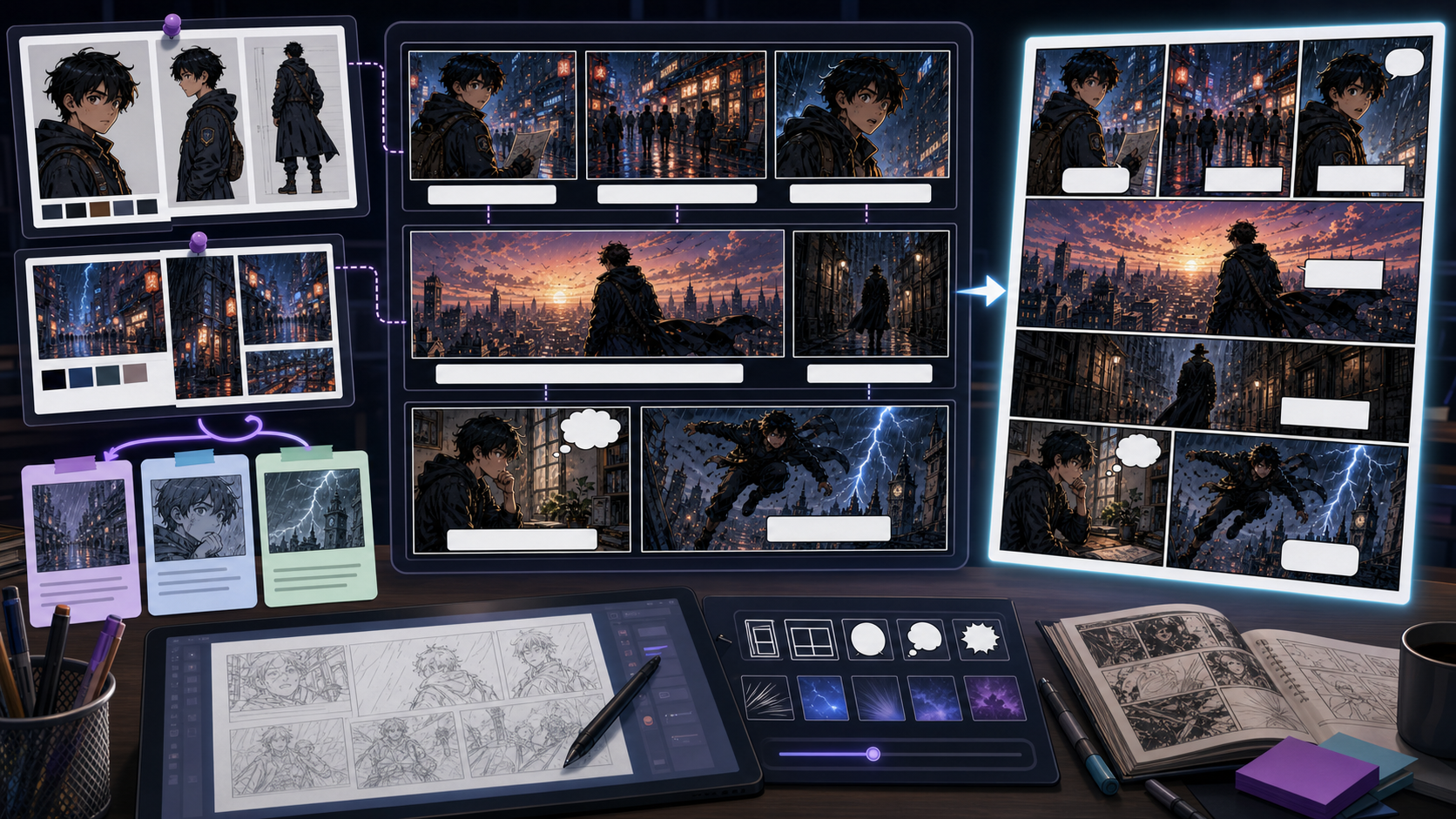
Write a prompt or upload a reference image, then preview the comic result directly below the Hero.
Practical take
Use AI Comic Maker when the goal is a practical comic maker workflow rather than a broad AI comic generator. The tool should help a creator turn one idea into a readable short sequence: who appears, what changes, which panel carries the turn, and where captions or speech bubbles can sit.
AI Comic Maker should stay narrower than the homepage's broad generator use case. Its job is to make a small comic sequence. If the content only talks about generating comic art, it misses creator needs like comic maker, comic character maker, and comic strip AI generator that require planning, character anchors, and panel order.
Workflow
Treat the workflow like a small production desk: define the short comic, lock the visible anchor, generate panels in order, then review whether the sequence reads without explanation.
Start with one readable situation, not a whole chapter. A good comic maker brief gives the reader a setup they can understand quickly.
If a character appears in more than one panel, save the hair shape, outfit, prop, color cue, and role before generating variants.
Choose which panel introduces the situation, which panel changes it, and which panel lands the final emotion, joke, reveal, or hook.
Draft the sequence from first read to final beat. Changing only one variable at a time keeps the comic from drifting.
Reserve clean areas for captions or speech bubbles, then add final text after the image draft is readable.
Prompt craft
A strong AI Comic Maker prompt describes the short comic structure before the art style. Name the premise, the recurring character anchor, the panel count, the turn, and the text-safe zones.
Premise + recurring character anchor + panel count + setup/turn/payoff + comic style + caption or bubble space + continuity rule.
make a comic about inventors
Three-panel short comic: two rival inventors with teal jackets and round goggles race to fix a festival lantern. Panel 1 setup: the lantern is broken before midnight. Panel 2 turn: both inventors pull different wires and sparks fly. Panel 3 payoff: the lantern lights up as a tiny dragon inside yawns. Bright indie comic style, consistent character anchors, clean top space for captions.
The stronger prompt matches comic maker intent. It gives the tool a sequence, character anchors, panel roles, a payoff, and editable text space instead of asking for a single generic comic image.
Quality signals
Judge AI Comic Maker output by sequence readability. The art can be rough, but the reader should understand the setup, the change, and the payoff without needing your explanation.
The panels should read as one small comic rather than disconnected illustrations.
The recurring character should keep the same silhouette, outfit cue, prop, or color signal across panels.
Every panel should add setup, conflict, reaction, reveal, or payoff. Remove panels that repeat the same beat.
Captions and bubbles need clean placement areas that do not cover faces, hands, or the focal action.
Visual examples
These examples show what the workflow should make visible: short sequence planning, character anchors, and comic strip pacing.
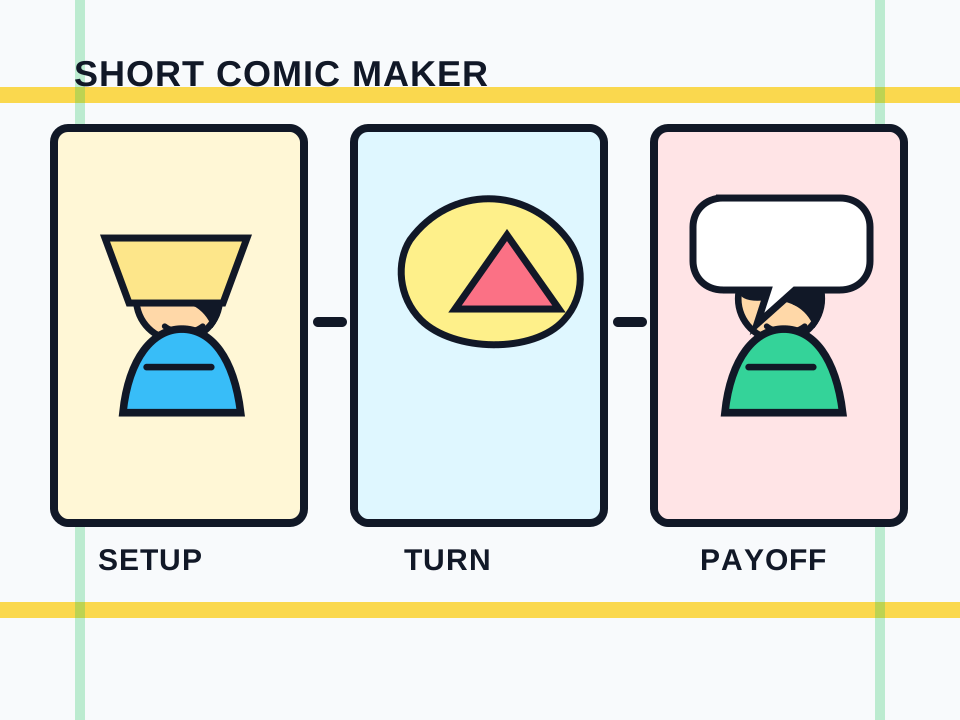
The core AI Comic Maker promise is a readable setup, turn, and payoff rather than a single disconnected image.
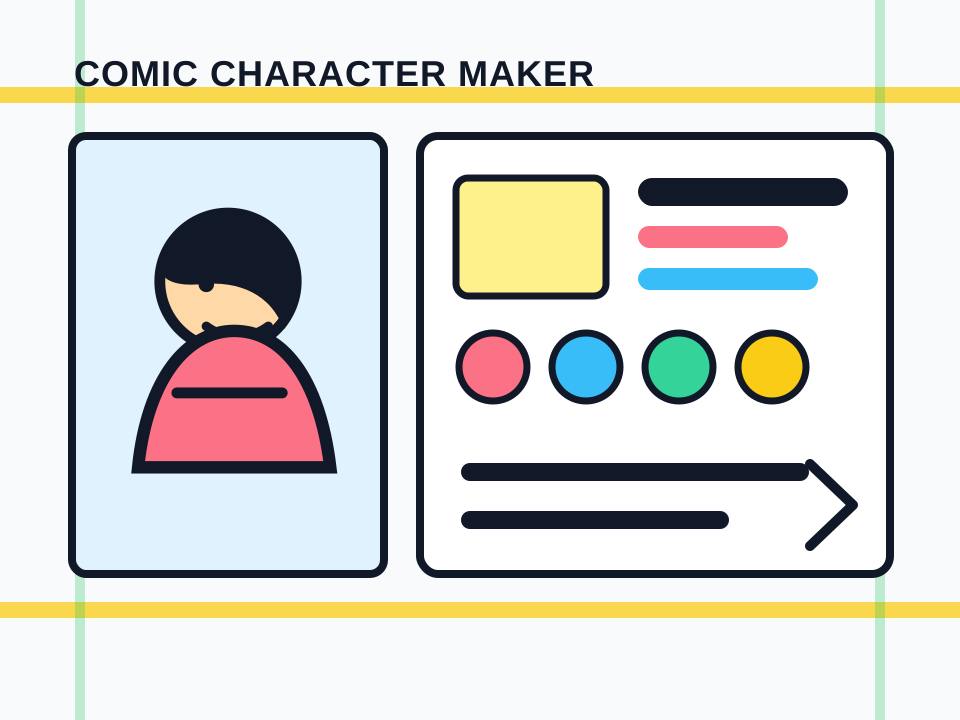
Comic character maker intent belongs here when the character anchor supports a short sequence and future panels.
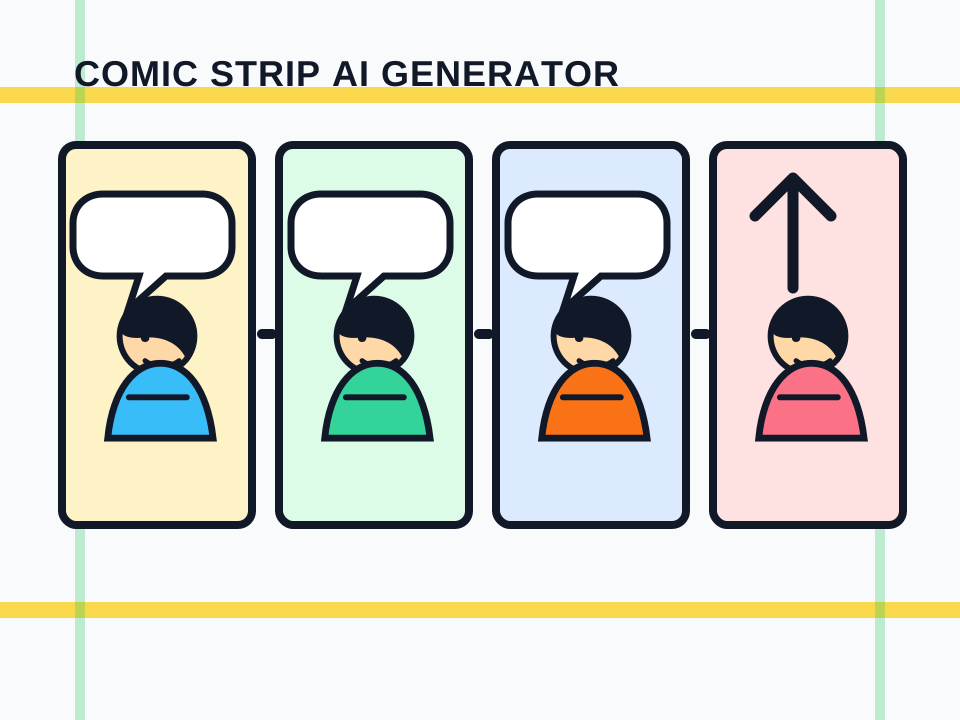
Comic strip drafts need clean timing, repeated staging, and a payoff panel that changes the reader's expectation.
Creator field guide
These notes help creators decide what to plan, what to ignore, and when a draft is ready for the next production step.
The homepage can own broad AI comic generator intent. AI Comic Maker should own the practical maker workflow: short comics, panel order, character anchors, captions, and revision.
Creators looking for a comic character maker can start here, but the workflow should frame the character as part of a sequence. Deep character sheets still belong on character-focused tools.
A comic strip is not just four images. It needs repeated context, a visible turn, and a final beat that rewards the reader for moving panel by panel.
Create a setup, turn, and payoff for a fast social post or newsletter beat.
Keep a simple character anchor stable while the situation changes from panel to panel.
Turn a process, lesson, or product idea into a short visual sequence.
Show the smallest readable version of a larger comic idea before expanding it.
Do not make the workflow sound like another AI comic generator. Keep the promise on maker workflow, sequence, and editing.
A short comic feels broken if the recurring character changes outfit, silhouette, or role every panel.
If the last panel does not change the idea, the sequence reads like a row of illustrations instead of a comic.
After a short comic sequence works, move into character references, captions, panel layout, or a broader comic generator workflow based on the next production need.
An AI Comic Maker helps plan and generate short comics from a premise, character anchor, panel order, captions, and visual drafts. It is more sequence-focused than a single-image generator.
Yes. A broad AI comic generator can create one comic-style image. AI Comic Maker should guide a short comic workflow with setup, turn, payoff, character consistency, and lettering space.
Yes for simple sequence anchors. Use it to define a character's visible cues before drafting panels. For detailed reference sheets, use a dedicated character sheet or reference tool.
Yes. Start with three or four panels, write the setup and turn, reserve speech bubble space, and make the last panel land a clear payoff.
Name the premise, character anchor, panel count, setup, turn, payoff, art style, and where captions or bubbles should go.