Character sheet vs reference
A character reference can be a single guide image. A character sheet should organize repeatable views, expressions, costume anchors, and notes for future production.
AI character sheet
Create reusable character reference sheets for comics, manga, and webtoons. Plan front and side views, expression rows, pose notes, outfit anchors, prop details, and prompt notes so a recurring character stays recognizable across future panels.
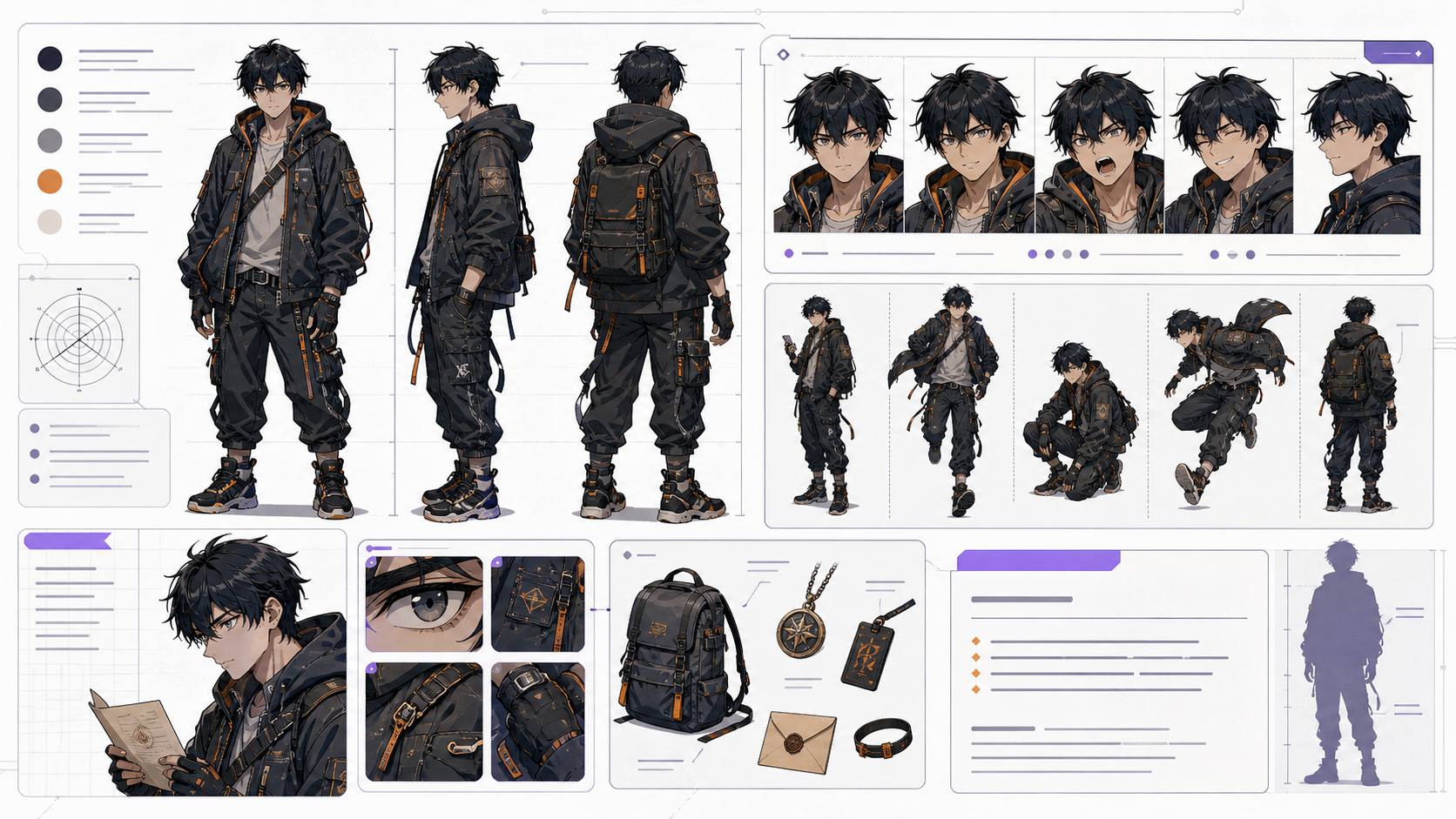
Identity consistency
Front, side, and three-quarter views should still feel like the same character.
Useful expression range
The sheet should include emotions the story will actually use, not random faces.
Costume and prop clarity
Outfit layers, colors, accessories, and signature props should be easy to describe in later prompts.
Upload a reference image, define the character details, and export a clean sheet without leaving the page.
Generate to create a result
The output image is not shown here until a generation finishes.
AI character sheet generator workflow
A useful character sheet separates stable identity anchors from details that can change between scenes.
Use this workflow when a character needs to appear more than once. A strong AI character sheet is more than a portrait: it gives you view angles, expression choices, costume anchors, prop notes, and a reusable character sheet prompt for later panels.
The common mistake is treating a character sheet like a gallery image. A useful sheet works as production memory: it records what must stay fixed, what can change by scene, and which details should be repeated in future AI prompts.
Reference sheet workflow
Build the sheet as a reference document first, then use it as prompt memory for future comic panels, covers, dialogue scenes, and webtoon episodes.
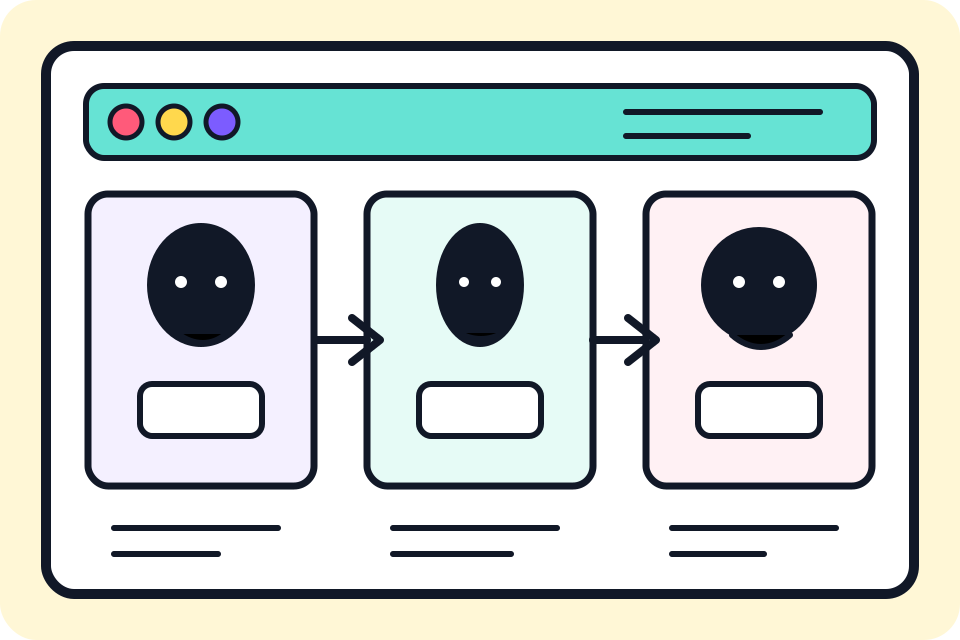
Decide whether this character needs a turnaround, expression sheet, pose sheet, outfit reference, or a compact production guide.
Write the details that should not change: hair shape, face proportions, age range, body type, color accents, outfit pieces, and signature prop.
Ask for front, side, three-quarter, full-body, expression row, or prop detail only when that view will help future scenes.
Convert the approved sheet into plain-language notes that can be pasted into later character sheet prompts and panel prompts.
Use the sheet to generate a new pose or emotion. If the character drifts, simplify the anchors and repeat the clearest visual rules.
Character sheet prompt
A strong character sheet prompt names the production asset first. Describe the fixed identity anchors, the view set, the expression range, outfit details, prop notes, and the review rule for what must stay consistent.
Character role + fixed identity anchors + view set + expression range + outfit and prop notes + style direction + reuse rule.
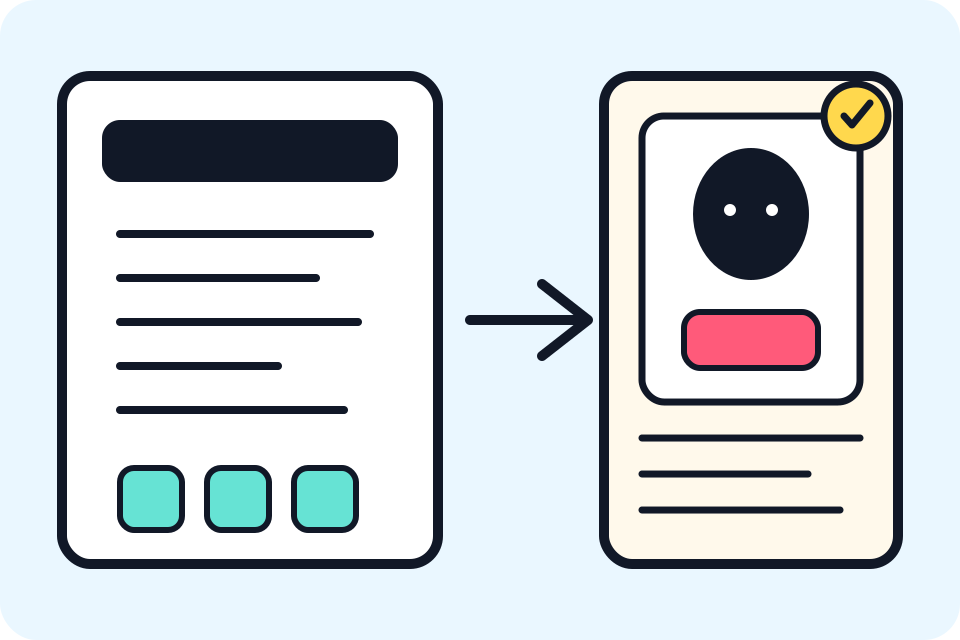
make a character sheet
AI character sheet for a teen inventor in a comic series: front view, side view, three-quarter view, four expressions, tool belt prop notes, short black bob, round glasses, yellow rain boots, teal jacket, clean white background, labeled costume anchors, keep proportions and outfit consistent for future panels.
The stronger prompt gives the generator a real production job. It names the views, identity anchors, expression needs, props, and reuse rule instead of asking for a generic character image.
Review checklist
A good AI character sheet reduces future ambiguity. Judge the result by whether it can help you make the same character again in a new pose, emotion, panel, or episode.
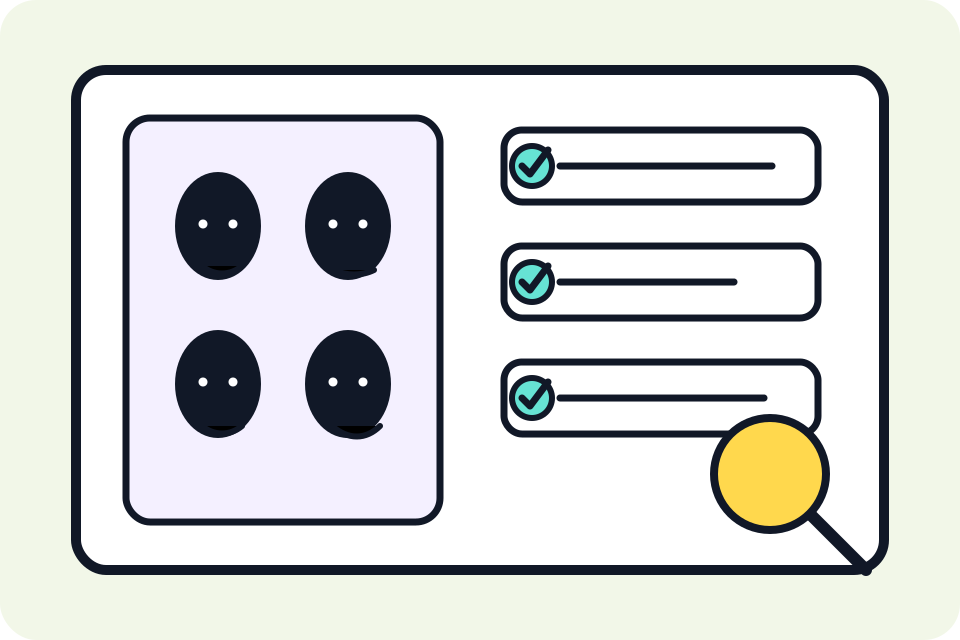
Front, side, and three-quarter views should still feel like the same character.
The sheet should include emotions the story will actually use, not random faces.
Outfit layers, colors, accessories, and signature props should be easy to describe in later prompts.
You should be able to write a short character bible entry from the final sheet.
Reference examples
These examples focus on production memory: view consistency, reference correction, prop identity, and character details that can be reused in prompts.
A useful sheet records front, side, expression, costume, and prop details so later panels do not reinvent the character.
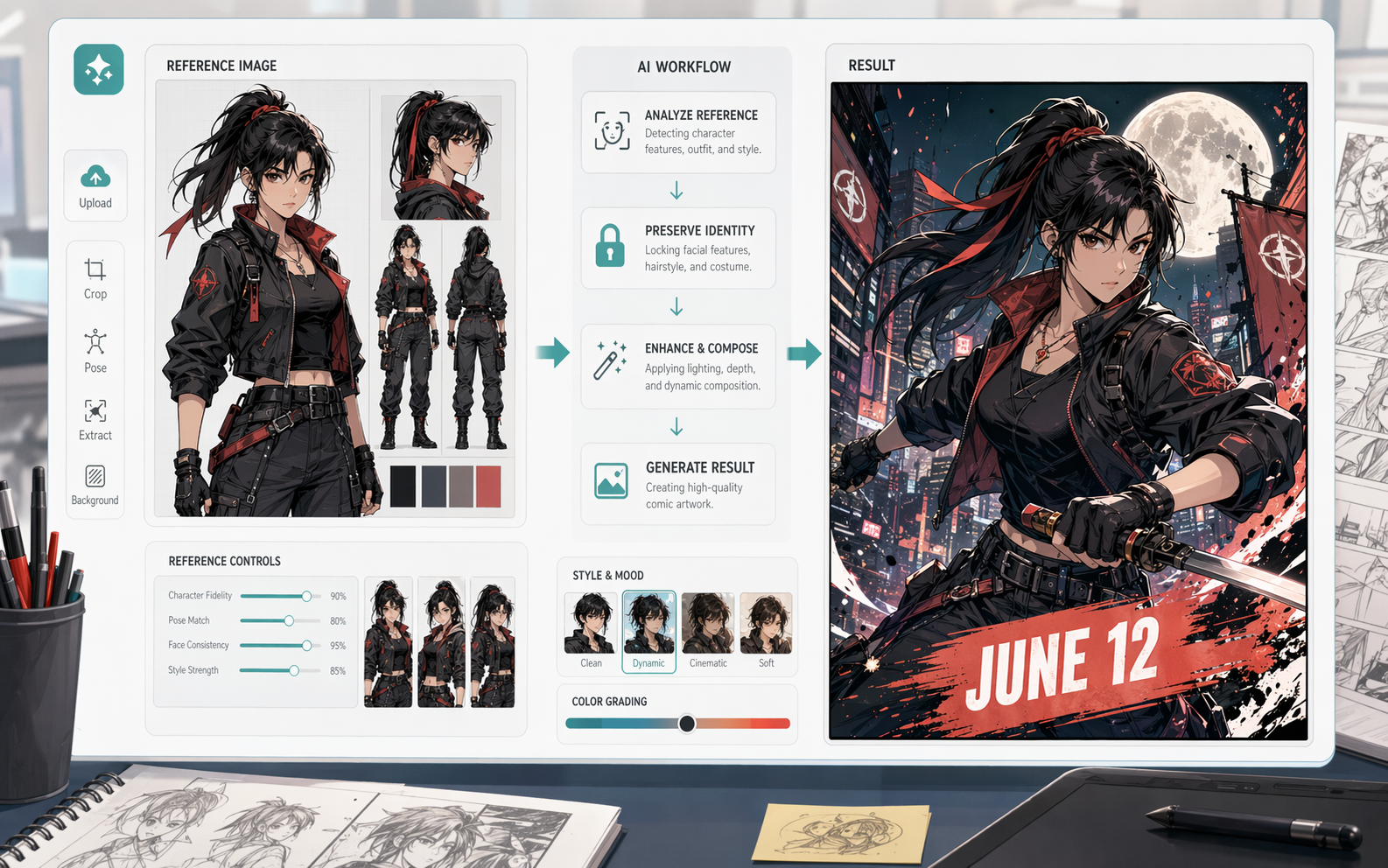
A sheet can record what should remain fixed after edits, redraws, or new prompt variations.

Signature objects can become continuity anchors when the same cast member appears in new panels.
Creator field guide
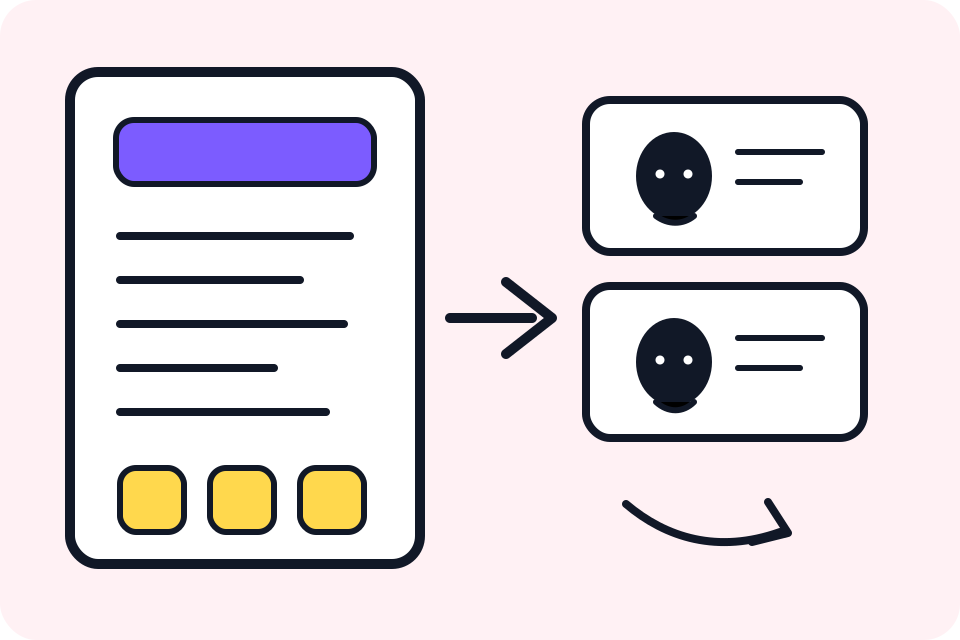
A character reference can be a single guide image. A character sheet should organize repeatable views, expressions, costume anchors, and notes for future production.
After approving a sheet, save the short prompt note. The text memory is what helps later panels keep hair, outfit, colors, and props stable.
Main characters may need full views, expressions, poses, and props. One-off background characters usually only need a portrait and a short note.
Save visual rules before a character appears across many scenes.
Turn the sheet into a short note that can be reused in AI panel prompts.
Give collaborators clearer views and anchors than a single portrait.
Check recurring webtoon or comic characters before producing the next beat.
Different angles should still feel like the same person.
Images need labels for colors, outfit pieces, and permanent traits.
Overloaded accessories may look impressive once but become hard to repeat in later panels.
Use character sheets alongside AI Character Generator, Character Reference Maker, Consistent Character Generator, and comic panel tools when continuity matters.
Create a character sheetAn AI character sheet generator creates organized reference material for recurring characters, including views, expressions, outfit anchors, props, and prompt notes for future scenes.
Useful sheets include full-body design, face detail, front and side views, expression range, outfit anchors, prop notes, and a short reusable character description.
Start with the character role, then list fixed identity anchors, view angles, expressions, costume details, prop notes, style direction, and what must stay consistent.
Yes. A reference can be one image or mood board. A character sheet is more structured and usually covers repeatable views, expressions, outfit details, and production notes.
Yes. The sheet gives you stable details to repeat in later prompts, which can reduce drift when the same character appears in new poses, panels, or episodes.
Main recurring characters should. Background or one-off characters usually only need a simpler note.