ComicsAI Product Updates June 2026: From AI Images to Comic Workflows
A story-driven look at recent ComicsAI upgrades: GPT Image 2, Nano Banana Pro, comic workflows, Webtoon formats, translations, stability, and clearer creator plans.

ComicsAI Editorial Team
Editorial Team
Why this upgrade matters
For a long time, the easiest way to describe ComicsAI was simple: type a prompt, get an AI comic image.
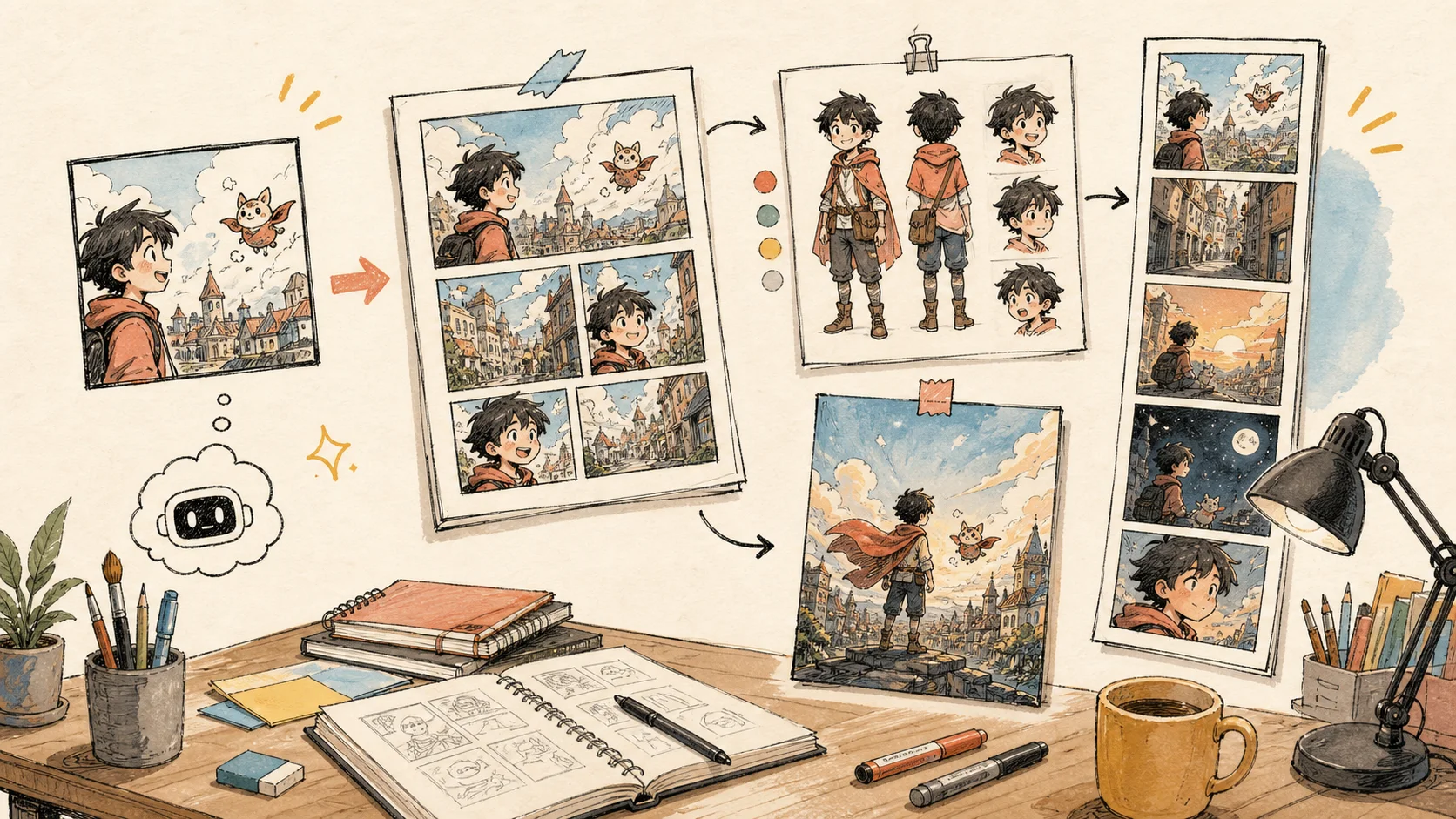
That is still true, but it is no longer enough. A real comic rarely stops at one picture. Creators want to keep a character recognizable, build a second panel from the first, make a page feel readable, prepare a vertical Webtoon episode, add or avoid speech bubbles, translate dialogue, test a cover, and come back later without losing the thread.
The last two months of product work have been about that shift. ComicsAI is moving from "generate one image" toward a fuller comic creation workflow. The upgrade is not one giant button. It is a set of smaller, connected improvements that make the product feel more like a workspace for comics, manga, Webtoon drafts, character planning, and creator experiments.
You can still start from the AI Comic Generator with a quick idea. The difference is that the product now gives you more room after the first image appears.
More models, with clearer creative roles
Different comic moments need different model behavior. A rough first draft should be fast. A page layout needs better structure. A cover or character sheet may deserve a stronger model. A Webtoon panel may need a taller canvas. A translation or poster-style image may need text that is easier to read.
That is why ComicsAI now presents model choices more clearly, including GPT Image 2, Nanobanana Pro, Free Model, Slow Model, Standard Pro, and Premium Studio. The goal is not to make creators think like engineers. The goal is to make the creative choice feel understandable: draft quickly, then move into stronger routes when the image matters more.
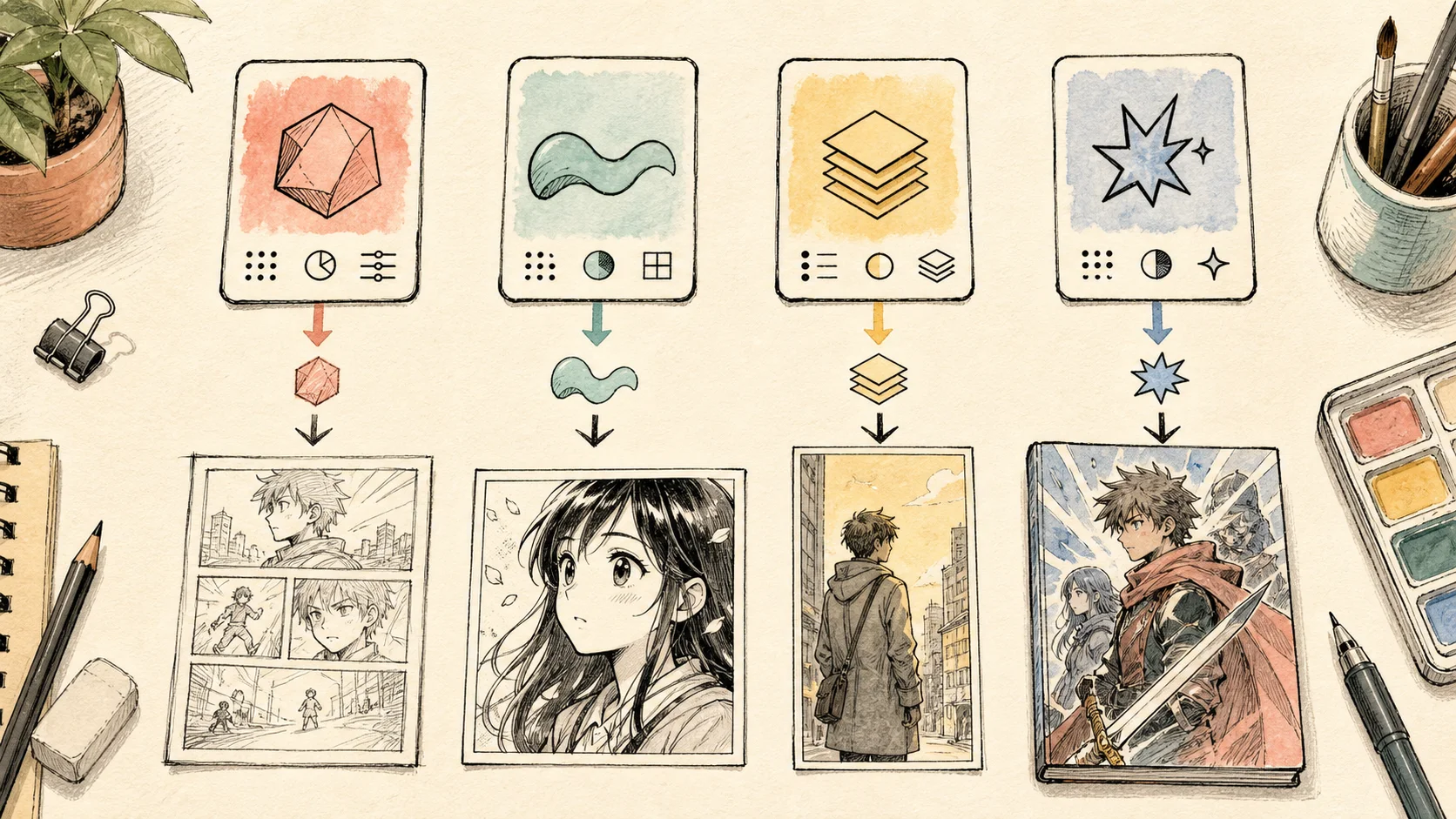
We also reviewed official model documentation while updating this article. OpenAI's docs describe gpt-image-2 as a flexible image model with many valid output sizes, quality controls, reference-image costs, and an image pricing calculator. Google's docs identify Nano Banana Pro as Gemini 3 Pro Image (gemini-3-pro-image), positioned for professional asset production, complex instructions, high-resolution visuals, and high-fidelity text.
Here is the practical creator-facing view:
| What to compare | GPT Image 2 | Nano Banana Pro |
|---|---|---|
| Official model identity | OpenAI gpt-image-2, available through the GPT Image model family and image generation API. |
Google's Nano Banana Pro is documented as Gemini 3 Pro Image, gemini-3-pro-image. |
| Best fit inside ComicsAI | Flexible comic panels, reference-based edits, page concepts, covers, and drafts where size and quality settings matter. | High-polish asset work, complex instructions, readable graphic elements, and 1K/2K/4K output choices. |
| Output size | OpenAI documents popular sizes such as 1024x1024, 1024x1536, 1536x1024, 2048x2048, 3840x2160, and 2160x3840, with valid custom sizes under its constraints. | Google highlights built-in 1K, 2K, and 4K visual output for Gemini image generation. |
| Text in images | OpenAI says text rendering is significantly improved, but precise placement and clarity can still fail, so comic lettering should still be reviewed. | Google describes advanced text rendering for legible, stylized text in visual assets such as diagrams, menus, and marketing-style graphics. |
| Reference images | Useful for character, costume, pose, and edit workflows; OpenAI notes image inputs affect total cost because reference images count as input tokens. | Google examples show multi-image reference workflows, including prompts that combine several images before generating a new result. |
| Official price signals | OpenAI's calculator lists GPT Image 2 examples at about $0.006 / $0.053 / $0.211 for a 1024x1024 low / medium / high image, before input text or reference-image tokens. | Google lists Gemini 3 Pro Image Standard output at $0.134 per 1K/2K image and $0.24 per 4K image, with lower Batch/Flex rates in its pricing table. |
| What creators should remember | Strong for controlled image generation, but recurring characters, exact text, and layout-heavy pages still need review. | Strong for high-resolution and text-heavy visual assets, but it is still not a magic final-lettering system for every comic page. |
One important note: public benchmarks are still young. A June 2026 arXiv benchmark on natural-science illustration generation mentions both GPT Image 2 and Nano Banana Pro as state-of-the-art closed-source models, but still finds text-rendering, reasoning, and precision bottlenecks in that scientific-illustration setting. That is not a direct comic benchmark, but it matches our product philosophy: give creators stronger models, then give them tools to review, refine, and continue the work.
For ComicsAI users, the model choice is not about declaring one permanent winner. It is about matching the model to the stage: quick idea, clean panel, character reference, page draft, cover, or Webtoon asset.
From one panel to a continuing comic
The most important upgrade is not only model selection. It is continuity.
ComicsAI now pays more attention to the project around the image. Generation can carry previous panels, selected character context, and reference-image count into the next request. That means a new panel is less isolated from the one before it.
Character consistency is the clearest example. If a creator selects a character, the system can bring that character's description, avatar reference, and traits into the generation context. Hair, outfit, facial structure, age, and recognizable accessories all become part of the next prompt structure rather than something the user has to rebuild from memory every time.
If you are planning recurring heroes, rivals, mascots, or a cast for a longer story, the Character Sheet Generator is a good anchor. It gives the character a visual center before you start asking the model for action panels, emotional close-ups, or scene changes.
ComicsAI also treats format as part of the creative job. A single panel needs one strong beat. A full comic page needs rhythm and reading order. A vertical Webtoon image needs mobile pacing, tall composition, and clear scroll moments. The newer flow supports these modes more directly, including single-panel comics, full pages, and vertical Webtoon-style outputs through tools like AI Comic Maker and AI Webtoon Generator.
Speech bubbles have become more deliberate too. Some creators want a short line drawn into the image. Others want clean art with no random letters, no empty bubbles, and no accidental caption boxes. ComicsAI now gives more room for both choices, which is especially useful when you plan to handle final lettering yourself.
A wider tool matrix for real comic tasks
The tool library has also grown. Instead of asking every creator to begin from one general generator, ComicsAI now gives more direct entry points for specific jobs.
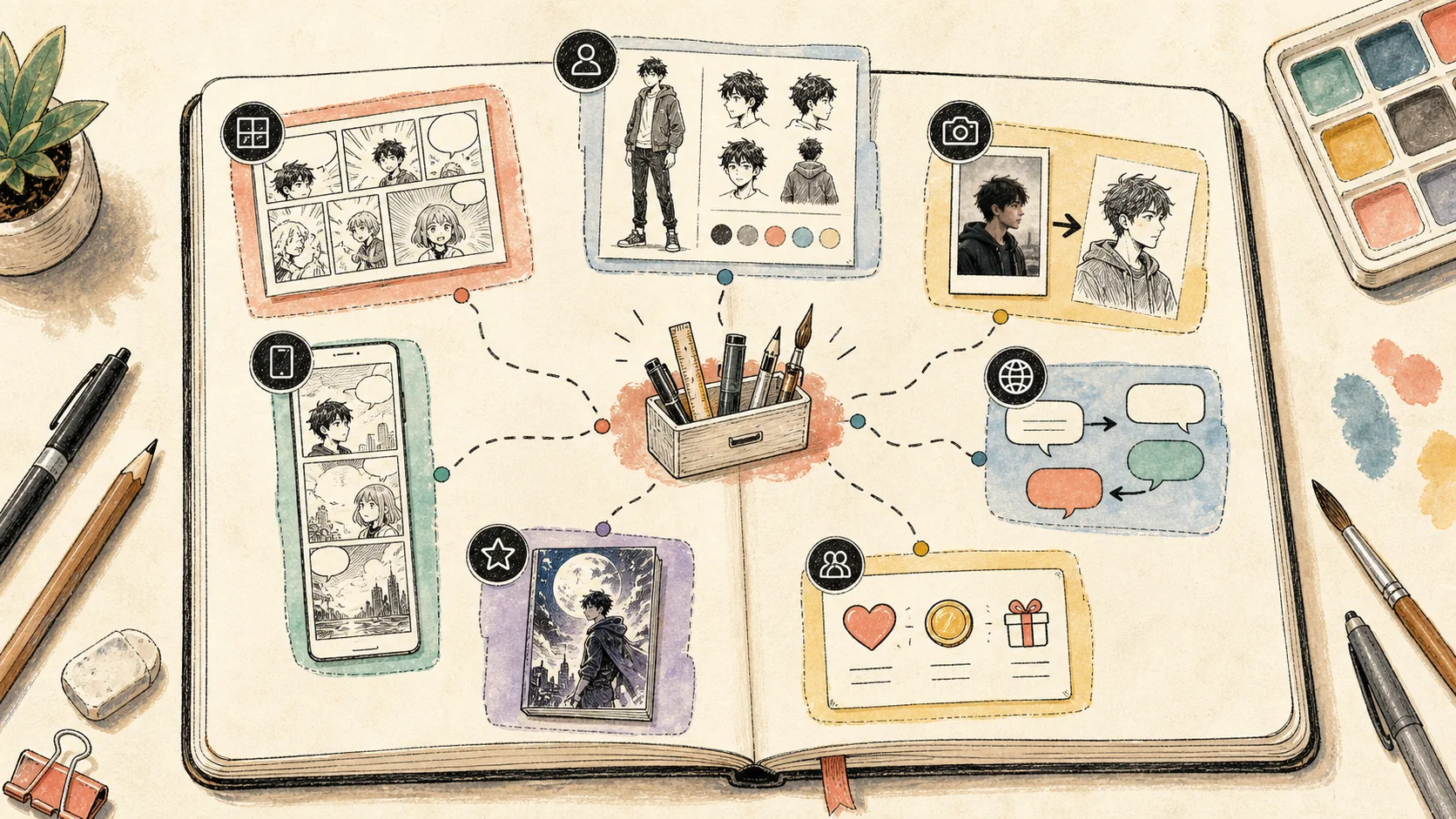
Comic Book Generator is built around longer-form structure: story flow, page planning, and a production mindset. Comic Strip Maker is better for short jokes, classroom comics, social posts, and quick story beats where setup and payoff matter.
Image-based tools are getting clearer too. Photo to Anime, Photo to Cartoon, Photo to Sketch AI, and Photo to Doodle Converter start from the reality that creators often already have a source image. The useful part might be a pose, a room layout, a face angle, a pet marking, a product shape, or a street scene. The tool should preserve what matters while moving the image toward a comic-friendly style.
Translation tools are also part of the comic workflow, not a separate afterthought. Comic Translator and Manga Translator need to care about short lines, bubble length, reading order, and localization. A translated comic should still feel like it belongs inside the panel.
If you are choosing where to begin, the ComicsAI tools page now works more like a map. Start with story, create a character sheet, generate panels, convert references, translate dialogue, or prepare a Webtoon draft. The right first tool depends on the work you already have.
A steadier generation experience
AI image generation can take time. A larger page, a tall Webtoon image, a reference-heavy request, or a premium model may not return instantly. The product should make that wait understandable.
ComicsAI now creates a pending work item before the final result is ready. From there, a generation can move through processing, completed, or failed states. This sounds small, but it changes the feeling of the product. The user is no longer left guessing whether the task disappeared, stalled, or is still working.
There is also a 10-minute timeout fallback. If a request runs too long, ComicsAI can mark it as failed, record the reason, and roll back credit or daily usage when appropriate. That matters because creators should not pay for a result that never arrived.
We also started tracking more of the waiting experience: generation time, when the user started waiting, whether the user left before completion, and whether the final result was viewed later. The point is not to collect data for its own sake. It is to find the moments where creators get stuck, then improve routing, timeouts, messaging, and result recovery.
Better homepage, mobile, and export details
The visible product has changed as well. The homepage, tool entry points, navigation, mobile layout, and visual assets have all been adjusted so new users can understand ComicsAI faster.
The homepage now does more than point to a prompt box. It shows the product as a set of creative paths: manga, Webtoon, character planning, photo conversion, comic strips, translation, and model-based generation.
Mobile polish has been a recurring focus because many Webtoon and manga creators work from phones or tablets. Recent fixes touched mobile navigation layers, dashboard avatar navigation, refresh reminders, canvas export, and cross-origin image proxy behavior. These are not flashy launch features, but they matter when someone is moving between tools, saving results, or trying to export a page cleanly.
Small navigation details also help over time: back-to-top behavior, a friend-link marquee, footer badge toggles, and cleaner tool discovery. A creator should be able to move around the product without feeling like every task starts from zero.
Clearer plans, payment options, and rewards
Subscription choices have also become easier to understand. Pro now maps to 1,500 generations per month. Premium maps to 6,000 generations per month. Unlimited is for creators who want to keep generating without a monthly cap.
The Pricing page has been updated around plan presentation, payment choices, and renewal clarity. Stripe support now includes promotion codes and dynamic payment methods, while PayPal and Stripe subscription flows continue to receive practical improvements.
Referral rewards are now part of the product loop too. When a user invites someone with a referral link and that new user completes a first generation, the referrer can receive extra credits. That makes sharing ComicsAI more useful for small creator groups, classrooms, teams, and communities that test comic ideas together.
More languages for global creators
ComicsAI is used by creators who search in different languages and describe the same task in different ways. One person searches for an AI comic generator. Another searches for manga AI, Webtoon maker, text to comic AI, photo to anime, or comic translation.
Recent content work has expanded and improved Japanese, Chinese, Traditional Chinese, Korean, and other localized blog and tool pages. The goal is not just translation. The goal is to help creators land on the right workflow in the language and search pattern they actually use.
That means clearer pages around AI comics, manga, Webtoon creation, character sheets, photo conversion, comic strips, and translation. A creator who wants to make a Webtoon should not have to decode a generic image generator page first.
Where ComicsAI goes next
These updates point to the next stage of ComicsAI: from AI-generated images to an AI comic production workflow.
The next steps are clear. We want better character continuity, stronger page-level creation, more stable model selection, and a fuller multilingual toolbox for creators. The product should help you move from idea to comic draft without rebuilding your process every time.
To try the new flow, start from ComicsAI, open AI Comic Maker, test a vertical scene in AI Webtoon Generator, or upload a reference image into one of the photo tools. The upgrade makes the most sense when you create a short sequence, not just one image.
Sources checked for the model comparison
- OpenAI image generation documentation
- OpenAI API pricing
- Google Gemini image generation documentation
- Google Gemini API pricing
- FEPBench arXiv benchmark on scientific illustration generation
Quick FAQ
Is ComicsAI still a simple AI comic generator?
Yes. You can still start with one prompt and generate a comic image. The difference is that ComicsAI now gives you more options after that first image, including character planning, page formats, Webtoon workflows, translation tools, and image conversion tools.
Which model should I start with?
Use a free or slower model when you are testing ideas. Move to Standard Pro or Premium Studio when you need cleaner outputs, stronger visual direction, or assets for a project you plan to keep. If you are comparing current premium image routes, read the GPT Image 2 and Nanobanana Pro pages first.
What is the best starting point for a new comic project?
For a quick sequence, start with AI Comic Maker. For recurring characters, plan the cast with Character Sheet Generator. For mobile-first episodes, use AI Webtoon Generator.
ComicsAI Editorial Team
Editorial Team
"ComicsAI editors publish practical guides about AI comic creation workflows, tools, and creator education."